Best Free AI Writing Tool for Content

- Grammarly, Rytr, QuillBot and Wordtune all offer a real free plan, while Writesonic, Anyword and Scalenut offer a trial instead, and Copy.ai showed no free tier on its pricing page on 12 November 2026.
- Free plans are capped by words, characters, prompts or rewrites, so the right pick depends on how much you write each month.
- Grammarly is the strongest free choice for clean, correct drafts, Rytr is the strongest free choice for short-form drafts from templates, and QuillBot is the strongest free choice for rewriting short passages.
- Wordtune fits writers who rewrite sentences every day, while Writesonic, Anyword and Scalenut fit teams that want articles, scoring or search visibility and are ready to move to a subscription.
- Check the free limit, the export options, the language support and the upgrade price before you build a workflow around any tool in this list.
Quick comparison
| Product | Ideal for | Price from | Free version | |
|---|---|---|---|---|
 Grammarly | Clean, correct drafts | $12 per user/month (billed annually) | Yes | Visit |
 Copy.ai | Short marketing copy | quote only | No | Visit |
 Rytr | Short-form drafts from templates | $9 per user/month | Yes | Visit |
 QuillBot | Rewriting short passages | $8.33 per user/month (billed annually) | Yes | Visit |
 Wordtune | Rewriting sentences | $6.99 per user/month (billed annually) | Yes | Visit |
 Writesonic | AI articles and search visibility | quote only | Free trial (7 days) | Visit |
 Anyword | Scored marketing copy | quote only | Free trial | Visit |
 Scalenut | Search-ready articles | $24 per user/month (billed annually) | Free trial (7 days) | Visit |
The best free AI writing tools for content
Grammarly
Ideal for: Clean, correct drafts
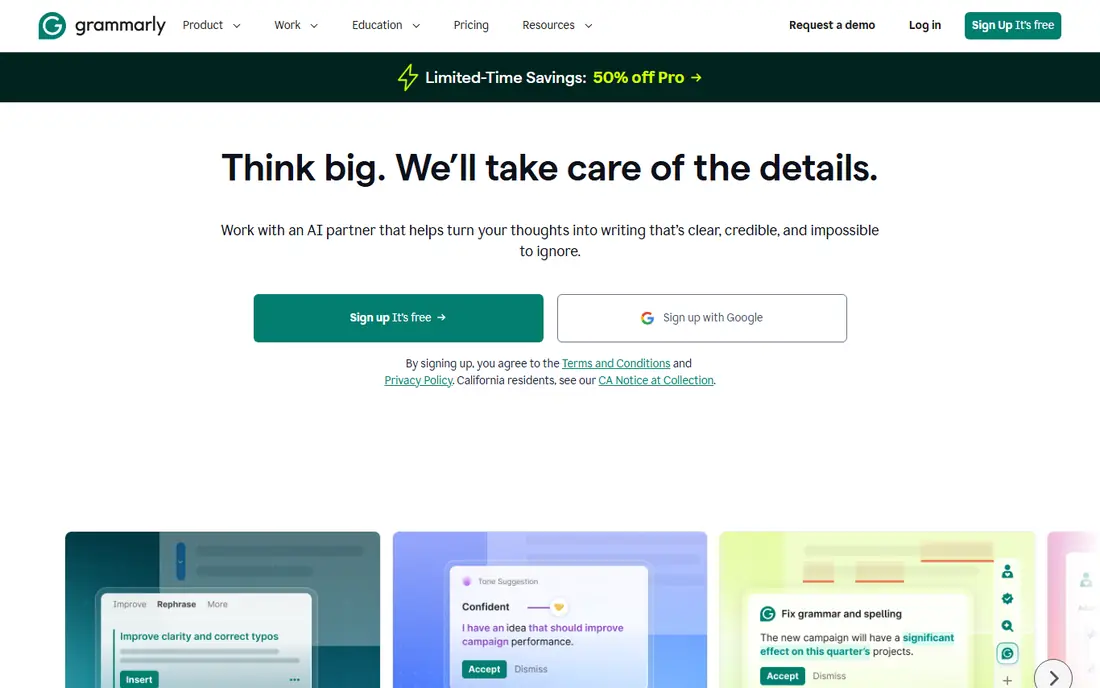
Grammarly checks spelling, grammar and tone as you type, and its free plan is a genuine starting point for content work. The pricing page lists Free at $0 and Pro at $12 per user per month, with the free plan giving 100 AI prompts a month. That limit sets how often you can ask the tool to generate text, while the core checks keep working. For a blogger who writes a few posts a week, the free plan can carry the editing step.
The free plan suits writers who want clean copy more than long-form generation. Pro adds full-sentence rewrites, plagiarism detection and 2,000 AI prompts per member per month. Start on Free, count your weekly prompts, and upgrade only when the cap blocks real work.
- Free plan covers spelling, grammar and tone
- Works across browsers, docs and desktop apps
- Free AI prompts are capped at 100 per month
- Full-sentence rewrites and plagiarism checks sit in Pro
Copy.ai
Ideal for: Short marketing copy
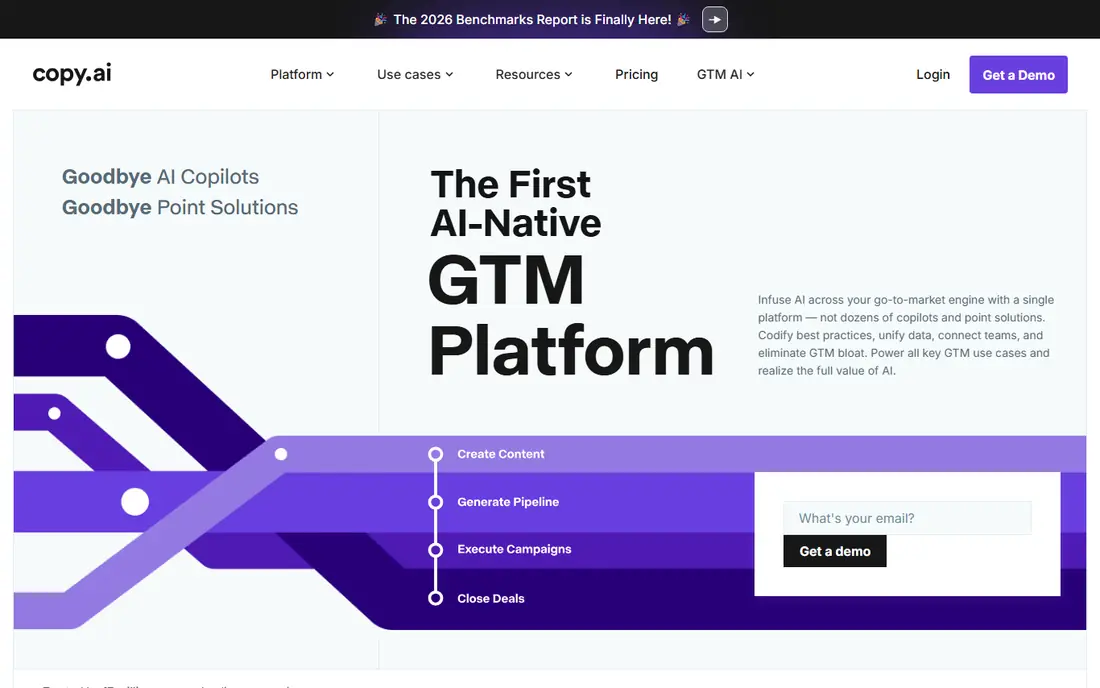
Copy.ai is included here because many writers search for it first, and the honest finding is that its pricing page did not show a free tier or a Starter dollar price when we opened it on 12 November 2026. The page loaded and showed customer stories, but no plan prices appeared in the text we could read, so we list the starting price as quote only rather than repeating an old figure. Third-party reviews from 2026 disagree about the current ladder, with some listing a $29 a month Chat plan and others listing older Starter prices, which is another reason to check the vendor page yourself before you commit.
The tool itself is built for short marketing copy, with templates and workflows for ads, email, social posts and sales content. That focus makes it useful for a marketer who needs many short variants fast, and less useful for a writer who needs one long, structured article. If your main need is blog drafts, a free plan tool from this list will serve you better at zero cost.
- Built for short marketing copy and workflows
- Chat and workflow tools cover ads, email and social posts
- No free tier was shown on the vendor pricing page on 12 November 2026
- Entry price is not shown on the pricing page, so budgeting needs a direct check
Rytr
Ideal for: Short-form drafts from templates
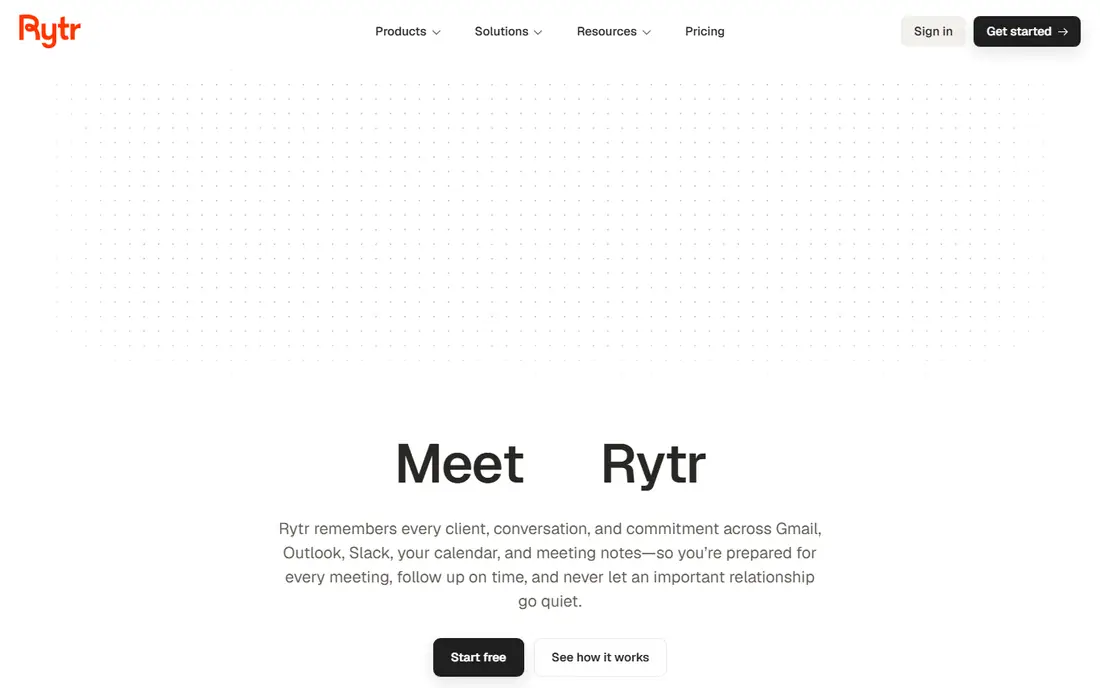
Rytr is built around use cases, with more than 40 templates for blog ideas, emails, social posts and product descriptions. The free plan gives 10,000 characters a month, one connected source, 25 active relationships, 25 Engage actions a month and three person research runs a month, plus support for more than 30 languages. That cap is roughly 1,500 to 2,000 words, so it covers a short blog post or a set of social posts each month, but not a full content calendar.
The Lite plan is listed at $9 a month and removes the monthly character limit, while yearly billing saves 20 percent. Personal is $19 a month and Pro is $49 a month. For a solo writer, the free plan is a fair test: pick one use case, generate a draft, and edit it in your own voice.
- Free plan gives 10,000 characters a month and 40 plus use cases
- Supports 30 plus languages
- Free plan is capped at 10,000 characters a month
- Longer articles need several generations and manual editing
QuillBot
Ideal for: Rewriting short passages
QuillBot is a writing suite that centres on paraphrasing, grammar, summarising and detection, and its homepage loaded with clear QuillBot branding when we opened it on 12 November 2026. The free plan covers paraphrasing up to 100 words at a time in Standard and Fluency modes, basic grammar fixes, summaries up to 1,200 words, and limited use of the Humanizer and AI Detector. Those limits shape the tool: it is excellent for reworking a paragraph, tightening a section or shortening a passage, and it is not built to draft a 2,000-word article from a blank page.
Premium is listed at $8.33 a month when billed annually, which is $99.95 a year, and at $19.95 a month when billed month to month. Premium removes the paraphrasing cap, adds 9 modes, raises summaries to 6,000 words, and gives plagiarism checks covering 25,000 words a month. Prices can vary by region, so confirm the figure on the pricing page before you buy.
- Free plan covers paraphrasing, grammar, summaries and detection
- Premium removes word caps and adds 9 modes
- Free paraphrasing is capped at 100 words per run in 2 modes
- Summaries on Free stop at 1,200 words
Wordtune
Ideal for: Rewriting sentences
Wordtune is a rewriting and editing tool that works where you write, with rewrites, AI suggestions, spelling corrections, grammar checks, vocabulary help and fluency improvements. The pricing page lists the Unlimited plan at $6.99 a month when billed annually, reduced from $9.99 a month, and the plan table shows a free tier with 10 rewrites a day and limited summaries. That daily cap is generous for light editing and tight for heavy rewriting: 10 rewrites a day covers a few emails or a short post, but a writer reworking a full article will reach the cap before lunch.
The Unlimited plan removes those caps and adds unlimited rewrites, AI summaries and fluency help, plus premium support. The free trial lasts 3 days and asks for payment details. For content work, Wordtune fits best as a second tool: draft in your main editor, then use it to rephrase awkward sentences.
- Free tier gives 10 rewrites a day for everyday editing
- Unlimited plan adds summaries, vocabulary and fluency help
- Free rewrites are capped at 10 a day
- The 3-day trial for the Unlimited plan asks for card details
Writesonic
Ideal for: AI articles and search visibility
Writesonic has changed from a plain AI writer into an AI search visibility platform, and that shift matters for anyone who wants it only for free writing. The pricing page we opened on 12 November 2026 showed that Starter includes 15 AI articles a month, 10 site audits, 1 user and 1 project, plus tracking across ChatGPT, Gemini and Google AI Overviews. The page text we read did not show a dollar price for Starter, so we list it as quote only.
The 7-day trial needs no credit card, according to the vendor FAQ on the same page. After the trial, every tier is a subscription, so Writesonic is a poor fit for a writer who wants a free plan that lasts. It fits a marketing team that wants article writing, site audits and AI search tracking in one place.
- Starter includes 15 AI articles a month and site audits
- Trial starts with no credit card
- No permanent free plan, only a 7-day trial
- Pricing page text we read did not show a dollar price, so the cost needs a direct check
Anyword
Ideal for: Scored marketing copy
Anyword is a marketing copy tool that scores generated text with performance predictions, so you can compare variants before you publish. The Starter plan includes 1 seat, 1 brand voice, unlimited copy generation, 100 plus marketing templates and prompts, a Blog Wizard with a plagiarism checker, a Chrome extension, 50 performance predictions and 50 performance data rows. Higher tiers add more seats, more predictions, real-time predictions for manual edits, custom-built AI models and, on Business and Enterprise, custom pricing. The pricing page we opened on 12 November 2026 did not show a dollar price for Starter, though it did show an additional seat at $59 a month, or $49 a month when billed yearly, so we list the starting price as quote only.
The trial is listed in the pricing FAQ, though the page text we read did not state its length, so we list the free plan as a trial without a day count. Anyword fits a marketer who writes ads, landing pages and email copy and wants a score for each variant. The 50-prediction cap on Starter is the number to watch.
- Starter includes 1 brand voice, 100 plus templates and a Blog Wizard
- Performance predictions score copy before you publish
- No Starter dollar price was shown on the pricing page
- Starter predictions are capped at 50 a month
Scalenut
Ideal for: Search-ready articles
Scalenut is built around AI search visibility, with tools for tracking prompts, creating search-ready articles, optimising existing articles, building keyword clusters and auditing pages. The pricing page lists Starter at $59 a month on monthly billing, and at $24 a month on annual billing under a limited 60 percent off offer, with 5 articles a month on monthly billing and 10 a month on the annual offer. Plus is $36 a month on annual billing, and Professional is $80 a month on annual billing. Every plan offers a 7-day trial.
For a content writer, the article and optimisation counts matter more than the tracking features. Starter gives 1 workspace for 1 domain, 5 to 10 articles a month and 5 to 10 keyword clusters a month, plus basic email and chat support. That is enough for a small site publishing a few posts a month, but a writer who needs daily drafts will outgrow it fast.
- Starter covers article creation, optimisation and keyword clusters
- Annual offer cuts the monthly list price by 60 percent
- No free plan, only a 7-day trial
- Starter is capped at 5 articles a month on monthly billing
How we chose
We opened each vendor homepage and pricing page on 12 November 2026, and we used the prices, plan names and limits shown on those pages. Grammarly, Rytr, Wordtune and Scalenut showed dollar prices in the text we read, so those figures are listed as verified today. QuillBot showed its homepage, but its pricing page did not load in our text fetch, so its $8.33 a month annual figure rests on vendor-page checks dated 1 and 2 November 2026. Copy.ai, Writesonic and Anyword showed no Starter dollar price in the text we read, so those three are listed as quote only. We did not claim hands-on testing, and we did not use ratings, awards or customer counts.
What to check before you buy
Check the free limit first, because it decides how long a free plan will last in real use. A cap of 100 words per run, 10 rewrites a day, 10,000 characters a month or 100 AI prompts a month feels smaller when you write every day. Count your normal weekly output, then match it to the cap. Check export options, language support, and whether the tool works in your browser, your docs and your desktop apps.
Check the upgrade price and the billing period as well. An annual price can look low next to a monthly price, and a limited offer can hide the standard monthly rate, so read both figures. Check the trial terms, including the length and whether card details are needed. Check whether the tool fits your content type, because the wrong fit will cost time even if the price is low.
| Situation | Best pick | Why it fits | Monthly cost to expect |
|---|---|---|---|
| Solo writer, a few posts a month | Grammarly Free, then Rytr Free | Clean drafts and short templates at zero cost | $0, then $9 for Rytr Lite if you hit the cap |
| Solo writer, daily rewriting | Wordtune Free, then QuillBot Free | Daily rewrites and passage rework within small caps | $0, then $6.99 for Wordtune or $8.33 for QuillBot on annual billing |
| Small team, short marketing copy | Copy.ai trial, then Anyword trial | Short copy and scoring for ads and email | Quote only, confirm on the vendor page |
| Small team, search-ready articles | Scalenut trial, then Writesonic trial | Article creation, optimisation and audits in one place | $24 for Scalenut on annual billing, quote only for Writesonic |
Use this checklist before you settle on one tool: write down your weekly word count, your main content type, your language needs, your editor, your budget for a subscription, and the free cap that would block you first. Test one tool for a full week on real work, and keep a note of how often you hit the cap. If you hit the cap on day two, the free plan is a demo for your workload, not a plan.
Frequently asked questions
What is the best free ai writing tool for content?
Grammarly is the best free choice for clean, correct content, because its free plan covers spelling, grammar and tone with 100 AI prompts a month. Rytr is the best free choice for short drafts from templates, with 10,000 characters a month. Pick Grammarly for editing, Rytr for drafting, and QuillBot for rewriting short passages.
Can I write a full blog post with a free plan?
Yes, in most cases, but the cap decides how much you can write. Rytr Free gives 10,000 characters a month, which covers a short post, while Grammarly Free checks a full draft without a word cap on its core checks. QuillBot Free works passage by passage, so a long post needs many runs.
Which free AI writing tool has no word limit?
Grammarly Free does not list a word cap for its core spelling and grammar checks, though its AI prompts stop at 100 a month. Rytr Free, QuillBot Free and Wordtune Free all have clear caps on characters, words or rewrites. Read the plan table on each vendor page before you rely on a free plan.
Is Copy.ai really free?
No free tier was shown on the Copy.ai pricing page we opened on 12 November 2026, so we do not list it as free. The page showed customer stories but no plan prices in the text we read. Check the vendor pricing page and help centre yourself, because the current ladder has changed during 2026.
Do these tools work for long articles?
Some do, and some do not. Grammarly can check a long draft, Rytr can build short sections that you join and edit, and Scalenut and Writesonic are built for full articles but need a trial or a subscription. QuillBot and Wordtune are better for rewriting parts of a long draft than for drafting it whole.
What should I do when I hit a free plan limit?
Stop and check the upgrade price before you pay, then compare it with the next tool on this list. A $6.99 a month plan can be good value if you write daily, while a $24 a month plan can be too much if you write twice a month. Move your draft to your own editor first, so you keep your text either way.