Best Free Apps for Health in 2026: 8 Apps Compared

- 1
 Nike Training ClubFully free workoutsVisit
- 2
 FitOnFree classes and programsVisit
- 3
 MyFitnessPalFood and calorie loggingVisit
- 4
 StravaRunning and cyclingVisit
- 5
 HevyStrength loggingVisit
- Nike Training Club is the best fully free fitness app, with no paid tier locking workouts behind a subscription.
- FitOn offers full workout access free, with a large library of classes and programs.
- MyFitnessPal's free core covers food logging, while barcode scanning sits on Premium at $19.99 per month.
- Strava and Hevy cover running and strength logging free, while Cronometer covers detailed nutrition tracking.
- These apps support general wellness and are not medical advice. Talk to a clinician about symptoms, injuries or a new exercise plan, especially if you have a health condition.
Quick comparison
| Product | Ideal for | Price from | Free version | |
|---|---|---|---|---|
| Nike Training Club | Fully free workouts | Free | Yes | Visit |
| FitOn | Free classes and programs | Free | Yes | Visit |
| MyFitnessPal | Food and calorie logging | Free | Yes | Visit |
| Strava | Running and cycling | Free | Yes | Visit |
| Hevy | Strength logging | Free | Yes | Visit |
 Cronometer | Detailed nutrition tracking | Free | Yes | Visit |
 Google Fit | Simple activity tracking | Free | Yes | Visit |
 Apple Health | Apple health hub | Free | Yes | Visit |
The best free apps for health
These eight apps cover workouts, nutrition, running, strength and general activity tracking at no cost. We compared official pricing pages, feature pages and public reviews, focusing on what each free tier actually includes, since many health apps gate key features behind paid plans.
Nike Training Club
Ideal for: Fully free workouts
Nike Training Club is the best fully free fitness app in this list because it has no paid tier at all: every workout, program and training plan is free. The library covers strength, cardio, yoga and mobility for all levels, with guided programs that build over weeks. That makes it ideal for a user who wants structured workouts without a subscription.
There is no nutrition tracking, and you need a Nike account to use it. For a user who wants free, guided workouts with no upsell, Nike Training Club is unmatched.
- Completely free with no paid tier
- Large workout library
- Programs for all levels
- No nutrition tracking
- Needs a Nike account
FitOn
Ideal for: Free classes and programs
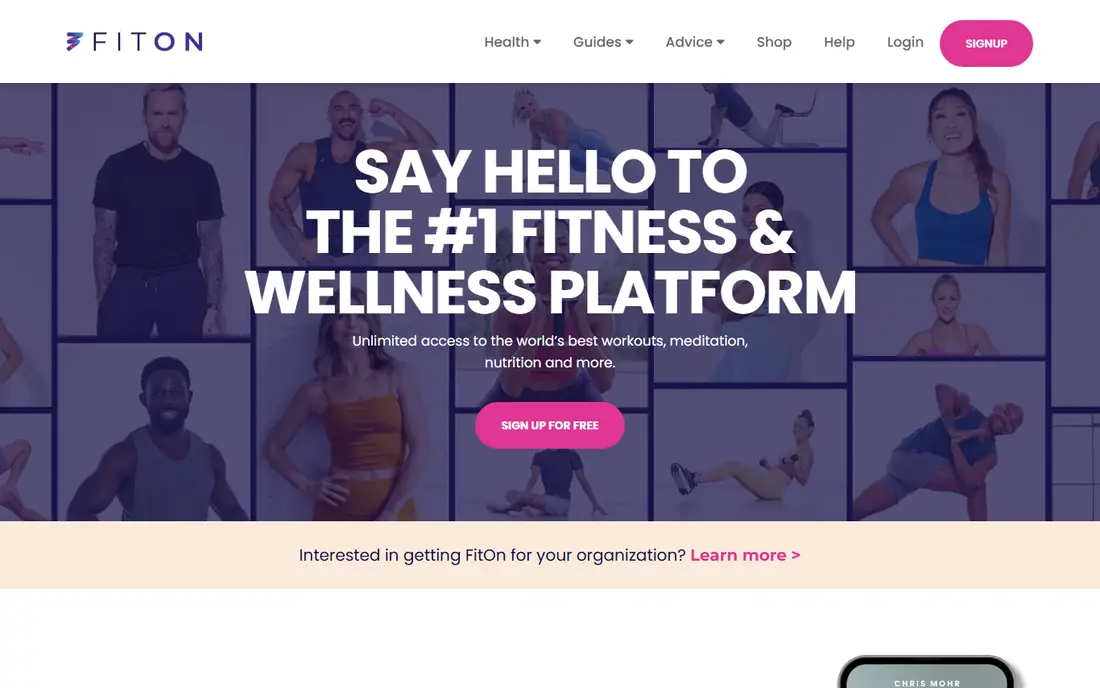
FitOn offers full workout access free, with a large library of classes, programs and challenges across cardio, strength, yoga and pilates. That breadth suits users who like variety and want to try different class styles without paying. A Pro tier exists for some premium content, but the core library stays free.
Ads appear on the free tier, and some premium classes need Pro. For a user who wants free classes with variety, FitOn is a strong alternative to Nike Training Club.
- Full workout access free
- Large class library
- Programs and challenges
- Some premium content needs Pro
- Ads on the free tier
MyFitnessPal
Ideal for: Food and calorie logging
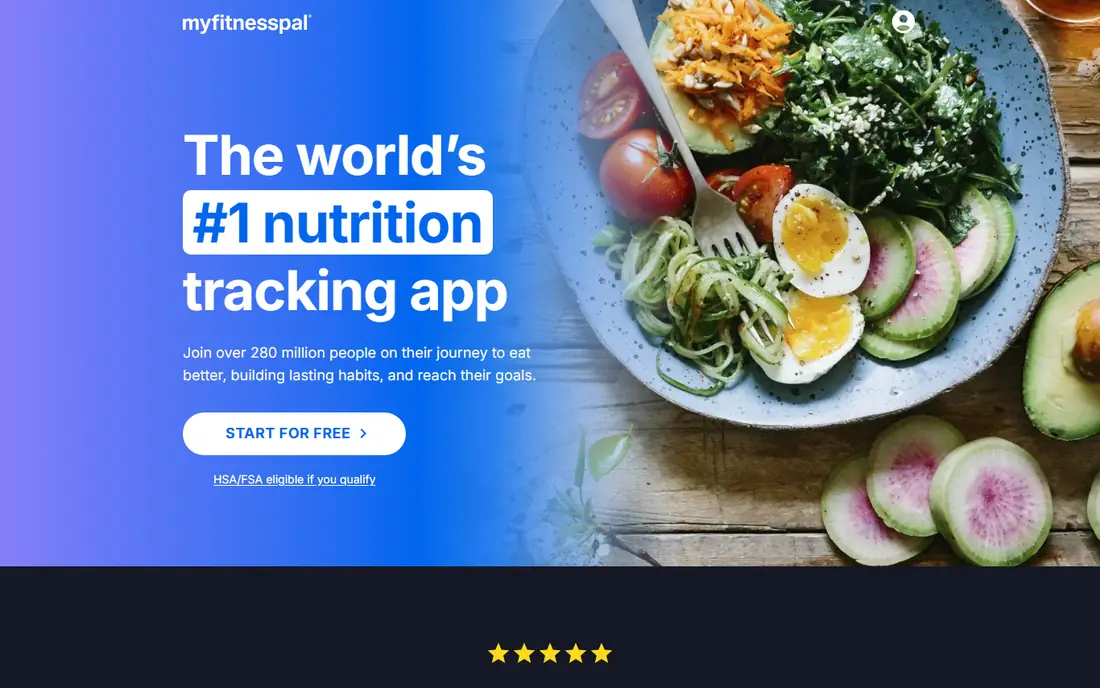
MyFitnessPal is the most widely used food logging app, with a huge food database and free core logging for calories, macros and meals. The free tier covers manual logging and search, which is enough for most users tracking intake. Premium costs $19.99 per month or $79.99 per year, and adds barcode scanning, which was moved to Premium in recent years, plus advanced reports.
Barcode scanning is the main free-tier gap, so users who scan packaged foods often will miss it. For a user who logs meals manually or by search, the free core is enough. For a heavy scanner, the Premium price or Cronometer's free tier may fit better.
- Huge food database
- Free core logging
- Barcode scanning on Premium
- Premium at $19.99 per month or $79.99 per year
- Barcode scanning is Premium-only
Strava
Ideal for: Running and cycling
Strava is the best free app for runners and cyclists, with GPS tracking, social features, segments and challenges that keep training motivating. The free tier covers activity tracking, basic stats and community features, which is enough for most recreational athletes. A subscription adds advanced analytics, route planning and training plans.
Advanced analytics and full route planning need the paid tier, but the free tracking and community are strong on their own. For a runner or cyclist who wants free tracking with social motivation, Strava is the default.
- Free activity tracking
- Social features and segments
- Large athlete community
- Advanced analytics need a subscription
- Route planning is limited on free
Hevy
Ideal for: Strength logging
Hevy is the best free strength logging app, with unlimited workout logging, a large exercise library and progress charts on the free tier. That suits lifters who track sets, reps and weights across sessions and want to see progress over time. Premium costs $23.99 per year and adds advanced features such as custom routines and analytics.
The community is smaller than Strava's, and some analytics need Premium. For a lifter who wants free, unlimited logging, Hevy is the clearest pick.
- Free unlimited workout logging
- Exercise library
- Progress charts
- Premium at $23.99 per year for advanced features
- Smaller community than Strava
Cronometer
Ideal for: Detailed nutrition tracking
Cronometer suits users who want detailed nutrition data, including micronutrients, not just calories and macros. The free tier covers logging, a large food database and barcode scanning, which MyFitnessPal now gates behind Premium, plus basic reports. That makes Cronometer the better free choice for users who scan foods or track vitamins and minerals.
The interface is data-dense and can overwhelm beginners, and some reports need the Gold plan. For a user who wants detailed, free nutrition tracking, Cronometer is the strongest free option.
- Detailed micronutrient tracking
- Free core logging
- Barcode scanning on free tier
- Interface is data-dense
- Some reports need Gold
Google Fit
Ideal for: Simple activity tracking
Google Fit is the simplest free activity tracker for Android users, counting steps, activity minutes and heart points, with integration across Android phones and Wear OS watches. It costs nothing and runs quietly in the background, which suits users who want basic activity awareness without a workout app.
It offers no workout programs, nutrition logging or advanced analytics. For a user who wants simple, free activity tracking on Android, Google Fit is enough. For structured training, Nike Training Club or FitOn fits better.
- Completely free
- Simple activity and heart points
- Integrates with Android and Wear OS
- Fewer features than dedicated apps
- No workout programs
Apple Health
Ideal for: Apple health hub
Apple Health is the central health hub for iPhone users, collecting steps, workouts, sleep, heart rate and other data from Apple Watch and third-party apps in one place. It costs nothing beyond the device, and its dashboard gives a clear view of activity and health trends over time.
It is Apple-only and offers no workout programs of its own, so it works best as a hub alongside Nike Training Club, Strava or Hevy. For an iPhone user who wants one view of all health data, Apple Health is the natural, free choice.
- Completely free on iPhone
- Central hub for health data
- Integrates with Apple Watch and apps
- Apple-only
- No workout programs of its own
How we picked these
We compared official pricing pages, feature pages and public reviews for free health apps available in October 2026. We favored apps with a genuinely useful free tier, a real user base and current pricing, and we weighed free-tier completeness, workout variety, nutrition detail and tracking accuracy, since many health apps promise free access but gate key features.
What to check before you choose a free health app
Start with your goal, not the app store ranking. A user who wants guided workouts needs Nike Training Club or FitOn, a user who logs food needs MyFitnessPal or Cronometer, and a runner needs Strava. Pick the app that matches your main habit, since a generic health app rarely does any one job well.
Then check what the free tier actually includes. Test barcode scanning, workout programs and progress reports before committing, since those are the features most often gated behind paid plans. A free tier that covers your core habit is enough; a free tier that gates it will frustrate you within a week.
Finally, remember these apps support general wellness and are not medical advice. Do not use app data to diagnose a condition, and talk to a clinician about symptoms, injuries, chest pain, dizziness or a new exercise plan, especially if you have a health condition or take medication. If an app suggests a diagnosis or treatment, treat that as a reason to seek professional advice, not a substitute for it.
If you are still unsure, trial the top two options from this list with a real project before committing to a paid plan, since hands-on use reveals fit faster than any feature list. Check how each option handles your everyday tasks, how quickly support answers a question, and how easy it is to export your data if you later switch. A short trial with real work gives you evidence that no comparison table can, and it protects you from paying for features you will never use.
Frequently asked questions
What is the best free app for health?
Nike Training Club is the best fully free fitness app, with no paid tier, while FitOn offers full workout access free. MyFitnessPal and Cronometer cover free nutrition logging, Strava covers running, and Hevy covers strength.
Is Nike Training Club really free?
Yes, Nike Training Club has no paid tier: every workout, program and training plan is free. You need a Nike account, but there is no subscription to open content.
Can free health apps replace a gym membership?
For many users, yes for guided workouts, since Nike Training Club and FitOn offer structured programs at home. A gym still offers equipment, coaching and social motivation that apps cannot fully replace, especially for heavy strength training.
Do health apps give medical advice?
No, the apps in this list support general wellness, tracking and workouts, and are not a substitute for medical advice. Talk to a clinician about symptoms, injuries or a new exercise plan, especially with a health condition.
What is the best free food logging app?
MyFitnessPal's free core covers manual logging with a huge food database, while Cronometer's free tier adds barcode scanning and detailed micronutrient tracking. Choose MyFitnessPal for simplicity and Cronometer for detail.