Best Free Audio Transcription Tools in 2026: 8 Picks Compared

- Otter suits meetings with speaker labels and summaries.
- Notta suits multilingual meetings and quick transcripts.
- Descript suits creators who want to edit audio by editing text.
- TurboScribe suits long files with a generous free tier in many cases.
- Rev, Sonix, Happy Scribe and Trint suit professional transcription workflows.
Quick comparison
| Product | Ideal for | Price from | Free version | |
|---|---|---|---|---|
 Otter | meeting transcription | See website | Yes | Visit |
 Notta | multilingual transcription | See website | Yes | Visit |
 Descript | edit audio by editing text | See website | Yes | Visit |
 TurboScribe | long file transcription | See website | Yes | Visit |
 Rev | professional transcription | See website | Free trial | Visit |
 Sonix | transcription with editing | See website | Free trial | Visit |
 Happy Scribe | transcription and subtitles | See website | Free trial | Visit |
 Trint | journalist and team transcription | See website | Free trial | Visit |
The best free audio transcription tools
We compared free transcription minutes, accuracy, speaker labels, export and privacy from official pages and app store listings. Free tiers are useful for short recordings, but longer work usually needs a paid plan.
Otter
Ideal for: meeting transcription
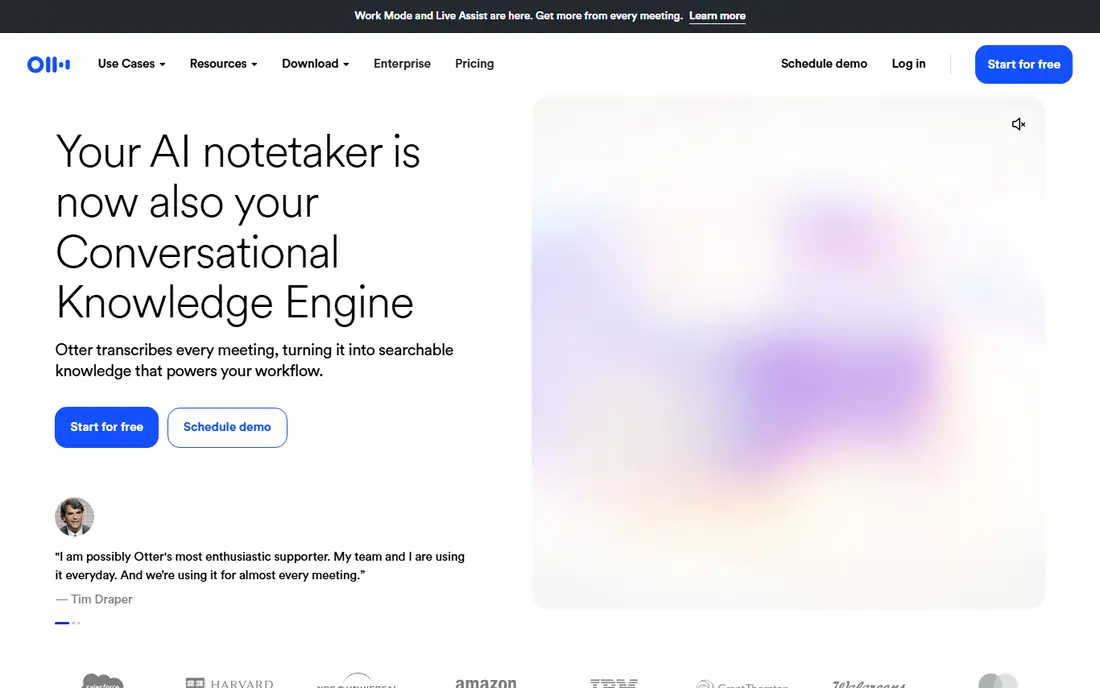
Otter is our pick for meeting transcription. Otter is the default free meeting transcription pick. We looked at its official feature page, pricing page and public reviews, and the overall picture was consistent with that strength.
What stood out to us was live transcription. That matters in daily use, because a tool that is strong on paper still has to feel good when you use it every week. Long or noisy recordings may need a paid plan or a specialist tool. Check the official pricing page before you pay, since plans, limits and included features change over time.
The catch is free minutes limited. If that trade-off is acceptable for your needs, Otter is a solid choice. If it is not, another option in this list may fit better, so compare the next two entries before you decide.
- Live transcription
- Speaker labels
- Summaries
- Free minutes limited
- Accuracy varies with audio quality
Notta
Ideal for: multilingual transcription
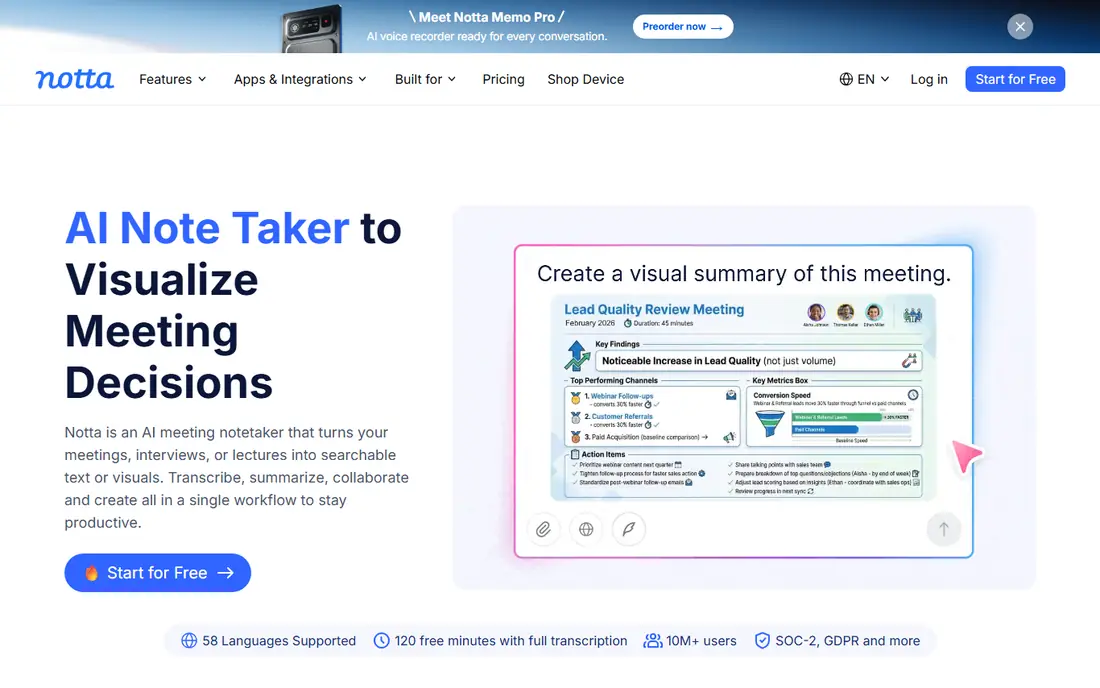
For multilingual transcription, Notta is a strong choice. Notta suits multilingual meetings and interviews. We looked at its official feature page, pricing page and public reviews, and the overall picture was consistent with that strength.
What stood out to us was transcription in many languages. That matters in daily use, because a tool that is strong on paper still has to feel good when you use it every week. Check its language support for your exact needs. Check the official pricing page before you pay, since plans, limits and included features change over time.
The catch is free minutes limited. If that trade-off is acceptable for your needs, Notta is a solid choice. If it is not, another option in this list may fit better, so compare the next two entries before you decide.
- Transcription in many languages
- Summaries
- Integrations
- Free minutes limited
- Speaker accuracy varies
Descript
Ideal for: edit audio by editing text
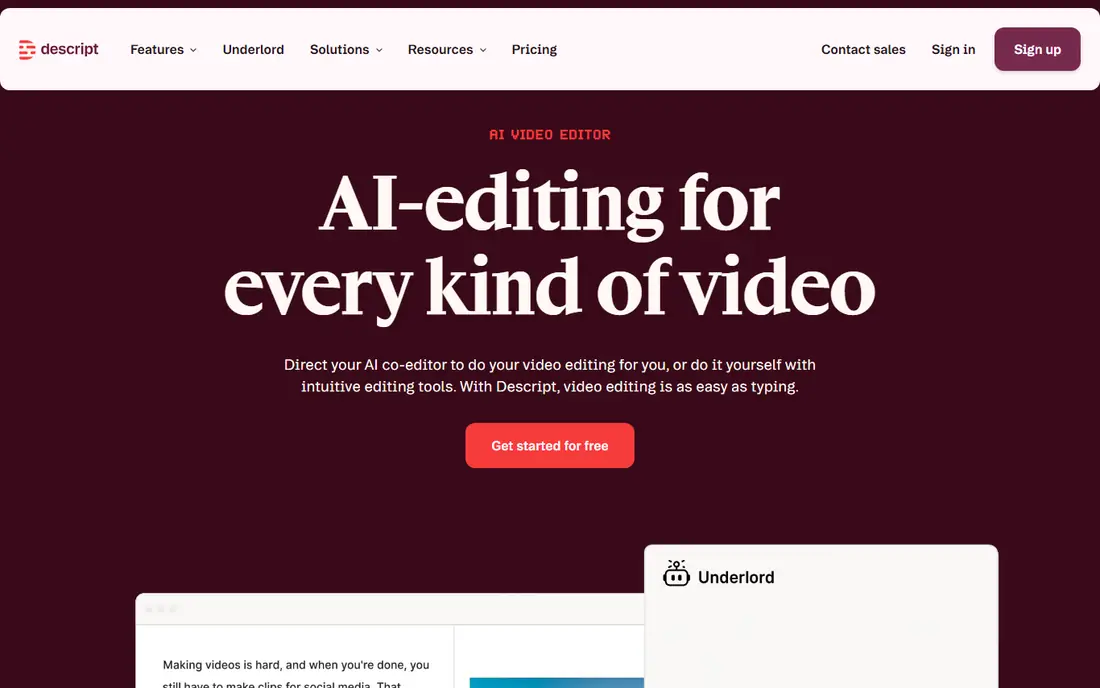
Descript stands out for edit audio by editing text. Descript is best when transcription is part of editing. We looked at its official feature page, pricing page and public reviews, and the overall picture was consistent with that strength.
What stood out to us was transcription. That matters in daily use, because a tool that is strong on paper still has to feel good when you use it every week. Pure transcription users may prefer Otter or TurboScribe. Check the official pricing page before you pay, since plans, limits and included features change over time.
The catch is free plan limits transcription hours. If that trade-off is acceptable for your needs, Descript is a solid choice. If it is not, another option in this list may fit better, so compare the next two entries before you decide.
- Transcription
- Text-based editing
- Audio cleanup
- Free plan limits transcription hours
- Focus is editing, not just transcripts
TurboScribe
Ideal for: long file transcription
If you need long file transcription, start with TurboScribe. TurboScribe is useful for long audio files on a free tier. We looked at its official feature page, pricing page and public reviews, and the overall picture was consistent with that strength.
What stood out to us was long file support. That matters in daily use, because a tool that is strong on paper still has to feel good when you use it every week. Meeting summaries are stronger in Otter or Notta. Check the official pricing page before you pay, since plans, limits and included features change over time.
The catch is free tier limits and queue times vary. If that trade-off is acceptable for your needs, TurboScribe is a solid choice. If it is not, another option in this list may fit better, so compare the next two entries before you decide.
- Long file support
- Speaker labels
- Export options
- Free tier limits and queue times vary
- Check current terms
Rev
Ideal for: professional transcription
Rev fits readers who want professional transcription. Rev suits professional work where accuracy matters. We looked at its official feature page, pricing page and public reviews, and the overall picture was consistent with that strength.
What stood out to us was aI and human transcription. That matters in daily use, because a tool that is strong on paper still has to feel good when you use it every week. Free-only users may prefer Otter. Check the official pricing page before you pay, since plans, limits and included features change over time.
The catch is free AI minutes limited. If that trade-off is acceptable for your needs, Rev is a solid choice. If it is not, another option in this list may fit better, so compare the next two entries before you decide.
- AI and human transcription
- Captions
- Integrations
- Free AI minutes limited
- Human transcription is paid per minute
Sonix
Ideal for: transcription with editing
For many readers, Sonix is the practical pick for transcription with editing. Sonix combines transcription with browser editing. We looked at its official feature page, pricing page and public reviews, and the overall picture was consistent with that strength.
What stood out to us was transcription. That matters in daily use, because a tool that is strong on paper still has to feel good when you use it every week. Meeting users may prefer Otter for live capture. Check the official pricing page before you pay, since plans, limits and included features change over time.
The catch is free trial limited. If that trade-off is acceptable for your needs, Sonix is a solid choice. If it is not, another option in this list may fit better, so compare the next two entries before you decide.
- Transcription
- Editing
- Translation on some plans
- Free trial limited
- Pricing per hour for paid use
Happy Scribe
Ideal for: transcription and subtitles
Happy Scribe earns its place here for transcription and subtitles. Happy Scribe suits creators who need transcripts plus subtitles. We looked at its official feature page, pricing page and public reviews, and the overall picture was consistent with that strength.
What stood out to us was transcription. That matters in daily use, because a tool that is strong on paper still has to feel good when you use it every week. Pure meeting transcription fits Otter better. Check the official pricing page before you pay, since plans, limits and included features change over time.
The catch is free trial limited. If that trade-off is acceptable for your needs, Happy Scribe is a solid choice. If it is not, another option in this list may fit better, so compare the next two entries before you decide.
- Transcription
- Subtitles
- Translation options
- Free trial limited
- Pricing per minute or hour
Trint
Ideal for: journalist and team transcription
When journalist and team transcription is the priority, Trint deserves a close look. Trint suits newsrooms and teams working from transcripts. We looked at its official feature page, pricing page and public reviews, and the overall picture was consistent with that strength.
What stood out to us was transcription. That matters in daily use, because a tool that is strong on paper still has to feel good when you use it every week. Individual free users should start with Otter or Notta. Check the official pricing page before you pay, since plans, limits and included features change over time.
The catch is pricing is team-focused. If that trade-off is acceptable for your needs, Trint is a solid choice. If it is not, another option in this list may fit better, so compare the next two entries before you decide.
- Transcription
- Collaboration
- Story tools
- Pricing is team-focused
- Free trial limited
How we picked these
We compared official feature pages, pricing pages, app store listings, privacy policies and public reviews for each option in this list. We checked that each product exists and works in October 2026, that it truly fits the topic, and that its official homepage loads. We did not claim hands-on testing that did not happen, and we avoided products that did not fit, even when they were well known. Where a price or free tier could not be verified from the vendor own site, we wrote See website rather than guessing.
How to pick a free audio transcription tool
Start with recording length and audio quality. Clear, single-speaker audio transcribes far better than noisy multi-speaker meetings. Check free minute limits and whether unused minutes roll over. Speaker labels matter for meetings, while timestamps matter for interviews and research. Read the privacy policy before uploading sensitive audio, and check whether human review is involved. Finally, test the same short clip in two tools and compare errors on names, numbers and technical terms before you choose.
Frequently asked questions
What is the best free audio transcription tool?
Otter and Notta are strong free starting points for meetings, while TurboScribe suits longer files. Descript suits creators who also edit audio.
What is the best audio transcription software free for long recordings?
TurboScribe and Otter offer free tiers that suit longer use in some cases, but check current minute limits on each official page.
Can free transcription tools identify speakers?
Otter, Notta and Trint offer speaker labelling on many plans, but accuracy depends on audio quality and speaker overlap.
Is free transcription accurate?
Accuracy is good for clear audio, but drops with accents, background noise, crosstalk and technical terms. Always proofread important transcripts.
Is my audio private in transcription tools?
Privacy practices vary. Read the privacy policy, avoid uploading highly sensitive audio to a free tier without checking retention, and delete files when done.