Best Free Background Animation Software in 2026: 8 Options Compared

- Canva and Kapwing are the most useful free starting points for social and short video backgrounds.
- Animaker and Powtoon suit presentation and explainer style animation built from templates.
- Renderforest and Biteable work well for branded template backgrounds with little design effort.
- Free plans almost always add a watermark, so check exports before using a background publicly.
Quick comparison
| Product | Ideal for | Price from | Free version | |
|---|---|---|---|---|
 Canva | quick animated backgrounds for social posts | Free | Free | Visit |
 Animaker | animated explainer style backgrounds | Free | Free | Visit |
 Renderforest | branded animated intros and backgrounds | Free | Free | Visit |
 Kapwing | social video backgrounds with text and effects | Free | Free | Visit |
 VEED | short animated backgrounds for video | Free | Free | Visit |
 Powtoon | presentation backgrounds with animation | Free | Free | Visit |
 Biteable | simple animated video backgrounds | Free | Free | Visit |
 Animoto | slideshow style animated backgrounds | Free | Free | Visit |
The best free background animation software
We compared official feature pages, pricing, app store listings, privacy policies and public reviews for this list. The options below cover different budgets and needs, so read the best for line first and then the full write up for the products that match your situation.
Canva
Ideal for: quick animated backgrounds for social posts
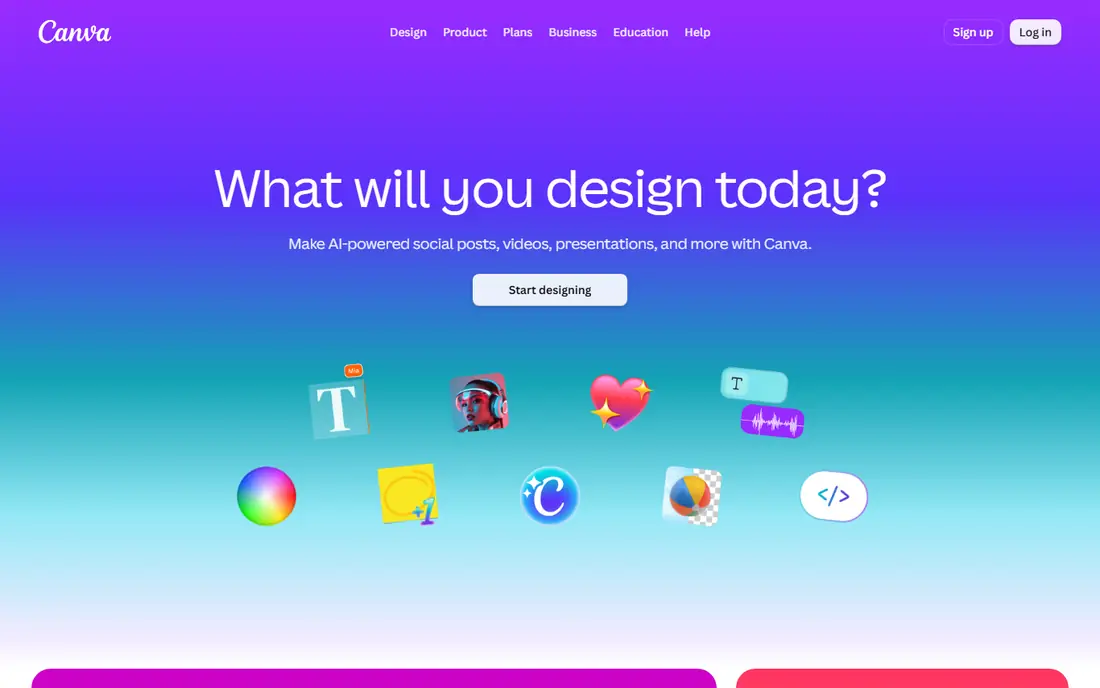
Canva fits quick animated backgrounds for social posts. Its animated templates let anyone create a moving background in minutes, with sizes ready for social posts. The strengths we noted were animated templates and background videos; huge template library; easy export for social sizes. For many readers, that mix makes it worth a close look before deciding.
The honest catch is that users who need long or fully custom animation may hit free plan limits. Pricing is listed as Free, with a free plan status of Free. Before you commit, try the free tier or trial with your real work, and check the limits that matter for your use. That short test will tell you more than any feature list.
- Animated templates and background videos
- Huge template library
- Easy export for social sizes
- Free plan limits premium animated assets
- Video length and export options vary by plan
Animaker
Ideal for: animated explainer style backgrounds
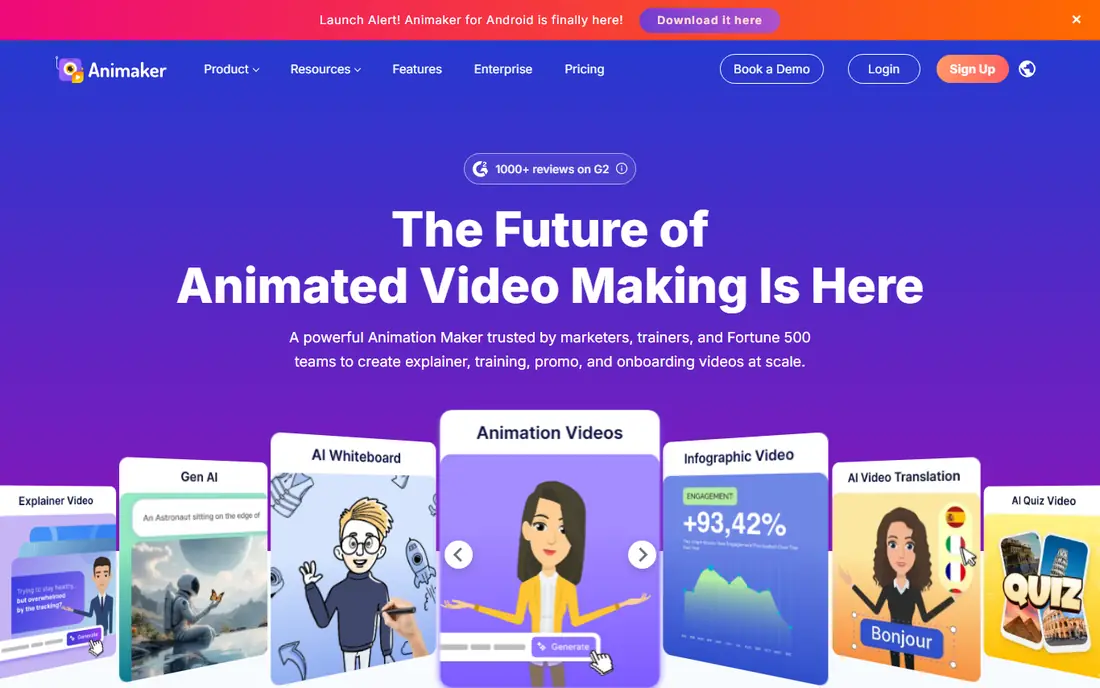
For animated explainer style backgrounds, Animaker is a natural first candidate. It suits animated scenes and explainer style backgrounds built in the browser. In practice, that means character and scene animation; background templates; browser based editing. It is not perfect for everyone, but the fit is clear for this use.
On the downside, the free watermark means final videos for client work usually need a paid plan. The starting price is Free, and the free plan status is Free. We suggest testing it with a real task, checking support and export options, and confirming that the plan you need covers your team or household size.
- Character and scene animation
- Background templates
- Browser based editing
- Free plan adds a watermark and limits exports
- Learning curve for complex scenes
Renderforest
Ideal for: branded animated intros and backgrounds
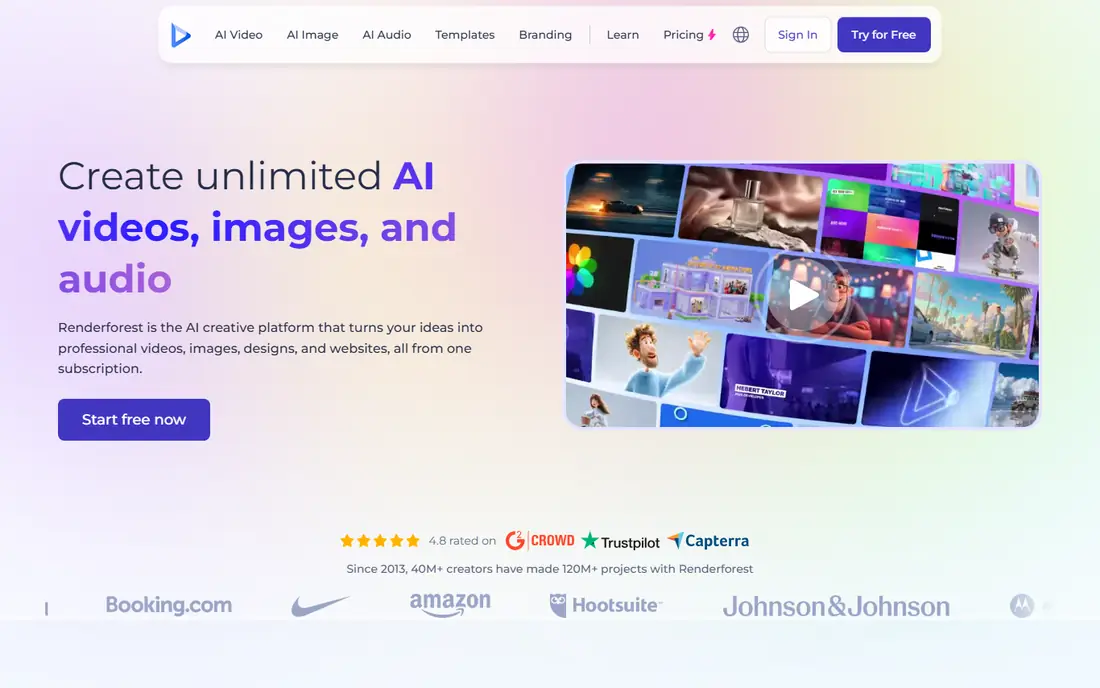
Renderforest is aimed at branded animated intros and backgrounds, and the fit shows in daily use. Its templates produce polished branded backgrounds without design skills. Readers who value template based animated videos; logo and background options; browser editing will see the appeal quickly.
The trade off is that users who want full creative control may find templates restrictive. Starting price is Free, with free plan status Free. A trial with your own data is the best next step, since it reveals setup time, limits and everyday friction that a sales page hides.
- Template based animated videos
- Logo and background options
- Browser editing
- Free exports carry a watermark and lower resolution
- Custom control is limited
Kapwing
Ideal for: social video backgrounds with text and effects
If you need a tool for social video backgrounds with text and effects, start with Kapwing. It combines animated backgrounds with captions and resizing for social video. The result is a product that covers browser video editing; animated backgrounds and effects; subtitle tools without forcing a complex setup.
Keep in mind that the watermark on free exports is the main limit for public facing work. It lists a starting price of Free and a free plan status of Free. Compare the total cost for your real use, including any add ons, before you settle on it.
- Browser video editing
- Animated backgrounds and effects
- Subtitle tools
- Free exports carry a watermark
- Longer videos need a paid plan
VEED
Ideal for: short animated backgrounds for video
VEED fits short animated backgrounds for video. It is a fast browser option for short animated backgrounds with subtitles. The strengths we noted were browser editing with animated elements; templates; subtitles and resizing. For many readers, that mix makes it worth a close look before deciding.
The honest catch is that longer projects and watermark free exports need a paid plan. Pricing is listed as Free, with a free plan status of Free. Before you commit, try the free tier or trial with your real work, and check the limits that matter for your use. That short test will tell you more than any feature list.
- Browser editing with animated elements
- Templates
- Subtitles and resizing
- Free plan includes a watermark and export limits
- Advanced features need a paid plan
Powtoon
Ideal for: presentation backgrounds with animation
For presentation backgrounds with animation, Powtoon is a natural first candidate. Its animated presentation templates make slide backgrounds feel alive without video skills. In practice, that means animated presentation templates; character scenes; export for slides and video. It is not perfect for everyone, but the fit is clear for this use.
On the downside, presenters who need a unique look should budget for a paid plan or custom design. The starting price is Free, and the free plan status is Free. We suggest testing it with a real task, checking support and export options, and confirming that the plan you need covers your team or household size.
- Animated presentation templates
- Character scenes
- Export for slides and video
- Free plan has a watermark and limited length
- Template style is recognisable
Biteable
Ideal for: simple animated video backgrounds
Biteable is aimed at simple animated video backgrounds, and the fit shows in daily use. It is one of the simplest ways to make a short animated background from templates. Readers who value template videos with animated scenes; stock footage; browser editing will see the appeal quickly.
The trade off is that designers who need detailed timing control may want a fuller editor. Starting price is Free, with free plan status Free. A trial with your own data is the best next step, since it reveals setup time, limits and everyday friction that a sales page hides.
- Template videos with animated scenes
- Stock footage
- Browser editing
- Free plan limits exports and adds a watermark
- Scene control is basic
Animoto
Ideal for: slideshow style animated backgrounds
If you need a tool for slideshow style animated backgrounds, start with Animoto. Its slideshow builder turns photos and clips into moving backgrounds quickly. The result is a product that covers slideshow video builder with music and motion; templates for marketing without forcing a complex setup.
Keep in mind that users who need frame by frame animation should choose a dedicated animation tool. It lists a starting price of Free and a free plan status of Free. Compare the total cost for your real use, including any add ons, before you settle on it.
- Slideshow video builder with music and motion
- Templates for marketing
- Free plan is limited and watermarked
- Animation control is template driven
How we picked these
We compared official feature pages, pricing pages, app store listings, privacy policies and public reviews. We checked that each product exists and works today, that it truly fits the topic, and that its official homepage loads. We favoured products with clear pricing or a clear free tier, honest limits, and a distinct use case, rather than listing near duplicates.
We did not claim hands on testing that did not happen. Where pricing was quoted rather than listed, we wrote See website rather than guessing a number. Where a product had a known limit, such as a watermark on a free plan or a state limit on cover, we stated it plainly so readers can judge the trade off. Readers should also check the current plan details on the vendor site before buying, since prices and free tiers change over time.
How to choose free background animation software
Start with where the background will be used. A social post needs vertical sizes and short loops, a presentation needs wide slides and calm motion, and a website needs a lightweight loop that does not slow the page. Pick the tool that exports the right size and format.
Next, check the free export terms. Watermarks, resolution limits and video length caps decide whether a free plan is usable for public work. Make one full export early, before you spend time building a longer project.
Finally, weigh templates against control. Templates are fast and look polished, but they can look familiar. If your brand needs a distinct look, choose a tool with more timing and layer control, even if it takes longer to learn.
Frequently asked questions
What is the best free background animation software?
Canva is a strong free starting point for social backgrounds, while Kapwing suits short video backgrounds with captions. The best choice depends on format, length and whether a watermark is acceptable.
Do free plans add a watermark?
Most do, including Animaker, Kapwing, VEED and Powtoon on free exports. Check the export screen before you publish, since watermark rules vary by plan and asset.
Can I use animated backgrounds on a website?
Yes, but keep files small and loops short so pages load fast. Export a web friendly video format and test loading on a phone before publishing.
Do I need animation skills to use these tools?
No. Most tools here use templates and drag and drop editing. Full control tools take longer to learn, but template tools work well for simple backgrounds.
Are these tools really free?
They offer free plans with limits on exports, resolution and premium assets. For watermark free, high resolution work, a paid plan is usually needed.