Best Free Budgeting Apps in 2026: 8 Options Compared

- 1
 Goodbudgetcouples and families who like the envelope methodVisit
- 2
 EveryDollarbeginners who want a simple plan and are fine entering purchases manuallyVisit
- 3
 Empowerseeing spending, net worth and retirement progress in one free dashboardVisit
- 4
 Rocket Moneypeople who want to spot and cancel subscriptionsVisit
- 5
 Actual Budgettech-comfortable people who want free, private, envelope-style budgetingVisit
- Empower says its dashboard and financial tools are "completely free," which makes it the best fully free option for tracking spending and net worth, but it also exists to introduce its paid advisory services.
- Goodbudget's free plan gives you 10 regular envelopes, 1 account and 2 devices; automatic bank sync (US banks only) costs $10 per month or $80 per year.
- EveryDollar's free version is manual entry only, and connecting your bank costs $79.99 per year or $17.99 per month after a 14-day trial.
- Actual Budget is free, open-source software, but you set it up and host it yourself.
- YNAB is not free past its trial (34 days, or a full year for college students), so we list it last as the paid benchmark.
Quick comparison
| Product | Ideal for | Price from | Free version | |
|---|---|---|---|---|
| Goodbudget | couples and families who like the envelope method | Free ($10 per month for Premium) | Yes | Visit |
| EveryDollar | beginners who want a simple plan and are fine entering purchases manually | Free ($79.99 per year for bank sync) | Yes | Visit |
| Empower | seeing spending, net worth and retirement progress in one free dashboard | Free | Yes | Visit |
| Rocket Money | people who want to spot and cancel subscriptions | Free (Premium: See website) | Yes | Visit |
| Actual Budget | tech-comfortable people who want free, private, envelope-style budgeting | Free (open source) | Yes | Visit |
 Spendee | simple phone-based tracking with an inexpensive upgrade path | Free ($1.99 per month for Plus) | Yes | Visit |
 Wallet by BudgetBakers | manual tracking on iOS, Android or the web with an optional bank link | Free (Premium: See website) | Yes | Visit |
 YNAB | people ready to pay for a structured budgeting method | $14.99 per month | Free trial (34 days) | Visit |
The best free budgeting apps
This is general information, not financial advice. We do not manage money for anyone, and you should decide how to budget based on your own situation.
"Free" means different things in this category. Some apps are free but make you type in every purchase. Others are free until you want your bank accounts to sync automatically. We note exactly where each app draws that line, since it decides whether a free plan is practical.
Goodbudget
Ideal for: couples and families who like the envelope method

Goodbudget is built on the envelope method, where you divide income into virtual envelopes such as groceries and rent. Its sign-up page lists a free plan with 10 regular envelopes, 10 more envelopes, one account, two devices, one year of history, debt tracking and community support.
You enter transactions yourself on the free plan. Premium costs $10 per month or $80 per year and adds automatic bank sync (US banks only), unlimited envelopes and accounts, five devices, seven years of history and email support. Because the envelopes can be shared, it works well for two people managing one household budget.
The catch is the effort. If you will not log purchases by hand, the free plan will feel like homework. If you do not mind that step, it is a calm, predictable way to stop overspending.
- Free plan includes 10 regular envelopes, 10 more envelopes, 1 account and 2 devices
- 1 year of history
- Works on web, Android and iPhone
- No automatic bank sync on the free plan
- 1 account only
EveryDollar
Ideal for: beginners who want a simple plan and are fine entering purchases manually
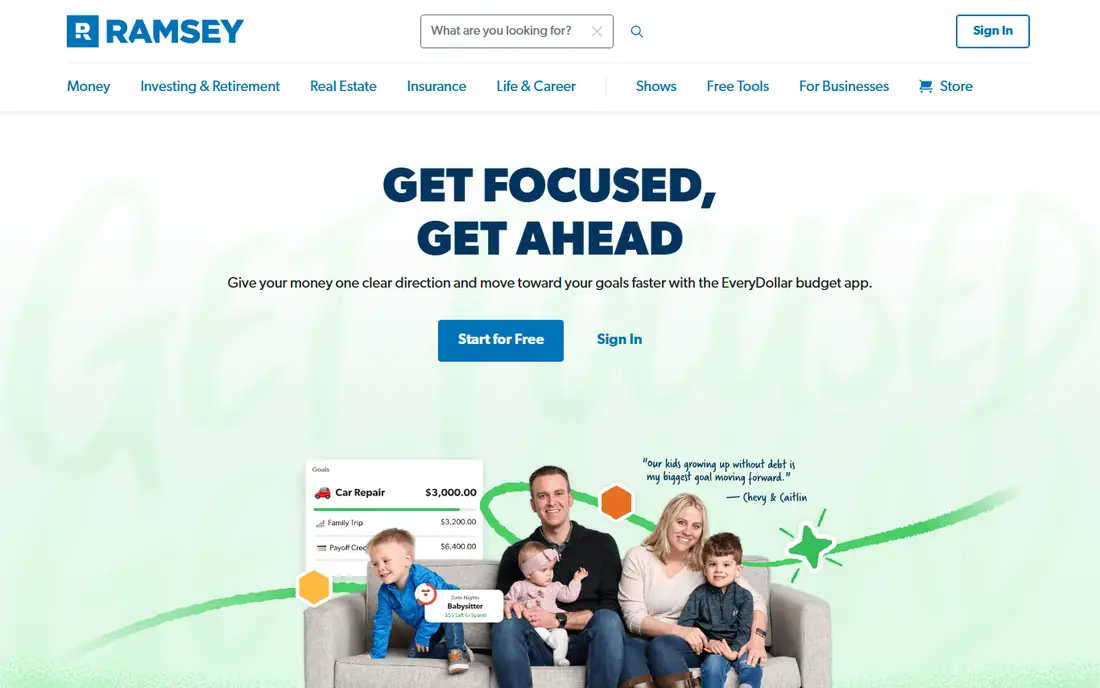
EveryDollar is the budgeting app from Ramsey Solutions. Its page says the free version includes manual transaction entry. The premium version connects your bank and streams transactions into your budget automatically.
After a 14-day free trial, premium costs $79.99 per year (about $6.67 per month) or $17.99 per month if billed monthly. The annual price is far cheaper over time, so if you decide to upgrade, annual billing is the better deal.
EveryDollar suits people who like a straightforward monthly plan with every dollar assigned a job. Its free version is limited by design, so it will frustrate anyone who wants a hands-off tracker. Ramsey's own budgeting philosophy runs through the product, which some people love and others find rigid.
- Free version lets you manually enter and track transactions
- Premium has a 14-day free trial
- Clear paid price of $79.99 per year
- Bank connection is a paid feature
- Premium costs $17.99 per month if billed monthly
Empower
Ideal for: seeing spending, net worth and retirement progress in one free dashboard

Empower is the closest thing to a fully free option that links your accounts. Its tools page answers the cost question directly: "The dashboard experience and financial tools are completely free." The tools include budgeting and cash flow, net worth, a retirement planner, portfolio analysis, a savings planner, debt paydown, an emergency fund view and transactions.
The reason it is free is on the same page. Empower also sells wealth management, and its disclosures say advisory services are provided for a fee by Empower Advisory Group, LLC, with fees based on assets managed. The page also says the site is paid for leads it refers to Empower Personal Wealth, which it calls a material conflict of interest. Its pages cite different minimum investment figures for advisory services, so check the terms yourself.
You can use the free tools and ignore the sales pitch, but expect the offer to come up. If you want a deep budget with envelopes and rules, pair it with a dedicated app.
- Tools page says the dashboard and financial tools are "completely free"
- Budgeting and cash flow, net worth, retirement planner, savings planner and debt paydown tools
- Links all your accounts
- Designed partly to introduce paid advisory services
- Budgeting is lighter than a dedicated envelope app
Rocket Money
Ideal for: people who want to spot and cancel subscriptions
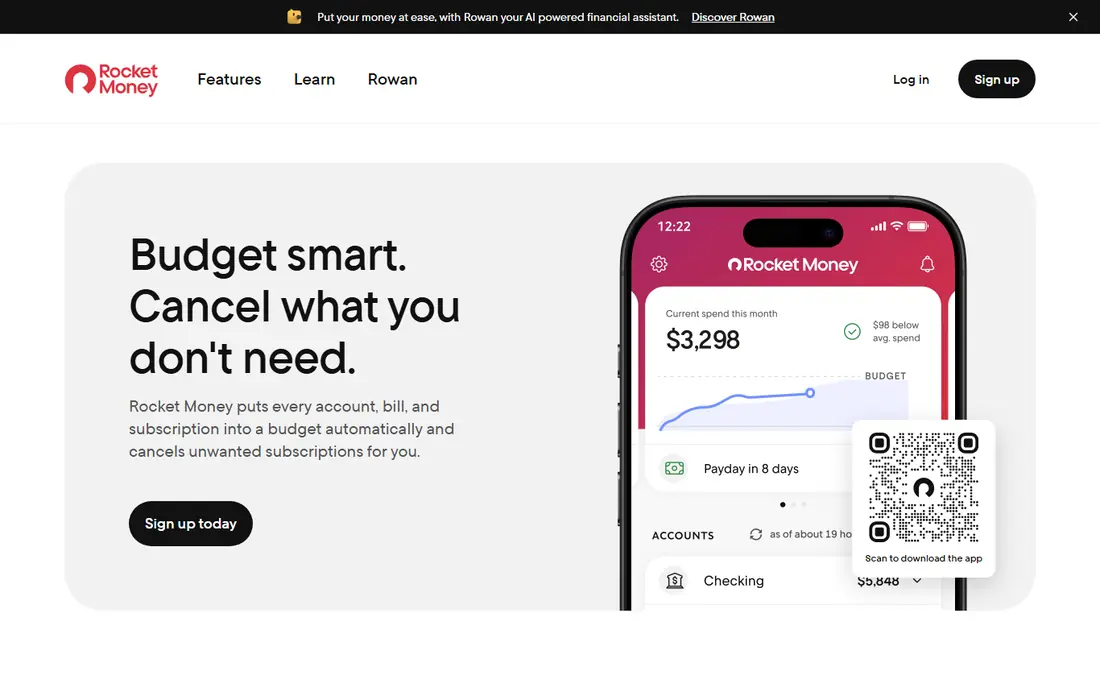
Rocket Money started as a subscription manager and now covers budgeting too. The free plan, per its homepage, lets you link accounts, see everything in one place, get balance alerts, manage subscriptions and track spending.
Premium adds a subscription cancellation assistant and an automated savings plan. The homepage also lists net worth tracking, shared accounts and unlimited budgets with Premium, which suggests the free plan limits your budgets, though we did not see the exact limit. Premium also offers bill negotiation through a concierge, and the page does not state any fee.
We could not find a Premium price on the pages we read, so check it in the app before you subscribe. Rocket Money is a good first stop if your goal is cutting recurring costs. If you want a strict spending plan, a budgeting-first app will do more for you.
- Free plan links checking, savings, credit card and investment accounts, with balance alerts and subscription tracking
- Premium adds a cancellation assistant
- Automated savings plan
- Premium price not shown on its homepage
- Unlimited budgets sit behind Premium
Actual Budget
Ideal for: tech-comfortable people who want free, private, envelope-style budgeting
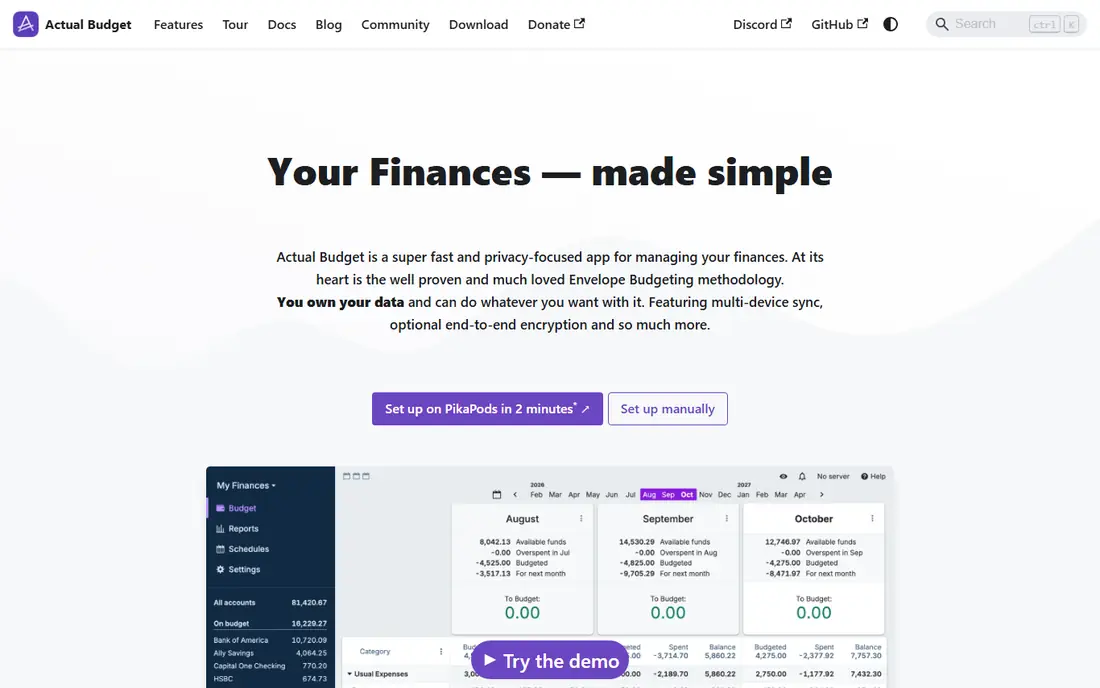
Actual Budget is different from the rest. It is open-source software, with links to its GitHub repository on the site, and it calls envelope budgeting its core idea: you can only budget money you actually have. The site offers a public demo so you can try it before installing.
To use it with sync across devices, you either self-host the sync server or use a hosting service. The site mentions PikaPods, which charges fees, and does not list the amounts. Bank sync uses GoCardless (EU/UK) and SimpleFIN (US/Canada), and those services may have their own costs, so check them before you plan around them.
This is the choice for people who care about owning their data and do not mind a setup step. For anyone else, an app with a one-click sign-up will be less work.
- Open-source software with envelope budgeting at its heart
- Try it first at demo.actualbudget.org
- Bank sync options for US and Canada
- You need to host it yourself or pay a hosting service
- Setup takes some technical comfort
Spendee
Ideal for: simple phone-based tracking with an inexpensive upgrade path
Spendee targets people who want a clean phone app. Its pricing page lists a free Basic plan with one cash wallet and one budget, and no shared wallets. Plus costs $1.99 per month or $14.99 per year, and Premium costs $5.99 per month or $35.99 per year.
Both paid tiers include unlimited wallets and budgets, shared wallets and bank account sync. All plans include a 7-day trial, and prices may vary by country. Because the free plan is so limited, treat it as a trial of the interface.
Plus is the sweet spot if you like Spendee, since its price is low enough to be tolerable. The shared wallet feature fits couples and roommates, but you will need a paid plan to use it.
- Free Spendee Basic plan
- Plus is $1.99 per month or $14.99 per year
- 7-day free trial on paid plans
- Free plan includes only 1 cash wallet and 1 budget, with no shared wallets
- Budgets available only on iOS and Android
Wallet by BudgetBakers
Ideal for: manual tracking on iOS, Android or the web with an optional bank link
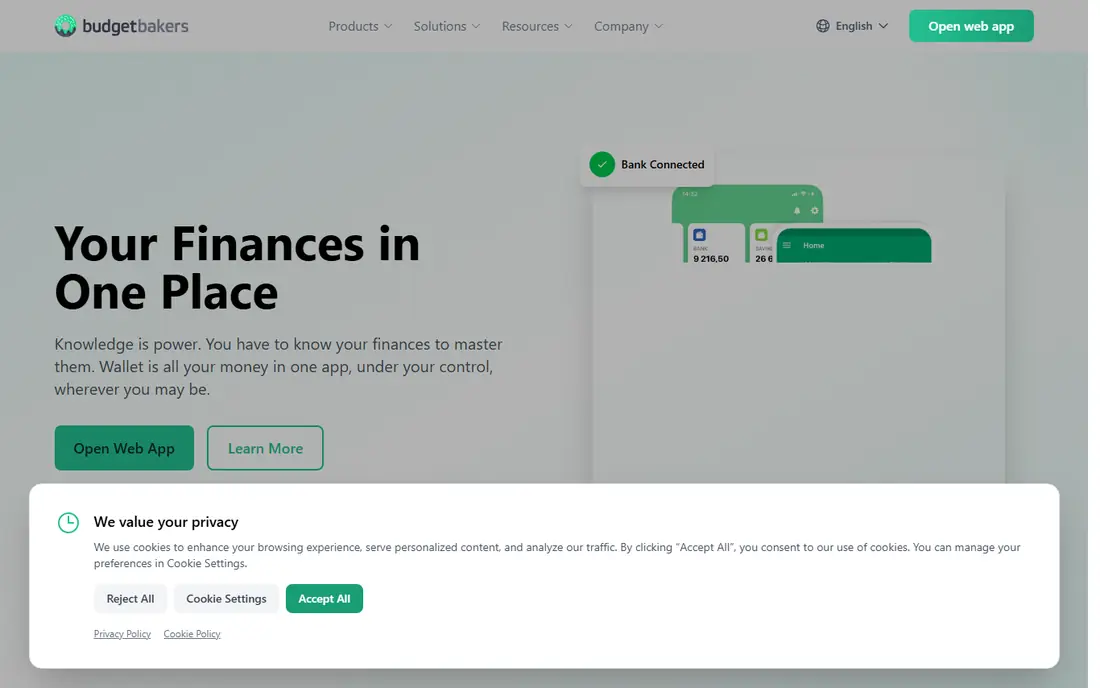
Wallet is a general-purpose tracker. Its product page says the app has a free tier for manual tracking, and that bank syncing is a Premium feature. It also mentions a Lifetime Premium option with a one-time payment, though it gives no amount. The company says it offers 15K+ bank connections and notes that you can start a free trial without a credit card.
Wallet is available on the App Store and Google Play, and has a web app. That cross-platform reach is an advantage if you use a mix of devices.
We could not verify Premium prices or the trial length from the pages we reached. Look at the in-app price before upgrading, and compare it with Spendee and Goodbudget, whose paid prices are published.
- Free tier for manual tracking per its FAQ
- Apps for iOS and Android plus a web app
- A lifetime Premium option exists
- Bank syncing is a Premium feature
- Prices were not listed on the pages we read
YNAB
Ideal for: people ready to pay for a structured budgeting method

YNAB is the odd one out here because it is not free beyond a trial. Its pricing page lists $14.99 per month or $109 per year, with a 34-day trial that needs no credit card when you sign up directly. College students can get a free 365-day trial by submitting proof of enrollment.
We include it because many people who search for free budgeting apps end up comparing against YNAB. It is a paid benchmark: if a free app does not stick, you can test whether a paid, method-first tool does. The student offer makes it effectively free for a year for enrolled students.
If you are not a student and your budget is tight, start with Goodbudget or EveryDollar's free version and see whether you keep it up for a couple of months.
- 34-day trial with no credit card when you sign up directly
- College students get a free 365-day trial
- Annual plan works out to $9.08 per month
- No permanent free plan
- $109 per year after the trial
How we picked these
We read each app's pricing pages, sign-up pages, product pages and, where needed, privacy policies, then noted exactly what is free and what costs money. We did not link our own bank accounts or run budgets in these apps, so we describe published features rather than personal results. We left out apps whose prices and plan limits we could not confirm on an official page. When a vendor does not publish a price, we write "See website."
How to choose a free budgeting app
The right app depends on one question: will you enter purchases by hand?
Decide on manual or automatic
Manual entry (Goodbudget, EveryDollar free, Wallet free) keeps you aware of each purchase but takes time. Automatic sync (Empower, Rocket Money) saves effort, but you give an app read access to your accounts.
Know the real cost of "free"
Free plans often limit budgets, accounts or devices. Goodbudget's free plan has one account, Spendee's has one budget, and EveryDollar's has no bank link. Check that the free tier covers your actual setup.
Check privacy before linking accounts
Linking a bank means sharing financial data with the app and its connection providers. Read the privacy policy, turn on two-factor authentication, and use a unique password. Some free apps earn money from referrals or advertising, so find out how yours does.
Start small
Pick one app, budget for one month, and see whether you stick with it. Switching is easy because most apps let you export your data.
Frequently asked questions
What is the best free budgeting app?
For fully free tracking, Empower is hard to beat, and for envelope budgeting Goodbudget's free plan is the most generous we found. The right choice depends on whether you will log purchases manually.
What is the best free budgeting app for beginners?
We would suggest Goodbudget or EveryDollar's free version. Both are straightforward, and both ask you to enter purchases yourself, which helps beginners see where money goes.
Are free budgeting apps safe?
They can be, but you should read the privacy policy before linking a bank. Use two-factor authentication, and be aware that some apps make money from referrals to other financial products.
Is there a free personal finance app that tracks net worth?
Empower says its dashboard and financial tools, including net worth and retirement planning, are free. Rocket Money lists net worth tracking as a Premium feature.
Do free budgeting apps connect to my bank?
Some do and some do not. Empower and Rocket Money link accounts on their free tiers, while Goodbudget, EveryDollar and Wallet put bank sync behind a paid plan.