Best Free CRM Software for Remote Teams in 2026: 8 Tools Compared

- HubSpot and Zoho CRM lead for remote teams that want strong free CRM cores.
- Freshsales and Bitrix24 suit teams that want free CRM plus collaboration tools.
- Capsule and Streak fit small remote teams that want simple, low-friction CRM.
- Monday CRM and Insightly suit visual teams that want pipelines plus collaboration.
- Check free plan limits for users, records, and automation before choosing.
Quick comparison
| Product | Ideal for | Price from | Free version | |
|---|---|---|---|---|
 HubSpot | Free CRM for remote teams | See website | Yes | Visit |
 Zoho CRM | Affordable free CRM | See website | Yes | Visit |
 Freshsales | Simple free CRM | See website | Yes | Visit |
 Bitrix24 | CRM plus collaboration | See website | Yes | Visit |
 Capsule | Simple free CRM | See website | Yes | Visit |
 Streak | CRM inside Gmail | See website | Yes | Visit |
 Monday CRM | Visual remote pipelines | See website | Free trial | Visit |
 Insightly | CRM plus project tracking | See website | Free trial | Visit |
The best free CRM software for remote teams
We compared official feature pages, pricing pages, and public reviews for eight CRMs with free plans or trials used by remote teams. Remote teams need cloud access, collaboration, and clear pipelines, plus free plans that actually support several users without forcing an early upgrade.
HubSpot
Ideal for: Free CRM for remote teams
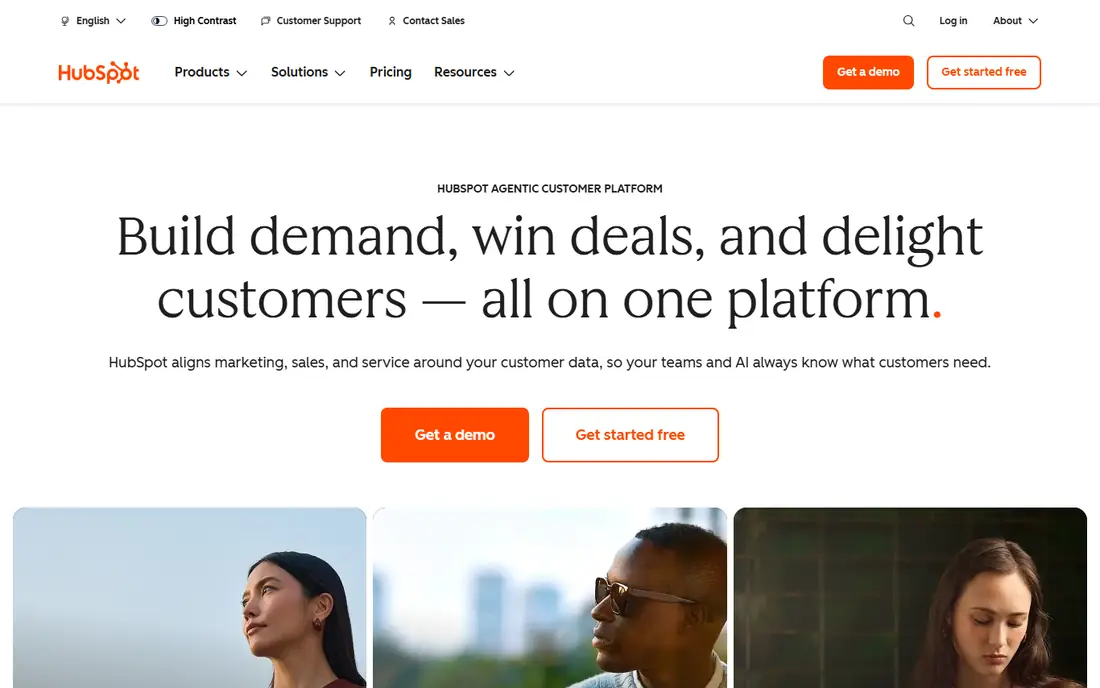
HubSpot free CRM gives remote teams contacts, companies, deals, tasks, and timelines in one cloud system. Team members can collaborate from anywhere, log emails and calls, and view pipelines together. Integrations cover email, calendar, and many business tools, which helps distributed teams stay aligned.
Advanced automation, reporting, and sequences need paid hubs. For a remote team starting with CRM, HubSpot free core offers the strongest free base. Check free limits for users, emails, and automation before scaling.
- Free CRM core with contacts and deals
- Team collaboration
- Many integrations
- Advanced automation needs paid hubs
- Free limits apply to some features
Zoho CRM
Ideal for: Affordable free CRM
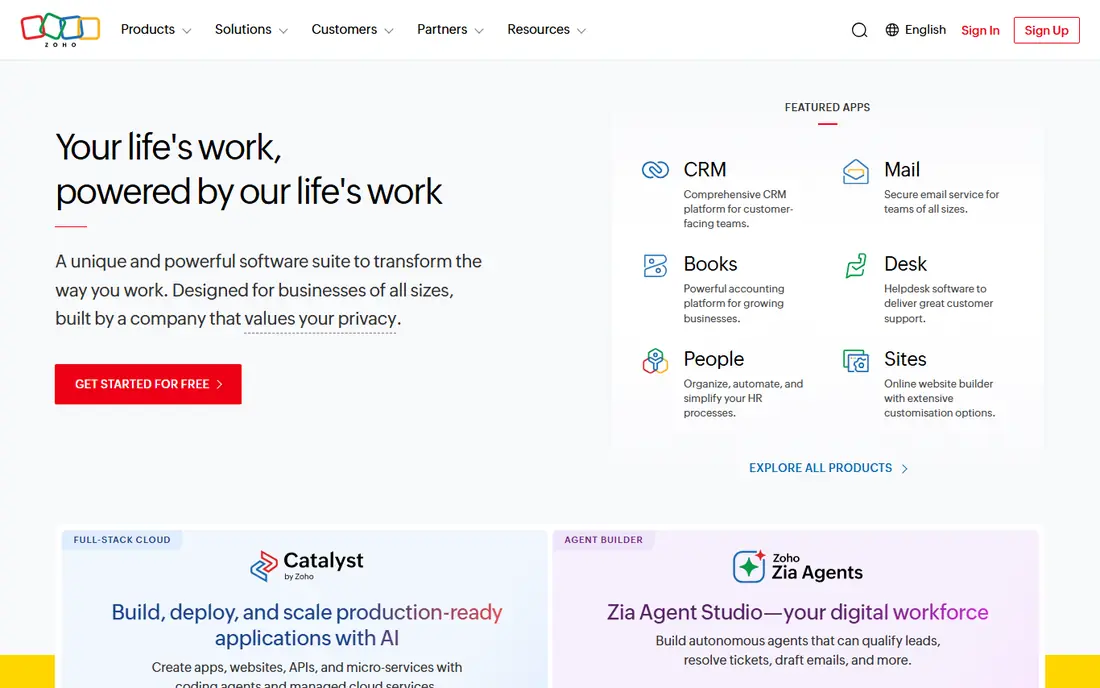
Zoho CRM free plan suits small remote teams with pipelines, tasks, and contact tracking. Remote members can update deals, log calls, and share notes from anywhere. Links to Zoho Meeting, Mail, and other apps help distributed teams work together.
Free plan user limits are tight, so growing teams will upgrade. For a small remote team that wants affordable CRM with room to grow, Zoho CRM is good value. Check current free user and record limits.
- Free plan for small teams
- Pipelines and tasks
- Zoho app links
- Free plan limits users
- Interface is busy
Freshsales
Ideal for: Simple free CRM
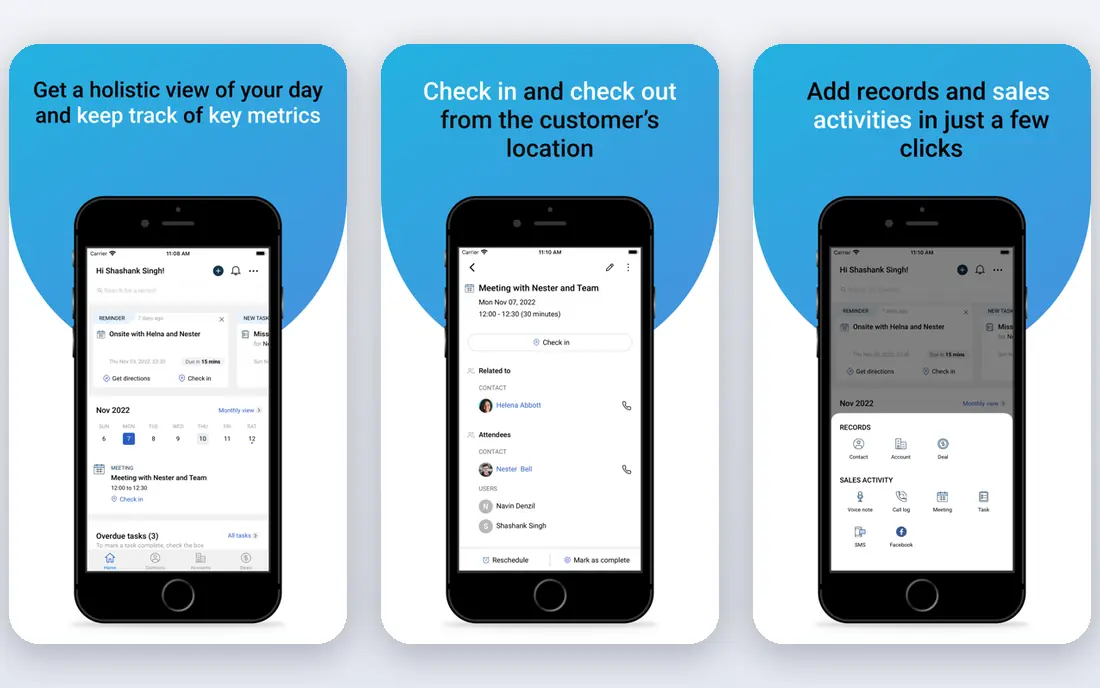
Freshsales free plan gives remote teams a simple CRM with contacts, deals, and timelines. The interface is easy for new users, which helps remote teams adopt it without training. Upgrades add AI insights and automation for growing teams.
Free features are limited, and customization is lighter than HubSpot or Salesforce. For a small remote team that wants a simple free CRM, Freshsales is easy to start. Compare upgrade costs for automation and reporting.
- Simple free CRM
- Pipelines and timelines
- Affordable upgrades
- Free plan limits features
- Customization is lighter
Bitrix24
Ideal for: CRM plus collaboration
Bitrix24 combines free CRM with chat, video calls, projects, and document tools, which suits remote teams that want one workspace. Team members can manage deals, chat, and track projects without switching apps. The free plan supports many users, a rare strength.
The interface is busy, and setup takes time to configure well. For a remote team that wants CRM plus collaboration in one free system, Bitrix24 offers unusual breadth. Test the interface with your team before committing.
- Free CRM plus chat, video, and projects
- Many users on free plan
- Collaboration tools
- Interface is busy
- Setup takes time
Capsule
Ideal for: Simple free CRM
Capsule free plan suits tiny remote teams that need simple contact and deal tracking without complexity. Team members can log activity, set tasks, and view pipelines from anywhere. The clean interface helps small teams adopt CRM fast.
Free limits for users and records are tight, so growing teams will pay. For a tiny remote team that wants simplicity, Capsule is a clean start. Check free limits against your team size and contact count.
- Simple CRM for small teams
- Tasks and pipelines
- Easy remote access
- Free plan limits users and records
- Advanced features need paid plans
Streak
Ideal for: CRM inside Gmail
Streak turns Gmail into a CRM, with pipelines, contacts, and sharing inside the inbox. Remote teams that live in Gmail can track deals without opening another app, which speeds adoption. Sharing and collaboration work well for small teams.
The Gmail focus limits teams using other email systems, and CRM depth is lighter than HubSpot. For a small Gmail-based remote team, Streak offers the lowest-friction CRM. Check free plan limits for pipelines and users.
- CRM inside Gmail
- Pipelines in inbox
- Simple sharing
- Gmail-only focus
- Advanced CRM depth is lighter
Monday CRM
Ideal for: Visual remote pipelines
Monday CRM gives remote teams visual boards for pipelines, tasks, and collaboration, with automations for follow-ups. Distributed members can see deal status, comment, and update boards from anywhere. The visual style suits teams that prefer boards over lists.
There is no permanent free plan, only a trial, so long-term use needs payment. For a remote team that values visual collaboration and can pay, Monday CRM is a strong choice. Compare per-user costs for your team size.
- Visual boards for remote teams
- Collaboration
- Automations
- No permanent free plan
- Pricing is per user
Insightly
Ideal for: CRM plus project tracking
Insightly combines CRM with project tracking, which suits remote teams where sales lead to delivery projects. Team members can track accounts, opportunities, and linked projects from anywhere, with pipelines and reporting for managers. The combination helps small remote firms manage clients end to end.
There is no permanent free plan, only a trial, and the interface feels dated. For a remote team that needs CRM plus projects and can pay after trial, Insightly is a useful option. Test project workflows during the trial.
- CRM plus projects
- Pipelines
- Remote collaboration
- No permanent free plan
- Interface feels dated
How we picked these
We compared official feature pages, pricing pages, and public reviews for free CRMs in October 2026. We favored tools with usable free plans, cloud collaboration, pipelines, and integrations, and we mixed true free plans with trial options so readers can compare honestly. We did not claim hands-on testing, and we list prices as shown on vendor sites, using See website where pricing varies.
What to check before you buy
Start with free plan limits. Count users, contacts, deals, and emails, then check whether the free plan covers your team for at least six months. A free plan that forces an upgrade in week two is not free in practice. Next, test remote collaboration: comments, tasks, mobile access, and notifications for distributed members.
Check integrations with email, calendar, and tools your team already uses, since poor links create manual work. Confirm data export, so you can leave if the tool stops fitting. Finally, run a trial with real deals, involve the remote team, and measure adoption before paying for a larger plan.
A final check before you commit
Security and privacy checks should match the sensitivity of the data you will store, so review access controls, authentication options, and audit logs for each finalist. Ask who at the vendor can access your data, how incidents are reported, and where data is hosted, especially for regulated or client-confidential work. Smaller teams can keep this review short, but it should still be written down, since verbal assurances are hard to rely on later. If a vendor cannot answer plainly, treat that as a signal about transparency.
Implementation planning should start before purchase, with a named owner, a migration checklist, and a date for reviewing whether the tool still fits. Plan data import, user permissions, and training in that order, and keep the old system running in parallel for a short period where possible, so mistakes can be corrected without lost work. Set a review point after thirty and ninety days to check usage, costs, and complaints, and be willing to adjust seats or plans at that point. Tools that are reviewed regularly tend to stay useful, while tools bought and forgotten tend to drift from team needs.
Budget holders often ask for a single recommendation, but a short ranked list with reasons serves the team better than a forced single winner. Rank your top three by fit for daily work, total yearly cost, and support quality, and state plainly where each one falls short, so decision makers see trade-offs instead of a sales pitch. If the top choice is rejected on price, the second choice should already be tested and ready, which avoids a rushed purchase later. Keep the ranking with the trial notes, since it becomes the baseline for the next review cycle and for onboarding new staff who ask why this tool was chosen.
Also check references from firms of similar size and in a similar line of work, since a vendor that serves large enterprises well may still struggle with small-team needs, and the reverse is true as well. Ask references about onboarding time, support responsiveness, and the one feature they wish worked better, since those answers reveal patterns that no demo will show. If a vendor hesitates to provide references, or only offers very large customers, treat that as useful information about fit for your size. Two short reference calls often save weeks of trial and error, and they give your team confidence that the choice rests on real user experience rather than polished sales material alone.
Frequently asked questions
What is the best truly free CRM for remote teams?
HubSpot offers the strongest free CRM core for remote teams, with contacts, deals, and collaboration. Zoho CRM, Freshsales, Bitrix24, and Capsule also offer free plans with tighter limits.
Can remote teams collaborate in a free CRM?
Yes, most free CRMs support cloud access, shared pipelines, tasks, and comments. Bitrix24 adds chat and video, while HubSpot and Zoho focus on CRM collaboration.
How many users can use a free CRM?
Limits vary widely. HubSpot free CRM supports many users with feature limits, while Zoho and Capsule free plans limit users tightly. Check current limits before choosing.
Is Monday CRM free?
No, Monday CRM offers a free trial but no permanent free plan. Teams that need a truly free CRM should choose HubSpot, Zoho, Freshsales, Bitrix24, Capsule, or Streak.
Can I export data from a free CRM?
Most tools allow export, but formats and limits vary. Confirm export options before committing contacts and deals to a free plan.