Best Free Image to Video AI Tools in 2026: 8 Tools Compared

- Adobe Firefly, Dreamina and PixVerse all refresh free credits every day, so they are the best fit if you want to animate a few images a week at no cost.
- Runway and Hailuo give one-time free credits instead. Runway's 125 credits cover only about two 5-second clips on its Gen-4.5 model, based on the credit costs on its pricing page.
- Free plans are for trying a tool. Several vendors keep commercial use, watermark removal or higher resolution for paid plans, and Kling's free tier is not for commercial use.
- The cheapest paid upgrades we found start around $10 per month (PixVerse Standard, Vidu Standard, Adobe Firefly Standard at $9.99).
- Only animate photos you own or have permission to use, especially photos of people.
Quick comparison
| Product | Ideal for | Price from | Free version | |
|---|---|---|---|---|
 Adobe Firefly | daily free generations from an established vendor | Free | Yes | Visit |
 PixVerse | knowing exactly what the free plan gives you | Free | Yes | Visit |
 Dreamina | free daily credits with newer video models | Free | Yes | Visit |
 Vidu | reference-based clips and animation | Free | Yes | Visit |
 Hailuo | realistic motion from a one-time free trial | Free | Yes | Visit |
 Runway | polished results on a small free budget | Free | Yes | Visit |
 Leonardo | making images and animating them in one account | Free | Yes | Visit |
 Kling | strong motion when you can accept limited free use | Free | Yes | Visit |
The best free image to video AI tools
Image to video tools take a still picture and add motion, from a gentle camera move to a full character action. All eight below have a free way in, but the free allowance varies a lot, so we spell out what each page says.
Adobe Firefly
Ideal for: daily free generations from an established vendor

Adobe's plan page describes the free Firefly plan as "free daily generations across image, video, and audio," with limits that refresh every day, and says free users can generate video with models such as Luma Ray3.14. That makes it a steady option if you only need a few clips a week.
The weak spot is clarity: the page does not state how many generations you get per day. Paid plans are Firefly Standard at $9.99 per month with 2,000 generative credits, Pro at $19.99 per month with 4,000, and Premium at $199.99 per month with 50,000 plus unlimited use of the Firefly Video Model. Check your in-app allowance before planning a project.
- Free daily generations across image, video and audio
- Limits reset every day
- Paid plan starts at $9.99 per month
- The plans page gives no credit count for the free plan
- Unlimited Firefly Video Model use is limited to the $199.99 plan
PixVerse
Ideal for: knowing exactly what the free plan gives you
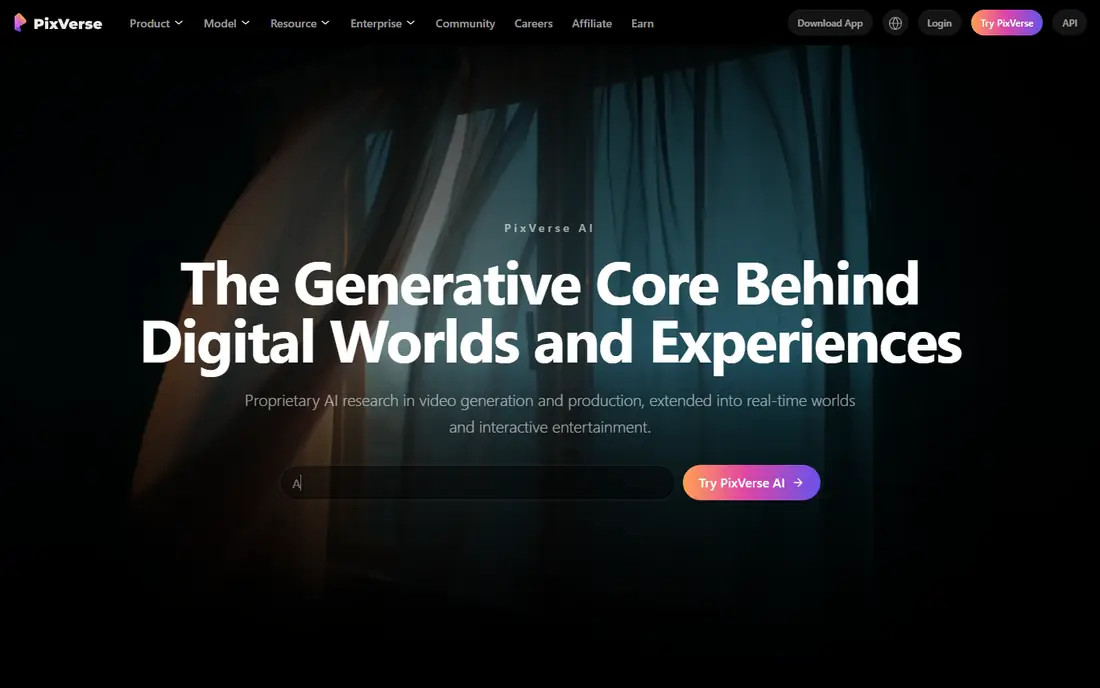
PixVerse publishes more detail than most. Its plan page lists a free Basic plan with 60 initial credits and 30 daily credits that renew at 00:00 UTC and expire if unused. For the V6 model, the page puts 720p without audio at 9 credits per second, so a 5-second clip costs about 45 credits. By our arithmetic, one day's 30 credits will not fund that clip, so you will need your starting credits or lower settings.
Standard is $10 per month ($8 billed yearly) with 1,200 credits, watermark-free output and up to 720p. PixVerse says it does not claim ownership of your outputs but that commercial use depends on its terms and your rights in the source image, and the page does not say whether Basic output is cleared for commercial use.
- Basic plan lists 60 starting credits and 30 daily credits
- Standard at $10 per month is watermark-free
- Clear credit costs per second
- 30 daily credits will not cover a full clip at the higher settings
- Free watermark and commercial terms are not stated
Dreamina
Ideal for: free daily credits with newer video models
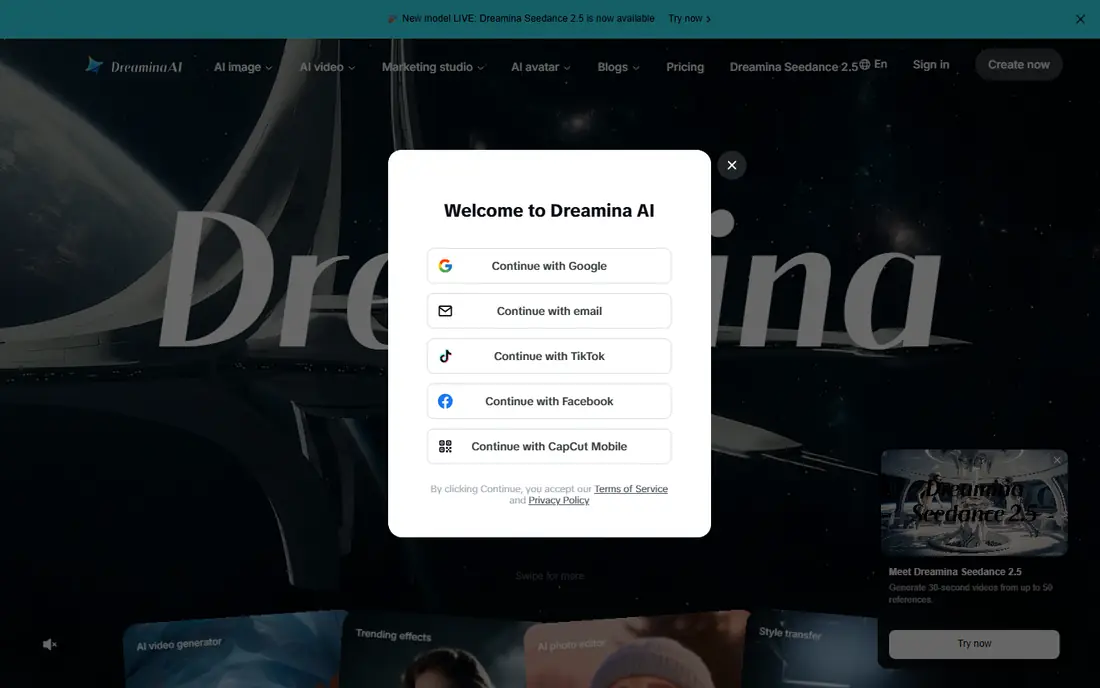
Dreamina, from the CapCut family, answers "Is Dreamina free to use?" on its homepage with yes, saying it provides free daily credits for generating images and videos with no upfront payment. Its video menu lists image to video and text to video, with models including Seedance 2.0 and 2.5, plus Sora 2 and Veo 3.1 entries.
What we could not confirm is the size of the free allowance or the price of paid plans. The site notes that displayed pricing is for reference only and that you sign in to see final prices. That makes it hard to compare against PixVerse, so create a free account and check the credit balance before you commit to a project.
- Free daily credits for images and videos
- Image to video sits next to text to video
- Access to Seedance models
- Paid prices are only shown after sign-in
- Free credit amounts are not listed publicly
Vidu
Ideal for: reference-based clips and animation

Vidu has a Free plan that runs the Q4 model at 540p for 4 credits per second, with 10 reference uploads a month. The FAQ says new users get trial credits when they register, but it does not state the number on the page we read.
Paid plans start with Standard at $10 per month ($99 billed yearly) with 800 credits and a faster generation channel. Vidu's paid plan cards list commercial use, and its comparison table also has a watermark-free download row. Premium is $43 per month with 3,500 credits. Vidu also offers off-peak generation on higher plans, which is a way to stretch credits if you are not in a hurry.
- Free plan with sign-up trial credits
- Image to video, text to video and reference to video in one place
- Standard is $10 per month
- Free generation is listed at 540p
- Commercial use appears only on paid plan cards
Hailuo
Ideal for: realistic motion from a one-time free trial
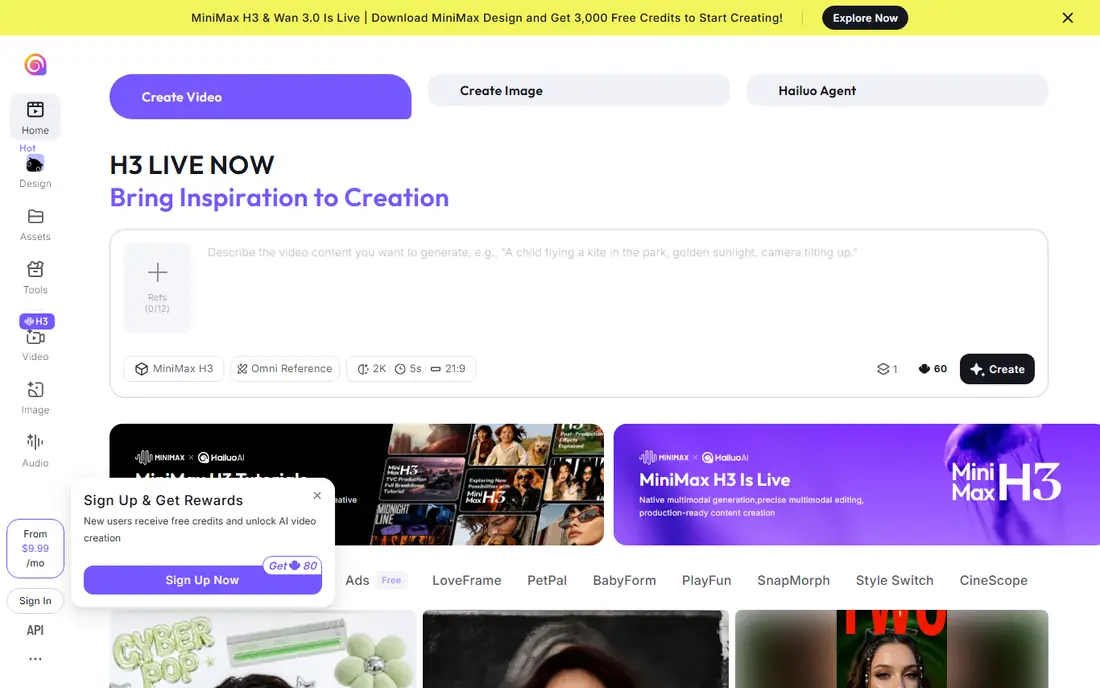
Hailuo, from MiniMax, shows a Free plan on its subscription page with zero monthly credits and "one-time free trial credits," limited to Hailuo models. The amount is not displayed on the page we read, so treat it as a sampler.
The Standard plan is $14.99 per month ($8.40 per month billed yearly, $100.80 total) with 1,000 credits a month. The comparison table has a watermark-removal row, and the paid plans list access to Veo 3.1 and Sora 2 models. Hailuo is a good place to test whether its motion style suits your images, but it is not a daily free tool.
- Free plan with one-time trial credits
- Competitive paid pricing
- Paid plans list access to Veo 3.1 and Sora 2 models
- Free credits are one-time, not daily
- Free plan is limited to Hailuo models
Runway
Ideal for: polished results on a small free budget
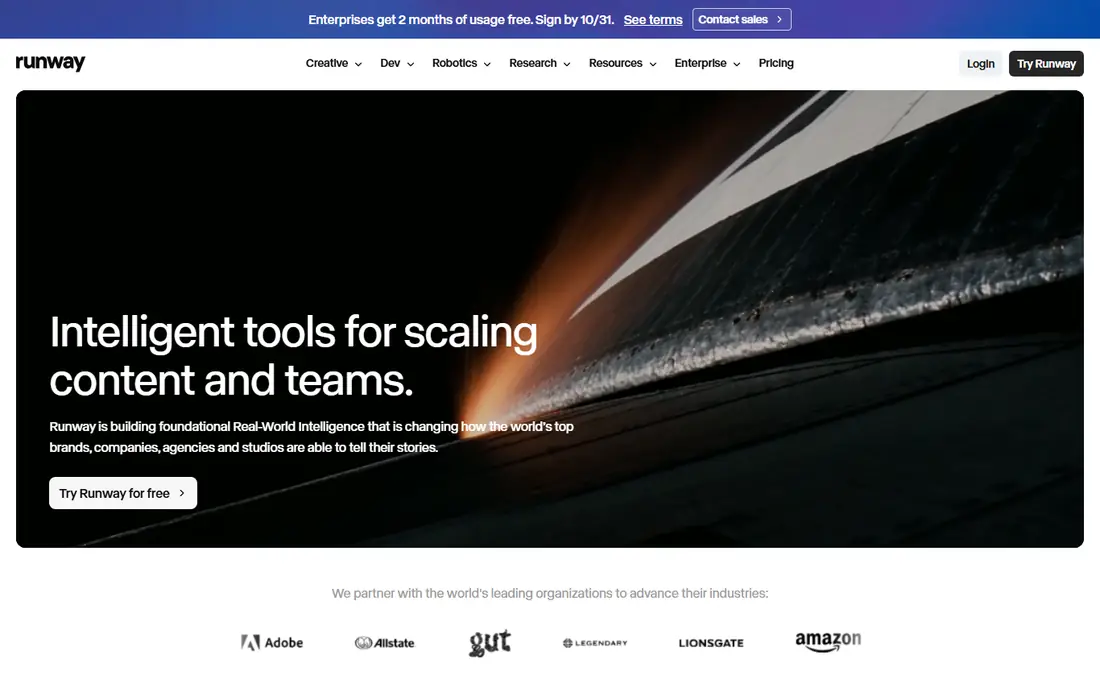
Runway describes its Free plan as "free forever" with 125 one-time credits, 5 GB of storage and a selection of generative models. The FAQ says the credits do not expire. The page lists Gen-4.5 at 60 credits per 5 seconds, so by our arithmetic the free credits cover roughly two clips on that model.
Paid plans are Standard at $15 per month ($12 billed annually, 625 credits), Pro at $35 per month ($28 annually, 2,250 credits) and Max at $95 per month. The pricing page does not mention image to video by name or state whether free output carries a watermark. Use Runway when quality matters more than volume.
- Free plan with 125 credits that do not expire
- Access to Runway's models
- Clear paid tiers from $12 per month billed annually
- Free credits are one-time and run out fast
- The pricing page does not say whether free output is watermarked
Leonardo
Ideal for: making images and animating them in one account

Leonardo is mainly an image generator that also offers video. Its pricing page lists a Free plan at $0 with 150 fast tokens a day, Essential at $12 per month with 8,500 tokens, Premium at $30 and Ultimate at $60. Video generation at a relaxed pace for select models, including Hailuo 2.3, Wan 2.6 and Motion 2.0, is listed on Ultimate.
The page does not say whether free daily tokens can be spent on video models or how many tokens a clip costs, so test a short clip and watch your balance before relying on it. Leonardo is most useful if you also need still images, since you can make the picture and animate it without leaving the account.
- Free plan refreshes 150 fast tokens every day
- Paid Essential plan is $12 per month
- Many models in one place
- The pricing page does not say which tokens cover video
- Unlimited relaxed video is reserved for the $60 plan
Kling
Ideal for: strong motion when you can accept limited free use
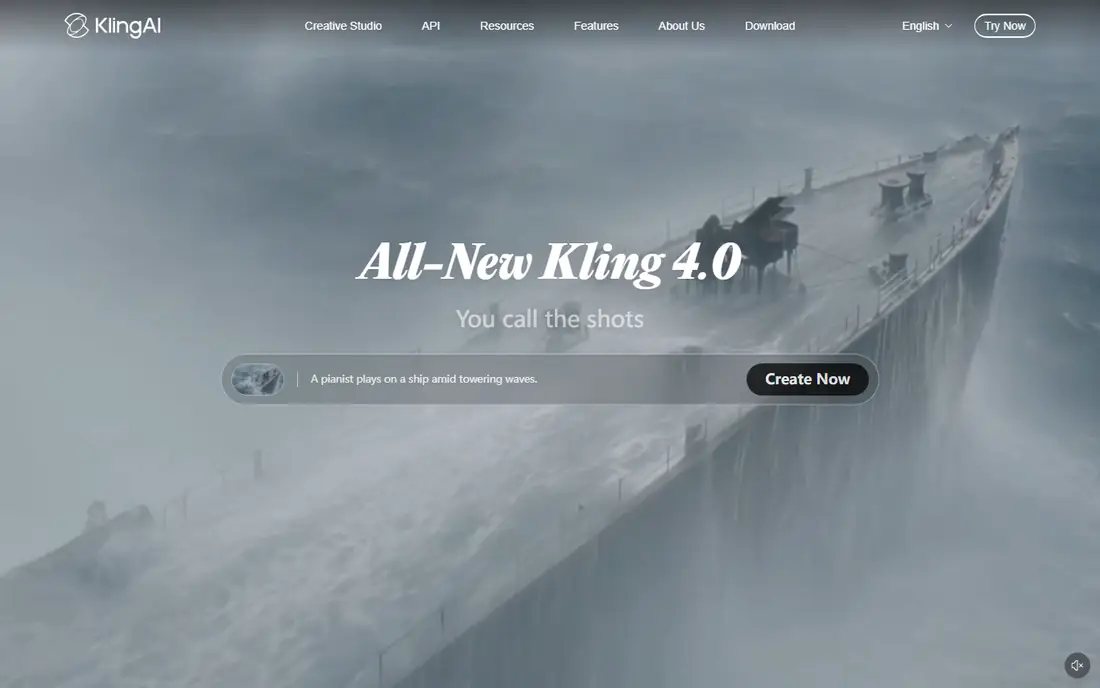
Kling's blog lists a Basic plan at $0, "free forever," with no monthly credits and a note that generated content is not for commercial use. Its credits policy says daily login credits go to subscribers, so free access to video generation looks limited. Check your account to see what you actually get after signing up.
Standard is shown at $10 per month, discounted to $6.99 for the first month and renewing at $8.80, with 660 credits. Brand watermark removal is listed as a benefit of Standard and above, not Basic. We put Kling last for a free-only user, but it is worth a trial if you may upgrade.
- Basic plan is listed as free forever
- Standard starts at $10 per month with a first-month discount
- Brand watermark removal on Standard and above
- Basic has no monthly credits
- Free content is not for commercial use
How we picked these
We did not generate clips ourselves, so this is not a quality test. We compared each vendor's official pricing pages, help documents and product pages for what a free account includes, then checked paid prices. We kept tools that accept a still image and return a video, have a free way in today, and have a working official site. Free allowances change often, so confirm the numbers in your own account. Prices are in US dollars as of 24 October 2026.
Buying guide: getting the most from a free plan
Understand credits, not "free"
Almost every tool charges credits per second of video, and the cost rises with resolution, model and audio. A daily refresh (Firefly, PixVerse, Dreamina) suits steady light use. A one-time pot (Runway, Hailuo) suits a quick test. Work out how many seconds you need before you pick.
Check watermark and commercial rules
Free output often carries a watermark and may not be cleared for business use. Kling says Basic content is not for commercial use, and Vidu lists commercial use on its paid cards. If the clip is for ads or client work, read the terms and expect to pay.
Mind rights and consent
You need the right to use the source image. Do not animate photos of other people without their permission, and avoid making clips that could mislead viewers about what a real person did or said. Label AI-generated video when it could be mistaken for real footage.
Start with a good image
Use a sharp, high-resolution picture with a clear subject, and ask for one simple movement at a time. Short clips cost fewer credits, so test a few seconds before you spend a full allowance.
Frequently asked questions
What are the best free image to video AI tools?
Adobe Firefly, PixVerse and Dreamina are the best fit for free daily use because their credits refresh. Runway and Hailuo give one-time credits, which suits a quick test. Our table lists all eight with their free-plan details.
Are there free image to video AI apps without a watermark?
Often not. Several vendors reserve watermark removal for paid plans: Kling lists it as a paid benefit, Hailuo has a watermark-removal row in its plan comparison, and PixVerse lists watermark-free output on Standard and above. Check the export screen on your own account.
Can I use free image to video clips commercially?
Do not assume so. Kling says Basic content is not for commercial use, and Vidu lists commercial use on paid plans. PixVerse says commercial use depends on its terms and on your rights to the source material.
How long are the clips?
It depends on the tool and the model. Credit costs on pricing pages are often quoted for 5-second clips, and Vidu lists 3 to 16 second generation on its paid plans. Longer, higher-resolution clips cost more credits.
Is it safe to upload my photos?
Read each vendor's privacy policy before uploading photos of people, children or private places. Upload only images you have the right to use.
Sources
- https://www.adobe.com/products/firefly/plans.html
- https://pixverse.ai/en/ai-info-page
- https://dreamina.capcut.com/
- https://www.vidu.com/pricing
- https://hailuoai.video/subscribe
- https://runway.com/pricing
- https://leonardo.ai/pricing
- https://kling.ai/blog/kling-video-3-0-credit-cost-guide
- https://kling.ai/docs/point-policy