Best Free Keyword Planner Tool in 2026: 8 Tools Compared

- 1
 Google Keyword PlannerSearch volume rangesVisit
- 2
 Ahrefs Keyword GeneratorFree keyword ideasVisit
- 3
 SemrushFree SEO toolkit tierVisit
- 4
 UbersuggestAffordable keyword researchVisit
- 5
 KeywordTool.ioAutocomplete keyword ideasVisit
- Google Keyword Planner remains the reference for search volume data, but it needs a Google Ads account and shows ranges rather than exact figures on free accounts.
- Ahrefs Keyword Generator, Ubersuggest, and KeywordTool.io are the easiest free ways to get keyword ideas without a paid subscription.
- AnswerThePublic is best for question-based keywords, while Moz Keyword Explorer and Semrush free tiers add difficulty and SERP context.
- Free tools are best used together: one for volume, one for ideas, and one for questions, since no free tool covers everything well.
Quick comparison
| Product | Ideal for | Price from | Free version | |
|---|---|---|---|---|
| Google Keyword Planner | Search volume ranges | Free | Yes | Visit |
| Ahrefs Keyword Generator | Free keyword ideas | Free | Yes | Visit |
| Semrush | Free SEO toolkit tier | Free | Yes | Visit |
| Ubersuggest | Affordable keyword research | See website | Yes | Visit |
| KeywordTool.io | Autocomplete keyword ideas | Free | Yes | Visit |
 AnswerThePublic | Question keywords | Free | Yes | Visit |
 Moz Keyword Explorer | Keyword difficulty | Free | Yes | Visit |
 Soovle | Quick multi-source ideas | Free | Yes | Visit |
The best free keyword planner tool
A keyword planner helps you find what people search for, how often, and how hard it may be to rank for a term. Free tools vary: some give volume data, some give ideas, and some show questions people ask. We compared official feature pages, pricing pages, and public documentation, focusing on what is genuinely free without a paid plan, and on data quality rather than marketing claims.
Google Keyword Planner
Ideal for: Search volume ranges
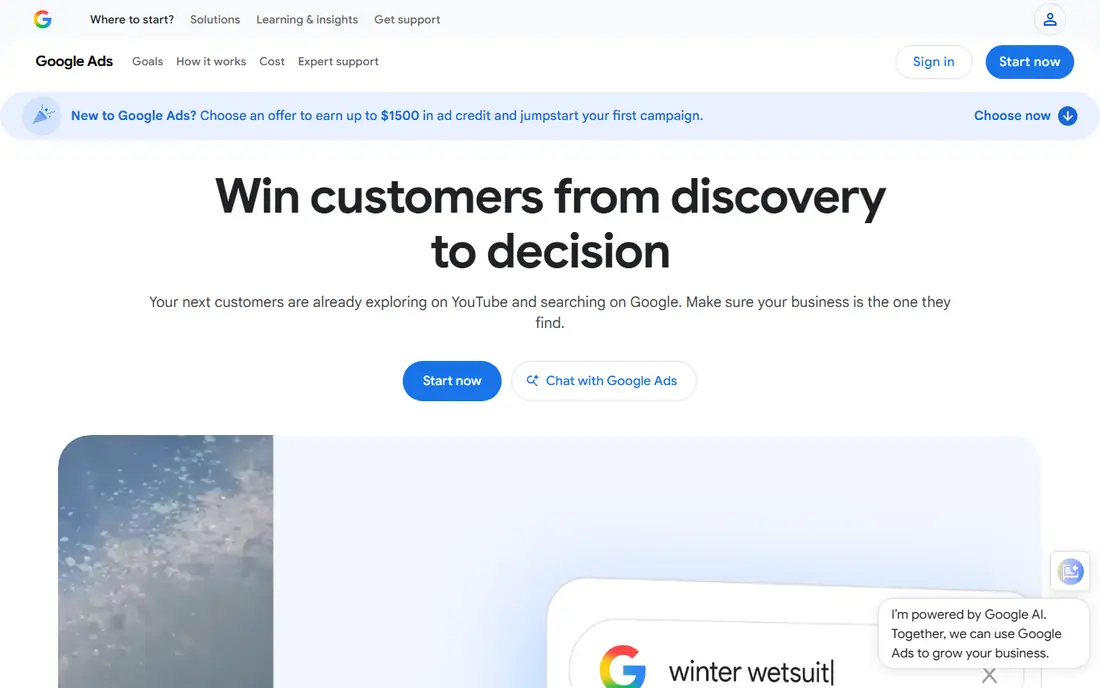
Google Keyword Planner is the reference tool for keyword planning because its data comes directly from Google search. It shows search volume ranges, competition for ads, and forecasts, and it suggests related keywords from a seed term or a website. For advertisers and SEOs alike, it is the baseline against which other tools are judged.
The catch is precision. Accounts without significant ad spend see broad volume ranges, such as 1,000 to 10,000 searches, rather than exact numbers, and the interface is built for advertisers, not pure SEO research. Even with those limits, Keyword Planner is the first free tool to check, and our pick for volume data.
- Direct Google search data
- Volume ranges and forecasts
- Free with a Google Ads account
- Exact volumes need ad spend history
- Ranges are broad for low-spend accounts
- Ads-focused interface
Ahrefs Keyword Generator
Ideal for: Free keyword ideas

Ahrefs Keyword Generator is a free tool that returns keyword ideas with estimated volume and difficulty, based on Ahrefs data. It is fast, requires no account for basic searches, and gives a useful shortlist for a blog post or page. For creators who want quick ideas without signing up, it is one of the best free starting points.
Free results are limited, and the full Ahrefs platform, with deeper analysis, rank tracking, and site audits, needs a paid plan. For free idea generation, though, Ahrefs Keyword Generator is hard to beat.
- Fast keyword ideas with volume and difficulty estimates
- No account needed for basic use
- Clean results
- Full data needs a paid Ahrefs plan
- Free results are limited per search
Semrush
Ideal for: Free SEO toolkit tier
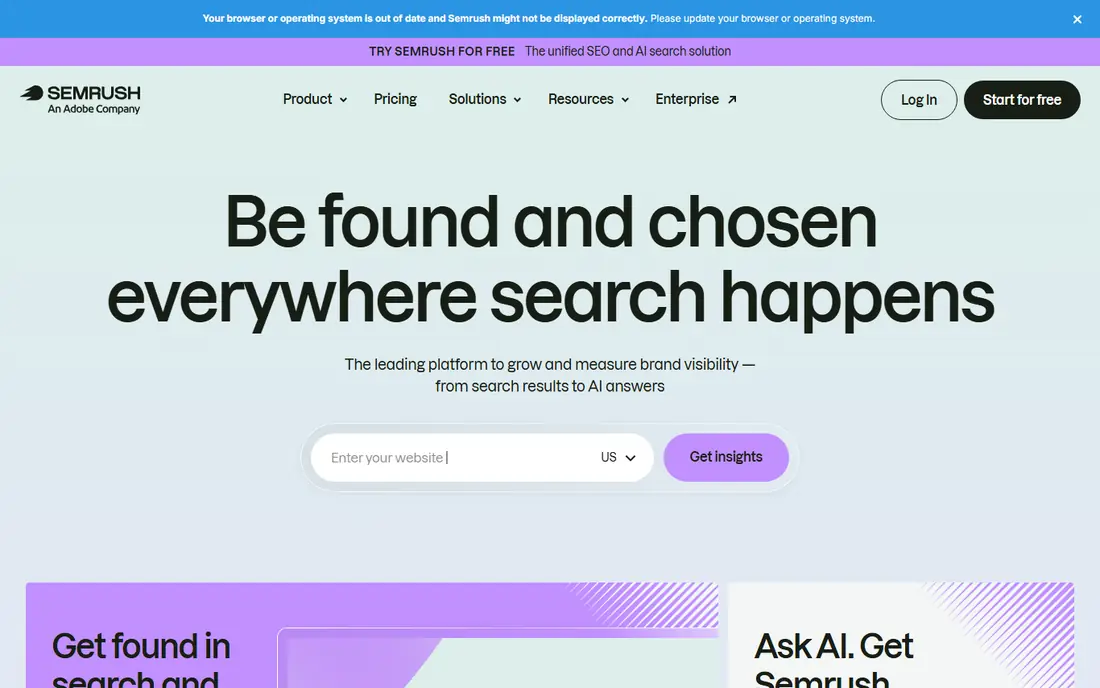
Semrush is a full SEO platform, and its free tier gives limited access to keyword overview, domain insight, and related tools. That breadth is useful: you can check a keyword's volume and difficulty, see who ranks for it, and get related ideas in one place. For users who may later pay for SEO software, starting free on Semrush also teaches the full platform.
Daily limits on the free tier are tight, so heavy research quickly needs a paid plan. For occasional keyword checks with competitor context, the free tier is still valuable.
- Broad SEO toolkit
- Keyword overview with volume and difficulty
- Competitor insight on free tier
- Free tier has daily limits
- Full keyword research needs a paid plan
Ubersuggest
Ideal for: Affordable keyword research
Ubersuggest, from Neil Patel, offers keyword ideas with volume, difficulty, and seasonal trends, plus content ideas and basic site audits. Its free tier allows a limited number of searches per day without payment, which suits bloggers and small businesses doing occasional research. The interface is approachable for beginners.
Free limits and data depth are the trade-offs: power users will want Ahrefs or Semrush paid plans for deeper analysis. For accessible, beginner-friendly keyword research, Ubersuggest is a solid free option.
- Keyword ideas, volume, and difficulty in one view
- Content ideas included
- Free searches daily
- Free searches are limited per day
- Data depth is lower than Ahrefs or Semrush paid plans
KeywordTool.io
Ideal for: Autocomplete keyword ideas
KeywordTool.io builds keyword ideas from autocomplete suggestions across Google, YouTube, Bing, Amazon, and other platforms, producing long lists of long-tail variations. That makes it excellent for brainstorming, especially for YouTube and Amazon sellers who need platform-specific ideas. Basic use needs no account.
Volume, competition, and trend data require a paid plan, so free results are ideas without numbers. Pair KeywordTool.io with Google Keyword Planner or Ahrefs for volume, and it becomes a powerful free combination.
- Generates many ideas from autocomplete data
- Covers Google, YouTube, Amazon, and more
- No account for basic use
- Volume and competition data need a paid plan
- Free results are idea lists only
AnswerThePublic
Ideal for: Question keywords
AnswerThePublic turns a seed keyword into a visual map of questions, prepositions, and comparisons people search for, such as what, why, and how questions. That is gold for content planning, FAQ sections, and video topics, since it shows real user language rather than industry jargon. The visual format makes it easy to spot content gaps.
Free searches are limited per day, and volume data needs a paid plan, so it works best alongside a volume tool. For question-based keyword research, AnswerThePublic is our pick.
- Visualizes questions people ask
- Great for content ideas and FAQ sections
- Easy to understand
- Free searches limited per day
- Volume data needs a paid plan
Moz Keyword Explorer
Ideal for: Keyword difficulty
Moz Keyword Explorer gives keyword ideas with volume, difficulty, opportunity, and click-through estimates, plus analysis of the search results page for each term. Its difficulty score helps beginners judge whether ranking is realistic, and its SERP view shows what kind of content currently ranks. That context is more useful than volume alone.
Free searches are limited per month, so it is best used for shortlisting final keywords rather than broad brainstorming. For difficulty assessment on a free tier, Moz is a strong choice.
- Keyword difficulty and opportunity scores
- SERP analysis
- Trusted SEO metrics
- Free searches limited per month
- Full access needs a Moz Pro plan
Soovle
Ideal for: Quick multi-source ideas
Soovle is a simple, completely free tool that shows autocomplete ideas from Google, Bing, YouTube, Amazon, Wikipedia, and other sources on one page. Type a term, and you get idea lists from each source side by side, which is handy for quick brainstorming across platforms. There is no account and no paywall for basic use.
Soovle gives no volume, difficulty, or trend data, so it is an idea tool only. Pair it with Google Keyword Planner for numbers, and it is a useful, fast addition to a free keyword workflow.
- Completely free
- Pulls ideas from many sources at once
- No account needed
- No volume or difficulty data
- Simple interface with few filters
How we picked these
We compared official feature pages, pricing pages, and documentation for tools that offer genuinely free keyword planning, not just a short trial. We looked for volume data, idea generation, difficulty scores, and question research, and we noted limits honestly, since free tiers often restrict searches per day or month. Paid-only tools were left out.
What to check before you choose a keyword planner
Start with your question. If you need volume, start with Google Keyword Planner. If you need ideas, start with Ahrefs Keyword Generator or KeywordTool.io. If you need questions for content, start with AnswerThePublic. No single free tool answers all three well, so plan to use two or three together.
Next, check limits against your workflow. A blogger researching one post a week can live within free limits, while an agency researching daily will need a paid plan. Finally, treat free volume figures as estimates: different tools use different data sources and methods, so compare figures across tools and focus on relative size and intent rather than exact numbers.
Frequently asked questions
What is the best free keyword planner tool?
Google Keyword Planner is best for volume data, Ahrefs Keyword Generator is best for quick free ideas, and AnswerThePublic is best for question keywords. Most SEOs use two or three free tools together, since no free tool covers volume, ideas, difficulty, and questions equally well.
Is Google Keyword Planner really free?
Yes, Keyword Planner is free with a Google Ads account, though you need to set up an account to access it. Accounts without ad spend history see broad volume ranges rather than exact figures, which is still useful for comparing relative demand.
How do I find keywords with low competition?
Use a difficulty score from Moz, Ahrefs, or Ubersuggest, and look for longer, more specific phrases with clear intent. Check the current ranking pages too: if they are thin or off-topic, a well-targeted page may have a realistic chance even for a moderately competitive term.
What is the difference between short-tail and long-tail keywords?
Short-tail keywords are broad, high-volume terms such as shoes, while long-tail keywords are longer, more specific phrases such as best running shoes for flat feet. Long-tail terms usually have lower volume but higher intent and lower competition, making them good targets for new sites.
How many keywords should a page target?
Focus on one primary keyword per page, with a small set of closely related secondary keywords and questions covered naturally in the content. Targeting too many unrelated keywords on one page dilutes relevance and confuses readers and search engines alike.