Best Free Photo Editing Apps for Mobile in 2026: 8 Apps Compared

- Snapseed-style control fans should look at Lightroom Mobile and Polarr, which offer detailed edits without a desktop app.
- VSCO and PicsArt suit social sharing, with VSCO leaning to film-style presets and PicsArt to stickers, collages, and creative tools.
- Canva and Adobe Express suit graphics and social posts, with templates that go beyond simple photo edits.
- PhotoRoom and Fotor suit quick product and portrait fixes, including background removal and one-tap enhancements.
Quick comparison
| Product | Ideal for | Price from | Free version | |
|---|---|---|---|---|
 VSCO | Film-style presets | See website | Yes | Visit |
 PicsArt | Creative edits and collages | $10.50 per month | Yes | Visit |
 Canva | Templates and social graphics | See website | Yes | Visit |
 Polarr | Detailed mobile editing | See website | Yes | Visit |
 PhotoRoom | Background removal | See website | Yes | Visit |
 Adobe Express | Quick social graphics | See website | Yes | Visit |
 Fotor | One-tap enhancements | See website | Yes | Visit |
 Adobe Lightroom | Pro mobile photo editing | See website | Yes | Visit |
The best free photo editing apps for mobile
We compared official feature pages, pricing pages, and app-store listings to find mobile photo editors with genuinely useful free tiers, good export quality, and tools for both quick fixes and deeper edits.
VSCO
Ideal for: Film-style presets
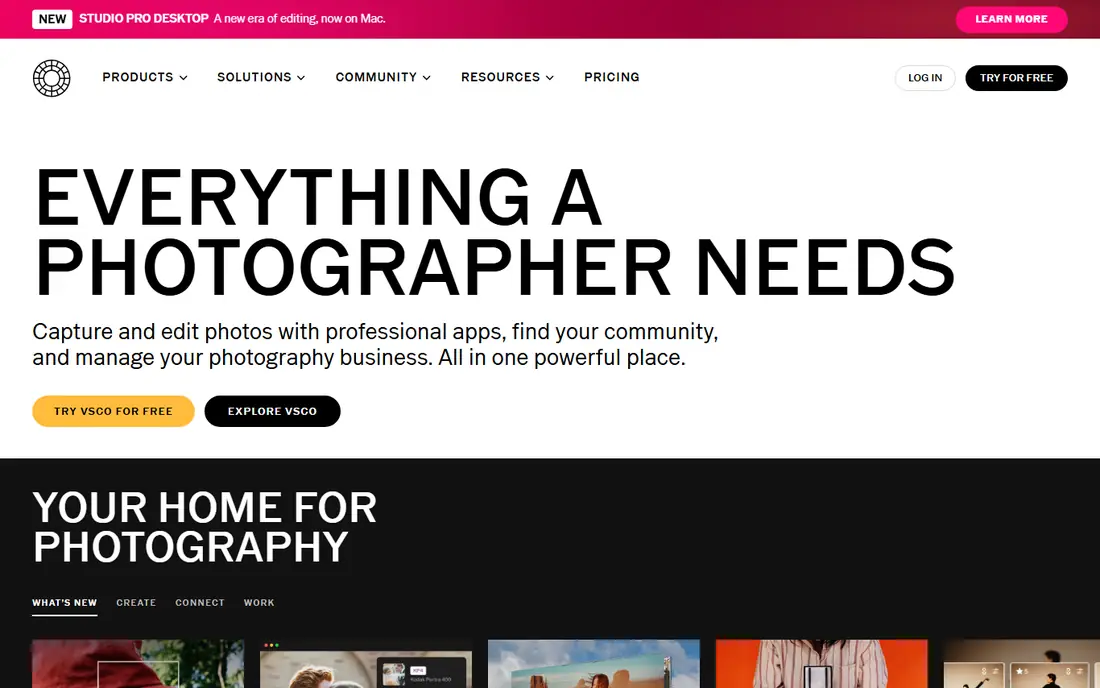
VSCO is known for its film-style presets, which give phone photos a warm, muted, or classic look with one tap. Beyond presets, the editor covers exposure, contrast, grain, and skin tone with a clean, uncluttered layout. That restraint is part of the appeal: you can improve a photo in a minute without wading through stickers and effects.
The free tier includes a set of presets and core tools, while the full preset library and advanced tools need a paid plan. VSCO also lacks collage and graphic design features, so it suits photographers first and social designers second. If you want your photos to look like film, VSCO is our pick.
- Strong film-style presets
- Clean editing tools
- Built-in community feed
- Many presets need a paid plan
- No collage or graphic design tools
PicsArt
Ideal for: Creative edits and collages
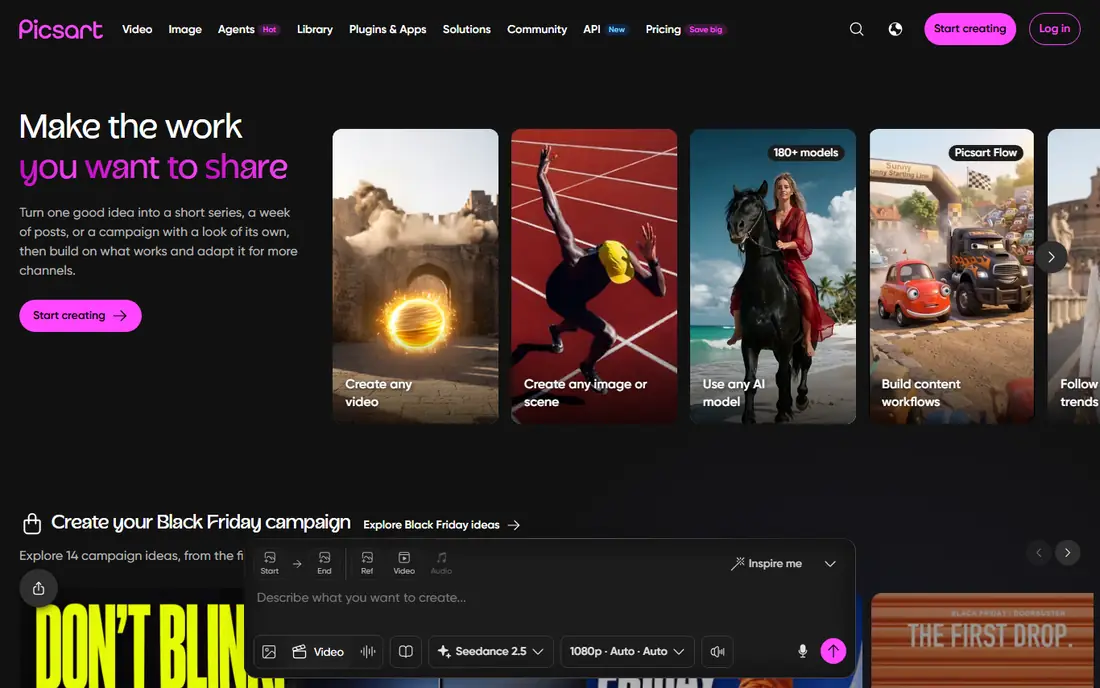
PicsArt is the most playful editor in this list, with stickers, effects, collages, drawing tools, and AI features in one app. That range makes it a good choice for social posts, memes, and creative projects where a straight photo edit is not enough. The free tier covers a lot, and the Pro plan is listed at 10.50 dollars per month billed yearly, with a higher monthly price shown alongside it.
Ads appear on the free tier, and the best AI tools and premium content sit behind Pro. The app can also feel busy next to VSCO or Lightroom. If you want one app for fun, creative edits rather than pure photography, PicsArt is our pick.
- Huge sticker and effect library
- Collage maker
- AI tools and drawing
- Ads on the free tier
- Many top tools need the Pro plan
Canva
Ideal for: Templates and social graphics
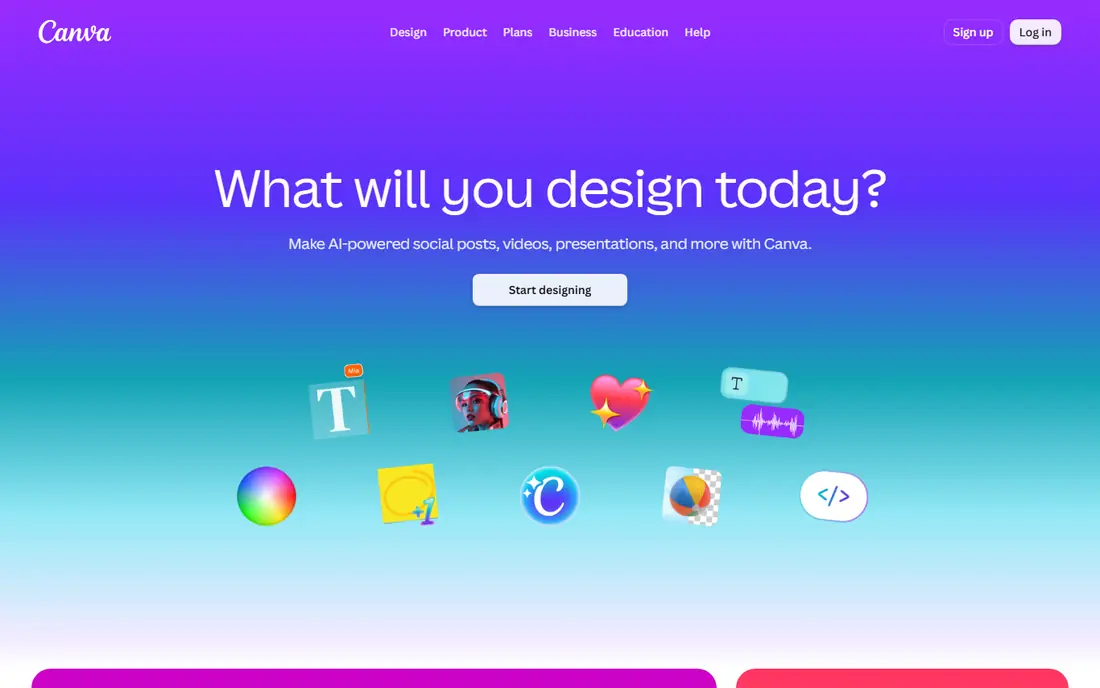
Canva is best known for design, but its mobile app is also a handy free photo editor for social posts. You can crop, adjust, add text, and drop a photo into thousands of templates for stories, posts, and posters. That template workflow saves time when you need a finished graphic, not just an edited photo.
Pure photo editing is lighter here than in Lightroom or Polarr, with fewer fine controls for color and tone. Premium photos and elements also need a Pro plan. If your goal is a polished social graphic rather than a perfected photo, Canva is our pick for speed and ease.
- Huge template library
- Easy text and graphics
- Free tier covers many designs
- Photo editing is lighter than dedicated editors
- Premium assets need Pro
Polarr
Ideal for: Detailed mobile editing
Polarr offers deeper editing than most free mobile apps, with masking, selective adjustments, and detailed color tools that appeal to users who want control. You can create and save custom filters, apply them across a set of photos, and fine-tune tone in ways that simpler apps do not allow. That depth makes it a good step up from one-tap editors.
Beginners may find the toolset large at first, and some advanced features require a paid plan. Still, the free tier covers a serious amount of editing. If you want pro-style control on your phone without paying for Lightroom, Polarr is our pick.
- Detailed masking and color tools
- Custom filters
- Batch editing
- Learning curve for beginners
- Some tools need a paid plan
PhotoRoom
Ideal for: Background removal
PhotoRoom specializes in removing backgrounds and turning phone photos into clean product images. That makes it ideal for sellers, small businesses, and anyone who needs a tidy portrait or product shot for a listing. Templates for shop images, social posts, and ads speed up the whole job, and batch processing helps when you have many photos to fix.
It is less useful for scenery or artistic edits, where its tools are thinner than a general editor. Free exports also carry limits compared with paid plans. For product and portrait cleanup, though, PhotoRoom is our pick for the fastest results.
- Fast background removal
- Product photo templates
- Batch processing
- Best for product shots, not scenery
- Free exports carry limits
Adobe Express
Ideal for: Quick social graphics
Adobe Express combines quick photo edits with templates for social posts, flyers, and short videos. You can remove a background, adjust a photo, add text in Adobe fonts, and resize for different platforms in a few steps. For users who already use Adobe tools, the shared assets and fonts are a real plus.
Photo editing itself is lighter than Lightroom, so fine color work belongs elsewhere. Premium templates and features also need a paid plan. If you want fast, good-looking social graphics with solid photo basics, Adobe Express is our pick in the Adobe range for casual users.
- Adobe templates and fonts
- Quick background removal
- Works with Adobe assets
- Photo controls lighter than Lightroom
- Premium features need a paid plan
Fotor
Ideal for: One-tap enhancements
Fotor covers the middle ground between a one-tap fixer and a fuller editor. Its enhance tool lifts dull phone photos quickly, while beauty retouching, HDR effects, and a collage maker cover most everyday needs. The layout is friendly, so new users can get a good result without learning masking or curves.
Ads appear on the free tier, and the newest AI tools sit behind a paid plan. Export quality on free edits is still solid for social sharing. If you want fast improvements with little effort, Fotor is our pick for everyday phone photos.
- One-tap enhance and beauty tools
- Collage maker
- HDR and effects
- Ads on free tier
- Some AI tools need a paid plan
Adobe Lightroom
Ideal for: Pro mobile photo editing
Adobe Lightroom for mobile is the most capable photo editor in this list for serious photographers. It offers detailed control over light, color, and detail, plus presets, healing, and masking tools that go well beyond filters. Photos can sync across phone, tablet, and desktop, which suits photographers who edit on more than one device.
The free tier covers many core edits, but full cloud storage and some premium features require a paid plan. New editors may also need time to learn the controls. If you want the deepest mobile editing and you may later move to desktop, Lightroom is our pick for the long term.
- Pro color and tone controls
- Presets and healing
- Cloud sync across devices
- Full cloud features need a paid plan
- Learning curve for new editors
How we picked these
We compared official feature pages, pricing pages, and app-store listings for mobile photo editors with a real free tier in October 2026. We favored apps that export at good quality without forcing a subscription for basic edits, and we covered different styles, from presets to product shots to pro controls. We left out editors with no mobile app or no useful free tier.
What to check before you choose
Start with your main job. For film-style photos, pick VSCO or Lightroom. For fun social edits, pick PicsArt or Fotor. For graphics and templates, pick Canva or Adobe Express. For product shots, pick PhotoRoom. Matching the app to the job avoids paying for tools you will not use.
Next, check export quality and watermarks on the free tier. Some apps limit resolution or add a mark on free exports, which matters if you print or sell your photos. Edit one photo in each finalist app and compare the exported file before you commit.
Finally, think about your library. If you edit hundreds of photos, batch tools and presets matter more than a single perfect edit. Polarr and Lightroom suit batch work best, while Canva and Adobe Express suit one-off social graphics.
Frequently asked questions
What is the best free photo editing app for mobile overall?
Lightroom is our pick for serious editing, while VSCO is our pick for film-style presets. PicsArt suits creative social edits, and Canva suits graphics and templates. Your best choice depends on whether you value control, style, or speed.
Is there a truly free photo editing app with no subscription?
Yes, all eight apps here have free tiers, and VSCO, Polarr, and Lightroom cover many core edits without paying. Paid plans mainly add presets, AI tools, cloud storage, and higher export limits. Check each app's free tier before subscribing.
Which app is best for removing photo backgrounds?
PhotoRoom is our pick for background removal, especially for product photos. Adobe Express and Canva also offer background removal, but PhotoRoom is faster and more focused for shop images and portraits.
Can I edit photos professionally on a phone?
Yes, Lightroom and Polarr offer pro-level controls on mobile, including color grading, masking, and presets. For print work, check export resolution and color settings, since phone screens can hide detail that shows up in print.
Which free app is best for Instagram photos?
VSCO suits a consistent film-style feed, while PicsArt suits bold, creative posts. Canva suits stories and graphics with text. Pick one style and stick with it for a few weeks to keep your feed looking coherent.