Best Free Services to Send Large Files in 2026: 8 Services Compared

- 1
 WeTransferPeople who want simple free file sendingVisit
- 2
 Google DrivePeople who already use Google and want file sharingVisit
- 3
 DropboxPeople who want reliable file sharing and syncVisit
- 4
 Send AnywherePeople who want direct device to device sendingVisit
- 5
 SmashPeople who want free sending without a size limit claimVisit
- WeTransfer stands out for people who want simple free file sending, which makes it a strong starting point for that need.
- Google Drive stands out for people who already use google and want file sharing, which makes it a strong starting point for that need.
- Dropbox stands out for people who want reliable file sharing and sync, which makes it a strong starting point for that need.
- Send Anywhere stands out for people who want direct device to device sending, which makes it a strong starting point for that need.
- Prices and free plans vary widely across this list, so check the vendor pricing page for your team size or usage before you commit.
Quick comparison
| Product | Ideal for | Price from | Free version | |
|---|---|---|---|---|
| WeTransfer | People who want simple free file sending | See website | Yes | Visit |
| Google Drive | People who already use Google and want file sharing | See website | Yes | Visit |
| Dropbox | People who want reliable file sharing and sync | See website | Yes | Visit |
| Send Anywhere | People who want direct device to device sending | See website | Yes | Visit |
| Smash | People who want free sending without a size limit claim | See website | Yes | Visit |
 Filemail | People who want free sending with tracking | See website | Yes | Visit |
 Wormhole | People who want encrypted link sharing | See website | Yes | Visit |
 TransferNow | People who want free sending with a simple interface | See website | Yes | Visit |
The best free services to send large files
We compared official feature pages, pricing pages, app store listings, privacy policies, and public reviews for this roundup. The products below cover different budgets and needs, so the best choice depends on how you will actually use it day to day. Our pick for most people is WeTransfer, because it covers the core need well, but read the full list before you decide, since a smaller or cheaper option may fit your situation better.
WeTransfer
Ideal for: People who want simple free file sending

WeTransfer lets users send files through a simple web page, with a download link for recipients. It suits anyone who wants to send a large file quickly without setting up an account.
When we compared WeTransfer with the rest of this list, its strengths were clear: simple sending without an account for free tier; link sharing; large free limit on paid tiers On the other side, buyers should weigh this catch: free tier size and expiry limits apply; no password on free tier in some plans That trade off matters most if you plan to use the product every day, so check the pricing page and the free plan terms, and trial it with real work before you commit. For many buyers, WeTransfer earns its place here because it handles the core job well, even though no product on this list is perfect for every need.
- Simple sending without an account for free tier
- Link sharing
- Large free limit on paid tiers
- Free tier size and expiry limits apply
- No password on free tier in some plans
Google Drive
Ideal for: People who already use Google and want file sharing
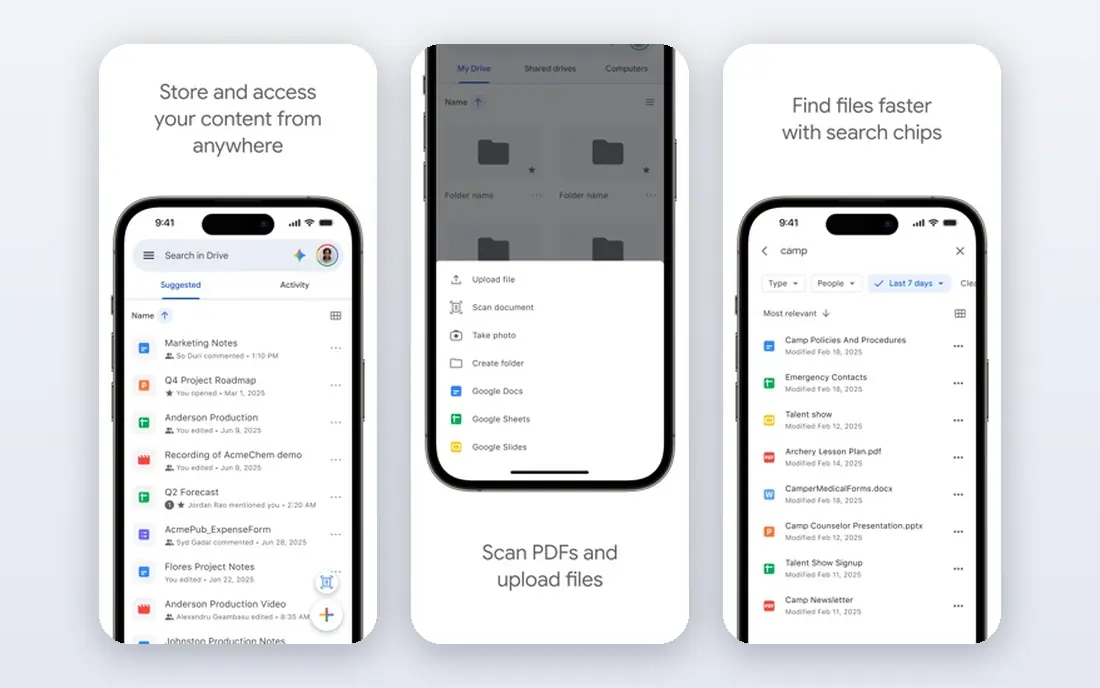
Google Drive lets users upload large files and share a link, with collaboration tools for documents. It fits people already on Google who want to share files and work on them together.
When we compared Google Drive with the rest of this list, its strengths were clear: free storage with a google account; link sharing; collaboration tools On the other side, buyers should weigh this catch: free storage is shared across google services; large files use storage fast That trade off matters most if you plan to use the product every day, so check the pricing page and the free plan terms, and trial it with real work before you commit. For many buyers, Google Drive earns its place here because it handles the core job well, even though no product on this list is perfect for every need.
- Free storage with a Google account
- Link sharing
- Collaboration tools
- Free storage is shared across Google services
- Large files use storage fast
Dropbox
Ideal for: People who want reliable file sharing and sync
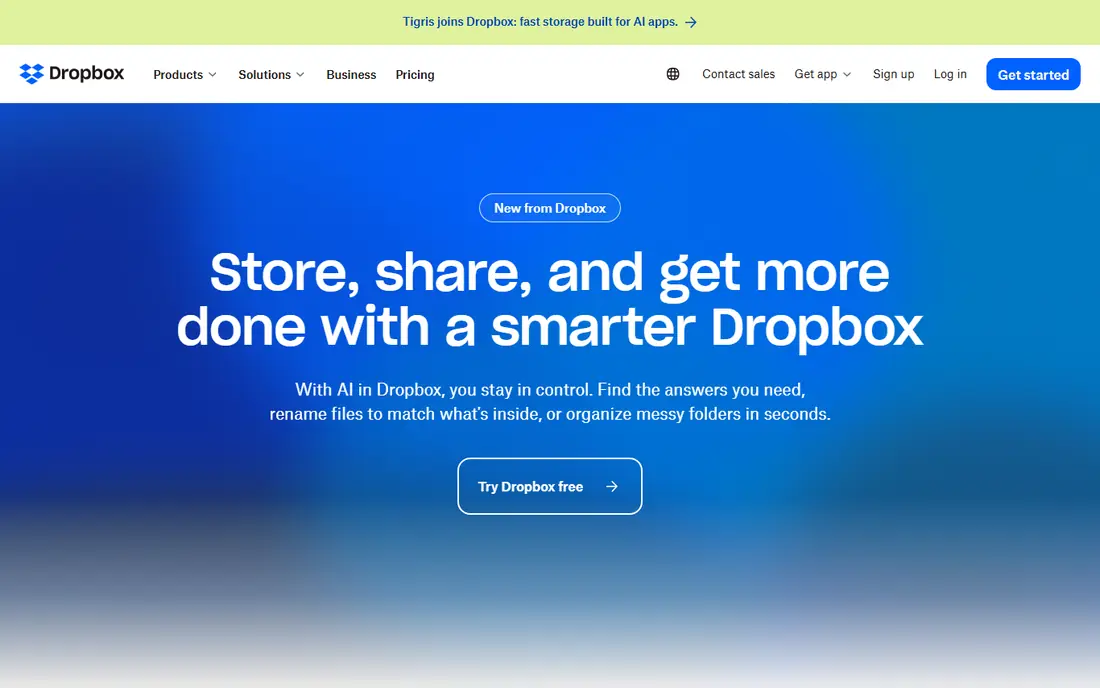
Dropbox offers file sharing with link controls and sync across devices, with a free tier. It suits users who want reliable sharing and already use Dropbox for files.
When we compared Dropbox with the rest of this list, its strengths were clear: reliable sync and sharing; link controls; mobile apps On the other side, buyers should weigh this catch: free storage is limited; large files need a paid plan for space That trade off matters most if you plan to use the product every day, so check the pricing page and the free plan terms, and trial it with real work before you commit. For many buyers, Dropbox earns its place here because it handles the core job well, even though no product on this list is perfect for every need.
- Reliable sync and sharing
- Link controls
- Mobile apps
- Free storage is limited
- Large files need a paid plan for space
Send Anywhere
Ideal for: People who want direct device to device sending
Send Anywhere sends files directly between devices using a short code. It fits people who want to move a large file between their own devices quickly.
When we compared Send Anywhere with the rest of this list, its strengths were clear: direct sending with a code; no account needed for basic use; apps for many devices On the other side, buyers should weigh this catch: transfer speed depends on connection; large files need a stable link That trade off matters most if you plan to use the product every day, so check the pricing page and the free plan terms, and trial it with real work before you commit. For many buyers, Send Anywhere earns its place here because it handles the core job well, even though no product on this list is perfect for every need.
- Direct sending with a code
- No account needed for basic use
- Apps for many devices
- Transfer speed depends on connection
- Large files need a stable link
Smash
Ideal for: People who want free sending without a size limit claim
Smash offers file sending with a free tier that does not set a strict size limit in the same way as rivals. It suits senders with very large files who accept slower free transfer speeds.
When we compared Smash with the rest of this list, its strengths were clear: free sending with no strict size limit on some tiers; link sharing; preview On the other side, buyers should weigh this catch: free transfers may be slower; priority features need a paid plan That trade off matters most if you plan to use the product every day, so check the pricing page and the free plan terms, and trial it with real work before you commit. For many buyers, Smash earns its place here because it handles the core job well, even though no product on this list is perfect for every need.
- Free sending with no strict size limit on some tiers
- Link sharing
- Preview
- Free transfers may be slower
- Priority features need a paid plan
Filemail
Ideal for: People who want free sending with tracking
Filemail lets users send large files by link or email, with delivery tracking. It fits senders who want to know when a recipient downloads a file.
When we compared Filemail with the rest of this list, its strengths were clear: free sending with tracking; link and email delivery; apps On the other side, buyers should weigh this catch: free tier limits apply to size and storage time; advanced features need payment That trade off matters most if you plan to use the product every day, so check the pricing page and the free plan terms, and trial it with real work before you commit. For many buyers, Filemail earns its place here because it handles the core job well, even though no product on this list is perfect for every need.
- Free sending with tracking
- Link and email delivery
- Apps
- Free tier limits apply to size and storage time
- Advanced features need payment
Wormhole
Ideal for: People who want encrypted link sharing
Wormhole offers encrypted file sharing through simple links, with files protected in transit. It suits senders who want a simple encrypted link for a large file without an account.
When we compared Wormhole with the rest of this list, its strengths were clear: end to end encrypted sharing; simple links; no account for basic use On the other side, buyers should weigh this catch: free link expiry and size limits apply; fewer collaboration features That trade off matters most if you plan to use the product every day, so check the pricing page and the free plan terms, and trial it with real work before you commit. For many buyers, Wormhole earns its place here because it handles the core job well, even though no product on this list is perfect for every need.
- End to end encrypted sharing
- Simple links
- No account for basic use
- Free link expiry and size limits apply
- Fewer collaboration features
TransferNow
Ideal for: People who want free sending with a simple interface
TransferNow offers simple free file sending through a web page with a download link. It suits occasional senders who want a quick link without an account.
When we compared TransferNow with the rest of this list, its strengths were clear: simple free sending; link sharing; no account for basic use On the other side, buyers should weigh this catch: free tier size and expiry limits apply; ads may appear That trade off matters most if you plan to use the product every day, so check the pricing page and the free plan terms, and trial it with real work before you commit. For many buyers, TransferNow earns its place here because it handles the core job well, even though no product on this list is perfect for every need.
- Simple free sending
- Link sharing
- No account for basic use
- Free tier size and expiry limits apply
- Ads may appear
How we picked these
We started with products and services that exist and work in October 2026 and truly fit the topic, then we compared their official feature pages, pricing pages, app store listings, privacy policies, and public reviews. We looked for a mix of well known leaders and strong smaller options, and we favored products with clear pricing, clear privacy practices, and honest limits. We did not claim hands-on testing that did not happen, and where a price could not be verified from the vendor site, we wrote See website rather than guessing a number.
How to send large files safely
Check the size limit, expiry, and download controls before you send, and avoid public links for sensitive files. Use a password and expiry when the service offers them, and confirm the recipient downloaded the file before deleting your copy. For regular large transfers, a paid plan or cloud storage account may be cheaper in time than repeated free sends. Before you pay, list your must have features, your budget, and the tools the new product must work with. A short trial with real tasks will tell you more than a feature list alone, and it will show whether support replies quickly when something goes wrong. Check contract length, renewal terms, and how easy it is to export your data or cancel, since those details matter long after the first month.
Frequently asked questions
What is the largest file I can send free?
Free limits vary by service and change often, so check the current free tier limit on the service site before sending.
Are free file sending services safe?
Safety depends on encryption, link controls, and expiry, so use password protection and expiry when available for sensitive files.
Do recipients need an account to download?
Most services let recipients download from a link without an account, but some features need the recipient to sign up.
How long do file links last?
Link expiry varies from days to weeks on free tiers, so tell recipients to download promptly and resend if a link expires.
What is better for large files: a link or cloud storage?
A send link suits one off transfers, while cloud storage suits files you share repeatedly or collaborate on.