Best Free Templates in Website Builder Software in 2026: 8 Tools Compared

- 1
 WixPolished free templatesVisit
- 2
 SquarespaceDesign-led templatesVisit
- 3
 WordPress.comFlexible templates and growthVisit
- 4
 WebflowDesigner templates and controlVisit
- 5
 WeeblySimple beginner templatesVisit
- Wix and Squarespace lead for polished free templates with strong design quality.
- WordPress.com and Webflow suit users who want flexible templates with room to grow.
- Weebly and Hostinger fit beginners who want simple templates at low cost.
- GoDaddy and Jimdo suit small firms that want fast, simple sites.
- Check free plan limits for branding, domains, and storage before choosing.
Quick comparison
| Product | Ideal for | Price from | Free version | |
|---|---|---|---|---|
| Wix | Polished free templates | See website | Yes | Visit |
| Squarespace | Design-led templates | See website | Free trial | Visit |
| WordPress.com | Flexible templates and growth | See website | Yes | Visit |
| Webflow | Designer templates and control | See website | Yes | Visit |
| Weebly | Simple beginner templates | See website | Yes | Visit |
 Hostinger | Low-cost templates | See website | Free trial | Visit |
 GoDaddy | Fast small business sites | See website | Free trial | Visit |
 Jimdo | Simple sites for small firms | See website | Yes | Visit |
The best free templates in website builder software
We compared official feature pages, pricing pages, and public reviews for eight website builders, judging templates by design quality, variety, and customization, plus what free plans actually allow. A large template library matters less if free plans block the templates you want or add heavy branding.
Wix
Ideal for: Polished free templates
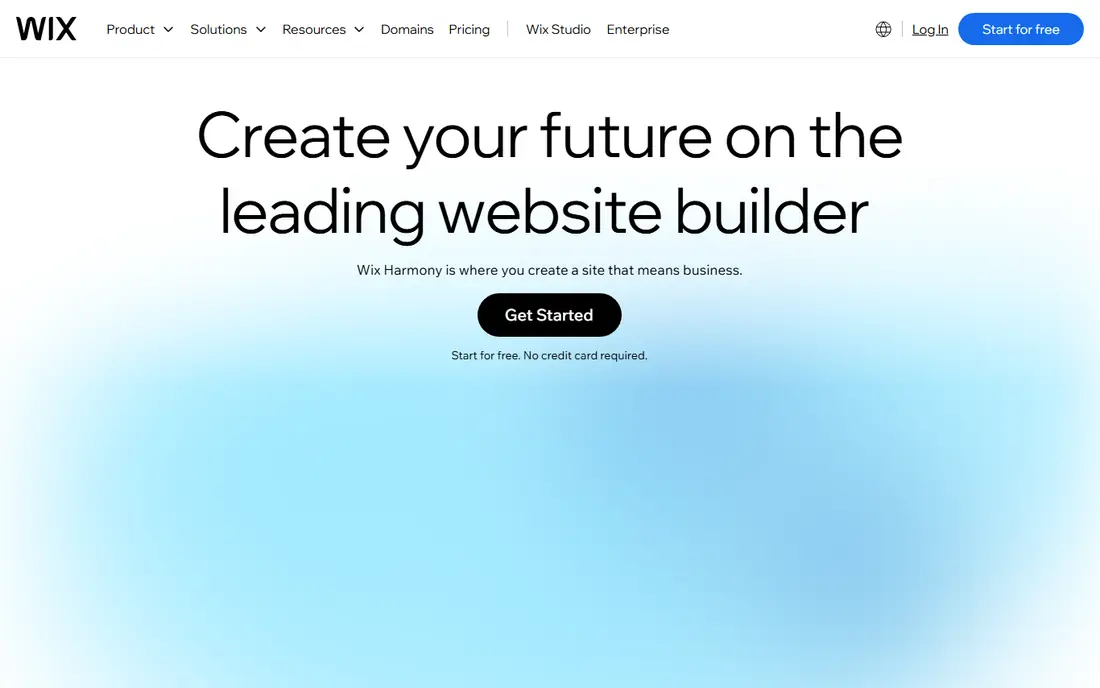
Wix offers hundreds of templates across industries, from restaurants to portfolios, with drag-and-drop editing that beginners learn fast. Templates look polished out of the box, and users can change colors, fonts, and layouts without code. The free plan lets users build and publish a site to test designs.
Free sites show Wix branding and use a Wix subdomain, and storage and bandwidth are limited. For a new site that needs a polished template fast, Wix is a strong free start. Upgrade when you need a custom domain and no branding.
- Large template library
- Drag-and-drop editing
- Many industries covered
- Free plan shows Wix branding
- Custom domain needs a paid plan
Squarespace
Ideal for: Design-led templates
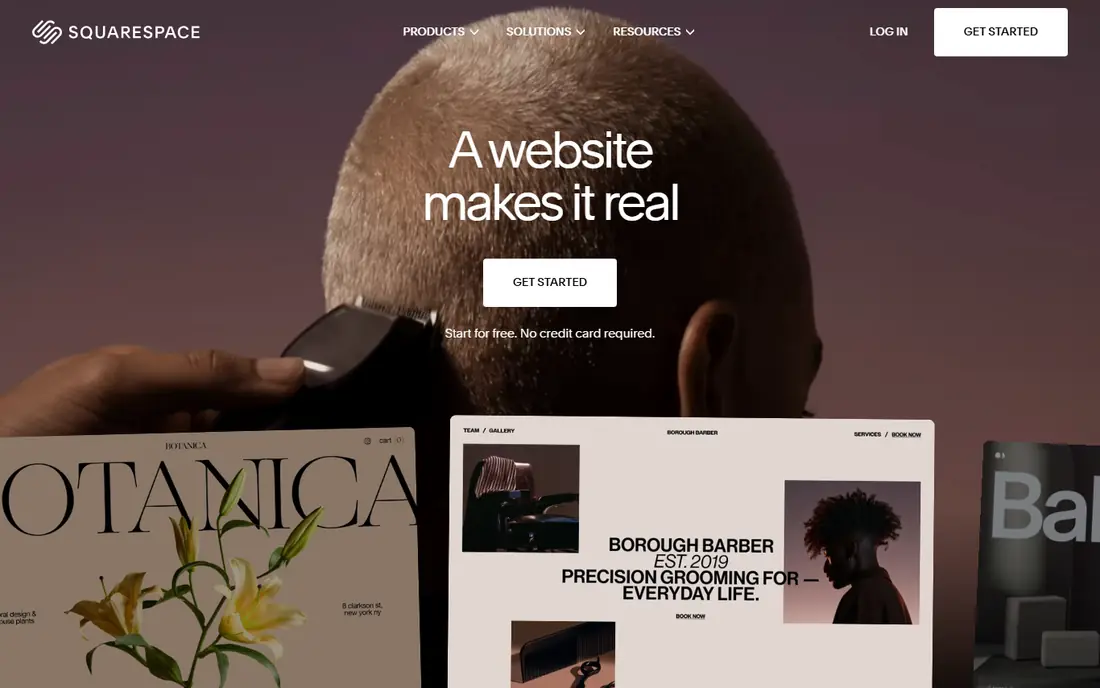
Squarespace templates are known for clean, consistent design, which suits portfolios, restaurants, and small brands that care about look. The editor is structured, keeping sites tidy, and commerce features suit small stores. Templates adapt well to phones and tablets.
There is no permanent free plan, only a trial, so long-term use requires payment. Customization is more structured than Wix, which some users find limiting. For a design-led site where look matters most, Squarespace templates justify the trial and paid plan.
- High design quality
- Consistent templates
- Good commerce options
- No permanent free plan
- Customization is more structured
WordPress.com
Ideal for: Flexible templates and growth
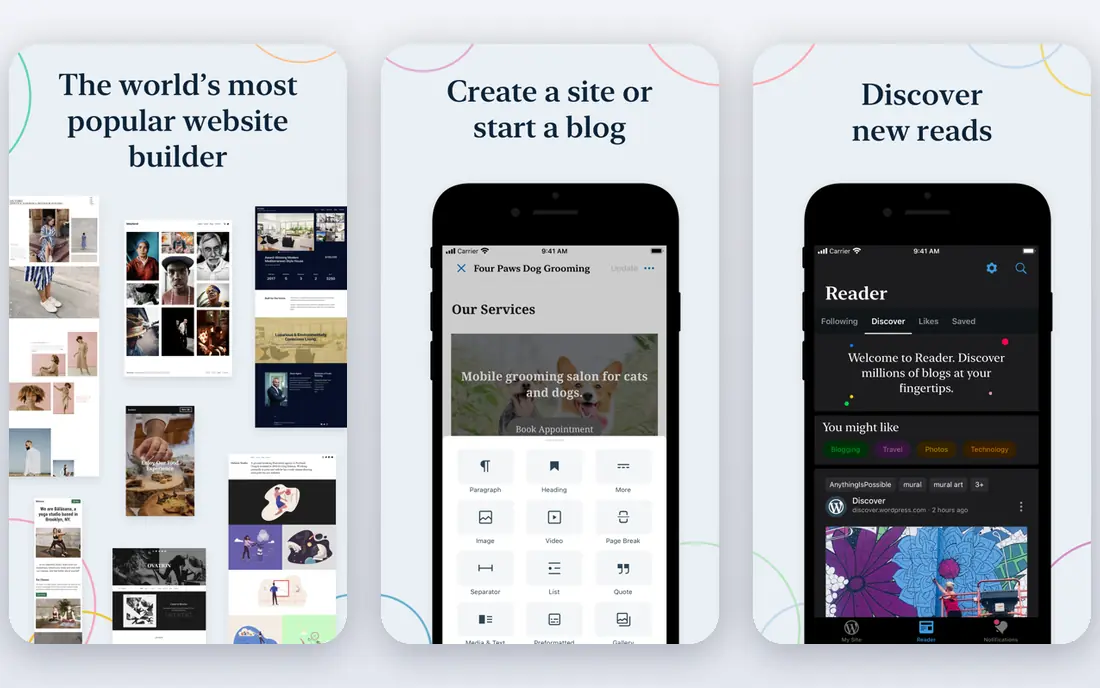
WordPress.com offers many free themes plus strong blogging, which suits writers, small firms, and content sites. Users can start free, then upgrade for custom domains, plugins, and themes. The path to self-hosted WordPress gives long-term flexibility that closed builders lack.
Free sites show WordPress branding and use a subdomain, and plugin access needs paid plans. For a content site that may grow into a larger WordPress site, WordPress.com is a flexible free start. Check theme limits on the free plan.
- Many free themes
- Blogging strength
- Room to grow to self-hosted WordPress
- Free plan shows branding
- Plugins need paid plans
Webflow
Ideal for: Designer templates and control
Webflow templates suit designers and firms that want precise control over layout, animations, and content. The free plan lets users build and test sites, with CMS features for blogs and portfolios. Published free sites use Webflow subdomains with limits.
Beginners may find Webflow harder than Wix or Weebly, since design control brings complexity. For a user with design skill who wants a polished template plus control, Webflow offers a strong free start. Upgrade for custom domains and more pages.
- High-quality templates
- Precise design control
- CMS features
- Learning curve for beginners
- Free plan limits pages and projects
Weebly
Ideal for: Simple beginner templates
Weebly, from Square, offers simple templates and drag-and-drop editing for beginners. Small firms can build a basic site or store quickly, with Square payment links for commerce. The free plan suits a simple brochure site or test project.
Template variety and design depth are smaller than Wix or Squarespace. For a beginner who wants a simple free site without complexity, Weebly is easy to use. Firms needing richer design should compare Wix or WordPress.com.
- Simple templates and editing
- Free plan available
- Square commerce links
- Template variety is smaller
- Design options are more basic
Hostinger
Ideal for: Low-cost templates
Hostinger Website Builder offers templates plus AI-assisted site creation at low paid prices, with hosting included. Small firms value the low monthly cost once they upgrade from trial. Templates cover common business types, and editing is straightforward.
There is no permanent free plan, only trial or low-cost paid options. Template depth is lighter than Wix. For a small firm that wants a low-cost builder with hosting included, Hostinger offers good value after the trial.
- Low-cost plans
- AI template options
- Hosting included
- No permanent free plan
- Template depth varies
GoDaddy
Ideal for: Fast small business sites
GoDaddy Website Builder uses AI-assisted setup to create a small business site fast, with simple templates for common industries. Domain, email, and marketing tools sit in the same account, which suits firms already using GoDaddy. The workflow suits owners who want a site live quickly.
Design flexibility is limited next to Wix or Webflow, and there is no permanent free plan. For a small firm that values speed over design depth, GoDaddy is a practical choice. Compare paid plan limits for pages and features.
- Fast setup with AI help
- Simple templates
- Domain and marketing links
- No permanent free plan
- Design flexibility is limited
Jimdo
Ideal for: Simple sites for small firms
Jimdo offers a free plan with templates for small firms, portfolios, and simple stores. Editing is simple, and AI-assisted setup helps beginners start fast. The free plan suits a basic site or portfolio test.
Template variety and advanced features are lighter than Wix or Squarespace. For a small firm that wants a free, simple site, Jimdo is a workable start. Upgrade for custom domains, more pages, and no branding.
- Free plan with templates
- Simple editing
- Small store options
- Template variety is smaller
- Advanced features need paid plans
How we picked these
We compared official feature pages, pricing pages, and public reviews for website builders in October 2026. We judged templates by design quality, variety, and customization, and free plans by branding, domain, and storage limits, and we mixed free-plan and trial builders so readers can compare honestly. We did not claim hands-on testing, and we list prices as shown on vendor sites, using See website where pricing varies.
What to check before you buy
Start with template quality for your industry. Browse templates on a phone as well as a desktop, since many visitors use phones. Then check free plan limits: branding, subdomain, storage, pages, and whether the templates you like are actually free.
Next, test editing with real content, including images, forms, and contact details. Check SEO basics, such as titles, descriptions, and mobile speed, plus domain and email options for paid plans. Finally, confirm you can export or move content later, since closed builders vary in portability, and upgrade only when the free plan limits your growth.
A final check before you commit
Price comparisons work best when you model a full year of use, including seats, add-ons, storage, and support, rather than comparing headline monthly rates. A plan that looks cheap for three users can grow quickly when contractors, managers, or part-time staff are added, and a plan that looks costly may include features you would otherwise buy separately. Ask for a written quote for your expected user count at six and twelve months, and check renewal terms, since first-year discounts often hide the long-term rate you will actually pay.
Total cost includes time as well as money, so count setup hours, training hours, and the admin time needed each month for each finalist. A tool that saves ten minutes per user per day can justify a higher fee, while a cheap tool that needs constant manual fixes can cost more in staff time than it saves in subscription fees. Ask current users in similar firms about weekly admin load, and treat those answers as part of the price. The cheapest subscription is rarely the cheapest system once staff time is counted honestly.
Budget holders often ask for a single recommendation, but a short ranked list with reasons serves the team better than a forced single winner. Rank your top three by fit for daily work, total yearly cost, and support quality, and state plainly where each one falls short, so decision makers see trade-offs instead of a sales pitch. If the top choice is rejected on price, the second choice should already be tested and ready, which avoids a rushed purchase later. Keep the ranking with the trial notes, since it becomes the baseline for the next review cycle and for onboarding new staff who ask why this tool was chosen.
Frequently asked questions
Which website builder has the best free templates?
Wix offers the largest polished free template library, while WordPress.com offers many free themes with blogging strength. Squarespace templates look best but need a paid plan after trial.
Can I use a custom domain on a free plan?
Usually no. Free plans use builder subdomains and show branding. Custom domains generally need a paid plan across Wix, WordPress.com, Webflow, Weebly, and Jimdo.
Are free templates really free?
Templates themselves are often free, but publishing limits, branding, and storage apply on free plans. Check whether your chosen template and features are included free before building.
Can I switch templates later?
Most builders allow template switching, but content layout may need rework. Wix and Squarespace handle switching differently, so test with a copy of your site first.
Is a free website builder enough for a small business?
For a simple brochure site or portfolio, yes, on a free plan. For a custom domain, no branding, commerce, or SEO depth, a paid plan is usually needed.