Best Free Video Transcription Tool in 2026: 7 Options Compared

- Free video transcription tools turn spoken audio into searchable text, and the best ones add speaker labels, timestamps, and subtitle exports.
- Otter, Descript, and Notta offer genuine free tiers that suit students, creators, and small teams with modest monthly volume.
- HappyScribe and VEED suit creators who need subtitles, translation, or video editing alongside transcription.
- Trint and Sonix suit media, legal, and research teams that need structured transcripts and are willing to pay for heavier use.
- Our pick for most readers is a tool with a usable free tier, good accuracy on clear audio, and exports in the formats you actually need.
Quick comparison
| Product | Ideal for | Price from | Free version | |
|---|---|---|---|---|
 Otter.ai | Meeting and video transcripts | $19.99/month | Free plan | Visit |
 Descript | Transcription plus video editing | See website | Free plan | Visit |
 VEED | Subtitles and video editing | See website | See website | Visit |
 Notta | Free monthly transcription minutes | See website | Free plan | Visit |
 HappyScribe | Multilingual transcription | See website | Free trial | Visit |
 Trint | Media production workflow | See website | See website | Visit |
 Sonix | Structured transcripts and analysis | $10/audio hour | See website | Visit |
The best free video transcription tools
Transcribing video by hand is slow work. A one-hour video can take several hours to type out, and searching it later means scrubbing through footage. Transcription tools solve this by turning speech into text automatically, with timestamps and speaker labels, so a video becomes searchable, quotable, and easy to subtitle.
We compared official feature pages, pricing pages, and product documentation for tools used in October 2026, looking at free tiers, accuracy claims, language coverage, speaker labeling, editing, and exports. Free tiers vary a lot: some offer a set number of free minutes per month, others offer a free trial, so check the limits against how much video you actually transcribe.
Otter.ai
Ideal for: Meeting and video transcripts
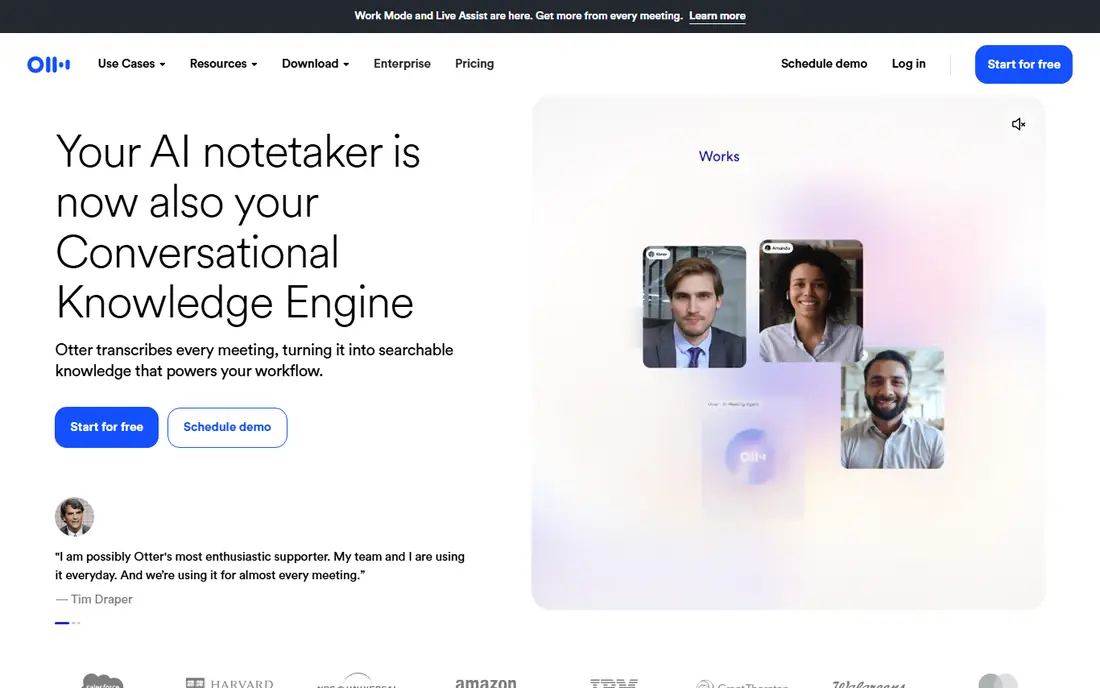
Otter.ai is an AI notetaker and transcription tool that captures conversations from desktop, mobile, or browser, with live transcription, speaker recognition, and automatic summaries. Its homepage stresses a Basic plan that is free forever, with automated AI meeting summaries and unlimited meetings, while the Business plan starts at $19.99 per month per user and adds 6,000 monthly transcription minutes and unlimited audio or video file imports.
For video transcription, Otter suits creators and teams who record interviews, lectures, or meetings and want searchable text plus summaries. The free tier is genuinely usable for light use, though heavy file imports need the paid plan. The trade-off is that Otter is meeting-first, so video editing features are thinner than Descript or VEED. For free transcription with summaries, Otter is a leading choice.
- Basic plan free forever
- Live transcription and speaker recognition
- Summaries and action items
- Free tier limits file imports
- Advanced features need Business
- Accuracy drops on noisy audio
Descript
Ideal for: Transcription plus video editing
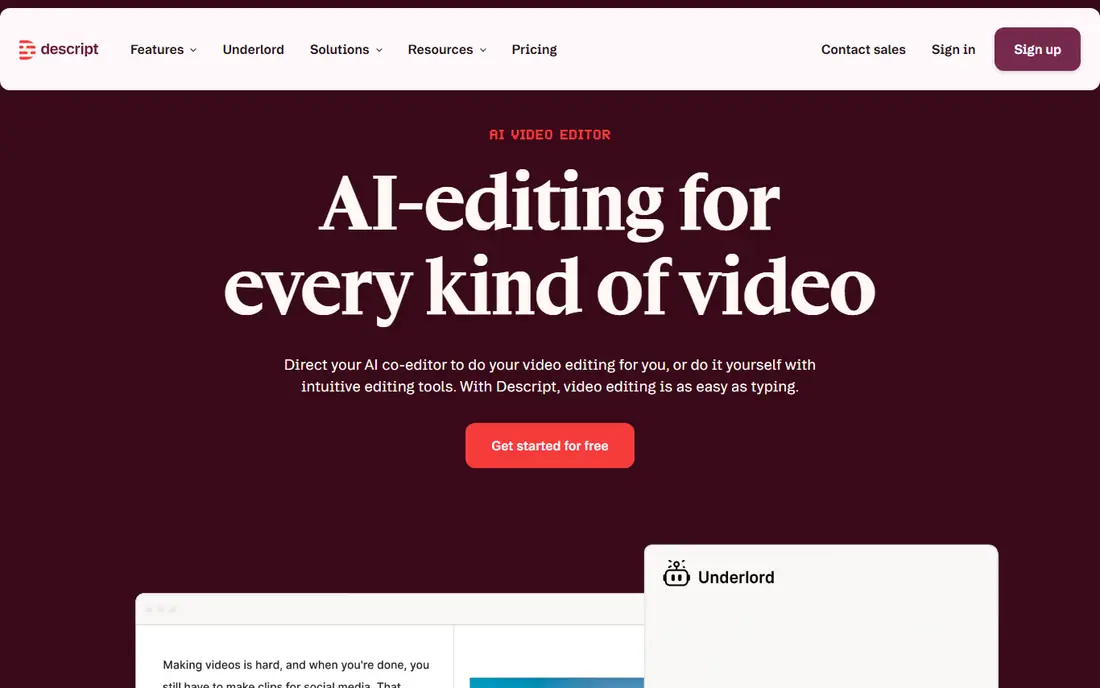
Descript is an AI video and audio editor built around text-based editing: record or upload a video, Descript transcribes it, and editing the transcript edits the video itself. Its homepage confirms a free plan with no credit card required, letting readers record, edit, and publish for free and upgrade only when they outgrow the limits.
The appeal for transcription is that the transcript is not a side product, it is the editing surface. Delete a sentence and the video cut follows, and Studio Sound cleans up background noise with one click. The trade-off is that the free plan has limits, and creators who publish often will need a paid plan. For creators who want transcription plus editing in one free starting point, Descript is a strong pick.
- Free plan with no credit card
- Edit video by editing text
- Strong audio cleanup
- Free plan limits apply
- Paid plans needed for heavier use
- Learning curve for full editor
VEED
Ideal for: Subtitles and video editing
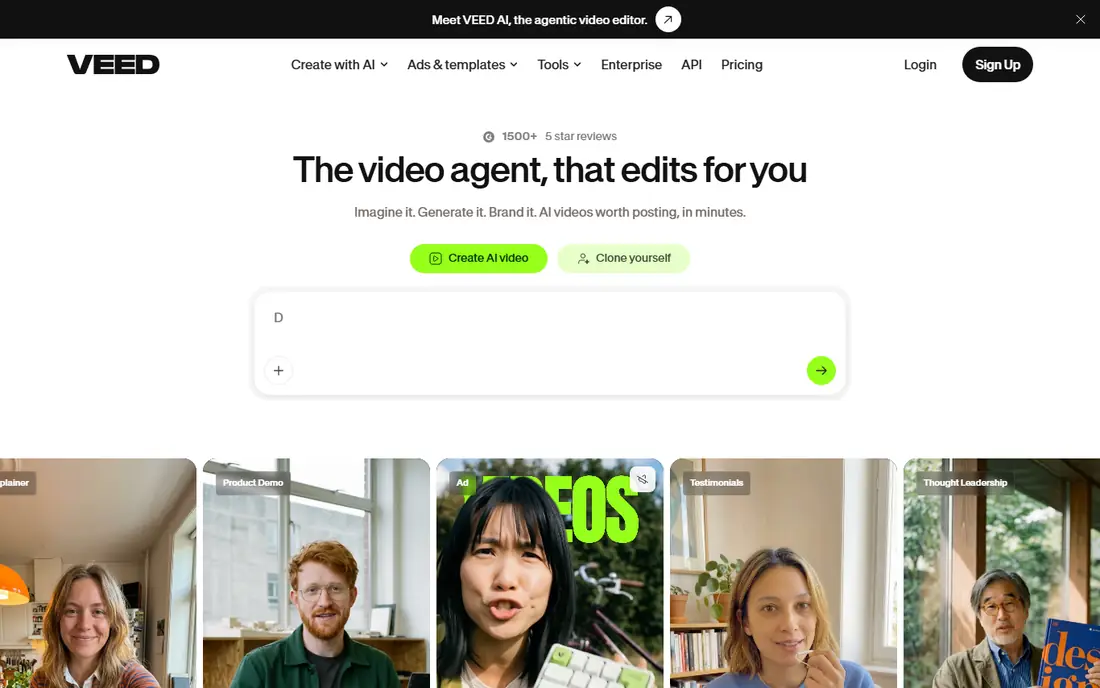
VEED is an AI video creation platform that covers generation, editing, dubbing, and subtitles in one workflow, built for marketers and solo creators. Its homepage stresses creating and editing in one place, with subtitles as part of the video workflow rather than a separate step.
For transcription, VEED suits creators whose end goal is a captioned, publish-ready video: transcribe, correct the text, style the subtitles, and export the finished video. The trade-off is pricing clarity: the homepage fetch did not show free tier details, so readers should check the pricing page before relying on a free tier. For subtitle-first video work, VEED is a strong option.
- Video creation and subtitle workflow in one platform
- Broad editor features
- Popular with marketers
- Free tier details not shown on homepage
- Paid plans needed for full exports
- Transcription limits vary by plan
Notta
Ideal for: Free monthly transcription minutes
Notta is an AI transcription tool that turns recordings and files into transcripts, summaries, and meeting notes. Its homepage shows a free plan at no cost with no credit card required, offering 120 transcription minutes per month, 50 file imports per month, and 10 AI summaries per month, though each free transcription is capped at 3 minutes.
The free tier suits students and creators with short clips, lectures, or interviews broken into segments, while the premium plan raises limits to 1,800 minutes per month and 5 hours per file. The trade-off is the per-file cap on the free tier, which makes long videos awkward without a paid plan. For short-form free transcription, Notta is a strong pick.
- Free plan with 120 minutes per month
- AI summaries
- File imports included
- Free plan caps each file at 3 minutes
- Homepage presented in Japanese
- Paid plans for longer files
HappyScribe
Ideal for: Multilingual transcription
HappyScribe is an AI transcription and notetaker platform covering Zoom, Google Meet, and Teams calls, in-person meetings, and uploaded audio or video files in more than 150 languages. Its homepage stresses speaker diarization that tells speakers apart, automatic language detection, an AI glossary for names and jargon, and exports to formats such as DOCX, PDF, SRT, and VTT.
The draw is language breadth and subtitle support: creators working in several languages can transcribe, subtitle, and translate in one workspace, with EU data residency and SOC 2 Type II certification. The trade-off is that HappyScribe is free to try rather than free forever, so regular users need a paid plan or pay-as-you-go minutes. For multilingual transcription, HappyScribe is a leading choice.
- 150 plus languages
- Speaker diarization
- Free to try with no credit card
- No permanent free tier shown
- Human transcription costs more
- Paid plans for regular use
Trint
Ideal for: Media production workflow
Trint is an AI transcription and media production workflow platform that captures live from camera in more than 50 languages, or accepts uploads of prerecorded content, then adds speaker recognition, time codes, and translation into more than 70 languages. Teams can verify quotes, build stories, and export selects or drafts for articles and rough cuts.
The strength is the production workflow: journalists, broadcasters, and media teams can move from raw footage to verified quotes and drafts without leaving the platform, with security controls including ISO 27001 certification and EU or US data storage options. The trade-off is that pricing and any free tier were not shown on the homepage, so Trint suits teams ready to talk to sales. For media production, Trint is a strong pick.
- Media-focused workflow with live capture
- Speaker recognition and time codes
- Translation into 70 plus languages
- Pricing not shown on homepage
- Aimed at media teams
- Free tier not confirmed
Sonix
Ideal for: Structured transcripts and analysis
Sonix is an AI transcription platform covering 54 plus languages, with speaker-labeled, timestamped transcripts plus structured summaries, topics, action items, sentiment analysis, and multi-transcript search. Its homepage prices AI transcription at $10 per audio hour, against manual transcription at $100 or more per audio hour, and stresses SOC 2 and HIPAA compliance, custom vocabulary, and batch processing.
The draw is depth: transcripts become structured datasets that teams can search, analyze, and quote, which suits researchers, journalists, legal teams, and filmmakers. The trade-off is the pay-per-use model, which suits occasional heavy files better than daily light use, and no free tier was confirmed on the homepage. For structured, searchable transcripts, Sonix is a strong choice.
- AI transcription at $10 per audio hour
- 54 plus languages
- Structured summaries and sentiment analysis
- Pay-per-use model adds up for heavy users
- No free tier confirmed
- Accuracy claims are vendor-stated
How we picked these
We compared official feature pages, pricing pages, and product documentation for video transcription tools available in October 2026. We favored tools that transcribe uploaded video or recorded meetings, that offer a free tier or free trial, and that provide speaker labels, timestamps, and useful exports. Where a homepage did not show free tier or pricing details, we listed "See website" rather than guessing. We did not claim hands-on testing, and accuracy figures quoted are vendor-stated, so readers should test with their own audio before committing.
What to check before you pick a free transcription tool
Start with your monthly volume and file length. Free tiers often cap minutes per month or minutes per file, so a tool that is free for short clips may not be free for hour-long videos. Test with a real video, including background noise and multiple speakers, and check accuracy before trusting the transcript for captions or quotes.
Next, check exports and language support. Confirm the tool exports SRT or VTT for subtitles, DOCX or PDF for documents, and supports the languages you record in. Finally, check privacy: recordings may contain sensitive content, so review data retention, AI training settings, and whether transcripts stay in your region before uploading client or research material.
Frequently asked questions
What is the best truly free video transcription tool?
Otter, Descript, and Notta offer genuine free tiers, with Otter Basic free forever, Descript free with no credit card, and Notta free at 120 minutes per month. The best choice depends on file length, since Notta caps free files at 3 minutes each.
How accurate is AI video transcription?
Accuracy varies with audio quality, accents, and speaker overlap. Vendors quote figures from around 90 percent to 99 percent on clear audio, but noisy or multi-speaker recordings score lower, so always review transcripts before publishing captions.
Can I get subtitles from a transcription tool?
Yes. Most tools on this list export SRT or VTT subtitle files, and Descript, VEED, and HappyScribe build subtitles directly into a video editing workflow so captions can be styled and burned in.
Do free plans include speaker labels?
Otter, HappyScribe, Trint, and Sonix all support speaker labeling, though free tier limits may restrict how much you can transcribe. Check whether speaker labels are included on the free tier before relying on them.
How many languages do these tools support?
Language coverage ranges from 54 plus languages at Sonix to 150 plus at HappyScribe, with Trint capturing live in more than 50 languages. Check support for your specific languages, since quality varies by language.
Should I pay for transcription or use a free tier?
Use a free tier for occasional short videos, student work, or testing. Pay for regular use, long files, team collaboration, or higher accuracy needs, and compare per-minute pricing against subscription plans at your actual volume.