Best Free VPN Alternatives in 2026: 8 Options Compared

- 1
 Proton VPN FreeBest overall free VPNVisit
- 2
 Windscribe FreeBest free tier with more server choiceVisit
- 3
 TunnelBear FreeSimplest free VPN for beginnersVisit
- 4
 PrivadoVPN FreeFree VPN with a larger data allowanceVisit
- 5
 Hide.me FreeFree VPN for privacy-focused usersVisit
- Proton VPN has the strongest free tier for everyday use because it offers unlimited data with no paid account required.
- Most other free VPNs limit data, speed, servers, or devices, so match the limit to how you actually browse.
- Free does not mean private by default, so check the logging policy, jurisdiction, and funding model before you sign up.
- A paid VPN is usually better for streaming, large downloads, or many devices, while a free tier suits light browsing on public Wi-Fi.
Quick comparison
| Product | Ideal for | Price from | Free version | |
|---|---|---|---|---|
| Proton VPN Free | Best overall free VPN | Free | Yes | Visit |
| Windscribe Free | Best free tier with more server choice | Free | Yes | Visit |
| TunnelBear Free | Simplest free VPN for beginners | Free | Yes | Visit |
| PrivadoVPN Free | Free VPN with a larger data allowance | Free | Yes | Visit |
| Hide.me Free | Free VPN for privacy-focused users | Free | Yes | Visit |
 Proton VPN plus Tor Browser | Maximum anonymity for sensitive browsing | Free | Yes | Visit |
 Cloudflare WARP | Free speed and basic encryption on mobile | Free | Yes | Visit |
 Opera VPN Free | Free browser VPN for light browsing | Free | Yes | Visit |
The best free VPN alternatives
We compared official feature pages, pricing pages, app store listings, privacy policies and public reviews to build this list, focusing on products that fit the topic closely and are still available in October 2026.
Proton VPN Free
Ideal for: Best overall free VPN
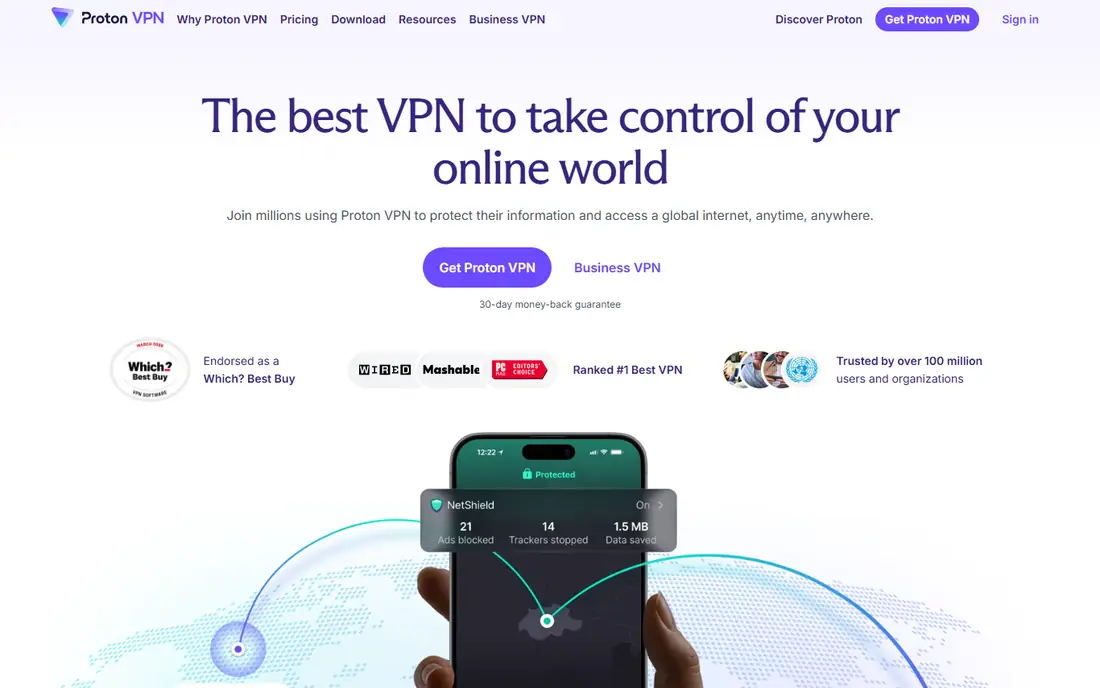
Proton VPN Free stands out because it does not cap your monthly data, which is rare among free VPNs. You can use it for everyday browsing, email, and public Wi-Fi without counting gigabytes, and the company publishes an audited no-logs policy. Its Swiss base and open source apps give privacy-minded readers more to check than a vague promise.
The free tier is deliberately limited in other ways. Server choice is small, speeds vary, and you can only connect one device at a time on free. Streaming services may still block free servers. For light, regular use, those limits are easy to live with. For households or heavy streaming, the paid Plus plan is the next step.
- Unlimited data on the free tier
- No-logs policy with independent audits
- Based in Switzerland
- Open source apps
- Free servers are limited to a few countries
- Speeds can be slower at busy times
- One device on free
Windscribe Free
Ideal for: Best free tier with more server choice
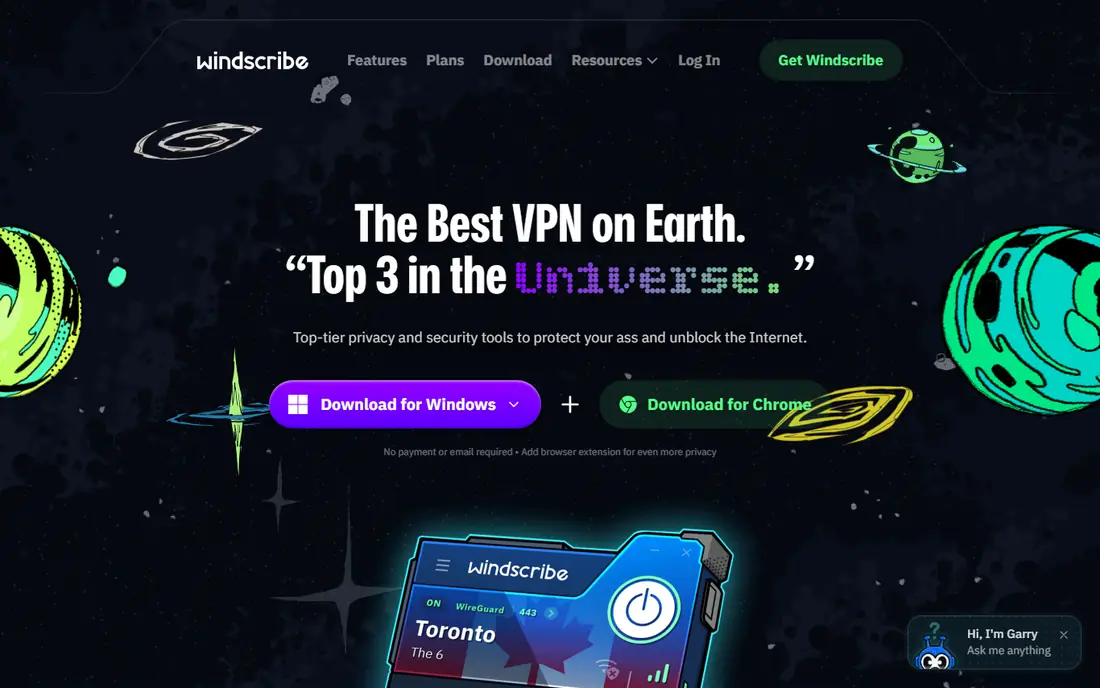
Windscribe Free is a strong second choice because it gives you more server locations than most free tiers. The 10 GB monthly allowance, when you confirm an email address, covers browsing, messaging, and some video, and the built-in blocking tools cut down on trackers. It is a practical free option for travellers and students.
The cap is the catch. Video calls and streaming will use it quickly, and once it is gone you wait until the next month or upgrade. Paid Windscribe removes the cap and adds more servers. If your main need is occasional public Wi-Fi protection, the free tier is enough. If you stream daily, it is not.
- 10 GB per month with an email address
- Servers in several countries
- Built-in ad and tracker blocking
- Data cap limits video and large downloads
- Some servers are paid only
TunnelBear Free
Ideal for: Simplest free VPN for beginners
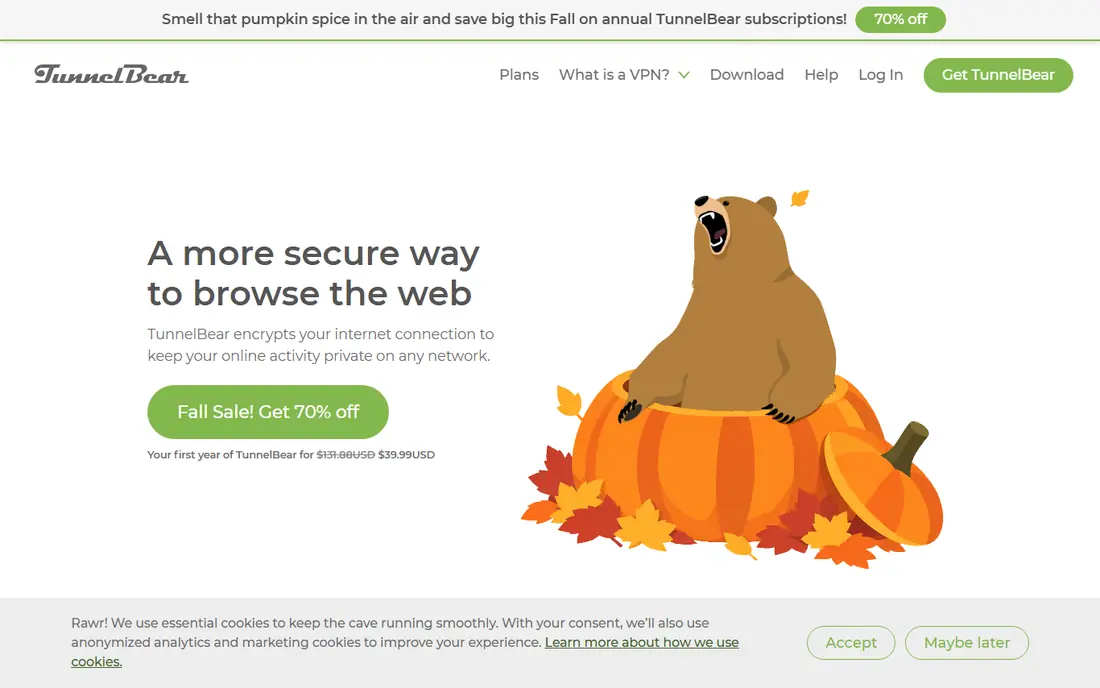
TunnelBear is the easiest free VPN to explain to someone who has never used one. The app is simple, the bear theme keeps the interface friendly, and the company has published independent audits of its apps and infrastructure. For a beginner who wants protection on a cafe Wi-Fi network, that clarity matters.
The free allowance is only 2 GB per month, so it suits email and light browsing rather than video. Paid TunnelBear removes the cap, but the free tier is best seen as a trial of the service and a safety tool for short sessions. Use it for sensitive browsing, not as an always-on connection.
- Very easy app
- Clear privacy policy with audits
- Good for first-time VPN users
- 2 GB per month on free, which is small
- Limited server choice on free
PrivadoVPN Free
Ideal for: Free VPN with a larger data allowance
PrivadoVPN Free gives 10 GB per month, which puts it in the same useful range as Windscribe for light to moderate use. It offers servers in a handful of countries, a stated no-logs policy, and apps for the main platforms. For readers who want a free tier that can handle more than email, it is worth trying.
As with other free tiers, the paid plan is faster and broader, and streaming access is not guaranteed on free servers. Check the current free server list before you rely on it for a specific country. For everyday browsing and public Wi-Fi, the allowance is generous. For a household, one account will not go far.
- 10 GB per month on free
- Servers in several countries
- No-logs policy stated on its site
- Speeds and server choice are better on paid
- Free tier is limited to one device in practice
Hide.me Free
Ideal for: Free VPN for privacy-focused users
Hide.me Free appeals to privacy-focused readers because it states a no-logs policy, has published audits, and offers a free tier without requiring a long commitment. The 10 GB allowance covers regular browsing, and the app includes a kill switch on supported platforms, which stops traffic if the VPN drops.
The free tier is not designed for streaming or large downloads, and speeds can dip at peak times. Paid Hide.me adds unlimited data and more servers. If you value a clear privacy stance and only need occasional protection, the free tier is a solid pick. Check the current server list in the app before you choose a location.
- 10 GB per month
- No-logs policy with audits
- Servers in several countries
- No account email required in some setups
- Free speeds can be slower
- Streaming is limited on free
Proton VPN plus Tor Browser
Ideal for: Maximum anonymity for sensitive browsing
Tor Browser is not a VPN, but it belongs in a free alternatives guide for readers whose main need is anonymity rather than speed. It routes your traffic through several volunteer relays, so no single relay sees both who you are and where you are going. For journalists, researchers, and people in restrictive networks, that design matters.
Tor is slow, many websites block it or ask for extra checks, and it is a poor fit for video, banking apps, or daily browsing. It also does not hide Tor use from your internet provider on its own. Use Tor for sensitive research, use a VPN for everyday privacy, and do not mix the two without understanding the trade-offs.
- Tor routes traffic through volunteer relays
- No single company sees the full path
- Free and open source
- Much slower than a VPN
- Many sites block Tor
- Not suitable for streaming or everyday browsing
Cloudflare WARP
Ideal for: Free speed and basic encryption on mobile
Cloudflare WARP is a free tool that encrypts traffic between your device and Cloudflare, which helps on public Wi-Fi and can improve reliability. It is simple to turn on, it does not ask for a subscription, and it suits readers who want a one-tap safety step on a phone.
WARP is not a substitute for a VPN if you need to choose a country, hide your location, or access region-locked content. Its free tier does not offer the same server choice, and its privacy model differs from a no-logs VPN. Think of it as a useful free layer for everyday mobile use, not as a complete privacy tool.
- Free and very easy to use
- Can improve connection reliability
- Available on mobile and desktop
- Not a full VPN for location choice
- Does not hide your location or bypass geo-blocks in the same way
Opera VPN Free
Ideal for: Free browser VPN for light browsing
Opera includes a free VPN inside its browser, which makes it the lowest friction option on this list. You do not need a separate account, and browser traffic is protected without installing another app. For readers who already use Opera, or who only need protection while browsing, that convenience is real.
The limit is scope. Only traffic inside Opera is protected, so email apps, messaging apps, and other software are not covered. Location choice is limited, and speeds vary. Use Opera VPN for light browser privacy, and use a full VPN app if you need protection across your whole device.
- Built into the Opera browser
- No extra account needed
- Unlimited data within the browser
- Only protects browser traffic, not other apps
- Limited locations
- Speeds vary
How we picked these
We compared official feature pages, pricing pages, app store listings, privacy policies and public reviews for each option in this guide. We checked that each product is still offered in October 2026, that its homepage loads, and that its price or free tier could be confirmed or marked as See website when it could not. We did not claim hands-on testing. We favoured products that fit the topic closely, explain their limits clearly, and give readers a practical way to try them before paying. Where prices change often, we say so and point readers to the vendor page for the current figure.
How to choose a free VPN
Start with how much data you actually use. If you only browse and check email on public Wi-Fi, a 10 GB free tier may be enough. If you stream video daily, no free tier will feel comfortable, and a paid plan will save frustration. Next, check the logging policy and jurisdiction, and avoid any free VPN that is vague about how it makes money, since that vagueness often means ads or data sales.
Before you pay,try the free tier or trial first and check the exact limits that matter to you, such as device support, export options, or cancellation terms. Read the privacy policy for any app that handles personal, financial, or health data, and check whether your data can be exported or deleted. The cheapest option is not always the best value if it lacks a feature you will use every week, and the most expensive option is rarely worth it if you only need the basics.
Frequently asked questions
What is the best free VPN alternative?
Proton VPN Free is our pick for most people because it offers unlimited data, an audited no-logs policy, and open source apps. Windscribe and PrivadoVPN are strong alternatives if you want more server choice and can live with a 10 GB monthly cap.
Are free VPNs safe?
Some are, and some are not. Safe free VPNs come from paid companies with a clear no-logs policy, audits, and a paid plan that funds the free tier. Avoid free VPNs that do not explain their funding, ask for broad permissions, or have a history of data leaks.
Can a free VPN unblock streaming services?
Sometimes, but not reliably. Free servers are often blocked by streaming services, and data caps make long viewing sessions impractical. If streaming is your main goal, a paid VPN with dedicated streaming servers is a better fit.
Will a free VPN slow my connection?
Yes, usually. Encryption and distance to the server add delay, and free servers are more crowded than paid ones. Choosing a nearby server and using a modern protocol helps, but some slowdown is normal.
Do I need a VPN on public Wi-Fi?
A VPN helps on public Wi-Fi by encrypting traffic between your device and the VPN server, which makes it harder for others on the same network to snoop. It does not replace strong passwords, two-factor authentication, or keeping your software updated.