Best FSM Software in 2026: 7 Tools Compared

- 1
 JobberSmall and growing service teamsVisit
- 2
 ServiceTitanLarger trade businessesVisit
- 3
 Housecall ProHome service prosVisit
- 4
 FieldEdgeMulti-truck HVAC and plumbing firmsVisit
- 5
 ServiceMaxAsset-centric industrial serviceVisit
- FSM software, short for field service management, covers scheduling, dispatch, job tracking, quotes, invoicing, and payments for teams that work on site.
- Small home-service teams often suit Jobber, Housecall Pro, or Workiz, while larger trade firms may need ServiceTitan, FieldEdge, or Simpro.
- ServiceMax stands apart here, with asset and contract management for industrial service organizations rather than small home-service shops.
- Our pick for most small service businesses is a tool with a strong mobile app, simple quoting, and payments, tested on real jobs before rollout.
Quick comparison
| Product | Ideal for | Price from | Free version | |
|---|---|---|---|---|
| Jobber | Small and growing service teams | See website | Free trial | Visit |
| ServiceTitan | Larger trade businesses | See website | No | Visit |
| Housecall Pro | Home service pros | See website | Free trial | Visit |
| FieldEdge | Multi-truck HVAC and plumbing firms | See website | No | Visit |
| ServiceMax | Asset-centric industrial service | See website | No | Visit |
 Workiz | Home service teams and call handling | See website | Free trial | Visit |
 Simpro | Trade project and job management | See website | No | Visit |
The best FSM software
Field service management software runs the whole job cycle for businesses whose staff work at customer sites. A good system schedules work, sends the right technician, tracks the job on mobile, creates quotes and invoices, and collects payment, all without paper forms and phone tag. The wrong system adds admin work instead of removing it, so fit with team size and trade matters a great deal.
We compared official feature pages for FSM tools used in the US, looking at scheduling, dispatch, mobile tools, quoting, payments, and accounting links. The list below covers small home-service teams, multi-truck trade firms, and industrial service organizations, because FSM needs change sharply with scale.
Jobber
Ideal for: Small and growing service teams
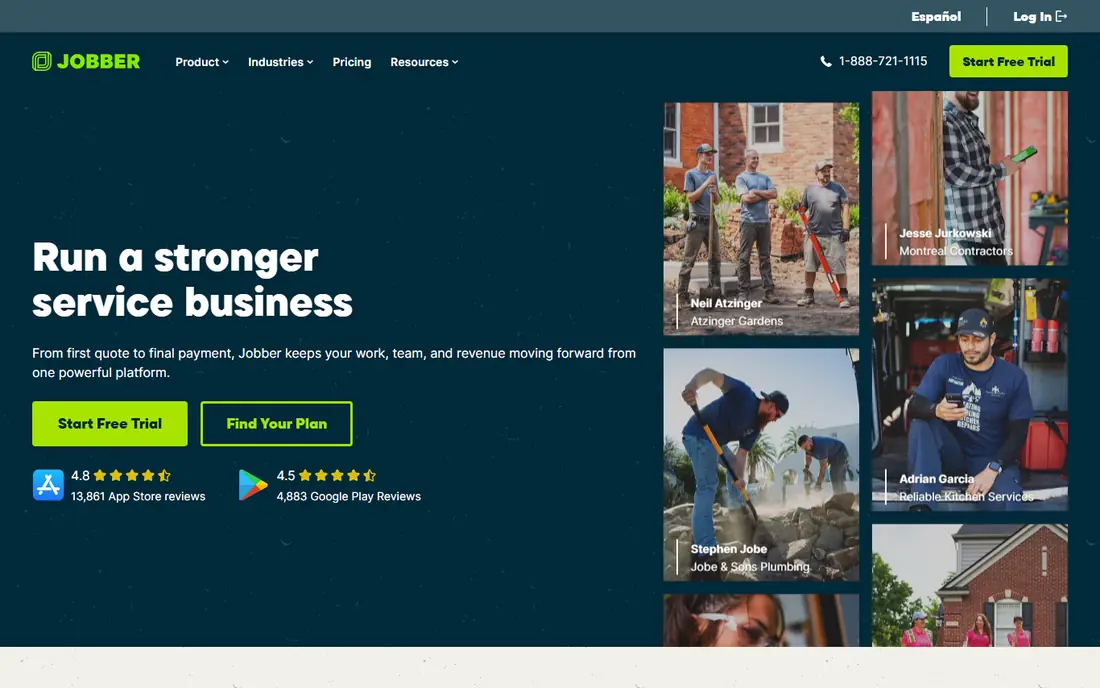
Jobber helps home and commercial service businesses move from first quote to final payment, with scheduling, dispatch, invoicing, and client communication in one platform. Its homepage presents itself as a top service platform for 2026, with a large base of service businesses using it across many trades. For a small team moving off spreadsheets, that full cycle in one place is the main draw: quotes, jobs, invoices, and payments stay linked to the same customer record.
The catch is plan depth. Jobber covers many trades well, but firms with complex commercial work, multi-location operations, or deep accounting needs should check whether a higher plan or an integration covers those cases. A free trial with real jobs, including a quote, a schedule change, and a payment, will show quickly whether the flow fits daily work.
- Quote to payment flow in one place
- Strong mobile use for field teams
- Marketing and client tools alongside scheduling
- Advanced trade features may need higher plans
- Pricing varies by plan and users
- Larger firms may need deeper reporting
ServiceTitan
Ideal for: Larger trade businesses
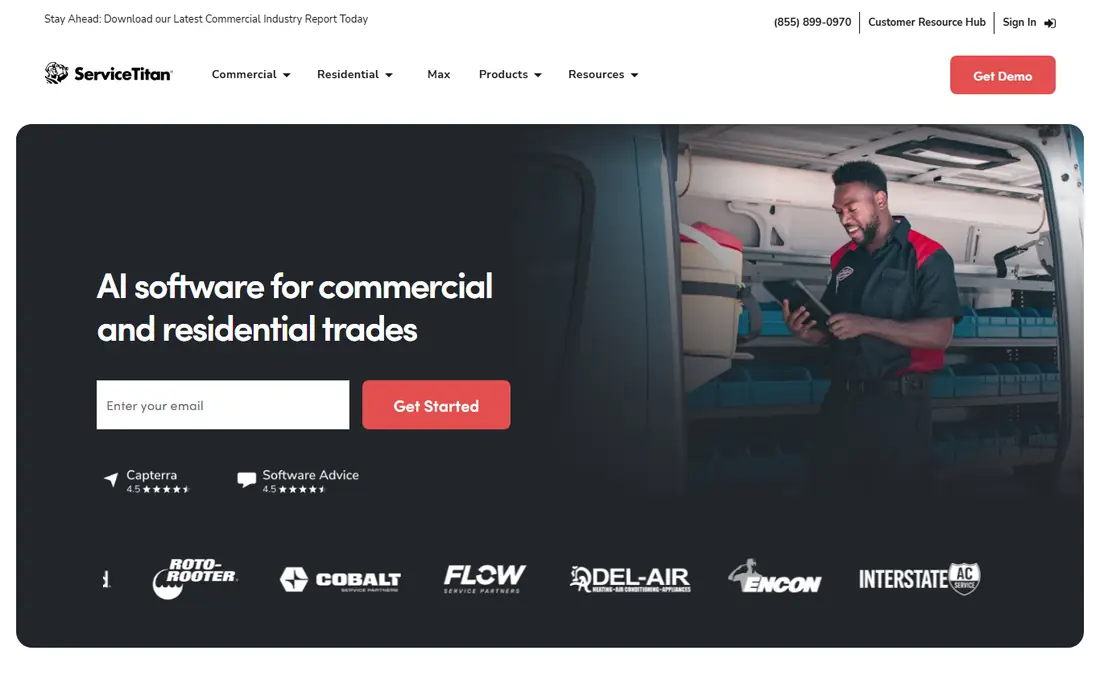
ServiceTitan is built for home and commercial trade businesses, with tools for scheduling, dispatch, estimates, invoicing, payments, and business reporting. Its homepage stresses profit, cash flow, workforce productivity, and customer lifetime value, with dashboards that show job costing and technician performance. For a growing HVAC, plumbing, or electrical firm, that reporting depth helps owners see which jobs make money and which teams need support.
The trade-off is scale. ServiceTitan is a serious platform with onboarding and training, and a solo operator may find it more than needed. Pricing is by quote, so firms should get a total that includes users, add-ons, and support. For multi-team trade businesses ready to invest in systems, ServiceTitan is a leading shortlist option.
- Deep trade-focused features
- Real-time costing and reporting
- Many integrations with trade and accounting tools
- Enterprise-level pricing and onboarding
- May be heavy for a one-truck shop
- Setup takes time and training
Housecall Pro
Ideal for: Home service pros
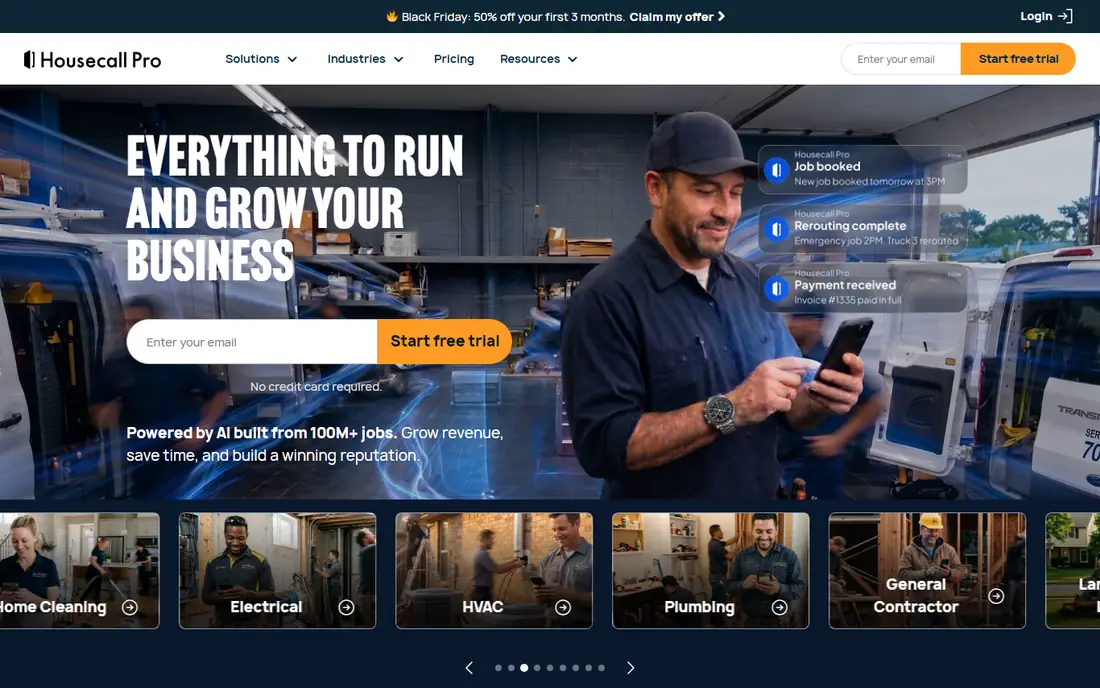
Housecall Pro is field service software for home service businesses, covering scheduling, dispatch, estimates, invoicing, payments, and customer communication. Its homepage highlights a large pro community, job tracking, route tools, and review management, which matter for small firms that win work through reputation. The mobile app lets technicians see jobs, collect payment, and update status from the field.
The catch is add-on cost. Some features that look central, such as advanced marketing or dispatch tools, may sit in higher plans or paid add-ons, so buyers should check the plan that matches their team size. A trial that runs a full week of real jobs will reveal whether the mobile flow suits technicians. For home-service pros from solo operators to teams of dozens, Housecall Pro is a practical pick.
- Scheduling, dispatch, estimates, and payments in one app
- Large home-service user base
- Review and marketing tools
- Some advanced features are paid add-ons
- Larger commercial firms may need more depth
- Pricing varies by team size
FieldEdge
Ideal for: Multi-truck HVAC and plumbing firms
FieldEdge is field service software for multi-truck operations in HVAC, plumbing, and electrical work, with scheduling, dispatch, mobile job tools, payments, and marketing features. Its homepage stresses business visibility for owners, streamlined field work for technicians, and centralized control for office teams. Flat-rate pricing and proposal tools help technicians present good, better, and best options at the job site, which can lift ticket size and close rates.
The trade-off is focus. FieldEdge is strongest for trade firms with several trucks and a real office team, and a one-person shop may not use its full depth. Pricing is by quote, and firms should confirm what onboarding and QuickBooks sync include. For growing trade firms that have outgrown a simple scheduler, FieldEdge is a strong fit.
- Built for multi-truck operations
- QuickBooks sync
- Flat-rate pricing and proposal tools for technicians
- Pricing by quote
- Best fit is HVAC, plumbing, and electrical
- Smaller firms may not need its depth
ServiceMax
Ideal for: Asset-centric industrial service
ServiceMax is an asset-centric field service platform for industrial and enterprise service organizations, covering work orders, scheduling, contracts and warranties, mobile execution, and analytics. Its strength is managing equipment over its life: service history, parts, entitlements, and preventive maintenance stay tied to each asset, which helps manufacturers and large service providers cut downtime and repeat visits. The platform also offers remote service tools and customer self-service.
The catch is audience. ServiceMax is not a small-business scheduler, and its enterprise scope, pricing, and implementation will overwhelm a home-service team. It suits equipment manufacturers, medical device firms, and large service organizations with complex assets and contracts. For that audience, its asset focus is a clear advantage over general FSM tools.
- Asset lifecycle and contract management
- Scheduling and mobile tools for large service teams
- Strong analytics and integrations
- Enterprise scope and cost
- Not built for small home-service shops
- Implementation needs specialist help
Workiz
Ideal for: Home service teams and call handling
Workiz presents itself as AI software for home service pros, covering scheduling, dispatch, invoicing, payments, and customer communication in one platform. Its homepage stresses filling each technician's day, handling calls, and collecting payment, with integrations for QuickBooks, lead sources, and payment tools. That call-to-cash focus suits firms where missed calls mean lost jobs, such as locksmiths, appliance repair, and junk removal.
The trade-off is plan fit. Workiz covers many trades, but buyers should test how its scheduling, dispatch, and communication tools handle their peak call times and job types. AI features should also be tested with real messages and calls, not only demos. For home-service teams that want scheduling plus stronger call and booking help, Workiz is worth a trial.
- Scheduling, dispatch, invoicing, and payments
- AI and communication tools built in
- Wide home-service trade coverage
- Feature depth varies by plan
- AI tools need checking against real call volume
- Pricing by plan and team size
Simpro
Ideal for: Trade project and job management
Simpro is field service management software for trade businesses, covering estimating, scheduling, dispatch, job execution, invoicing, and reporting. Its strength is project work: detailed estimates, progress billing, variations, and job profitability tracking suit firms that run multi-stage jobs, not only single visits. Recent AI assistants on the platform aim to cut reporting, documentation, and training time for technicians and office staff.
The catch is setup depth. Simpro's project features reward firms that invest time in estimating templates, workflows, and reporting, and a simple scheduler may be faster for a solo operator. Pricing is by quote, so firms should ask for a total for their team and modules. For trade firms with project-heavy work, Simpro offers a depth that simpler FSM tools lack.
- Detailed estimating and project job management
- Scheduling, invoicing, and reporting
- AI assistants for reporting and documentation
- Pricing by quote
- Depth can mean longer setup
- Best fit is trade firms with project work
How we picked these
We compared official feature pages for FSM tools available in the US, looking at scheduling, dispatch, mobile work, quoting, invoicing, payments, and accounting integration. We favored tools with clear FSM scope over generic CRMs or project tools, and we kept a range from small home-service apps to enterprise asset platforms. We also favored tools with current homepages and active product development in 2026.
We did not run these tools with live field teams, and we did not review private contracts. Pricing and trial terms can change, so check the vendor site, run a trial with real jobs, and confirm mobile coverage in areas where technicians work.
What to check before you choose
Start with the technician's day, not the office dashboard. A tool that looks great in a demo can fail if technicians cannot update jobs offline, collect payment on site, or find customer history quickly. Run a trial where technicians use the mobile app on real jobs, including a job change, a payment, and a poor-signal area.
Next, check money flow end to end. Quotes should become jobs, jobs should become invoices, and invoices should become payments without retyping. Confirm accounting sync, payment fees, and how deposits, progress billing, and service agreements are handled for your trade.
Finally, weigh onboarding and support. A system change touches scheduling, dispatch, billing, and field habits at once, so training and data migration matter. Ask how long onboarding takes, what data is imported, and what support hours cover your working day, then plan a rollout that keeps old records accessible during the switch.
Frequently asked questions
What is FSM software?
FSM software, or field service management software, helps businesses schedule, dispatch, track, and bill work done at customer sites. It usually covers jobs, technicians, quotes, invoices, payments, and customer communication in one system.
What is the best FSM software for small businesses?
Jobber, Housecall Pro, and Workiz are strong starting points for small home-service teams, because they cover scheduling, quoting, and payments in one app. The best choice depends on trade, team size, and how technicians work in the field.
Do FSM tools replace accounting software?
No, in most cases. FSM tools handle jobs and billing, and many sync with accounting software such as QuickBooks. Check the sync carefully, because double entry and mismatched invoices are common problems when the link is weak.
Can technicians use FSM software offline?
Some tools offer offline mobile work, which matters for basements, rural sites, and areas with poor signal. ServiceMax highlights offline mobile tools, and other vendors vary, so test offline job updates before buying if your teams work in low-signal areas.
How much does FSM software cost?
Most FSM tools price by plan and team size, and several, including ServiceTitan, FieldEdge, ServiceMax, and Simpro, price by quote. Ask for a total that includes users, payments, add-ons, and onboarding, and test the plan that matches your real job volume.