Best Game Server Hosting Services in 2026: 8 Services Compared

- 1
 Apex HostingMinecraft ease of useVisit
- 2
 ShockbyteBudget game serversVisit
- 3
 BisectHostingSupport and modpacksVisit
- 4
 Sparked HostBudget with good performanceVisit
- 5
 HostingerBeginner-friendly game hostingVisit
- Game server hosting differs by game: Minecraft hosts lead this list, but many providers also support Ark, Rust, Valheim, and other titles.
- Apex Hosting and BisectHosting lead on Minecraft support and ease of use, while Shockbyte and Sparked Host compete on price.
- Server location, RAM, and support quality matter more than headline price, since lag ruins a server no matter how cheap it is.
- One-click modpack installers and automatic backups save real time for server owners who are not system administrators.
- Our pick for most players is Apex Hosting, with Shockbyte as the budget pick.
Quick comparison
| Product | Ideal for | Price from | Free version | |
|---|---|---|---|---|
| Apex Hosting | Minecraft ease of use | See website | No | Visit |
| Shockbyte | Budget game servers | See website | No | Visit |
| BisectHosting | Support and modpacks | See website | No | Visit |
| Sparked Host | Budget with good performance | See website | No | Visit |
| Hostinger | Beginner-friendly game hosting | See website | No | Visit |
 Nodecraft | Multi-game server management | See website | Free trial | Visit |
 ScalaCube | Free tier and Minecraft | See website | Yes | Visit |
 Nitrado | Many supported games | See website | No | Visit |
The best game server hosting services
A game server host runs the server software, keeps it online, and lets players connect, with tools for mods, backups, and player management. The services below were compared on game support, performance, ease of use, support quality, and price.
Apex Hosting
Ideal for: Minecraft ease of use
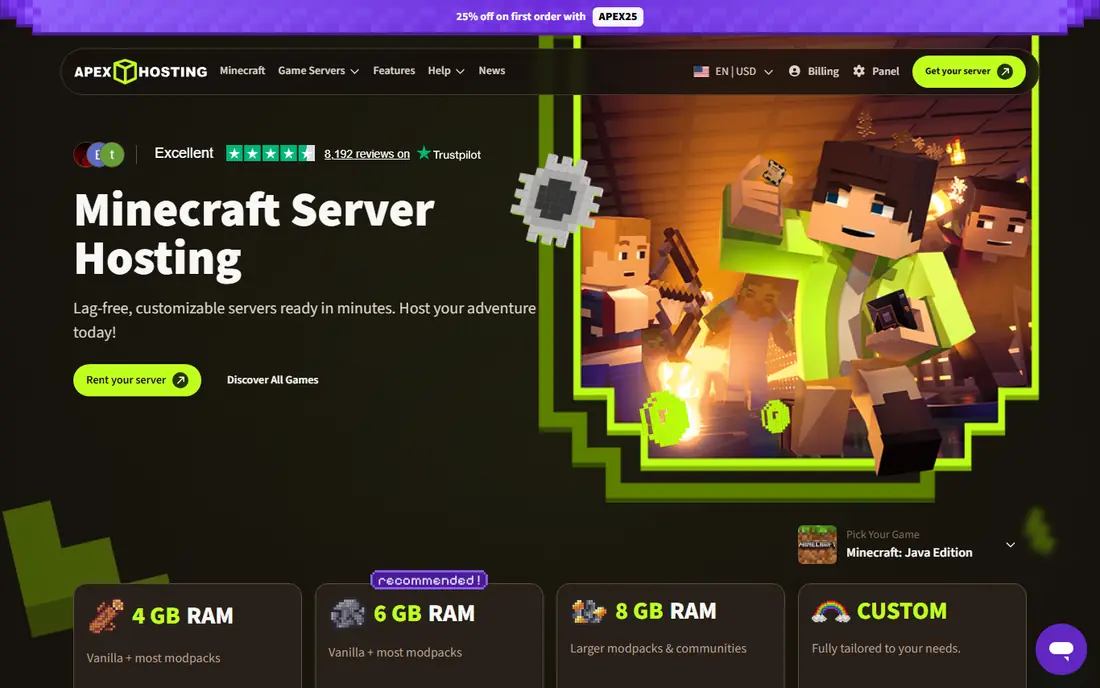
Apex Hosting is known for easy Minecraft server setup, with one-click modpack installs, automatic backups, and a control panel that non-technical players can use. Its support reputation is strong, which matters when a server breaks on a Friday night and friends are waiting to play. For a Minecraft server owner who wants reliability without system administration, Apex is a leading choice.
Pricing is higher than budget hosts, and its focus is mainly Minecraft, though it supports other games. For a hassle-free Minecraft server, Apex justifies its price with ease and support.
- Very easy Minecraft setup
- One-click modpacks
- Strong support reputation
- Price is higher than budget hosts
- Minecraft-focused
Shockbyte
Ideal for: Budget game servers
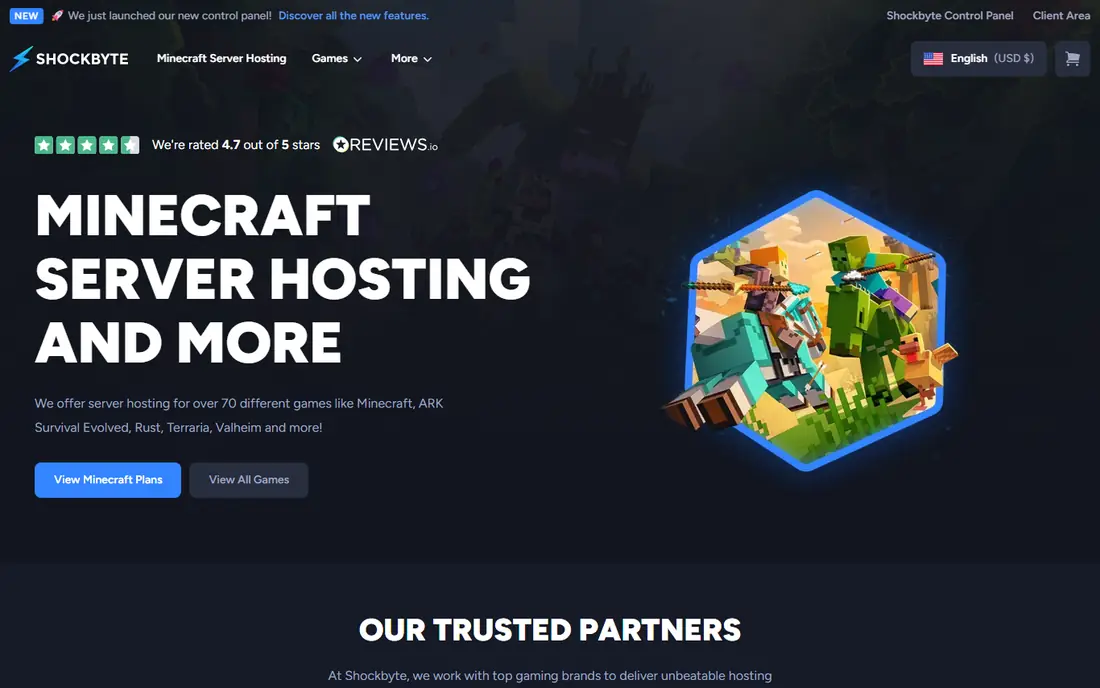
Shockbyte competes on price, offering game servers for Minecraft, Ark, Rust, Valheim, and other titles at low monthly rates with instant setup. Its control panel covers the basics, and its game range suits groups that play several titles over time. For a group splitting the cost, Shockbyte keeps the per-person price low.
Support quality varies by report, and performance depends on choosing a plan with enough RAM for your mods and players. For a budget server where the group can handle basic administration, Shockbyte is good value.
- Low prices
- Supports Minecraft, Ark, Rust, and more
- Instant setup
- Support quality varies
- Performance depends on plan tier
BisectHosting
Ideal for: Support and modpacks
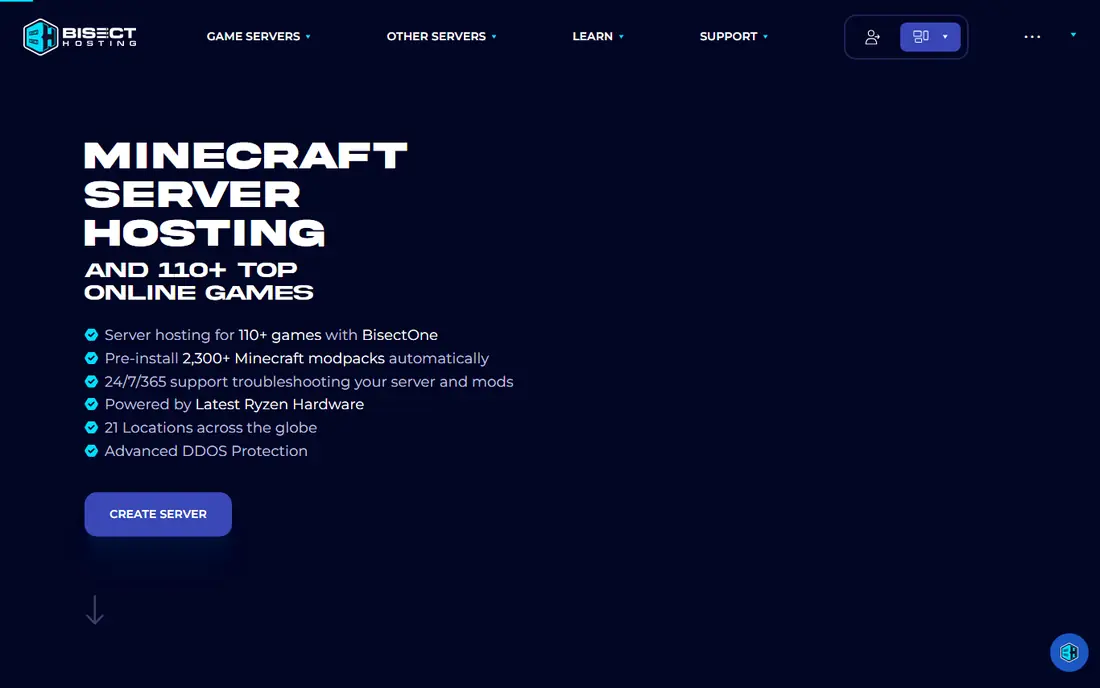
BisectHosting is known for strong customer support and easy modpack installation, with server locations in several regions and solid performance. Its team helps with mod and plugin issues, which is valuable for heavily modded servers where setup problems are common. For a modded Minecraft or multi-game server, that support is a real advantage.
Pricing sits in the mid-range, and its control panel takes a little learning. For players who want help when mods misbehave, BisectHosting is a dependable choice.
- Strong support
- One-click modpacks
- Good performance and locations
- Pricing is mid-range
- Interface takes a little learning
Sparked Host
Ideal for: Budget with good performance
Sparked Host offers budget game hosting with good hardware, including modern processors and fast storage, at prices that compete with Shockbyte. It supports Minecraft and other popular titles, and its reputation has grown among price-conscious players. For a group that wants performance without paying a premium, it is an attractive option.
As a smaller company, its support hours and resources are leaner than larger hosts. For players comfortable with basic server management, Sparked Host offers strong value.
- Low prices with good hardware
- Supports many games
- Growing reputation
- Smaller company than leaders
- Support hours are leaner
Hostinger
Ideal for: Beginner-friendly game hosting
Hostinger, a large general hosting brand, offers game server plans with beginner-friendly panels and global server locations. Its brand trust and infrastructure suit players who already know Hostinger from web hosting, and its game plans cover Minecraft and other titles. For a beginner who wants a familiar, reliable host, it is a safe choice.
Game hosting is a smaller part of its business than web hosting, so game-specific features are fewer than on specialist hosts. For straightforward servers without heavy modding, Hostinger works well.
- Beginner-friendly panels
- Good global locations
- Trusted hosting brand
- Game hosting is a smaller part of its business
- Fewer game-specific features
Nodecraft
Ideal for: Multi-game server management
Nodecraft lets players run and switch between many games from one panel, with a mobile app for managing servers on the go. That flexibility suits groups that rotate games, since one subscription can host different titles at different times. Its interface is polished and approachable for non-technical owners.
Pricing is higher for larger servers, and some games need more manual setup than others. For a group that plays many games and values one clean panel, Nodecraft is a strong choice.
- Manage many games from one panel
- Mobile app for server control
- Easy game switching
- Pricing is higher for larger servers
- Some games need more setup
ScalaCube
Ideal for: Free tier and Minecraft
ScalaCube offers a free tier for small Minecraft servers, which makes it the best way to try hosted servers without paying. Its one-click modpacks and custom launcher support help beginners, and its paid plans add RAM and performance for larger groups. For a first server or a small friend group, the free tier is a genuine advantage.
The free tier is limited in players and performance, so growing servers need a paid plan. For testing hosting or running a tiny server, ScalaCube is the easiest free starting point.
- Free tier for small servers
- One-click modpacks and launchers
- Good for trying hosting
- Free tier is limited
- Paid performance varies by plan
Nitrado
Ideal for: Many supported games
Nitrado supports a very wide range of games, from Minecraft and Ark to farming and survival titles that smaller hosts skip, with flexible rental periods from days to months. Its global locations help players in many regions, and its slot-based pricing suits groups that know their player count. For a niche game that other hosts do not support, Nitrado is often the answer.
Its interface is less polished than Apex or Nodecraft, and pricing varies by game and slot count. For broad game support and flexible terms, Nitrado is a versatile host.
- Very wide game support
- Flexible rental periods
- Global server locations
- Interface is less polished
- Pricing varies by game and slots
How we picked these
We compared official product pages, pricing pages, and game support lists for game server hosts, focusing on game coverage, performance, ease of use, support quality, and price. We favored hosts with real player use and included both Minecraft specialists and multi-game hosts.
What to check before you choose
Pick a server location near your players, since distance drives lag more than any other factor. Also match RAM to your game and mods: a vanilla server needs far less than a heavily modded one, and too little RAM causes lag and crashes. Check modpack support if you play modded, and confirm backup frequency, since a lost world is hard to forgive.
Test support responsiveness before committing to a long plan, and start with a short term to confirm performance with your actual player count. Finally, confirm the host supports your exact game version and mod loader, since mismatches cause the most common setup headaches.
Another practical step is to test support before you depend on it. Send a question during the trial and note how fast and how helpfully the team responds, since that response is a preview of what you will get when something breaks at an awkward moment. Also check the documentation and community: clear guides and an active user community can solve many problems without waiting for support at all. If the service handles important data or money, review its security and privacy pages too, and confirm that its practices match your requirements. A product that is strong on features but weak on support or security can cost far more in stress and risk than it saves in subscription fees.
It is also worth checking recent reviews and community discussion before you commit, since products and services change faster than any single guide can track. Look for patterns rather than single complaints: repeated mentions of billing surprises, poor support, or declining quality are more telling than one angry review. At the same time, remember that every popular service attracts some negative feedback, so weigh the overall picture, including how the company responds to criticism. A vendor that answers problems openly and fixes them promptly is usually a safer bet than one that stays silent. Use that broader picture, together with your trial experience, to make a final decision you can feel good about.
Frequently asked questions
How much RAM does a Minecraft server need?
A small vanilla server runs on a few gigabytes, while a modded server with many players needs significantly more. Check the host's recommendations for your modpack and player count, and choose a plan with headroom.
Which game server host is best for beginners?
Apex Hosting and Hostinger are best for beginners, thanks to easy panels and one-click setups. ScalaCube's free tier is also good for a first, small server.
Can I switch games on the same server plan?
It depends on the host. Nodecraft makes switching easy within one panel, while other hosts may need a new server or a plan change for a different game.
Does server location really matter?
Yes. Players connect fastest to servers near them, so choose a location close to most of your group. A server on another continent adds noticeable lag, especially for fast-paced games.
Should I host a game server myself or pay for hosting?
Paid hosting suits most players, since it handles uptime, security, backups, and performance. Self-hosting works if you have spare hardware, a stable connection, and the skill to manage it, but it needs more effort.
Should I try a free plan or trial first for best game server hosting services?
Yes, whenever one is available. A trial with your real data and real tasks reveals fit, speed, and ease of use in a way no sales page can, and it often surfaces deal-breakers early, such as a missing integration or a confusing workflow. Use the trial actively rather than just browsing: complete a typical task end to end, contact support once, and check how easy it is to export your work if you decide to leave.