6 Best Global Contractor Management Software Options for 2026

- 1
 GustoUS-based teams with a handful of international contractorsVisit
- 2
 RemoteBusinesses that want compliance handled in-houseVisit
- 3
 PlaneCost-conscious teams that want transparent pricingVisit
- 4
 RemotePassTeams hiring across the Middle East, Africa and AsiaVisit
- 5
 DeelTeams hiring contractors across numerous countriesVisit
- Gusto is the opening pick, best for US-based teams with a handful of international contractors.
- Remote is the lowest-priced starter here at $29 per contractor/month.
- Remote, Plane: these are the 2 tools out of 6 that offer a free plan.
- Rippling fits teams that want HR, IT and payroll on one record.
Direct answer
Start with Gusto if you need US-based teams with a handful of international contractors. Alternatives: Remote for businesses that want compliance handled in-house, and Plane for cost-conscious teams that want transparent pricing. The remaining 3 options are covered below with prices and limits.
Quick comparison
| Product | Ideal for | Price from | Free version | |
|---|---|---|---|---|
| Gusto | US-based teams with a handful of international contractors | $35 a month + $6 per contractor (Contractor Only) | Free trial | Visit |
| Remote | Businesses that want compliance handled in-house | $29 per contractor/month | Yes | Visit |
| Plane | Cost-conscious teams that want transparent pricing | $39 per active contractor/month | Yes | Visit |
| RemotePass | Teams hiring across the Middle East, Africa and Asia | $39 per contractor/month | Free trial | Visit |
| Deel | Teams hiring contractors across numerous countries | $49 per contractor/month | No | Visit |
 Rippling | Teams that want HR, IT and payroll on one record | See website (custom quote) | No | Visit |
Global Contractor Management Software profiles
If you are comparing global contractor management software, this page covers 6 tools in one place: what each is best for, what it costs to start, whether it has a free plan, and the main limit to know about.
Gusto
Ideal for: US-based teams with a handful of international contractors
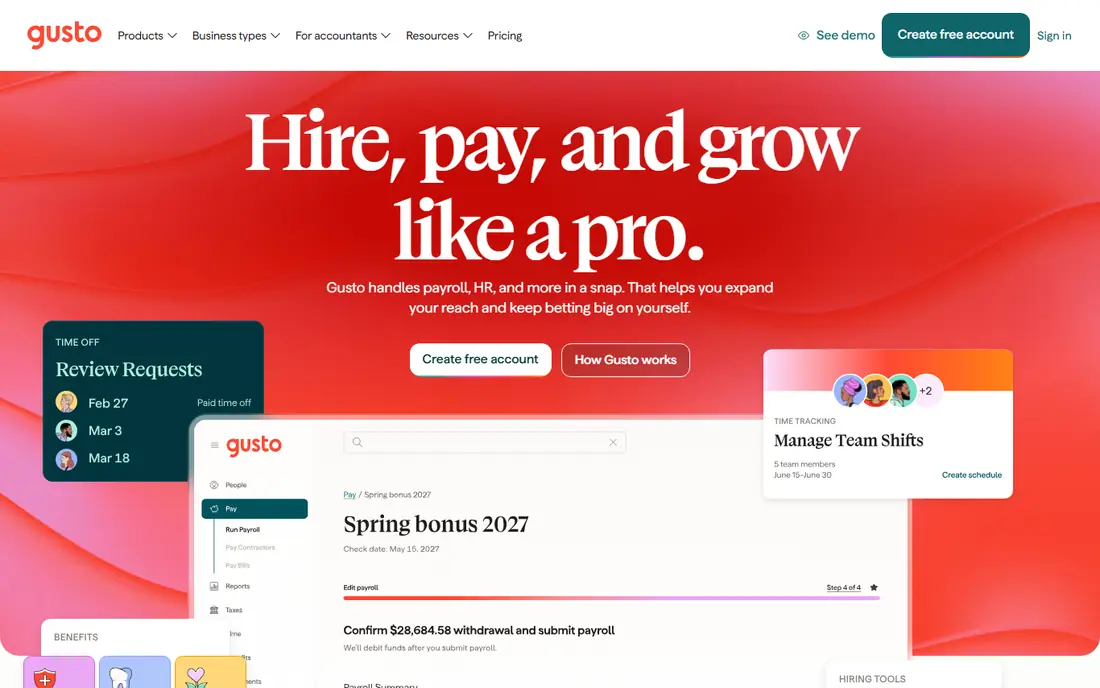
Gusto works best for US-based teams with a handful of international contractors. The Contractor Only plan costs $35 a month plus $6 per contractor, which is straightforward math. Worth adding: the limitation is scope.
Where it is weaker: Contractor tools are US-centric.
If they are spread across ten countries, it does. On top of that, onboarding is genuinely simple, and support has a decent reputation with small companies. Full payroll plans start at Simple, $49 a month plus $6 per employee, with a free trial that runs until your first payroll. On top of that, Gusto also stays US-only for employees, so it cannot grow into your EOR provider later. Price to start with Gusto: $35 per month + $6 per contractor. Trial and free access: Free trial.
- Free trial until your first payroll
- Decent support reputation with small companies
- Per-person costs climb with extras
Remote
Ideal for: Businesses that want compliance handled in-house

Remote is a good fit for businesses that want compliance handled in-house. EOR is $599 per employee a month on the annual plan ($699 billed monthly), and global payroll is $29. Worth adding: Remote takes a different stance by owning its own legal entities rather than relying on partners, which provides it tighter control over compliance.
More specifically, for teams that value compliance control over maximum country count, Remote is a solid pick. More specifically, the main limit is coverage depth. For everyday use, the HRIS is free, a nice bonus for teams that want a system of record without paying for one. On top of that, contractor management costs $29 per contractor a month, undercutting Deel on the headline number. Remote cost at the entry level: $29 per contractor/month. A free plan is available with Remote.
The main drawbacks: No free trial on premium products.
- Free HRIS included
- Owns its entities rather than relying on partners
- Thinner coverage in some regions
Plane
Ideal for: Cost-conscious teams that want transparent pricing

Plane is designed for cost-conscious teams that want transparent pricing. Payments go through local rails, and contractors get premium into their bank accounts without an e-wallet in the middle. Also, the main limit is youth.
If you value price transparency and modern tooling over maximum coverage, it is worth a serious look. Those numbers are published right on the homepage, which is refreshing in a category full of quote-only pricing. Entry price for Plane: $39 per active contractor/month. Plane offers a free plan.
Where it is weaker: Fewer native integrations.
- Free HRIS
- Published pricing on the homepage
- Newer and smaller than Deel or Remote
RemotePass
Ideal for: Teams hiring across the Middle East, Africa and Asia
RemotePass was built for teams hiring across the Middle East, Africa and Asia. Support gets consistently capable reviews, with a named customer success manager and quick response times. As for the details, the tradeoff is specialization.
If your map comes with Egypt, the UAE or Pakistan, RemotePass deserves a place on the shortlist. For everyday use, multi-currency payouts, including stablecoins, suit teams in markets with tricky banking. Price to start with RemotePass: $39 per contractor/month. On free options: Free trial.
Trade-offs to know: Thinner integrations than the biggest products.
- Multi-currency payouts including stablecoins
- Capable coverage in emerging markets
- Smaller brand footprint
Deel
Ideal for: Teams hiring contractors across numerous countries
For teams hiring contractors across numerous countries, Deel is a natural candidate. Global payroll runs $29 per employee a month and US PEO $125, so the system can grow with you from contractors to full-time hires.
Downsides: Pricing is a menu of products that takes effort to map.
Worth adding: the breadth of that coverage is hard to match, but it includes complexity. On cost, Deel starts like this: $49 per contractor/month. Deel has no permanent free option.
- Contractor of Record choice at $325
- Global payroll and US PEO on the same platform
- Support quality varies by country
Rippling
Ideal for: Teams that want HR, IT and payroll on one record
Think of Rippling for teams that want HR, IT and payroll on one record. The automation is genuinely deep: a role change can update payroll, app access and device management together. In daily use, pricing is modular at roughly $8 per employee a month per module plus a base product fee near $35.
Drawbacks to consider: every quote is custom; Costly if you only need contractor management.
But there is no public rate card and every quote is custom, which makes budgeting a conversation instead of a calculation. Rippling is capable if you want the entire workforce product, but it is a costly way to buy contractor management alone. In daily use, Rippling's pitch is that HR, IT and payroll run on one employee record, and contractor management plugs into that foundation. Check the vendor site for Rippling pricing; none is listed in this comparison. Rippling has no permanent free option.
- Contractors and employees share one system
- Deep reporting
- No public rate card
How we chose
Each tool was reviewed on what its vendor publishes: price, plan limits, core features and stated drawbacks. We did not run hands-on tests. Where a price is missing, the vendor does not list one publicly or ties it to a quote. Always confirm before budgeting. Order on the page follows fit for the typical buyer first, then price transparency and free access. Your own requirements should decide the final pick.
What to confirm before you sign up
- Get a written quote from Rippling; the list shows no starting price for them.
- Look at free plan limits closely: Remote and Plane have one, and the caps decide whether it is usable for real work.
- Take the trial from Gusto and RemotePass and push a live task through it before you pay.
- Read the limits listed for Gusto first: contractor tools are US-centric.
- A short pilot of Remote with your real workflow tells you more than a feature table.
- Confirm you can export your data from Gusto, so leaving later does not mean losing records.
Frequently asked questions
Which options for global contractor management software have a free plan?
Remote and Plane offer a free plan in this list. Free plans usually cap users, projects or features, so check the limits on the vendor page. Several others offer a trial instead.
Can I try these options before paying?
Often, yes. Remote and Plane have a free plan and Gusto and RemotePass offer a free trial. Use your own data and a real task during the test, and check what the free tier or trial limits before you rely on it.
Do these tools publish their prices?
Not all of them. Rippling publishes no starting price, so expect a quote request for it. The rest, Gusto included, show a starting price, though seats and billing terms still change the final cost.
Do I need a legal entity in each country?
Not with these tools. You only need your own entity if you choose the global payroll model, in which case the provider runs payroll for your existing entities.
Can contractors be premium in their local currency?
Yes. Check FX markups for your specific corridors, since the exchange rate margin is where some providers make their money.
Is Gusto the right pick for everyone comparing global contractor management software?
No single tool suits every team. Gusto comes first because it fits US-based teams with a few international contractors, while Remote suits companies that want compliance handled in-house and Plane suits cost-conscious teams that want transparent pricing. Match the tool to your own size, budget and workflow before deciding.