6 Top Government Contracting Software Options Compared (2026)

- 1
 GovSpendContractors researching agency spending and competitor contract winsVisit
- 2
 PROCASSmall contractors that require DCAA-compliant accounting on a budgetVisit
- 3
 JAMISSmall to mid-sized contractors that want ERP depth without enterprise overheadVisit
- 4
 BidNet DirectVendors chasing state and local government bidsVisit
- 5
 GovWin IQFederal contractors who want opportunity intelligence and agency researchVisit
- GovSpend takes the first slot, best suited to contractors researching agency spending and competitor contract wins.
- GovSpend, Unanet and the 4 others all sell by quote; expect sales conversations before you see a price.
- GovSpend, Unanet and the 4 others all need a premium plan or a trial, since no free plan is listed.
- Check the limits for PROCAS before you commit: restricted depth next to Unanet or Costpoint for bigger operations.
Direct answer
If you need contractors researching agency spending and competitor contract wins, GovSpend is the first tool to look at here. Alternatives: PROCAS for small contractors that require DCAA-compliant accounting on a budget, and JAMIS for small to mid-sized contractors that want ERP depth without enterprise overhead. Prices, free plans and limits for all 6 tools follow.
Quick comparison
| Product | Ideal for | Price from | Free version | |
|---|---|---|---|---|
| GovSpend | Contractors researching agency spending and competitor contract wins | See website (custom quote) | No | Visit |
| PROCAS | Small contractors that require DCAA-compliant accounting on a budget | See website (custom quote) | No | Visit |
| JAMIS | Small to mid-sized contractors that want ERP depth without enterprise overhead | See website (custom quote) | No | Visit |
| BidNet Direct | Vendors chasing state and local government bids | See website (custom quote) | No | Visit |
| GovWin IQ | Federal contractors who want opportunity intelligence and agency research | See website (custom quote) | No | Visit |
 Unanet | Govcon businesses that require project accounting and DCAA compliance in one system | See website (custom quote) | No | Visit |
Every option for government contracting software explained
Ainotely compared 6 tools for government contracting software. The goal is a practical shortlist: published prices, free plan facts, best-fit use cases and honest limits for every entry.
GovSpend
Ideal for: Contractors researching agency spending and competitor contract wins
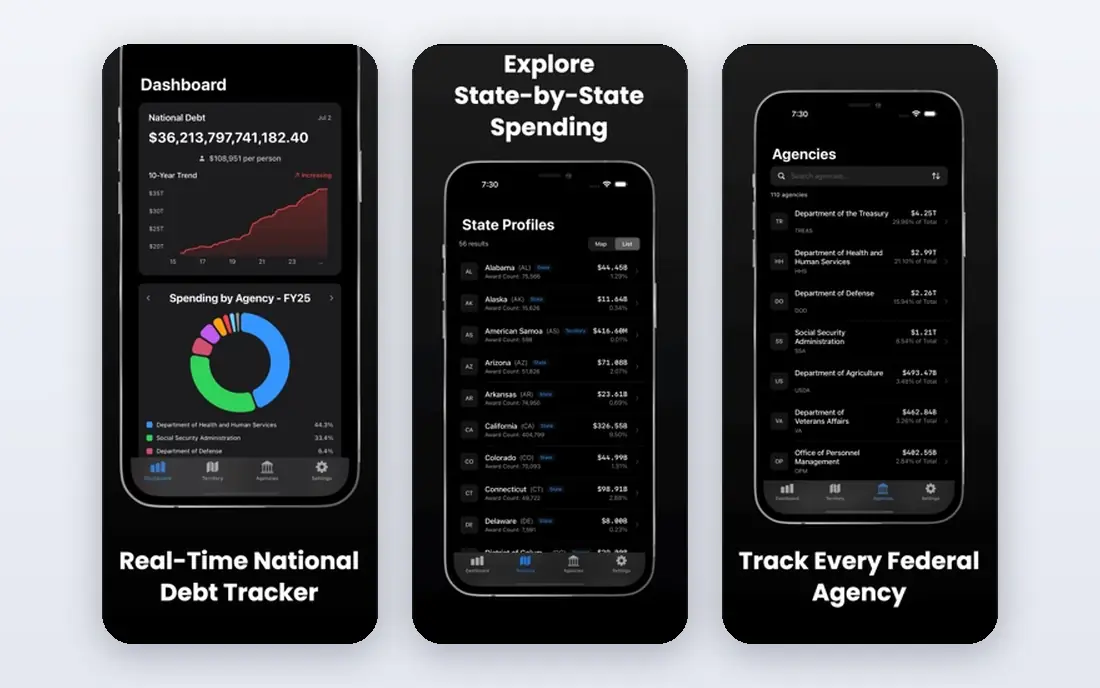
For contractors researching agency spending and competitor contract wins, GovSpend is a natural candidate. GovSpend answers a different question from the bid boards: where is the money going. It aggregates government spending data so contractors can see which agencies buy what they sell, who holds the current contracts, and when those contracts come up for recompete.
Limits to weigh: A research tool.
Best features of GovSpend: contracts and vendor awards. In practice, most serious BD operations use both. For everyday use, for capture planning and competitive research, that history is gold. Also, GovSpend tells you what happened and what is likely to happen. BidNet Direct or GovWin IQ tell you what is open right now. This comparison lists no price for GovSpend; ask the vendor. No free plan comes with GovSpend.
- Handy for competitive intelligence and pipeline building
- Searchable database of government spending
- Not a bid-alert service
PROCAS
Ideal for: Small contractors that require DCAA-compliant accounting on a budget
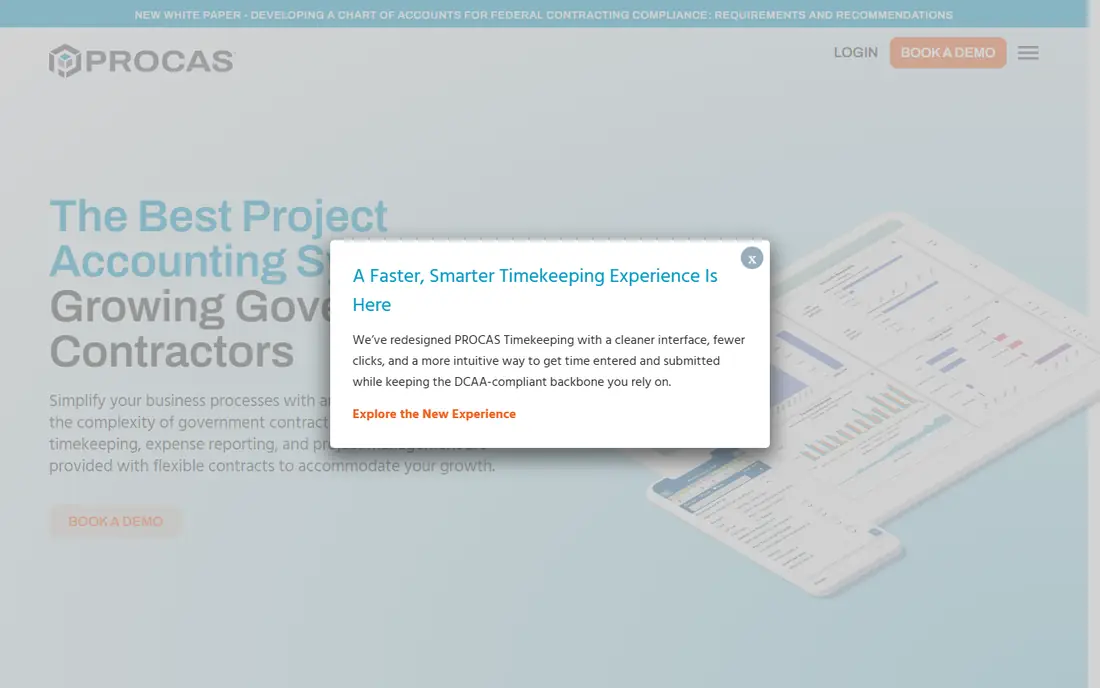
PROCAS is designed for small contractors that require DCAA-compliant accounting on a budget. PROCAS exists since the big govcon ERP suites price out small contractors. It handles the essentials a small firm needs to stay compliant: DCAA-acceptable timekeeping, labor distribution, project costing, billing and reporting.
Best features of PROCAS: More straightforward implementation than full ERP suites.
Drawbacks to consider: Fewer integrations with non-accounting tools.
Businesses that require resource planning, CRM or deep analytics will outgrow it. The trade-off is ceiling. PROCAS does accounting compliance well and little else. Check the vendor site for PROCAS pricing; none is listed in this comparison. PROCAS has no free tier.
- DCAA-compliant timekeeping
- Pricing positioned for small-business budgets
- Restricted depth next to Unanet or Costpoint for bigger operations
JAMIS
Ideal for: Small to mid-sized contractors that want ERP depth without enterprise overhead
JAMIS makes the most sense for small to mid-sized contractors that want ERP depth without enterprise overhead. Businesses that have outgrown PROCAS but are not ready for Deltek frequently land here.
In practice, pricing is quote-based. JAMIS does not show a starting price in this comparison, so check the vendor site for current pricing. JAMIS has no permanent free option.
Watch-outs: Smaller user community than Deltek or Unanet.
- US-based support geared toward the govcon market
- Govcon-focused ERP with DCAA-compliant project accounting
- Quote-only pricing
BidNet Direct
Ideal for: Vendors chasing state and local government bids
BidNet Direct works best for vendors chasing state and local government bids. Most government spending that a small business can actually win is state and local, not federal.
Trade-offs to know: Bid quality varies by region and category.
This comparison lists no price for BidNet Direct; ask the vendor. There is no free plan with BidNet Direct.
- Aggregates state and local bids with matching alerts by category and region
- Vendor profiles that agencies can find
- State and local focus means restricted federal coverage
GovWin IQ
Ideal for: Federal contractors who want opportunity intelligence and agency research
GovWin IQ was built for federal contractors who want opportunity intelligence and agency research. For a business development team at a federal contractor, it replaces a stack of SAM.gov searches, FPDS queries and spreadsheet tracking with one workspace. Worth adding: a one-person shop chasing its first contract will find SAM.gov and GovSpend more practical.
Where it falls short: casual users will not get their money's worth.
For everyday use, the main limit is who it is for. For everyday use, ask Deltek for the full fee schedule, including any per-seat or data-module charges, before signing. GovWin IQ is priced as an enterprise intelligence subscription, and Deltek publishes no numbers. Pricing for GovWin IQ is not stated here, so ask the vendor for current figures. No free plan comes with GovWin IQ.
- Teaming and partner search to find subcontracting suits
- Deep federal opportunity database with agency spending history and forecasts
- Made for established federal players, with pricing to match
Unanet
Ideal for: Govcon businesses that require project accounting and DCAA compliance in one system
In short, Unanet is for Govcon firms that need project accounting and DCAA compliance in one system. Businesses in the 20 to 200 employee range are the sweet spot. As for the details, Unanet sells to the contractor who has won work and now has to run it properly.
More specifically, the product merges project accounting, resource planning, timekeeping and expense management, with the DCAA-compliant audit trail that cost-plus and time-and-materials contracts need. It is the standard step up for businesses that started on QuickBooks and hit the limits of generic accounting. This comparison lists no price for Unanet; ask the vendor. Unanet does not include a free plan.
The main drawbacks: Quote-only pricing with implementation costs.
- Purpose-built project-based accounting for government contractors
- Expense and billing in one system
- Smaller businesses may find the feature set more than they need
How the list was put together
We compared the tools on published pricing, free plan or trial availability, feature coverage for government contracting software, and the limits each vendor documents. Figures are shown as the vendors publish them. Billing terms, seat minimums and add-ons can change the real cost. Position on the page reflects fit for a typical buyer first, with price clarity and free access breaking ties. Treat it as a guide, not a ruling.
Before you commit
- Request quotes from GovSpend, Unanet and the others; the list shows no fixed prices.
- Before choosing GovSpend, weigh its main limit: a research tool, not a bid-alert service.
- Before you load data into JAMIS, check what an export looks like and who can run it.
- Ask GovSpend which support channels and response times come with the plan you would buy.
- Check whether the features you need in Unanet sit on the entry plan or only on higher tiers.
Frequently asked questions
Do these tools publish their prices?
No. None of the tools, from GovSpend to Unanet, shows a fixed starting price here, so budget time for quotes.
Can I try these options before paying?
Not by default. None of the tools, from GovSpend to Unanet, lists a free plan or a free trial here, so ask each vendor for a demo before committing.
Does any tool for government contracting software here have a free plan?
No tool in this list, GovSpend and Unanet included, has a permanent free plan. Trials and quotes are the usual route, so plan a short evaluation period.
How are the tools for government contracting software ordered?
The order follows typical fit for government contracting software, with GovSpend first and Unanet last, then price clarity and free access. It is editorial judgement, not a score, so another team could rank the tools differently.