Best Graphic Calculator App in 2026: 8 Apps Compared

- Desmos and GeoGebra are the best free graphing calculators, with Desmos winning for pure graphing speed and GeoGebra for geometry and 3D work.
- Photomath and Mathway are best when you need to solve a problem from a photo or typed input with steps shown.
- Symbolab and MathPapa suit students who want detailed step-by-step algebra and calculus solutions with practice material.
- WolframAlpha goes beyond graphing, answering computational questions across math, science, and data.
- Check your exam rules before relying on any app. Many tests restrict calculator apps, so a phone app is a study tool first and an exam tool second.
Quick comparison
| Product | Ideal for | Price from | Free version | |
|---|---|---|---|---|
 Desmos | Fast free graphing | Free | Yes | Visit |
 GeoGebra | Graphing plus geometry and 3D | Free | Yes | Visit |
 WolframAlpha | Computational answers | Free | Yes | Visit |
 Symbolab | Step-by-step math solutions | Free | Yes | Visit |
 MathPapa | Algebra steps and lessons | Free | Yes | Visit |
 Photomath | Solving from a photo | Free | Yes | Visit |
 Mathway | Step-by-step problem solving | Free | Yes | Visit |
 Mathlab | Phone graphing calculator | Free | Yes | Visit |
The best graphic calculator apps
We compared official feature pages, pricing pages, app store listings, and public reviews for the apps below. Our pick for most people is Desmos, because its graphing calculator is free, fast, and easy to use on any device, with sliders, tables, and multiple functions at once.
Desmos
Ideal for: Fast free graphing
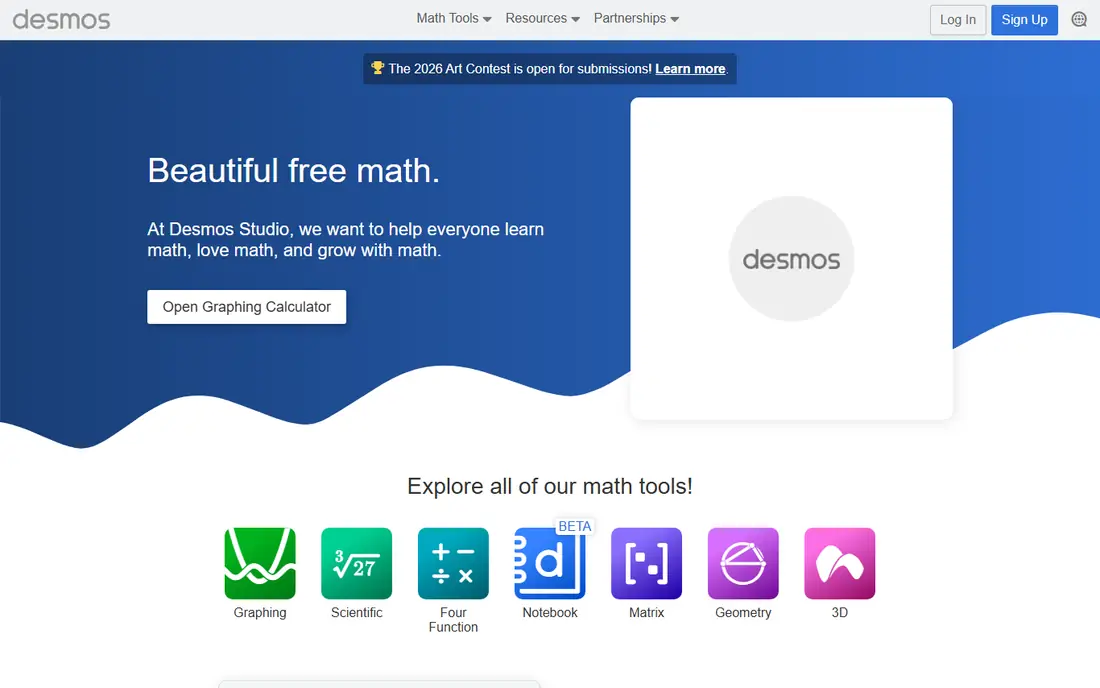
Desmos made graphing feel effortless. Type a function and it appears at once, add sliders to explore how changing a value moves the curve, and plot several functions together to compare them. Tables, regressions, and notes sit alongside the graph, which makes it useful for homework and classroom demos alike.
It is a graphing tool first, not a solver. If you need worked steps for an equation, pair Desmos with Symbolab or Mathway. For visualizing functions, inequalities, and data, no app on this list is quicker or easier to start with, and it costs nothing.
- Free graphing calculator with sliders and tables
- Works in a browser with no install
- Clean interface that students learn fast
- No step-by-step equation solving built in
- Needs internet for the web version
- Advanced CAS features are limited
GeoGebra
Ideal for: Graphing plus geometry and 3D
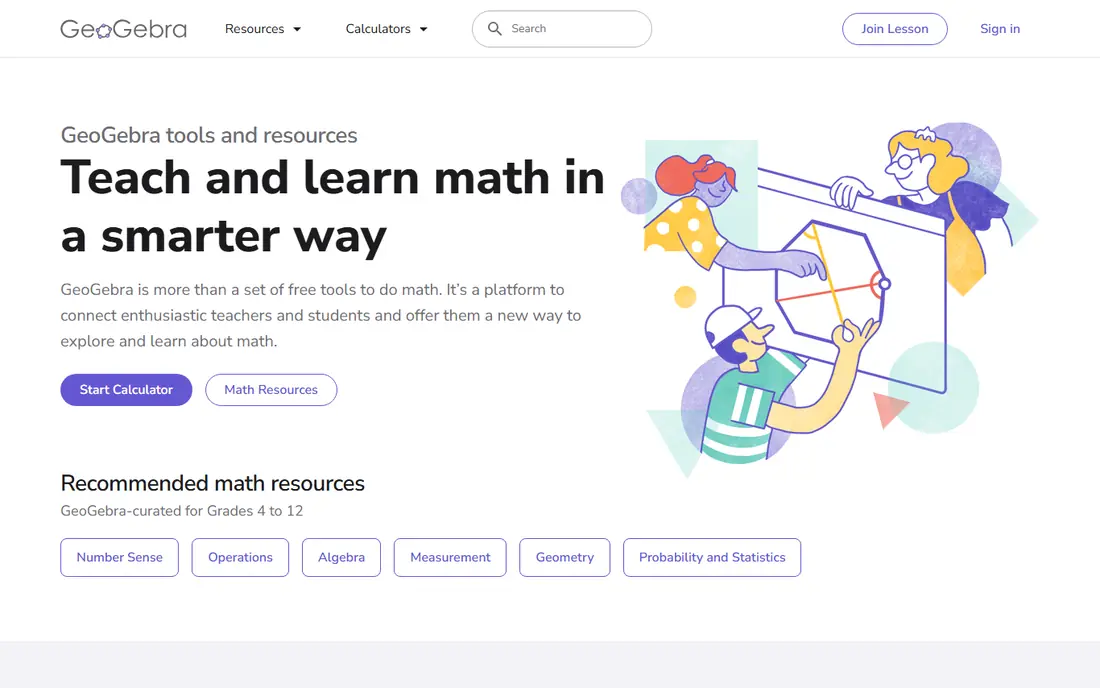
GeoGebra is a full math platform rather than a single calculator. Its Calculator Suite combines graphing, geometry, algebra, and 3D tools, and teachers can build interactive lessons, share resources, and follow student progress in real time. Most tools are free for non-commercial use, including school and home study.
The breadth is also the learning curve. A student who only needs to graph a function may find GeoGebra busier than Desmos, and saving work online needs an account. For geometry, 3D surfaces, and classroom use, GeoGebra is the strongest free choice here.
- Free calculators for graphing, geometry, and 3D
- Classroom tools and shared resources
- Offline use after installing an app
- Wider toolset takes longer to learn
- Interface is busier than Desmos
- Some features need an account to save online
WolframAlpha
Ideal for: Computational answers

WolframAlpha answers questions by computing them, not just searching for them. Type a function and you get plots, derivatives, integrals, and properties, and you can ask about statistics, chemistry, physics, and everyday math in plain language. Its knowledge base covers far more than a calculator ever could.
Free use covers many answers, but full step-by-step solutions sit behind a Pro plan, and phrasing a question well takes practice. For research-style questions and checking work across subjects, WolframAlpha is unmatched, but for quick classroom graphing, Desmos is simpler.
- Answers across math, science, finance, and data
- Plots and analyzes functions with detailed output
- Huge curated knowledge base
- Step-by-step solutions need a paid plan
- Input style takes practice
- Less of a pure graphing app than Desmos
Symbolab
Ideal for: Step-by-step math solutions
Symbolab is built around showing the method, not just the answer. Enter an equation, integral, or derivative and it breaks the solution into steps, explains the rules in play, and offers practice problems and quizzes to build the skill. Graphing tools let you plot and analyze functions with steps as well.
The free tier is useful, but the fullest step breakdowns need a paid plan, and the range of calculators can feel large at first. For students who want to understand how a solution works rather than copy an answer, Symbolab is the best study companion on this list.
- Step-by-step solutions across algebra to calculus
- Graphing tools with detailed steps
- Practice problems and quizzes
- Full step access needs a subscription
- Ads and limits on the free tier
- Some solutions are more detailed than others
MathPapa
Ideal for: Algebra steps and lessons
MathPapa keeps algebra simple. Its calculator solves algebra problems step by step, and the site adds lessons and practice exercises so students can build skills at their own pace. The interface is plain and fast, which suits younger students and anyone returning to algebra after a break.
The focus is narrow. Calculus, statistics, and deep graphing are outside its scope, so older students will outgrow it. For middle school, high school algebra, and algebra review, MathPapa is a clear, free, and friendly choice.
- Clear algebra calculator with step-by-step work
- Lessons and practice for building algebra skills
- Simple interface
- Focused on algebra, not calculus or graphing depth
- Mobile app is simpler than the site
- Advanced topics need another tool
Photomath
Ideal for: Solving from a photo
Photomath starts with your camera. Point it at a problem, even a word problem, and the app reads it, solves it, and shows steps you can follow. A smart calculator covers typed input too, and the Plus plan adds custom visual aids and deeper tips for each step.
The basic plan is free and covers step-by-step explanations, while Plus costs $9.99 per month or $69.99 billed yearly. Camera recognition works best with clear print, so messy handwriting can need a retry or manual entry. For homework help on the go, Photomath is the most convenient solver here.
- Scan printed or handwritten problems
- Step-by-step explanations with multiple methods
- Smart calculator for typed input
- Plus features need a subscription
- Camera solving can struggle with messy handwriting
- Graphing is lighter than Desmos
Mathway
Ideal for: Step-by-step problem solving
Mathway has solved math problems for more than two decades, and its current solver covers basic math, algebra, trigonometry, precalculus, calculus, statistics, linear algebra, chemistry, and physics. You can type a problem, upload a photo, or pick a dedicated calculator for factoring, derivatives, graphing, or statistics.
Free use gives answers and some steps, while a subscription opens the full worked solution for every step. It is less of a pure graphing experience than Desmos, but as an all-subject solver with steps, Mathway is one of the most complete tools on this list.
- Covers basic math through calculus, statistics, and physics
- Photo upload and typed input
- Large library of dedicated calculators
- Full step work needs a subscription
- Graphing tools are part of a wider solver, not the focus
- Ads on free use
Mathlab
Ideal for: Phone graphing calculator
Mathlab is a graphing calculator app built to feel like a handheld calculator on your phone. It graphs several functions at once, displays equations as you would write them, and shows problems worked out as you enter them, which helps students follow the math. Teachers have used it with algebra and precalculus classes for years.
The website and interface look older than Desmos or GeoGebra, and learning resources are thinner. But if you want a phone app that replaces a physical graphing calculator without buying one, Mathlab is a practical, low cost option.
- Graphing calculator designed for phones
- Graphs several functions at once
- Shows work as you enter problems
- Older interface and website
- Fewer learning resources than Desmos or GeoGebra
- Advanced features vary by version
How we picked these
We compared official feature pages, pricing pages, app store listings, and public reviews for each app, and we opened every homepage to confirm it loads and belongs to the product named. We dropped one major math app whose homepage returned no usable content in our check, and replaced it with Mathway. We favored apps still operating in October 2026 that graph functions properly or solve with steps, and we left out basic calculators with no graphing or learning features.
Graphing well on a phone
Small screens reward simple graphs. Start with one or two functions, use sliders to explore changes, and zoom to the region that matters instead of staring at a default view. Save or screenshot graphs you want to compare, and label axes and intersection points before you move on.
Also remember that graphing apps help you learn, but they do not replace doing algebra by hand. Use the graph to check your work and build intuition, then practice solving without the app so you are ready for tests that restrict devices. If your class allows a specific calculator, check its rules first, since some exams permit only approved models.
Frequently asked questions
What is the best free graphing calculator app?
Desmos is our pick for free graphing, because it is fast, clear, and free on any device. GeoGebra is the best free alternative if you also need geometry, 3D math, or classroom tools.
Can a graphing calculator app replace a physical calculator?
For homework and study, yes, in most cases. For exams, it depends on your school or test rules, since many exams restrict phones and allow only approved calculator models. Check the rules before exam day.
What is the best app for step-by-step math solutions?
Symbolab and Mathway both show detailed steps across many topics, while Photomath is best if you want to scan a problem with your camera. Free tiers cover basic steps, with fuller detail on paid plans.
Is Desmos really free?
Yes, the Desmos graphing calculator is free to use on the web and in its apps. There is no paywall for core graphing, which is why it is so widely used in schools.
Which graphing app is best for geometry?
GeoGebra is the best choice for geometry, because it combines dynamic constructions with graphing, algebra, and 3D tools in one free platform.