Best Grocery List App in 2026: 8 Apps Compared

- AnyList is our pick for most households, with shared lists, recipes, and meal planning in one polished app.
- OurGroceries suits families who want a simple, fast shared list with photos and aisle grouping.
- Listonic is the best free option, with no account needed and a built-in cost calculator.
- Cozi fits families who want grocery lists beside a shared calendar and meal plans.
- Bring! adds store offers and recipes, which helps households that plan around deals.
Quick comparison
| Product | Ideal for | Price from | Free version | |
|---|---|---|---|---|
 AnyList | Most households | Free | Yes | Visit |
 OurGroceries | Simple family sharing | Free | Yes | Visit |
 Bring! | Offers and recipes | Free | Yes | Visit |
 Listonic | Free no-account lists | Free | Yes | Visit |
 Cozi | Family organizer | Free | Yes | Visit |
 Google Keep | Simple Google lists | Free | Yes | Visit |
 Microsoft To Do | Microsoft users | Free | Yes | Visit |
 Out of Milk | Pantry plus shopping | Free | Yes | Visit |
The best grocery list app
A grocery list app should stop the two classic problems: forgotten items and duplicate buys when two people shop. We compared official app pages, feature lists, and app-store listings for the apps below, looking at sharing, sync speed, recipe support, price tracking, voice input, and cost. Most are free, with paid tiers for extra features, so we note pricing as listed by each vendor.
AnyList
Ideal for: Most households
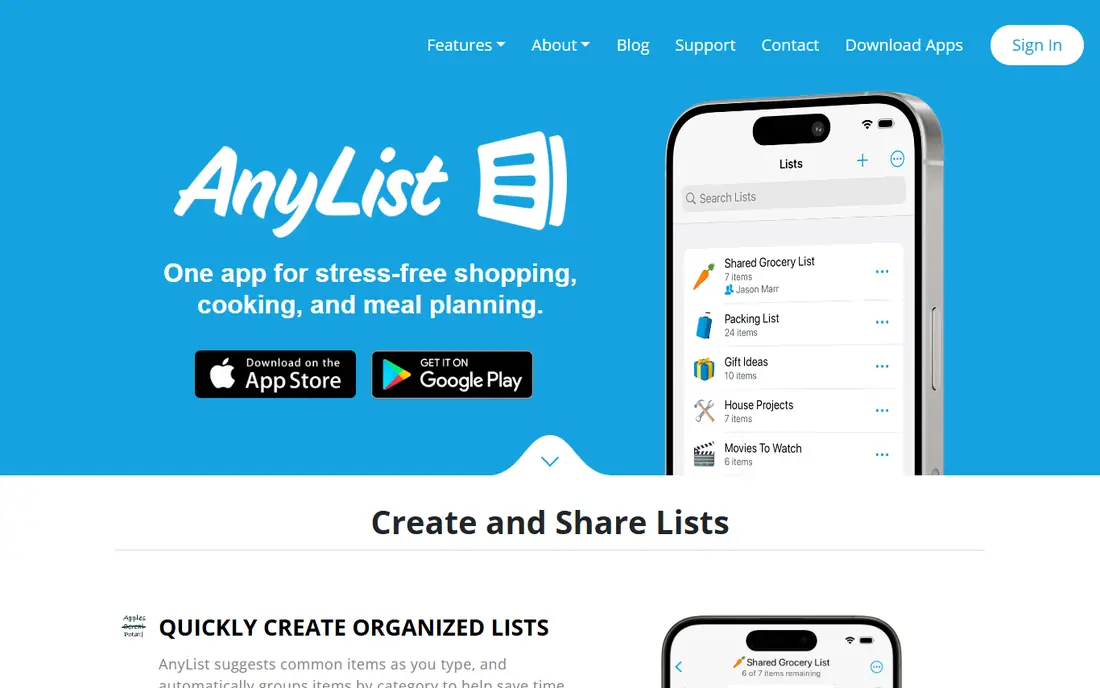
AnyList is our pick for most households because it handles the whole cycle from recipe to store. You can import recipes from websites, add their ingredients to a list with a tap, plan meals on a calendar, and share lists that sync instantly between family members. Items group by store category automatically, and suggestions appear as you type.
The free tier covers basic lists well, but meal planning, recipe import, and themes sit behind the paid Complete subscription. For households that cook regularly and share shopping, that subscription is easy to justify.
- Shared lists sync instantly
- Recipes import from the web
- Meal planning calendar included
- Full features need a paid subscription
- Recipe import is strongest on Apple devices
OurGroceries
Ideal for: Simple family sharing
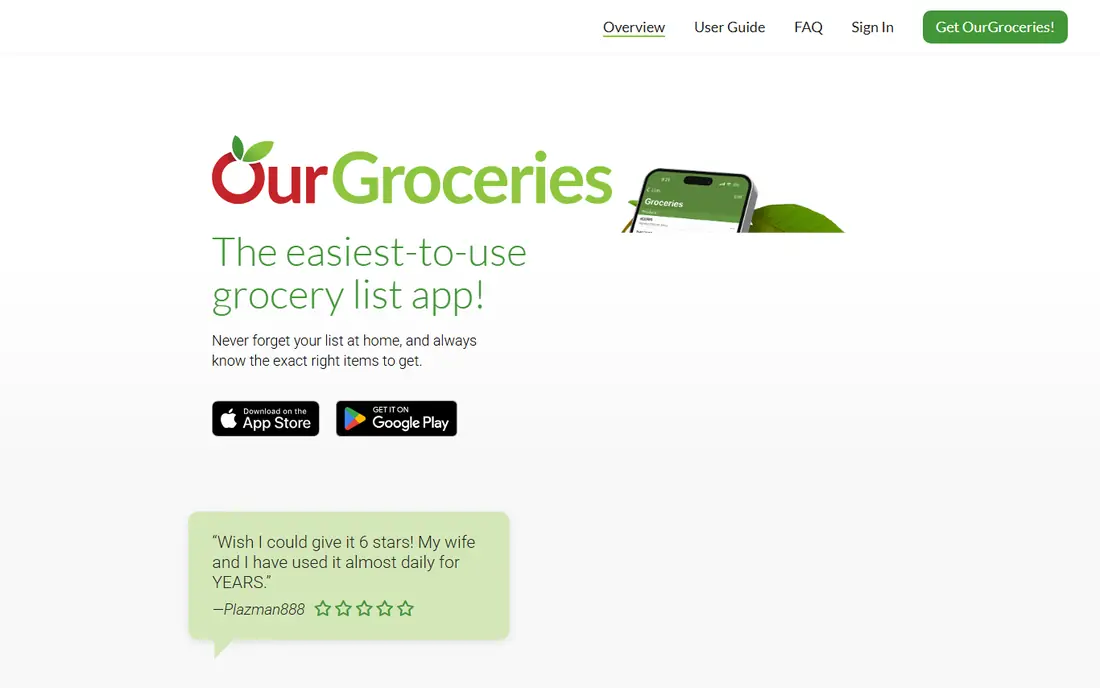
OurGroceries keeps grocery lists refreshingly simple. A partner sees an added item immediately, even if they are already at the store, and items group into aisles so shopping follows one route. Photos, notes, quantities, and barcodes help the shopper buy exactly the right product, and Alexa support adds hands-free entry.
It does not match AnyList for recipe management or meal planning. If your main need is a dependable shared list that everyone in the house actually uses, OurGroceries is hard to beat for simplicity.
- Very easy household sharing
- Photos and barcodes on items
- Works on phones, watches, and web
- Recipe features are lighter than AnyList
- Design is plain
Bring!
Ideal for: Offers and recipes
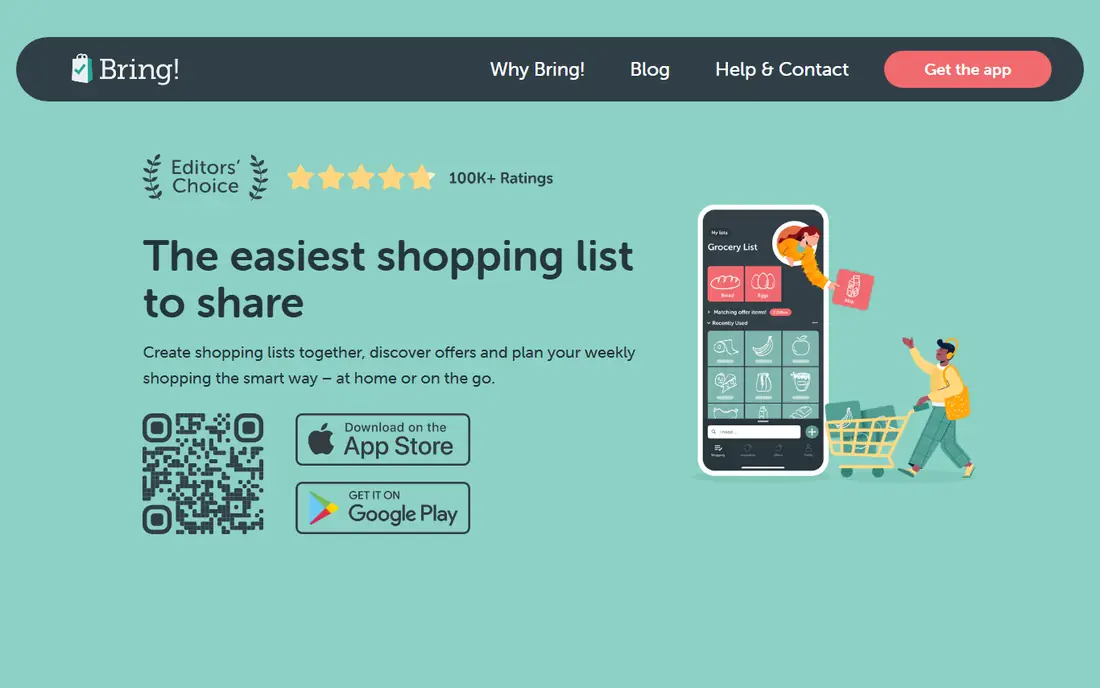
Bring! combines a shared shopping list with store offers and recipes, which suits households that plan shopping around deals. You can browse digital leaflets from favorite stores, add discounted items to your list with one tap, and pull recipe ingredients onto the list just as easily. Lists sync in real time, and Siri and Alexa support hands-free adding.
Offer coverage depends on your country and local stores, so check whether your regular shops appear before relying on deals. For deal-aware families, Bring! turns a list app into a small savings tool.
- Free core features
- Store offers and digital leaflets
- Seasonal recipes with one-tap ingredients
- Offer coverage varies by country and store
- Some users find the feed busy
Listonic
Ideal for: Free no-account lists
Listonic is the best free grocery app for most people. You can start a list without creating an account, share it with family for real-time updates, and see an estimated total as you add prices, which helps keep spending in check. Smart sorting arranges items by store layout, and an AI assistant can build a list from typed, spoken, or photographed input.
Extra themes and an ad-free experience sit behind a premium tier, but the core features stay free. For a no-fuss, no-cost shared list, Listonic is an excellent default.
- Free with no account needed
- Total cost calculator
- Smart sorting and voice input
- Premium themes and ad-free use cost extra
- Recipe support is lighter than AnyList
Cozi
Ideal for: Family organizer
Cozi suits families who want shopping lists inside a broader household organizer. One account covers a shared calendar, grocery and to-do lists, and a recipe box with meal planning, so dinner plans and shopping stay connected. Lists sync to everyone's phone, and the free tier covers the essentials.
Shoppers who only want a list app may find the calendar features unnecessary. For busy families juggling schedules, activities, and meals, Cozi keeps the whole household plan in one place.
- Grocery lists beside a shared family calendar
- Recipes and meal plans included
- One account for family
- Grocery features are part of a larger organizer
- Paid tiers add calendar views and remove ads
Google Keep
Ideal for: Simple Google lists
Google Keep is the simplest option for people already living in Google's apps. You can make a checklist in seconds, share it with family, set a location or time reminder, and check items off from any device. It works well for a quick list when you do not need store sorting or cost tracking.
It lacks grocery-specific features such as aisle grouping, prices, and recipe imports, so larger household lists can feel unstructured. For a single person or couple with simple lists, Keep's speed and zero cost are enough.
- Free and instant for Google users
- Checklists with reminders
- Sharing and collaboration built in
- No grocery-specific sorting or prices
- Lists can get messy at scale
Microsoft To Do
Ideal for: Microsoft users
Microsoft To Do turns task lists into grocery lists for people in the Microsoft ecosystem. You can create a shared shopping list, add due dates and reminders, and see the same list on Windows, web, and mobile. Integration with Outlook means work and home lists live side by side.
Like Keep, it lacks aisle sorting, prices, and recipe tools, so it suits simple lists rather than full household planning. For Microsoft households that want one list app for everything, To Do covers groceries adequately.
- Free with a Microsoft account
- Shared lists and reminders
- Integrates with Outlook tasks
- No grocery-specific features
- Sharing setup is less list-focused than rivals
Out of Milk
Ideal for: Pantry plus shopping
Out of Milk has served shoppers for years with a straightforward idea: shopping lists, pantry lists, and to-do lists in one app. The barcode scanner speeds up adding items, templates cover common occasions, and sharing lets family members contribute to the same lists. A cart feature tracks what you have bought versus what remains.
The design shows its age next to Listonic or AnyList, and recipe support is limited. For shoppers who like tracking pantry stock alongside the shopping list, Out of Milk remains a dependable, simple choice.
- Shopping, pantry, and to-do lists in one app
- Barcode scanner
- Templates for occasions
- Interface feels older than newer rivals
- Recipe features are limited
How we picked these
We compared official app pages, feature lists, and app-store listings, checking sharing, sync, recipe support, price tracking, voice input, and cost. We favored apps that are actively maintained in October 2026, work on both major phone platforms, and offer a usable free tier. Where a paid tier adds extra features, we note that rather than treating the app as fully paid or fully free.
How to run a shared grocery list that works
Start by agreeing on one list and one app for the whole household, since two half-used lists cause more duplicate buys than no list at all. Give everyone permission to add items the moment they notice something is low, and use photos or brand notes for items where the wrong choice causes trouble, such as milk alternatives or specific snacks.
Next, sort the list by store layout if your app supports it, and check the list before leaving home. At the store, check items off as you pick them up so a partner shopping at the same time sees progress instantly. Review the list each week for items you always forget, and keep a small pantry list for staples so a missing ingredient never surprises you mid-recipe.
Store coverage is worth checking before you settle on an app, since offers, aisle layouts, and product catalogs differ by country and retailer. If your regular shop is missing, the prettiest app will still slow you down. Barcode scanning and pantry tracking are useful extras for larger households, since they cut typing and stop duplicate buys. Meal planning ties the list to the week ahead, so recipes and planned meals feed the list automatically instead of starting from scratch each shop.
Frequently asked questions
What is the best grocery list app?
AnyList is our pick for most households because it combines shared lists, recipes, and meal planning. OurGroceries is best for simple family sharing, Listonic is the best free option, and Cozi suits families who also want a shared calendar.
Can I share a grocery list with my family?
Yes. Every app on this list supports sharing, with changes syncing in real time to all members. AnyList, OurGroceries, Listonic, and Bring! are particularly strong for household sharing.
Is there a free grocery list app?
Yes. Listonic is free with no account needed, and Google Keep, Microsoft To Do, AnyList, OurGroceries, Bring!, Cozi, and Out of Milk all offer free tiers. Paid tiers usually add themes, meal planning, or an ad-free experience.
Which grocery list app has recipes?
AnyList has the strongest recipe features, with web import and meal planning. Cozi and Bring! also include recipes and meal plans, while OurGroceries offers basic recipe support. Listonic focuses more on lists than recipes.
Can I add items to my grocery list by voice?
Yes. AnyList supports Siri, OurGroceries supports Alexa, Bring! supports Siri and Alexa, and Listonic offers voice input. Voice adding is handy when your hands are busy cooking.