Best Group Chat App in 2026: 7 Apps Compared

- WhatsApp is the safest default for friends and family, because nearly everyone already has it and group chats are simple.
- Signal is the pick for privacy, with end-to-end encryption on every message and no ads or trackers.
- Telegram suits large communities, with groups of up to 200,000 members, channels and bots.
- Discord suits gaming groups and hobby communities, with voice channels, streaming and server organization.
- Slack suits work teams that need channels, integrations and searchable history, while GroupMe suits casual groups that want a simple free chat.
Quick comparison
| Product | Ideal for | Price from | Free version | |
|---|---|---|---|---|
 WhatsApp | Friends and family groups | Free | Yes | Visit |
 Telegram | Large communities | Free | Yes | Visit |
 Signal | Private group chats | Free | Yes | Visit |
 Discord | Gaming and hobby communities | Free | Yes | Visit |
 Slack | Work team chat | Free | Yes | Visit |
 GroupMe | Simple casual groups | Free | Yes | Visit |
 Viber | Group chats and calls | Free | Yes | Visit |
The best group chat apps
The best group chat app depends on who is in the group and what you do together. A family group needs simplicity, a gaming group needs voice channels, and a work team needs search and integrations. We compared official homepages and feature pages for the apps below, looking at group size, privacy, calls, platform support and cost. All seven are free to start, so the choice comes down to fit rather than price.
Ideal for: Friends and family groups
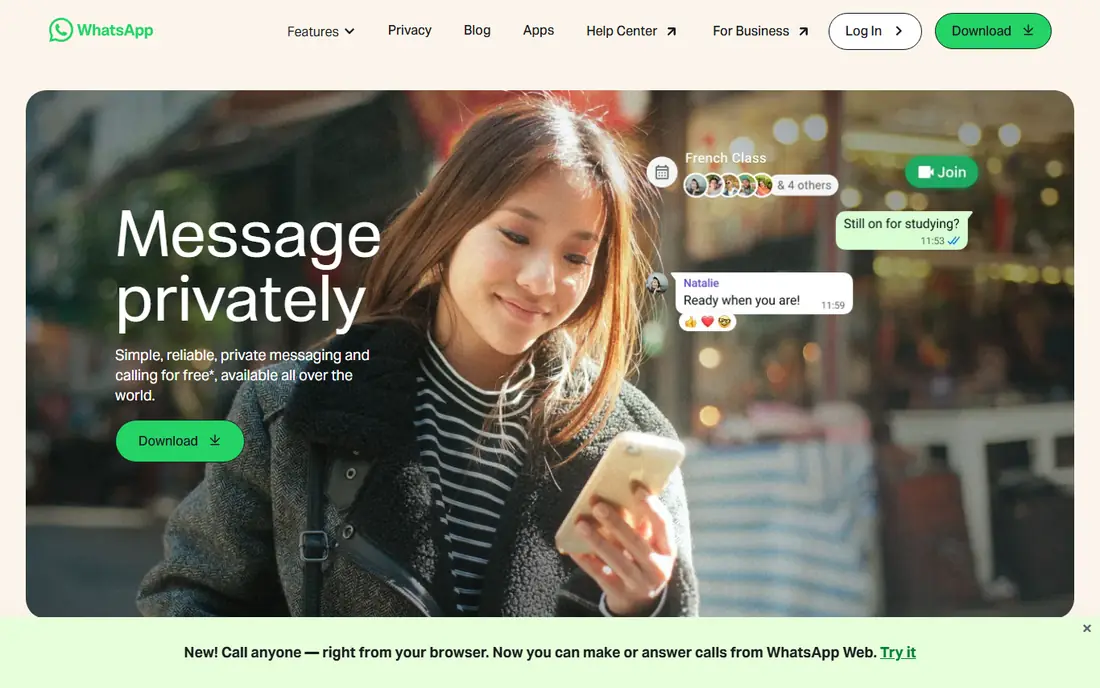
WhatsApp describes itself as simple, reliable private messaging and calling, free around the world apart from data charges. Group conversations are its core use case, from planning outings with friends to keeping family chats going, with stickers, voice messages and Status sharing built in. Group voice and video calls work from the app and the browser.
The honest catch is that WhatsApp groups are simple by design. You will not get channels, roles or bots at the level Telegram or Discord offers. For most personal groups, that simplicity is a plus: no one needs a tutorial. If your whole circle already uses WhatsApp, moving them elsewhere will be harder than any feature gain is worth.
- Nearly everyone already has it
- End-to-end encrypted messages and calls
- Group voice and video calls from the browser or app
- Tied to a phone number
- Group admin controls are basic compared with Discord or Slack
Telegram
Ideal for: Large communities
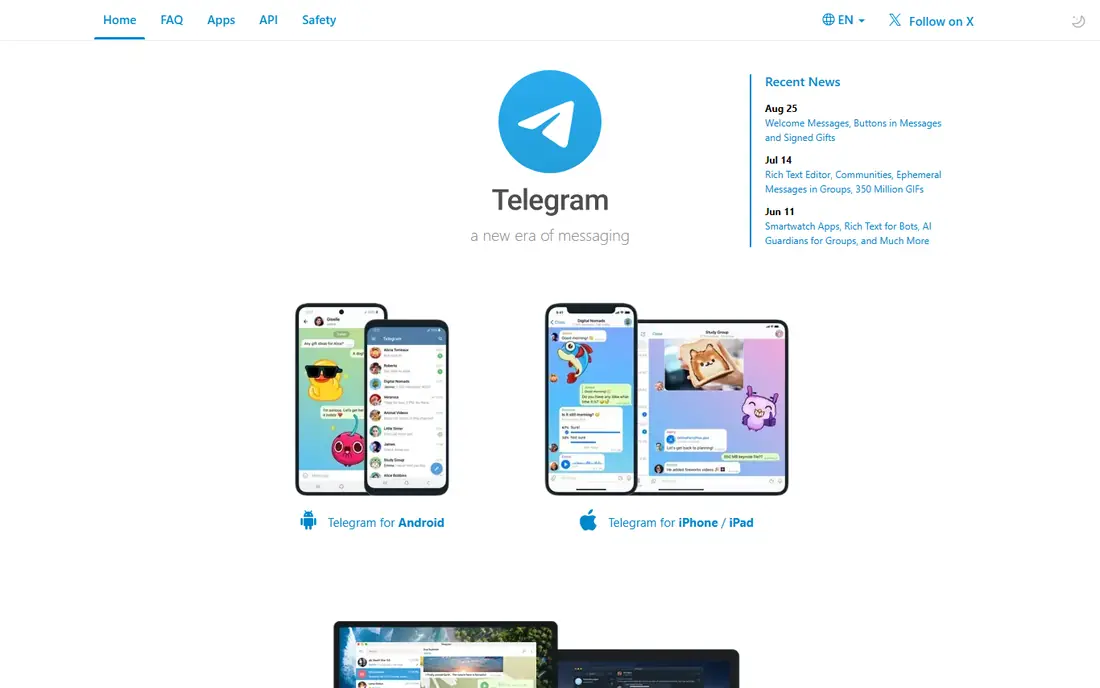
Telegram pitches itself as simple, private, synced, fast and powerful, with no limits on media size and chats. Its standout feature is scale: groups can hold up to 200,000 members, and Communities link several groups, channels and bots together. Recent updates added welcome messages, buttons in messages and ephemeral messages in groups.
The privacy note matters. Telegram's regular chats use its own encryption model, while end-to-end encryption applies to Secret Chats rather than every group chat by default. For a public community or a large hobby group, Telegram's scale and tools are excellent. For a small private group where encryption matters most, Signal is the stronger choice.
- Groups of up to 200,000 members
- Synced across devices
- Channels, bots and large file sharing
- Default chats are cloud-based rather than end-to-end encrypted
- Very large groups need active moderation
Signal
Ideal for: Private group chats
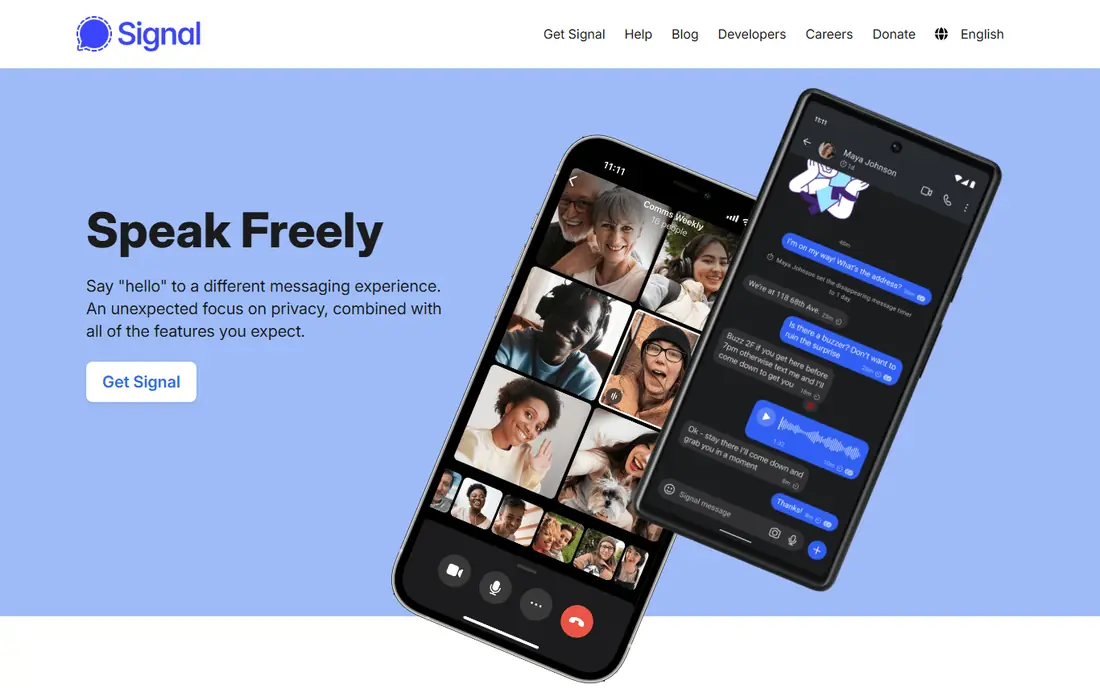
Signal promises a different messaging experience, with privacy as the default rather than an optional mode. Its homepage states that its open source protocol keeps conversations secure, that it cannot read your messages or listen to your calls, and that there are no ads, affiliate marketers or trackers. Group chats, voice messages, photos, videos and calls are all included free.
The trade-off is reach. Fewer of your contacts may already use Signal, so starting a group takes a little persuasion. For a family, a team handling sensitive topics, or any group that values privacy over network size, Signal is our pick. It is also a nonprofit, so its incentives differ from ad-funded apps.
- End-to-end encryption on every message and call
- No ads or trackers
- Independent nonprofit not owned by a large tech company
- Smaller user base than WhatsApp
- Fewer community features such as channels and bots
Discord
Ideal for: Gaming and hobby communities
Discord is built for groups that hang out, not just groups that message. You create a server, organize it into text and voice channels, and members hop in and out of voice without a formal call. Streaming, built-in games, music listening and screen sharing make it feel like being in the same room, whether for gaming, study groups or fan communities.
For a simple family chat, Discord can feel like overkill, with servers, roles and channels to learn. For a hobby group, a gaming clan or a class community, that structure is exactly what keeps conversations organized. The free plan covers nearly everything a casual community needs, with a paid Nitro plan adding extras.
- Servers with text and voice channels
- Streaming and activities built in
- Custom emoji, stickers and soundboards
- Can feel busy for simple family chats
- Moderation tools need setup for public servers
Slack
Ideal for: Work team chat
Slack connects teams through channels, which are flexible spaces for work with teammates and AI assistants. Its homepage highlights channels, huddles for quick video, Slack Connect for chatting with clients and vendors, and automations that anyone can build. Integrations span tools from Google Drive to Zoom and many more.
The honest catch for personal groups is that Slack is a work tool. Its free plan limits how much message history you can browse, and its structure suits projects rather than casual chat. For a work team, a volunteer organization or a study group with files and tasks, Slack's organization and search pay off quickly.
- Channels keep work topics organized
- Huge integration range
- Search, huddles and workflows for teams
- Free plan limits message history visibility
- Overkill for casual friend groups
GroupMe
Ideal for: Simple casual groups
GroupMe's homepage keeps it short: real chats happen here. That sums up the app well. It offers straightforward group messaging without the channels, servers or bots of larger platforms, which makes it easy for school groups, sports teams, roommates and clubs to adopt quickly.
The limit is depth. If your group later wants voice channels, file organization or integrations, you will outgrow GroupMe. As a first group chat for people who do not want to learn a new platform, though, its simplicity is a genuine advantage, and it costs nothing to try.
- Very simple group chat
- Works on web and mobile
- No cost to start
- Fewer features than rivals
- Owned by Microsoft, so its future direction follows that roadmap
Viber
Ideal for: Group chats and calls
Viber offers calling and messaging with group chats and group calls, stickers and GIFs, and sync between mobile and desktop. Its homepage stresses high-quality voice and video calls and instant group calls, which suits families and friends spread across countries, especially where Viber is already popular.
In the US, Viber's network is smaller than WhatsApp's, so it works best when your group already uses it or when international calling matters. For groups with members in regions where Viber is common, it is a solid free choice with calls built in from the start.
- Group chats and group calls in one app
- Stickers and GIFs
- Chats synced between mobile and desktop
- Smaller US user base than WhatsApp
- Community features are lighter than Telegram or Discord
How we picked these
We compared official homepages and feature pages, favoring apps that are actively maintained, free to start, and available on both major phone platforms. We covered personal, private, community and work use, because a group chat app for a family and one for a gaming community are different products. Two well-known messaging products were dropped from our first draft because their homepages could not be fetched and confirmed, and we only list apps whose official sites we verified.
How to pick the right group chat app
Start with where your people already are. A group chat only works if everyone actually opens it, so the app your friends or team already use beats a technically better app they ignore. Check that it runs on everyone's phones, including older devices, and that joining needs nothing more than a link or a phone number.
Next, match features to the group's life. A family needs calls and photos. A hobby community needs channels and moderation. A work team needs search and file sharing. A private group needs encryption by default. Write down the three things your group does most, and pick the app that does those three well rather than the one with the longest feature list.
Finally, set basic ground rules early. Agree on who can add members, whether the group is for planning or chatting, and how large it should grow before splitting into topics. Even the best app gets noisy without norms, and a quick agreement at the start saves a lot of muting later.
Frequently asked questions
What is the best app for group messaging?
WhatsApp is the best default for most personal groups, because it is widely used, free and simple. Signal is best for privacy, Telegram for large communities, Discord for gaming and hobby groups, and Slack for work teams.
What is the best free group texting app?
All the apps here are free to start, including WhatsApp, Telegram, Signal, Discord, Slack, GroupMe and Viber. GroupMe and WhatsApp are the simplest free options for casual groups, while Telegram and Discord add more features at no cost.
Which group chat app is most private?
Signal is the most private pick, with end-to-end encryption on every message and call, no ads and no trackers. WhatsApp also encrypts messages and calls end to end, while Telegram's end-to-end encryption applies to Secret Chats rather than all group chats by default.
Can I make group video calls for free?
Yes. WhatsApp, Telegram, Signal, Discord and Viber all offer free group voice and video calls, and Slack offers huddles for teams. Call quality depends on connection and group size, so test with your full group before an important call.
What is the best group chat app for large communities?
Telegram suits large communities best, with groups of up to 200,000 members plus channels and bots. Discord also suits large communities through servers with channels and roles. Both need active moderation once a group grows large.
Should a work team use Slack or Discord?
Slack suits most work teams, thanks to channels, search, integrations and business tooling. Discord suits creative or gaming-adjacent teams that value voice channels and a casual culture. For formal work with files and clients, Slack is the safer choice.