Best Healthcare Compliance Software in 2026: 8 Tools Compared

- 1
 ComplyAssistantHealthcare organisations wanting GRC softwareVisit
- 2
 VantaHealthcare companies automating frameworksVisit
- 3
 DrataStartups automating HIPAA complianceVisit
- 4
 HIPAA OnePractices wanting HIPAA risk analysisVisit
- 5
 Accountable HQSmall practices wanting simple HIPAA toolsVisit
- ComplyAssistant is our first suggestion for most buyers, because its balance of features, pricing clarity, and support is hard to beat for the topic at hand.
- Vanta suits buyers who want a lower starting price or a simpler setup, while Drata fits teams that need more depth in one specific area.
- Prices and free tiers vary widely, so check the vendor pricing page for the plan that includes the features you actually need, rather than judging by the headline price alone.
- Run a trial with your own data and your own workflow before you pay for a year, since setup effort and day-to-day ease only show up in real use.
- Healthcare rules are complex, so verify HIPAA requirements and get compliance advice for your organisation rather than relying on software alone.
Quick comparison
| Product | Ideal for | Price from | Free version | |
|---|---|---|---|---|
| ComplyAssistant | Healthcare organisations wanting GRC software | See website | No | Visit |
| Vanta | Healthcare companies automating frameworks | See website | Free trial | Visit |
| Drata | Startups automating HIPAA compliance | See website | Free trial | Visit |
| HIPAA One | Practices wanting HIPAA risk analysis | See website | Free trial | Visit |
| Accountable HQ | Small practices wanting simple HIPAA tools | See website | Free trial | Visit |
 MedTrainer | Healthcare teams needing training plus compliance | See website | Free trial | Visit |
 PowerDMS | Organisations needing policy management | See website | No | Visit |
 Symplr | Hospitals needing credentialing and compliance | See website | No | Visit |
The best healthcare compliance software
These eight platforms help healthcare organisations manage HIPAA, training, policies, audits, and credentialing without relying on spreadsheets and binders. We compared official feature pages, pricing pages, app-store listings, privacy policies, and public reviews to sort out where each option earns its place.
Please note: healthcare compliance rules are complex and change over time. Check HIPAA and other applicable requirements, confirm the vendor will sign a business associate agreement where needed, and get legal or compliance advice for your organisation. This article is general information, not legal advice.
ComplyAssistant
Ideal for: Healthcare organisations wanting GRC software
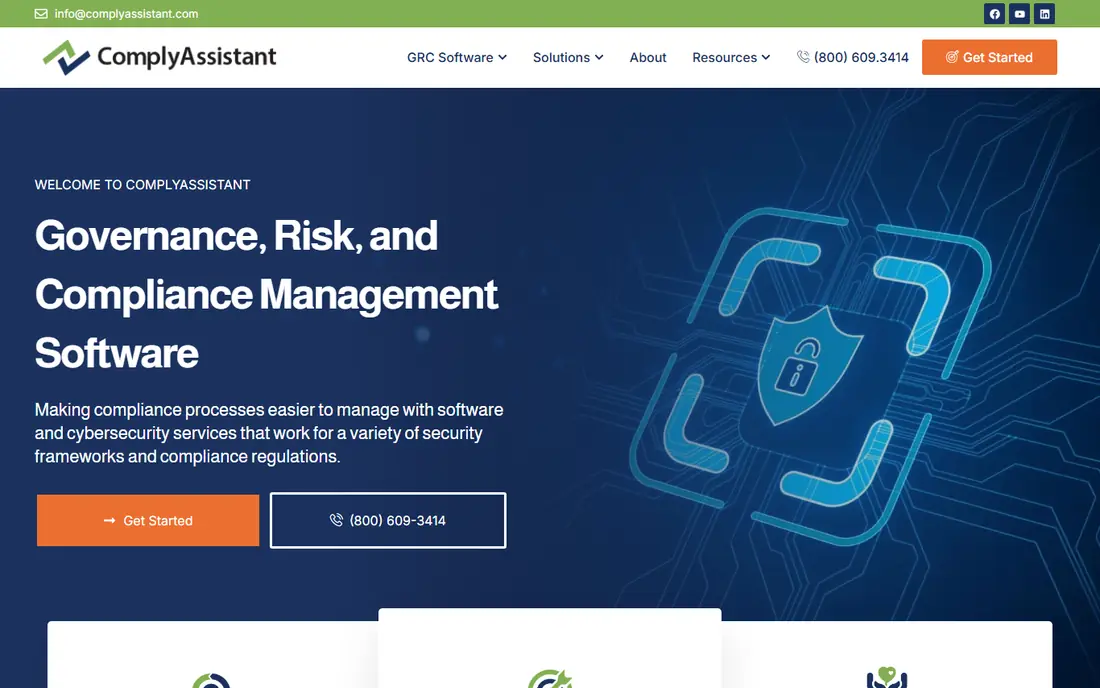
ComplyAssistant suits healthcare organisations that want governance, risk, and compliance in one platform. Its software covers HIPAA, HITRUST, and NIST frameworks with risk assessments, vendor management, and audit tools. For most buyers, the deciding factor is not the longest feature list but the fit with daily work, the total price, and how much setup the team can handle. The catch is scale: it is a smaller team than the enterprise GRC vendors, so check support capacity for large rollouts. If that trade-off fits your budget and your tolerance for setup, it is worth a trial before you commit the whole team. For a healthcare organisation, compliance software must prove what was done, when, and by whom, not just store documents.
- Healthcare GRC software for HIPAA, HITRUST, and NIST
- Risk assessments
- Vendor management
- Pricing by quote
- Smaller team than enterprise GRC vendors
Vanta
Ideal for: Healthcare companies automating frameworks
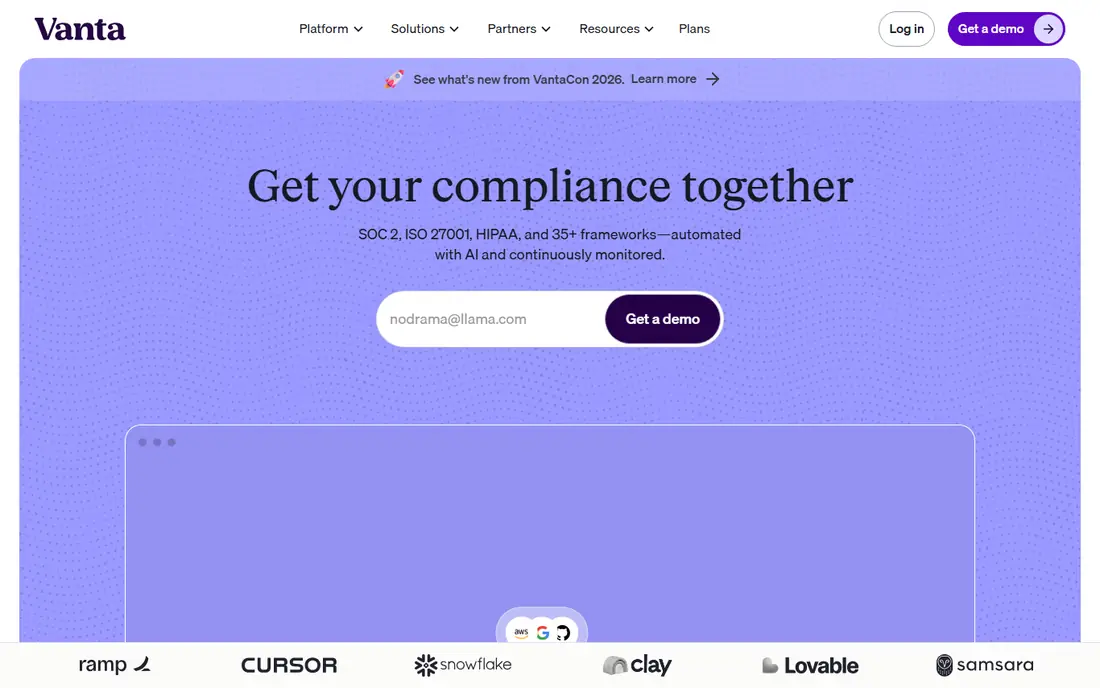
Vanta helps healthcare companies automate HIPAA and other framework compliance. Its automated monitoring and evidence collection cut manual audit preparation sharply. A tool that looks strong on a pricing page can still disappoint if onboarding is slow, support is thin, or the plan that holds the needed feature sits two tiers up. The catch is depth: healthcare-specific workflow depth varies, so check fit for clinical settings. Put it on a shortlist if its strengths match your main use case, and test it with real data during the trial period. For a healthcare organisation, compliance software must prove what was done, when, and by whom, not just store documents.
- Automated control monitoring
- HIPAA framework support
- Vendor risk tools
- Pricing scales with size
- Healthcare-specific depth varies
Drata
Ideal for: Startups automating HIPAA compliance
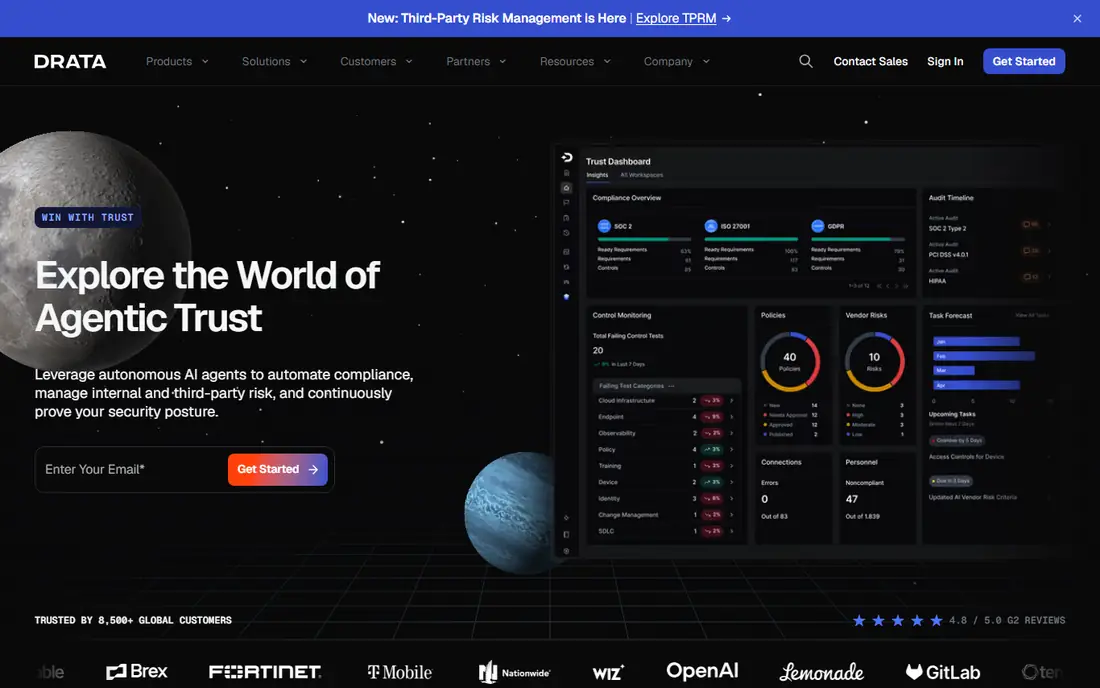
Drata suits startups and scale-ups automating HIPAA alongside SOC 2 and ISO 27001. Its automated evidence and continuous monitoring keep compliance steady through the year. We gave extra weight to clear pricing, honest limits, and products that explain what happens to your data when you leave. The catch is scope: complex clinical compliance programmes may need more specialised tools. It earns a place on the shortlist when its main strength lines up with the job you will ask it to do every week. For a healthcare organisation, compliance software must prove what was done, when, and by whom, not just store documents.
- Automated evidence for HIPAA and SOC 2
- Continuous monitoring
- Good templates
- Best for common frameworks
- Less suited to complex clinical compliance
HIPAA One
Ideal for: Practices wanting HIPAA risk analysis
HIPAA One focuses on HIPAA risk analysis for practices that need to prove it properly. Its risk analysis and audit tools suit small practices preparing for HIPAA reviews. For most buyers, the deciding factor is not the longest feature list but the fit with daily work, the total price, and how much setup the team can handle. The catch is scope: it is narrower than full governance platforms. Try it first with a small group, so you learn how it behaves before you roll it out more widely. For a healthcare organisation, compliance software must prove what was done, when, and by whom, not just store documents.
- HIPAA risk analysis focus
- Audit tools
- Good for small practices
- Narrower scope than full GRC platforms
- Pricing by quote
Accountable HQ
Ideal for: Small practices wanting simple HIPAA tools
Accountable HQ is the simple, affordable HIPAA tool for small practices. Its training, policies, and risk tools cover the core HIPAA journey without enterprise complexity. A tool that looks strong on a pricing page can still disappoint if onboarding is slow, support is thin, or the plan that holds the needed feature sits two tiers up. The catch is depth: larger organisations will need a fuller platform. If that trade-off fits your budget and your tolerance for setup, it is worth a trial before you commit the whole team. For a healthcare organisation, compliance software must prove what was done, when, and by whom, not just store documents.
- Simple HIPAA compliance tools
- Training and policies
- Affordable entry
- Less depth than enterprise GRC
- Smaller brand
MedTrainer
Ideal for: Healthcare teams needing training plus compliance
MedTrainer combines healthcare compliance training with credentialing for care teams. Its course library and credential tracking suit clinics, labs, and care providers. We gave extra weight to clear pricing, honest limits, and products that explain what happens to your data when you leave. The catch is learning curve: the interface takes time to master. Put it on a shortlist if its strengths match your main use case, and test it with real data during the trial period. For a healthcare organisation, compliance software must prove what was done, when, and by whom, not just store documents.
- Compliance training with credentialing
- Good for healthcare teams
- Course library
- Pricing by quote
- Interface takes learning
PowerDMS
Ideal for: Organisations needing policy management
PowerDMS suits organisations that need rigorous policy management and attestation. Its policy workflows and accreditation support help prove staff read and understood key policies. For most buyers, the deciding factor is not the longest feature list but the fit with daily work, the total price, and how much setup the team can handle. The catch is sector breadth: healthcare is one of several sectors it serves, so check healthcare-specific depth. It earns a place on the shortlist when its main strength lines up with the job you will ask it to do every week. For a healthcare organisation, compliance software must prove what was done, when, and by whom, not just store documents.
- Policy management with attestation
- Accreditation support
- Strong for public safety and health
- Pricing by quote
- Healthcare is one of several sectors
Symplr
Ideal for: Hospitals needing credentialing and compliance
Symplr is the enterprise pick for hospitals needing credentialing and compliance together. Its workforce and compliance tools serve large healthcare organisations at scale. A tool that looks strong on a pricing page can still disappoint if onboarding is slow, support is thin, or the plan that holds the needed feature sits two tiers up. The catch is weight: enterprise pricing and complexity suit hospitals better than small practices. Try it first with a small group, so you learn how it behaves before you roll it out more widely. For a healthcare organisation, compliance software must prove what was done, when, and by whom, not just store documents.
- Credentialing, compliance, and workforce tools for hospitals
- Enterprise scale
- Enterprise pricing
- Complex for small practices
How we picked these
We started from the vendor's own feature and pricing pages, then checked app-store listings and public reviews for signs of trouble, such as slow support, confusing pricing, or features that only appear on higher plans. Products that no longer exist, that had no working official homepage, or that did not truly fit the topic were left out, even when they were well known in a nearby category. We also weighed who each product is built for. A strong enterprise tool can be a poor pick for a small team, and a simple free tool can be a poor pick for a regulated workplace. The list below mixes well-known leaders with smaller options, so you can match the pick to your size, budget, and tolerance for setup work.
How to choose healthcare compliance software
Start with your frameworks: HIPAA is the baseline for most US providers, but many also need OSHA, Joint Commission, state rules, or payer requirements. A tool strong on HIPAA alone may miss the rest. Check training, policy attestation, and audit trails. The best tools show completion, track acknowledgements, and produce evidence quickly when an auditor asks.
Shortlist checklist
- Write down the two or three jobs the tool must do every week, and test exactly those jobs in the trial.
- Check the total price for your team size, including any add-ons, seats, or usage charges that sit outside the headline plan.
- Ask how you export your data, what happens at cancellation, and how support responds when something breaks.
- Confirm privacy, security, and compliance terms fit your workplace rules before you move real customer or staff data into the tool. Confirm how the vendor handles protected health information, including HIPAA compliance, encryption, access controls, and business associate agreements, before any patient data enters the system.
Frequently asked questions
What should I look for first when comparing best healthcare compliance software?
Start with the job you need done most often, then check whether the plan you can afford includes it. Look at total price for your team size, setup effort, and how data can be exported. A trial with real work will tell you more than a feature list, so test the exact workflow you will use every week.
Is there a good free option for best healthcare compliance software?
Some products on this list offer a free plan or a free trial, but free plans usually limit seats, storage, or advanced features. Check the free plan line for each product above, and treat a free tier as a way to test fit rather than a promise that it will cover a growing team.
How much should I expect to pay?
Pricing varies by seats, usage, and plan tier, and several vendors on this list only publish custom quotes. Use the starting price column as a guide, then get a written quote for your team size before you budget. Watch for add-ons that are charged separately from the headline plan.
Can I switch later if I pick the wrong one?
In most cases yes, but switching costs time and effort, especially if your data is hard to export. Before you buy, confirm export options and contract length, and keep a copy of your data in a format you control. A short initial term lowers the risk of being stuck with a poor fit.
How do I know a vendor is trustworthy?
Look for clear pricing, a readable privacy policy, security documentation, and responsive support. Check recent public reviews for repeated complaints about billing or support, and prefer vendors that explain data handling in plain language rather than hiding it in vague terms.