6 Best Healthcare Scheduling Software for 2026

- Shiftboard takes the first slot, best suited to complicated shift-based staffing.
- Connecteam is the one to check for staff scheduling plus communication.
- Connecteam stands alone as the one tool in this list with a free plan.
- One limit worth knowing about Amion: less automation for complicated schedules.
Direct answer
For complex shift-based staffing, Shiftboard is where this list starts. Look at Amion for simple on-call schedules, and at QGenda for enterprise physician scheduling. Prices, free plans and limits for all 6 tools follow.
Quick comparison
| Product | Ideal for | Price from | Free version | |
|---|---|---|---|---|
 Shiftboard | Complicated shift-based staffing | See website | No | Visit |
 Amion | Straightforward on-call schedules | See website | Free trial | Visit |
 QGenda | Enterprise physician scheduling | See website | No | Visit |
 NurseGrid | Nurse shift swaps on mobile | $5 per user/month | Free trial | Visit |
 symplr | Health system workforce scheduling | See website | No | Visit |
 Connecteam | Staff scheduling plus communication | $29 per month | Yes | Visit |
Healthcare Scheduling Software, one by one
Short on time? The summary and table above give the quick view of 6 tools for healthcare scheduling software, and the profiles that follow give the detail behind each entry.
Shiftboard
Ideal for: Complicated shift-based staffing
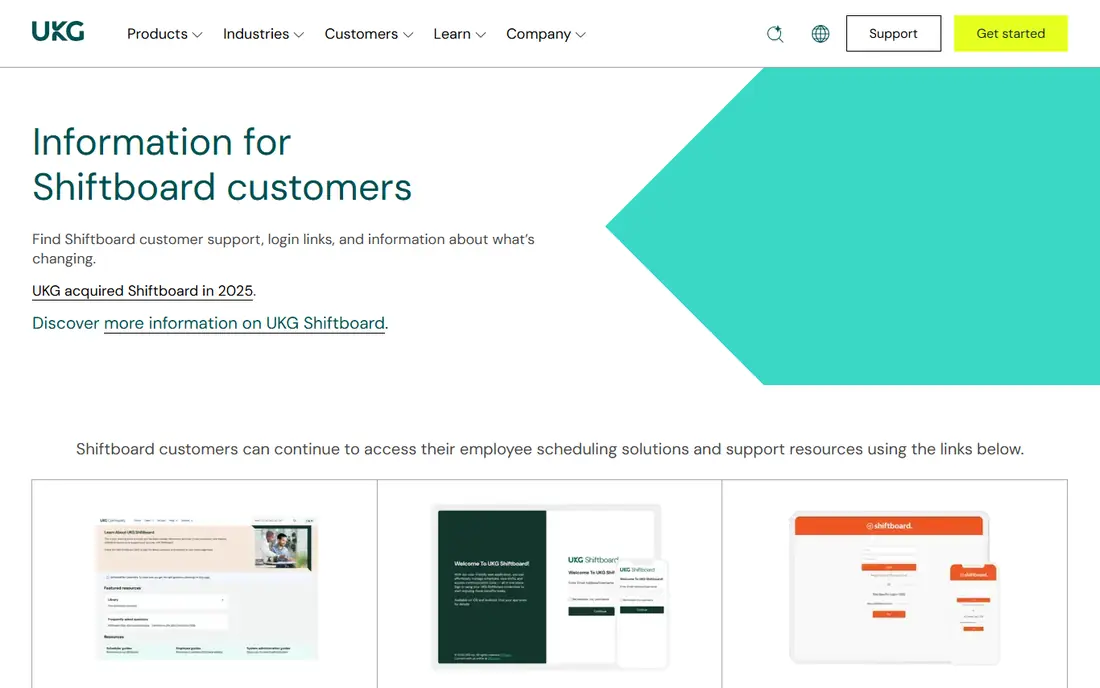
In short, Shiftboard is for complicated shift-based staffing. Shiftboard serves healthcare organizations with complicated, shift-based staffing needs, where rules, qualifications, and coverage requirements must be checked for every shift.
Managers can set rules for skills, availability, and labor constraints, then fill open shifts from a qualified pool. As for the details, staff can view schedules, claim open shifts, and handle swaps through the app. Shiftboard shows no starting price here, so confirm the cost on the vendor site. Shiftboard has no free tier.
Where it falls short: Setup and training take time.
- Solid for large shift workforces
- Rules-based scheduling
- Quote-only pricing
Amion
Ideal for: Straightforward on-call schedules

Amion serves straightforward on-call schedules. Amion solves the most typical scheduling problem in a direct way: who is on call right now, and who is next. Amion will not auto-generate complicated enterprise schedules or integrate deeply with hospital systems in the way QGenda does.
Choose Amion when simplicity and adoption matter more than automation depth. From a buyer's view, residents and small groups adopt it without training sessions or IT projects, which explains its loyal following among physicians. Pricing for Amion is not stated here, so ask the vendor for current figures. As for free access: Free trial.
Drawbacks to consider: Less automation for complicated schedules.
- Quick to adopt
- Very straightforward on-call setup
- Restricted enterprise integrations
QGenda
Ideal for: Enterprise physician scheduling

QGenda is designed for enterprise physician scheduling. Automatic generation respects provider preferences, credentials, and scheduling rules, whereas time-off requests and swaps flow through approval workflows.
Worth adding: pricing is quoted, implementation involves rule setup and data migration, and small groups will find the price hard to justify. This comparison lists no price for QGenda; ask the vendor. QGenda has no free plan.
Where it falls short: Implementation takes time and staff effort.
- Automatic schedule generation
- Rules for credentials and preferences
- Enterprise pricing
NurseGrid
Ideal for: Nurse shift swaps on mobile
NurseGrid serves Nurse shift swaps on mobile. That mobile focus drives adoption, which is commonly the hardest part of a scheduling rollout.
Large health systems may need it alongside a broader system, whereas smaller nursing teams can use it as their primary scheduling tool. From a buyer's view, managers get a clearer view of coverage gaps before a shift starts. The starting price for NurseGrid: $5 per user/month. Trial and free access: Free trial.
Where it is weaker: Restricted admin reporting for large systems.
- Nurse coordination across units
- Mobile-first shift management
- Narrower scope than full workforce systems
symplr
Ideal for: Health system workforce scheduling
symplr serves health system workforce scheduling. Secure communication tools help staff coordinate without using personal messaging apps for work. The trade-off is scale and cost. symplr is an enterprise purchase with quoted pricing and a longer implementation, which puts it out of reach for small clinics.
It also requires dedicated administration to keep rules, pay codes, and integrations accurate. That combination matters for labor cost control, since managers can see scheduled hours, actual hours, and overtime in the same view. Choose symplr when a health system needs scheduling, time tracking, and labor control together, not when a single clinic only needs an appointment calendar. The system is aimed at large organizations with numerous departments and complicated labor rules. Check the vendor site for symplr pricing; none is listed in this comparison. symplr has no permanent free option.
Trade-offs to know: Implementation is a major project.
- Overtime control
- Secure communication features
- Enterprise pricing
Connecteam
Ideal for: Staff scheduling plus communication
Connecteam targets staff scheduling plus communication. Connecteam does not manage physician credential rules, complicated rotations, or specialty-specific scheduling in the way QGenda or symplr do.
Trade-offs to know: Not made for complicated physician rotations.
It is a staff operations tool, not a physician scheduling engine. The entry price for the first 30 users makes it accessible for clinics, home care agencies, and small care teams that cannot justify enterprise pricing. Starting cost for Connecteam: $29 per month. Free access exists with Connecteam.
- Shift scheduling plus messaging
- Time tracking included
- Healthcare-specific rules are restricted
How we compared the tools
Pricing pages, product documentation and feature lists were the main sources, and every entry carries at least one honest drawback. Prices and plan limits come from vendor pages and can change, so confirm them on the vendor site before you buy. Order on the page follows fit for the typical buyer first, then price transparency and free access. Your own requirements should decide the final pick.
Things to verify first
- Ask Shiftboard, Amion, QGenda and symplr for a written quote, since no starting price is shown.
- Look at the free plan from Connecteam closely: its caps decide whether it is usable for real work.
- Use real work to test the free trial from Amion and NurseGrid, rather than a demo project.
- Read the limits listed for Shiftboard first: quote-only pricing.
- Verify that exporting from Connecteam is possible on your plan and covers all your records.
- Map your must-have features to a specific Amion plan before you compare prices.
Frequently asked questions
Can staff swap shifts without manager approval?
Some tools allow staff swaps with manager approval, whereas others allow direct swaps within set rules. Approval workflows help maintain coverage and qualification checks, but they can slow down straightforward swaps.
Which options for healthcare scheduling software have a free plan?
Connecteam is the only tool in this list with a free plan. Free plans usually cap users, projects or features, so check the limits on the vendor page. Several others offer a trial instead.
Do these tools publish their prices?
Not all of them. Shiftboard, Amion, QGenda and symplr publish no starting price, so expect a quote request for those. The rest, NurseGrid included, show a starting price, though seats and billing terms still change the final cost.
Is Shiftboard the right pick for everyone comparing healthcare scheduling software?
No single tool suits every team. Shiftboard comes first because it fits complex shift-based staffing, while Amion suits simple on-call schedules and QGenda suits enterprise physician scheduling. Match the tool to your own size, budget and workflow before deciding.
What is the difference between physician scheduling and patient scheduling?
Physician scheduling assigns providers to shifts, rotations, and on-call duties under credential and availability rules. Patient scheduling lets patients book appointments with a provider or clinic at available times.
How are the tools for healthcare scheduling software ordered?
Shiftboard sits first and Connecteam last because the order follows typical fit for healthcare scheduling software, then price clarity and free access. It is a judgement call, so read each profile for fit and limits.