Comparing 7 Help Desk Software with SLA Tracking Tools in 2026

- 1
 Zoho DeskCost-conscious teams that still need real SLA trackingVisit
- 2
 FreshdeskExpanding teams that require automatic SLA alerts without enterprise complexityVisit
- 3
 SupportbenchAccount-based B2B support where SLAsVisit
- 4
 IntercomSaaS businesses running conversation-first support with SLA accountabilityVisit
- 5
 ZendeskLarge, high-volume omnichannel support operations with structured SLA workflowsVisit
- The list opens with Zoho Desk, aimed at cost-conscious teams that still need real SLA tracking.
- Check the limits for Supportbench before you commit: smaller brand and ecosystem, less marketplace depth, newer than the incumbents.
- The lowest published monthly entry price here is $7/agent/month, from Zoho Desk.
- Zoho Desk, Freshdesk, HubSpot Service Hub, Jira Service Management: these are the 4 tools out of 7 that offer a free plan.
- Jira Service Management fits IT teams and Atlassian-centric organizations.
Direct answer
If you need cost-conscious teams that still need real SLA tracking, Zoho Desk is the first tool to look at here. For a different need, Freshdesk covers growing teams that require automatic SLA alerts without enterprise complexity and Supportbench covers account-based B2B support where SLAs. The remaining 4 options are covered below with prices and limits.
Quick comparison
| Product | Ideal for | Price from | Free version | |
|---|---|---|---|---|
| Zoho Desk | Cost-conscious teams that still need real SLA tracking | From $7/agent/month (see website) | Yes | Visit |
| Freshdesk | Expanding teams that require automatic SLA alerts without enterprise complexity | From $19/agent/month (see website) | Yes | Visit |
| Supportbench | Account-based B2B support where SLAs | From $32/agent/month (see website) | Free trial | Visit |
| Intercom | SaaS businesses running conversation-first support with SLA accountability | From $29/seat/month (see website) | Free trial | Visit |
| Zendesk | Large, high-volume omnichannel support operations with structured SLA workflows | Support from $19/agent/month; Suite from $55/agent/month (see website) | Free trial | Visit |
 HubSpot Service Hub | Support teams already running on HubSpot CRM | See website (quote-based; free tools available) | Yes | Visit |
 Jira Service Management | IT teams and Atlassian-centric organizations | From about $20/agent/month (see website) | Yes | Visit |
Our 7 picks for help desk software with SLA tracking
This Ainotely guide covers 7 options for help desk software with SLA tracking. Each profile lists a starting price, free plan details, strengths and drawbacks, so you can drop poor fits quickly.
Zoho Desk
Ideal for: Cost-conscious teams that still need real SLA tracking
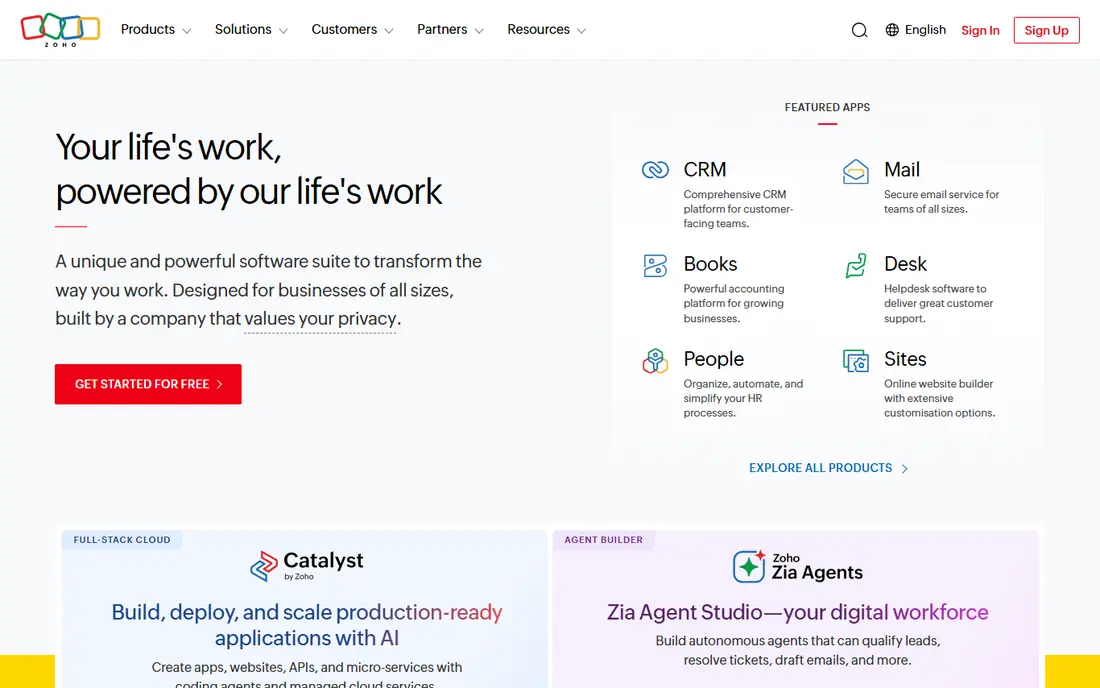
Zoho Desk was built for cost-conscious teams that still need real SLA tracking. Zoho Desk proves SLA tracking does not need enterprise budgets.
More specifically, beginning at $7 per agent a month, you get SLA policies, Blueprint-guided workflows and multi-channel support that would cost multiples elsewhere. Starting cost for Zoho Desk: From $7/agent/month. You can start on Zoho Desk without paying.
What to check first: SLA depth is plan-dependent.
- Blueprint process management
- Lowest serious per-agent pricing
- Interface less refined than leaders, smaller integration marketplace
Freshdesk
Ideal for: Expanding teams that require automatic SLA alerts without enterprise complexity
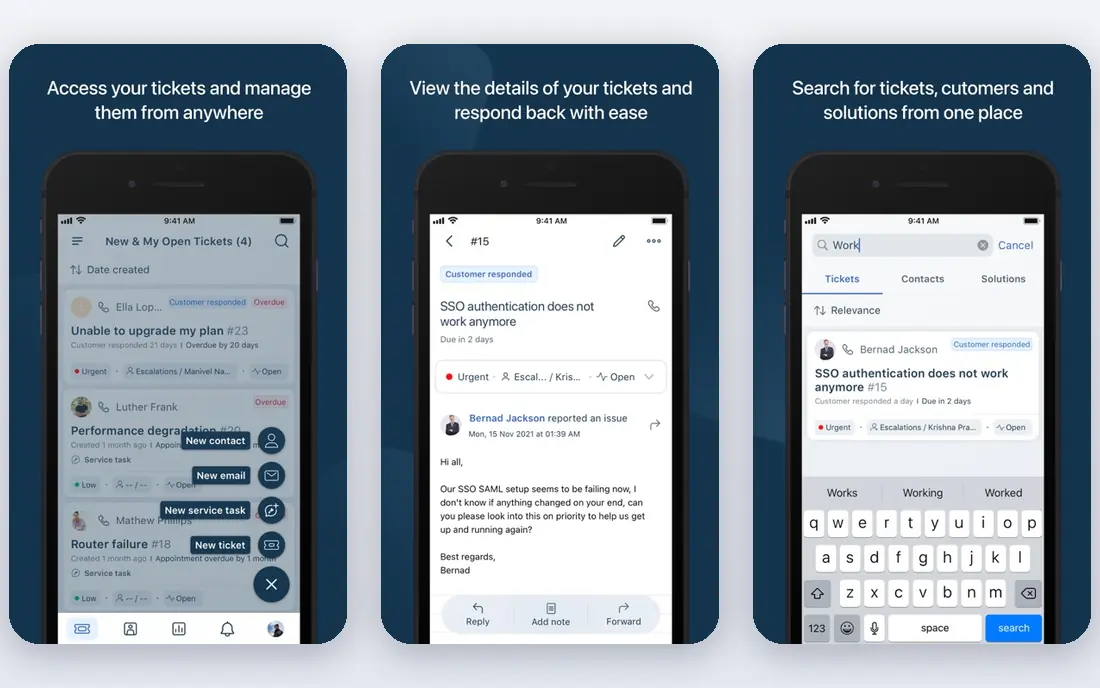
Pick Freshdesk if this describes you: expanding teams that require automatic SLA alerts without enterprise complexity. Freshdesk is the pragmatic middle of this list.
Freshdesk cost at the entry level: From $19/agent/month. Freshdesk offers a free plan.
Where it is weaker: Advanced SLA customization needs higher plans, AI costs additional. Upsides: automatic SLA breach alerts.
- Scales from startup to enterprise
- Ample free level
- Some power features lag Zendesk
Supportbench
Ideal for: Account-based B2B support where SLAs
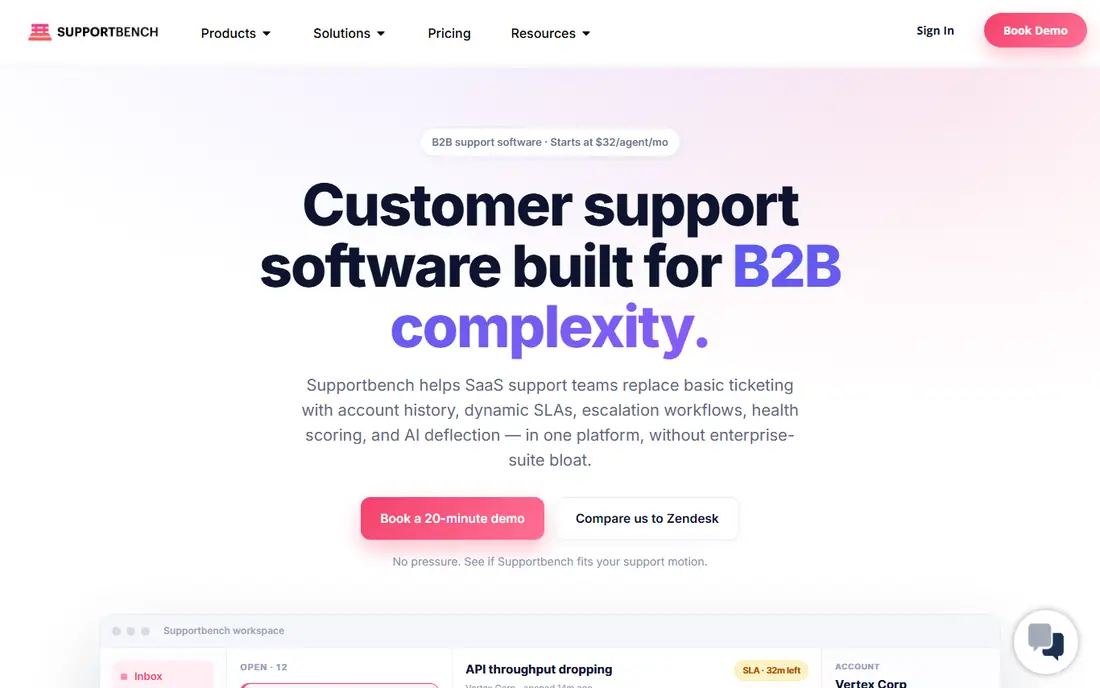
Supportbench serves account-based B2B support where SLAs, escalations and reporting must work from day one. The ecosystem is smaller than Zendesk's or Salesforce's, so check your must-have integrations.
For B2B support teams tired of contorting a B2C help desk into account-based workflows, Supportbench is worth the evaluation. Supportbench starts at: From $32/agent/month. Free options: Free trial.
Drawbacks to consider: Smaller brand and ecosystem, less marketplace depth.
- Account hierarchies and health scores native
- AI included in the base price
- Newer than the incumbents
Intercom
Ideal for: SaaS businesses running conversation-first support with SLA accountability
For SaaS firms running conversation-first support with SLA accountability, Intercom is a natural candidate. Watch the pricing model.
Fin, the AI agent, deflects a meaningful share of volume before SLAs even come into play. Intercom cost at the entry level: From $29/seat/month. Free access: Free trial.
Honest limits: Fin AI priced per resolution. Where Intercom stands out: solid in-app messaging.
- Fin AI resolves a large share automatically
- Modern agent workspace
- SLA depth is plan-dependent
Zendesk
Ideal for: Large, high-volume omnichannel support operations with structured SLA workflows
Zendesk is designed for large, high-volume omnichannel support operations with structured SLA workflows. Zendesk is the reference implementation for SLA-driven support.
What Zendesk does well: capable reporting on SLA compliance.
Where it is weaker: AI features cost additional.
At enterprise scale, few tools match the workflow depth. The SLA features you actually want tend to live on Suite plans, and AI Copilot brings a per-agent surcharge. Zendesk cost at the entry level: Support from $19/agent/month. Free options: Free trial.
- Huge integration marketplace
- Deep escalation workflows
- Real SLA depth sits on higher levels
HubSpot Service Hub
Ideal for: Support teams already running on HubSpot CRM
HubSpot Service Hub makes the most sense for support teams already running on HubSpot CRM. For HubSpot-native firms, support, sales and marketing finally work from one customer record.
Where it is weaker: less depth than Zendesk or Service Cloud.
What users get: familiar HubSpot UX. More specifically, the free tools handle entry-level ticketing for small teams. In daily use, Service Hub's advantage is context: every ticket arrives with the full CRM record attached, so SLA policies can key off lifecycle stage, deal size or any CRM property. Check the vendor site for HubSpot Service Hub pricing; none is listed in this comparison. HubSpot Service Hub offers a free plan.
- Free level to start
- SLAs linked straight to CRM customer data
- Pricing scales with contacts
Jira Service Management
Ideal for: IT teams and Atlassian-centric organizations
Jira Service Management is designed for IT teams and Atlassian-centric organizations. Jira Service Management brings ITSM discipline to SLA tracking: per-issue-type SLAs, calendars, breach alerts and deep integration with the development work happening in Jira.
Where it is weaker: Account-level SLA context weaker than B2B tools, Atlassian ecosystem lock-in.
More specifically, as a customer-facing B2B support tool it is less natural; account hierarchies and customer health context trail the B2B specialists. What you pay to start with Jira Service Management: From about $20/agent/month. Jira Service Management has a free plan.
Where Jira Service Management stands out: asset and change management.
- Solid for internal IT support
- ITSM-grade SLA tracking per issue type
- External customer support less refined
Worth knowing about help desk software with SLA tracking
Any help desk can store tickets. SLA tracking is the mechanism: response and resolution deadlines per priority, per plan tier or per customer, with escalations that fire before a breach rather than after.
How we chose
We compared the tools on published pricing, free plan or trial availability, feature coverage for help desk software with SLA tracking, and the limits each vendor documents. Where a price is missing, the vendor does not list one publicly or ties it to a quote. Always confirm before budgeting. Position on the page reflects fit for a typical buyer first, with price clarity and free access breaking ties. Treat it as a guide, not a ruling.
Questions to settle before buying
- Confirm the entry price on the vendor page. For HubSpot Service Hub that means a quote rather than a fixed price.
- Look at free plan limits closely: Zoho Desk, Freshdesk, HubSpot Service Hub and Jira Service Management have one, and the caps decide whether it is usable for real work.
- Run a trial of Supportbench, Intercom and Zendesk with real work before paying for a year; your own workflow is the best test.
- Before choosing Zoho Desk, weigh its main limit: SLA depth is plan-dependent, interface less refined than leaders, smaller integration marketplace.
- Ask HubSpot Service Hub whether prices are locked for the first term and what happens at renewal.
- Check how data leaves Freshdesk: formats, limits and whether exports are available on every plan.
Frequently asked questions
Is Zoho Desk the right pick for everyone comparing help desk software with SLA tracking?
No single tool suits every team. Zoho Desk comes first because it fits cost-conscious teams that still need real SLA tracking, while Freshdesk suits growing teams that need automated SLA alerts without enterprise complexity and Supportbench suits account-based B2B support where SLAs, escalations and reporting must work out of the box. Match the tool to your own size, budget and workflow before deciding.
What is the cheapest option for help desk software with SLA tracking in this list?
On published monthly entry prices, Zoho Desk is the lowest here at $7/agent/month. Entry price is only part of the cost, because seats, add-ons and billing terms can change the total.
How are the tools for help desk software with SLA tracking ordered?
The order follows typical fit for help desk software with SLA tracking, with Zoho Desk first and Jira Service Management last, then price clarity and free access. It is editorial judgement, not a score, so another team could rank the tools differently.
Which options for help desk software with SLA tracking have a free plan?
On this list, Zoho Desk, Freshdesk, HubSpot Service Hub and Jira Service Management include a free plan. Caps on seats, usage or features are common, so test the free plan against your real workload. Several others offer a trial instead.