Start with Slate if you need admissions and advancement workflows. Listed starting prices: Slate from $30,000 a year. If your case is different, D2L Brightspace suits AI-assisted learning delivery and Workday Student suits schools already using Workday. All 5 tools are compared below on price, free plan and limits.
Ainotely put together this guide to higher ed software for readers who want a clear shortlist without reading every vendor page. It compares 5 tools on starting price, free plans, who each one suits and where each one falls short.
Key takeaways
Top of the list is Slate, which targets admissions and advancement workflows.
D2L Brightspace comes with a trade-off: AI features need careful evaluation.
Slate is designed for admissions and advancement workflows. Slate from Technolutions is described as a thorough system serving admissions, student success, and advancement offices within one unified interface. In daily use, confirm how Slate would link with your existing records and learning tools.
Drawbacks to consider: Narrower than a complete student records suite.
Slate concentrates on admissions and advancement instead of academic records or course delivery. So it normally complements a student information system and a LMS. Institutions prioritizing the applicant experience tend to be its core audience. Slate pricing: $30,000 per year. Slate does not include a free plan.
D2L Brightspace was built for AI-assisted learning delivery. Organizations serving both academic and professional learners may find it adaptable. Also, AI features should be reviewed against your institution's policies and teaching goals.
D2L Brightspace is a learning product with D2L Lumi AI designed in, designed for universities, schools, associations, training organizations, and firms. Beyond that, schools needing deep administrative integration should confirm compatibility before selecting it. Pricing for D2L Brightspace is not stated here, so ask the vendor for current figures. Free plan details: Not stated.
Where it is weaker: AI features need careful evaluation.
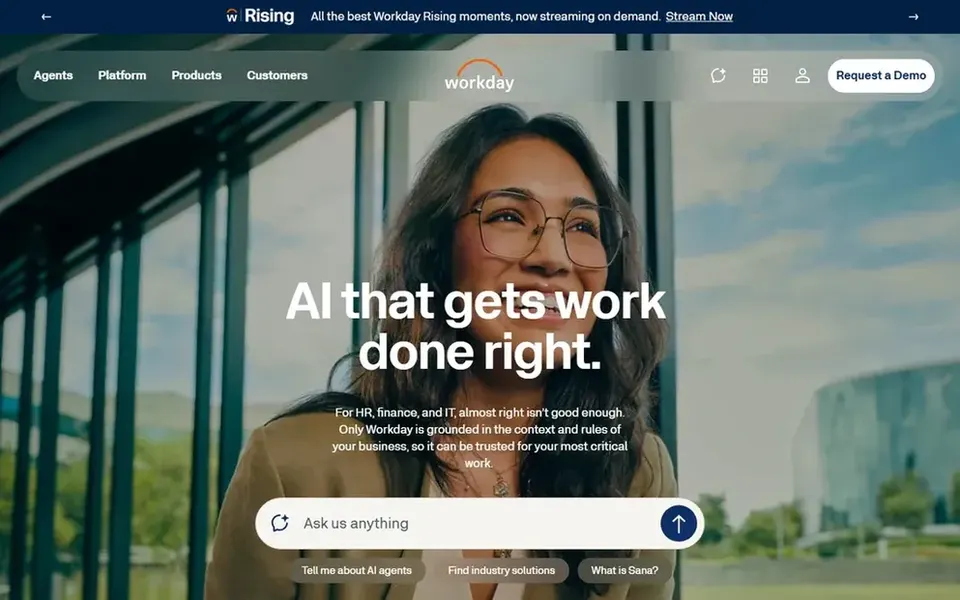
Workday Student is aimed squarely at schools already using Workday. Workday Student runs on the same enterprise product as Workday HR, finance. IT, which appeals to institutions seeking one connected system for people, money, and student records.
The product is wide, and its most solid advantages appear when an institution already depends on Workday for other functions. Standardizing on a single product is the primary draw. Schools that only need student records may find the surrounding scope bigger than necessary. Workday Student shows no starting price here, so confirm the cost on the vendor site. As for free access: Not stated.
Drawbacks to consider: Wide scope may exceed small needs.
Canvas LMS is built with course delivery and teaching in mind. Canvas LMS is offered by Instructure, which offers learning management and edtech options for K through 12, higher education, and business audiences.
Where it falls short: Feature fit varies by institution.
Confirm integration choices and support arrangements with the vendor. In practice, institutions with highly specialized academic workflows should map requirements carefully. Pricing for Canvas LMS is not stated here, so ask the vendor for current figures. Free plan details: Not stated.
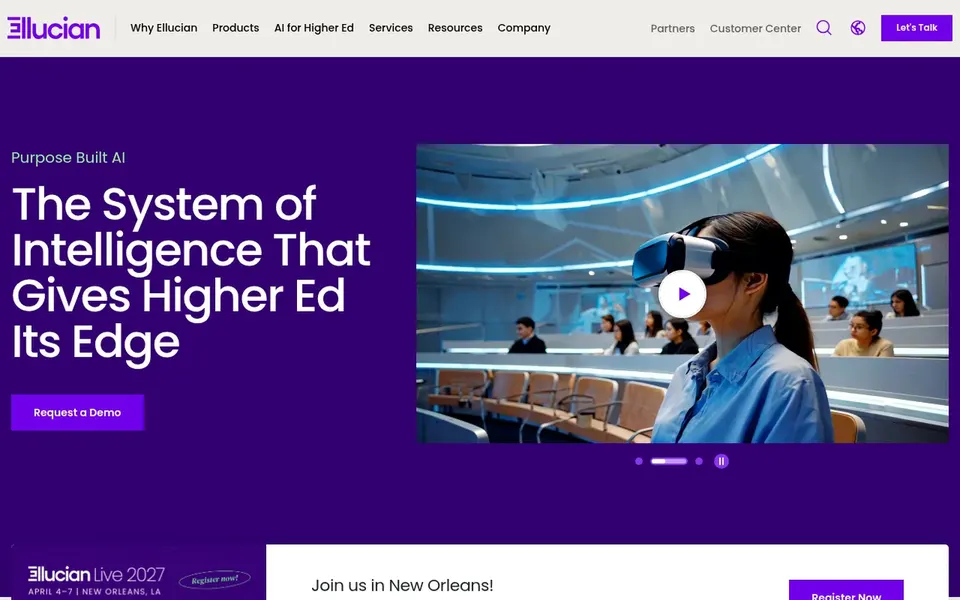
Choose Ellucian Banner for wide campus administrative operations. Ellucian Banner is a campus technology system positioned around unifying administrative systems to support agility, efficiency, and better institutional outcomes. In daily use, confirm module scope and integration details straight with the vendor before committing.
From a buyer's view, since Banner is an enterprise-level system, adoption involves significant configuration and coordination across departments. It is not designed as a light teaching tool, so schools focused primarily on course delivery may prefer a dedicated learning product. No starting price is listed for Ellucian Banner here; confirm pricing on the vendor site. On free options: Not stated.
Confirm the entry price on the vendor page. For D2L Brightspace, Workday Student, Canvas LMS and Ellucian Banner that means a quote rather than a fixed price.
Read the limits listed for Slate first: not a full learning management system.
Check whether the features you need in Workday Student sit on the entry plan or only on higher tiers.
Find out what support Canvas LMS includes on your plan, and whether onboarding help costs extra.
Ask Ellucian Banner how an export works before you move any records in; an easy exit lowers the risk.
How we picked
The comparison looks at four things: starting price, free access, how well the feature set matches higher ed software, and the main limit of each tool. Seat minimums, billing terms and add-ons can move the real cost, so the starting prices here are a guide and not a quote. The order reflects how well each tool fits the most common buying scenario for higher ed software, then price clarity, then free plan access. It is a starting point, not a verdict.
Every price and plan detail on this page comes from the vendors’ own websites. We did not run hands-on tests unless the text says so, and we do not publish star ratings or review scores. See how we score and our disclosure.
Keep your shortlist in one place
Paste prices, trial dates and notes from this guide into Ainotely, our AI note app. It files them into a topic and pulls out tasks like “cancel trial by Friday”. Free 7-day trial, no card needed.
Not by default. None of the tools, from Slate to Ellucian Banner, lists a free plan or a free trial here, so ask each vendor for a demo before committing.
Does any tool for higher ed software here have a free plan?
No tool in this list, Slate and Ellucian Banner included, has a permanent free plan. Trials and quotes are the usual route, so plan a short evaluation period.
Is Slate the right pick for everyone comparing higher ed software?
No single tool suits every team. Slate comes first because it fits admissions and advancement workflows, while D2L Brightspace suits AI-assisted learning delivery and Workday Student suits schools already using Workday. Match the tool to your own size, budget and workflow before deciding.
Do these tools publish their prices?
Not all of them. D2L Brightspace, Workday Student, Canvas LMS and Ellucian Banner publish no starting price, so expect a quote request for those. The rest, Slate included, show a starting price, though seats and billing terms still change the final cost.
Should I choose an administrative system or a LMS first?
Choose based on the problem you have to solve: records and operations point to administrative products, whereas teaching and course delivery point to a LMS. Plenty of campuses run both and link them.