Home PC Security Software in 2026: A Guide to 6 Tools

- 1
 McAfeeUnlimited devices plus identity protectionVisit
- 2
 Sophos HomeManaging every family PC from one dashboardVisit
- 3
 AvastBest free antivirus with premium upgradesVisit
- 4
 NortonAll-in-one family protection with LifeLockVisit
- 5
 BitdefenderTop-rated detection with low system impactVisit
- McAfee takes the first slot, best suited to unlimited devices plus identity protection.
- Just one of the 6 tools, Avast, has a free plan.
- Pricing for McAfee, Sophos Home, Bitdefender and Malwarebytes is quote-based, which adds a sales step before you can compare cost.
- For malware cleanup and second opinions, Malwarebytes is worth a look.
- What to know about Norton first: steep renewal jump ($39.99 first year becomes $94.99).
Direct answer
This list puts McAfee first for unlimited devices plus identity protection. For a different need, Sophos Home covers managing every family PC from one dashboard and Avast covers best free antivirus with premium upgrades. Prices, free plans and limits for all 6 tools follow.
Quick comparison
| Product | Ideal for | Price from | Free version | |
|---|---|---|---|---|
| McAfee | Unlimited devices plus identity protection | See website | Free trial (30 days) | Visit |
| Sophos Home | Managing every family PC from one dashboard | See website | Free trial (30 days) | Visit |
| Avast | Best free antivirus with premium upgrades | $49.08 per year (first year) | Yes | Visit |
| Norton | All-in-one family protection with LifeLock | $39.99 a year (first year) | No | Visit |
| Bitdefender | Top-rated detection with low system impact | See website | Free trial (30 days) | Visit |
 Malwarebytes | Malware cleanup and second opinions | See website | Free trial (14 days) | Visit |
Home PC Security Software profiles
If you are comparing home PC security software, this page covers 6 tools in one place: what each is best for, what it costs to start, whether it has a free plan, and the main limit to know about.
McAfee
Ideal for: Unlimited devices plus identity protection
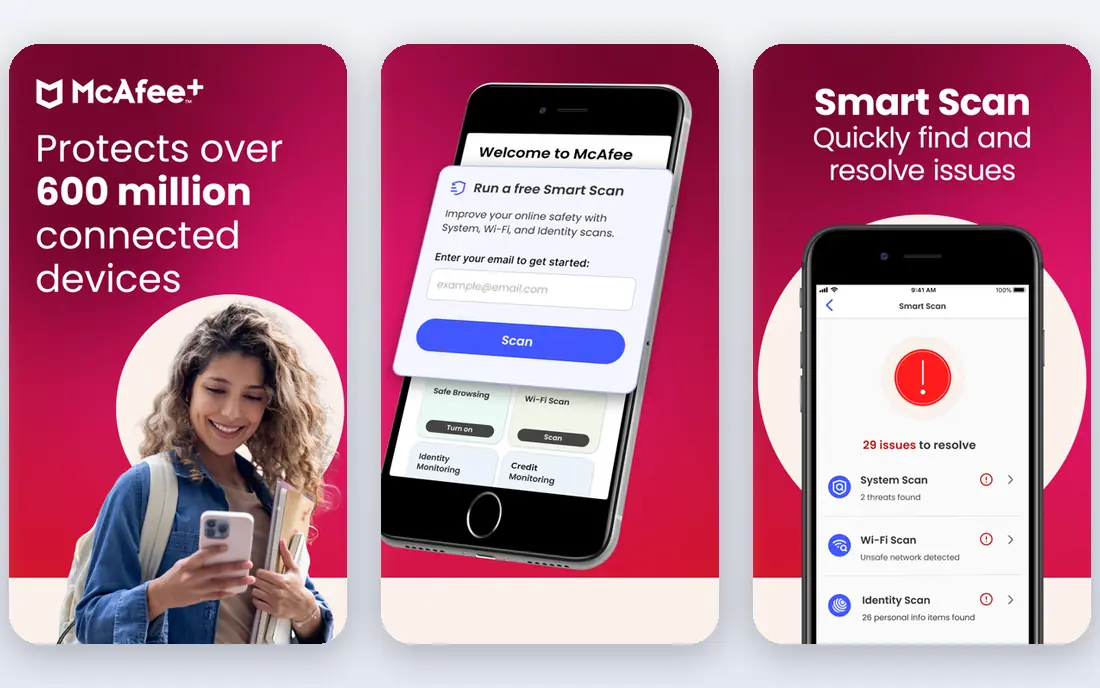
McAfee is built with unlimited devices plus identity protection in mind. McAfee's pitch is straightforward: one subscription, every device you own. The plans bundle award-winning antivirus, VPN, web protection, identity monitoring with up to $1 million in theft coverage on Premium and $2 million on Ultimate, plus credit monitoring and identity restoration.
Downsides: Vendor homepage prices render inconsistently.
The scam detector and AI-powered features present the company is investing in the threats people actually face now, not just file-based viruses. On top of that, the interface also packs in a lot, which can overwhelm less technical users. McAfee does not show a starting price in this comparison, so check the vendor site for current pricing. Free options: Free trial (30 days).
- Covers unlimited devices on one subscription
- AI-powered scam detector included
- Interface can feel busy
Sophos Home
Ideal for: Managing every family PC from one dashboard
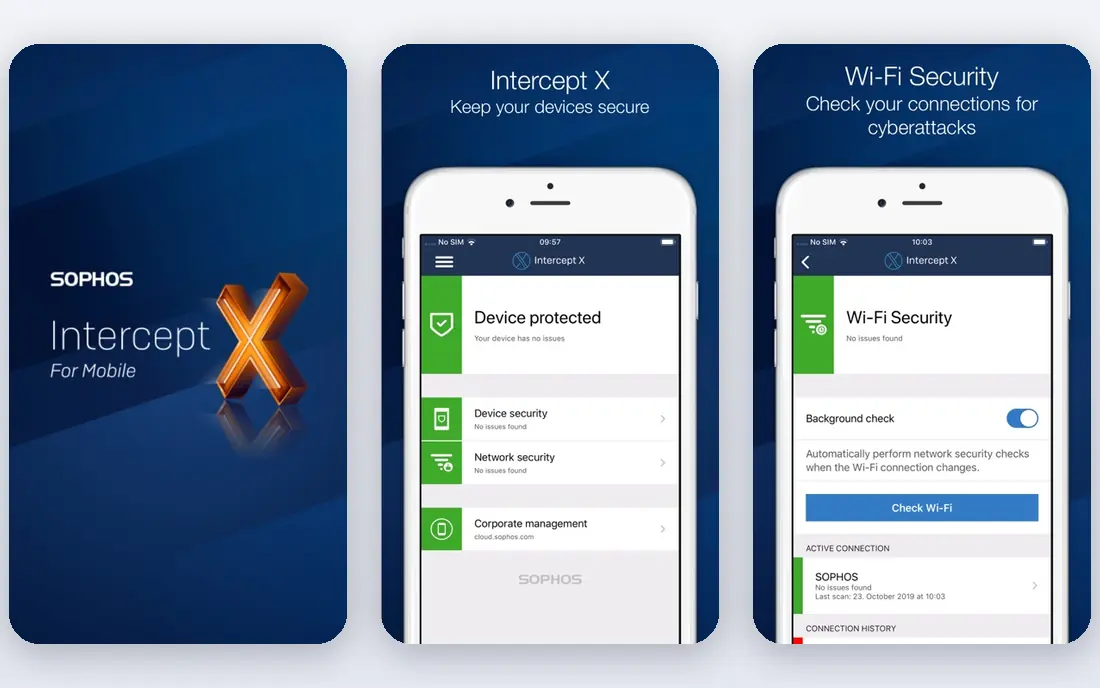
Sophos Home is a good fit for managing every family PC from one dashboard. It uses the same detection technology that guards large businesses, with AI threat detection, ransomware rollback, and web protection.
the main limit is commercial polish: the homepage does not present pricing, support hours are restricted to weekday business hours. You will not find the VPN, password manager, or identity monitoring that the big suites bundle. Sophos Home does not show a starting price in this comparison, so check the vendor site for current pricing. Trial and free access: Free trial (30 days).
Limits to weigh: Premium support restricted to business hours.
- Remote management of up to 10 computers from one web dashboard
- Parental web filtering included
- Fewer consumer extras like VPN or password manager
Avast
Ideal for: Best free antivirus with premium upgrades
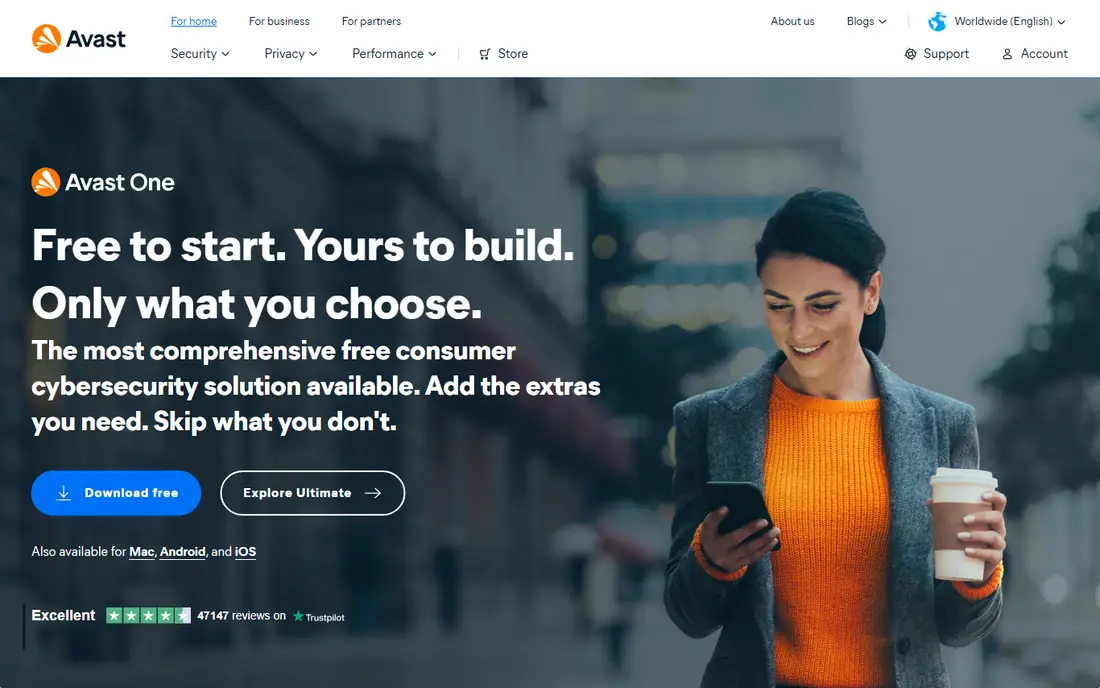
Avast was built for best free antivirus with premium upgrades. The free level contains live virus and malware blocking, ransomware protection, scam detection, and breach monitoring, which is more than most free products offer. The transparency on pricing deserves credit: the homepage displays both the intro and renewal prices, which most competitors hide.
Also, if you want free protection from an established name, this is the pick. The company has since changed course, but the reputation lingers. Avast cost at the entry level: $49.08 per year. A free plan is available with Avast.
Points against: Renewal at $77.99 is much higher than the intro price.
- 38-plus years in consumer security
- Genuinely free level with live protection
- Premium levels overlap confusingly
Norton
Ideal for: All-in-one family protection with LifeLock
Norton serves all-in-one family protection with LifeLock. Every plan on the homepage currently bundles scam protection, which reflects where the real threats have moved. On top of that, set a calendar reminder before renewal.
In daily use, step up to Deluxe at $49.99 for five devices plus parental controls. The top levels add LifeLock identity theft protection with stolen funds reimbursement. More specifically, the standout is identity protection depth. Norton pricing: $39.99 per year. Norton does not include a free plan.
Watch-outs: only the money-back guarantee; Feature overlap between levels is confusing.
- LifeLock identity theft protection on upper levels
- Clear published pricing on the vendor site
- No free plan or trial
Bitdefender
Ideal for: Top-rated detection with low system impact
Bitdefender serves top-rated detection with low system impact. If pure protection quality is what you care about, Bitdefender is the usual starting point.
Trade-offs to know: Upsell prompts in the free level.
Check the renewal price before you buy, not after the first year ends. Check the vendor site for Bitdefender pricing; none is listed in this comparison. As for free access: Free trial (30 days).
- Free level available for entry-level protection
- Consistently top lab-test detection scores
- Published pricing changes often with promotions
Malwarebytes
Ideal for: Malware cleanup and second opinions
Malwarebytes makes the most sense for malware cleanup and second opinions. Malwarebytes earned its reputation the hard way: cleaning up computers that other antivirus products failed to protect. The 14-day free trial of Premium is enough to decide.
On top of that, use Malwarebytes as your cleanup specialist, or pair the free scanner with a live suite. The honest catch is that the free version will not stop threats before they run, it only cleans up afterward. So it is not a replacement for live antivirus on its own. More specifically, the free version scans and removes malware, ransomware, and unwanted programs, and millions of people run it as a second opinion next to their central antivirus. Premium layers on live protection, web protection, ransomware blocking, and a VPN choice, with identity theft protection on the top level. This comparison lists no price for Malwarebytes; ask the vendor. Free plan details: Free trial (14 days).
The main drawbacks: Free version has no live protection.
- Best-in-class at removing existing infections
- Light Browser Guard extension
- Fewer suite extras like parental controls
How we compared the tools
We compared the tools on published pricing, free plan or trial availability, feature coverage for home PC security software, and the limits each vendor documents. Where a vendor does not publish a price, the entry says quote. Where a price depends on seats or billing term, the entry says so. The ranking is editorial: typical fit first, then clear pricing, then free access. If your needs are unusual, read the profiles rather than relying on position.
A buyer's checklist
- Confirm the entry price on the vendor page. For McAfee, Sophos Home, Bitdefender and Malwarebytes that means a quote rather than a fixed price.
- Look at the free plan from Avast closely: its caps decide whether it is usable for real work.
- Take the trial from McAfee, Sophos Home, Bitdefender and Malwarebytes and push a live task through it before you pay.
- Before choosing McAfee, weigh its main limit: vendor homepage prices render inconsistently.
- Before rolling out Bitdefender, verify the integrations your workflow depends on.
- Run a one or two week pilot of Norton with the people who will use it every day.
Frequently asked questions
Is McAfee the right pick for everyone comparing home PC security software?
No single tool suits every team. McAfee comes first because it fits unlimited devices plus identity protection, while Sophos Home suits managing every family PC from one dashboard and Avast suits best free antivirus with premium upgrades. Match the tool to your own size, budget and workflow before deciding.
Can I run two antivirus programs at once?
No, running two live antivirus products together causes conflicts, false alarms, and performance problems. The one exception is Malwarebytes Free, which is designed as an on-demand scanner that works alongside a central antivirus.
Can I try these options before paying?
Often, yes. Avast has a free plan and McAfee, Sophos Home, Bitdefender and Malwarebytes offer a free trial. Use your own data and a real task during the test, and check what the free tier or trial limits before you rely on it.
Which options for home PC security software have a free plan?
Avast is the only tool in this list with a free plan. Free plans usually cap users, projects or features, so check the limits on the vendor page. Several others offer a trial instead.
How are the tools for home PC security software ordered?
The order follows typical fit for home PC security software, with McAfee first and Malwarebytes last, then price clarity and free access. It is editorial judgement, not a score, so another team could rank the tools differently.