Best Hosting Companies for SEO in 2026: 8 Hosts Compared

- Speed is the main SEO factor hosting controls, so check caching, server type, and data center location.
- Uptime matters because a down site cannot rank or convert during outages.
- Technical control, from redirects to SSL and staging, helps SEO work get done correctly.
Quick comparison
| Product | Ideal for | Price from | Free version | |
|---|---|---|---|---|
 SiteGround | WordPress SEO hosting | See website | No | Visit |
 WP Engine | Managed WordPress SEO | See website | No | Visit |
 Kinsta | Premium cloud SEO hosting | See website | No | Visit |
 Cloudways | Flexible cloud hosting | See website | Free trial | Visit |
 Hostinger | Value SEO hosting | See website | No | Visit |
 A2 Hosting | Speed focused SEO hosting | See website | No | Visit |
 Bluehost | Beginner SEO hosting | See website | No | Visit |
 DreamHost | Flexible SEO hosting | See website | No | Visit |
The best hosting companies for SEO
Hosting affects SEO through speed, uptime, and technical control. A slow or often down site ranks worse and loses visitors, while a fast stable host helps every other SEO effort. The hosts below are judged on speed features, uptime, server location, and technical tools, using their own plan pages and performance information.
SiteGround
Ideal for: WordPress SEO hosting

SiteGround is our pick for WordPress SEO, with speed tools and support that help sites stay fast and online. Its caching and WordPress plans suit SEO focused owners, though prices run higher than budget hosts.
What stands out is speed tools and support for WordPress SEO The honest catch is higher prices, and storage limits on lower plans Prices and plan details change, so confirm the current offer on the vendor site before you commit.
Choose SiteGround when WordPress speed and support matter most.
- Speed tools and caching
- Strong support
- WordPress plans
- Higher prices
- Storage limits on lower plans
WP Engine
Ideal for: Managed WordPress SEO
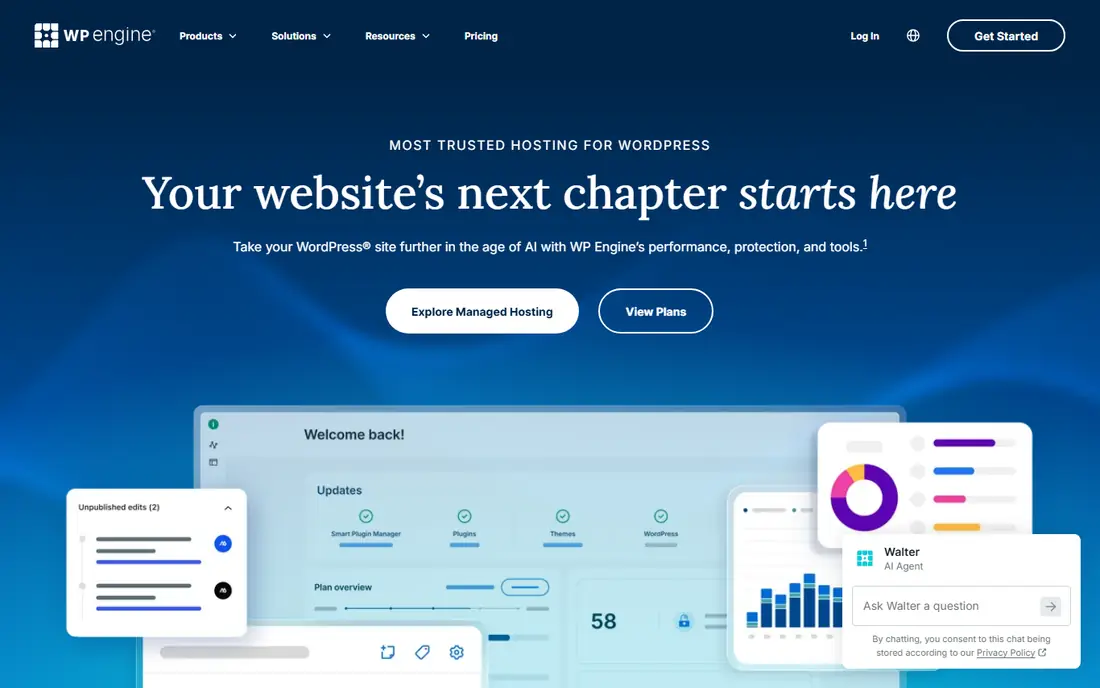
WP Engine suits serious WordPress sites where managed performance supports SEO. Its staging helps SEO changes get tested safely, though pricing is premium.
What stands out is managed WordPress performance with staging The honest catch is premium pricing, and WordPress only Before buying, confirm pricing and plan limits on the vendor site, since published details can change.
Pick WP Engine when managed performance justifies premium cost.
- Managed WordPress performance
- Staging
- Security and CDN options
- Premium pricing
- WordPress only
Kinsta
Ideal for: Premium cloud SEO hosting
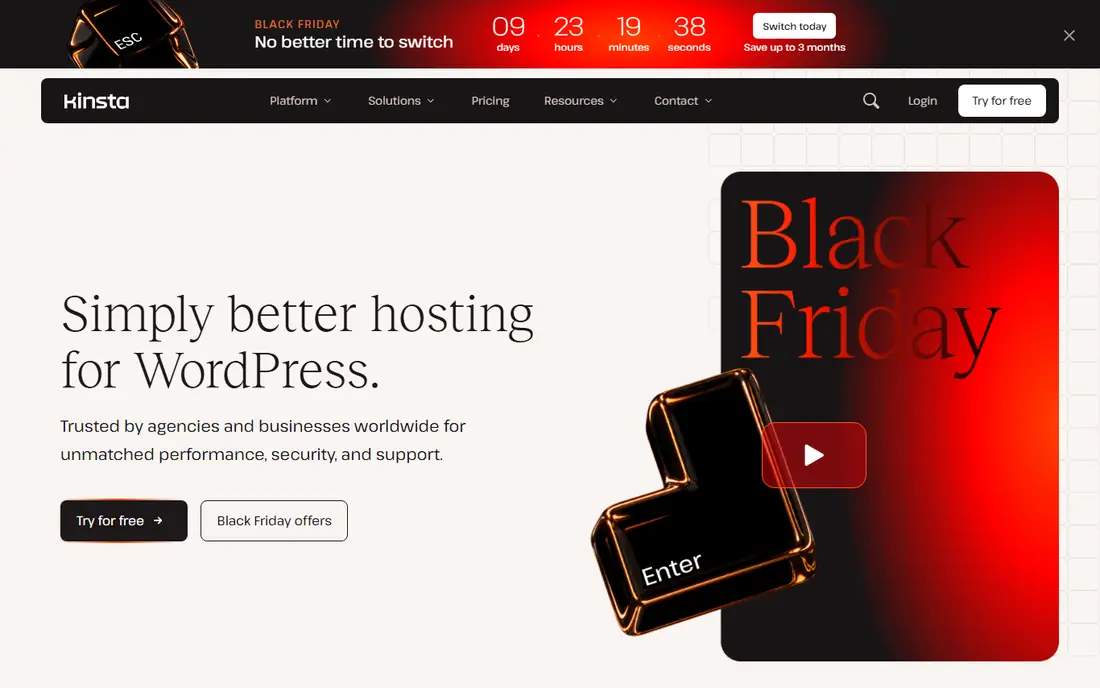
Kinsta is the premium pick for high traffic WordPress sites where speed directly affects rankings. Its cloud infrastructure and support suit sites that cannot afford slowdowns.
What stands out is cloud performance for high traffic WordPress sites The honest catch is premium pricing, and WordPress only Check the vendor site for the latest pricing, since plans, tiers, and terms change over time.
Choose Kinsta when traffic and speed justify premium hosting.
- Cloud infrastructure
- Strong performance
- Expert support
- Premium pricing
- WordPress only
Cloudways
Ideal for: Flexible cloud hosting
Cloudways suits technical owners who want cloud hosting flexibility with a management layer. Its scaling helps growing sites, though it needs more hands-on management than managed WordPress hosts.
What stands out is flexible cloud hosting with scaling The honest catch is more hands-on management, and pricing varies For current pricing, check the vendor site before deciding, since plans and prices change over time.
Pick Cloudways when you want cloud control without raw server management.
- Cloud hosting on several providers
- Scaling
- Developer tools
- Management is more hands-on
- Pricing varies by cloud choice
Hostinger
Ideal for: Value SEO hosting
Hostinger is the value pick for SEO on a budget, with global data centers that help international rankings. Its higher plans add speed features, though renewal pricing needs checking.
What stands out is value hosting with global data centers The honest catch is renewal prices rise, and support is mainly chat Prices and plan details change, so confirm the current offer on the vendor site before you commit.
Choose Hostinger when budget matters and your site is not high traffic.
- Low prices
- Global data centers
- Speed features on higher plans
- Renewal prices rise
- Support is mainly chat
A2 Hosting
Ideal for: Speed focused SEO hosting
A2 Hosting suits owners who want speed as the main SEO lever. Its Turbo plans target load times directly, though the best speed costs more.
What stands out is Turbo speed plans aimed at load times The honest catch is best speed costs more, and the panel can feel busy Before buying, confirm pricing and plan limits on the vendor site, since published details can change.
Pick A2 when speed is your top SEO hosting priority.
- Turbo speed plans
- Developer tools
- Caching options
- Turbo costs more
- Panel can feel busy
Bluehost
Ideal for: Beginner SEO hosting
Bluehost suits beginners who want SEO friendly WordPress setup without complexity. Its simplicity helps new owners, though performance is mid-range.
What stands out is simple WordPress setup for beginners The honest catch is mid-range performance, and renewal prices rise Check the vendor site for the latest pricing, since plans, tiers, and terms change over time.
Choose Bluehost when ease matters more than top speed.
- Simple WordPress setup
- Free domain offer
- Basic speed tools
- Mid-range performance
- Renewal prices rise
DreamHost
Ideal for: Flexible SEO hosting
DreamHost suits owners who want flexibility and a long standing host for SEO work. Its month to month options help testers, though support channels are narrower.
What stands out is month to month flexibility for SEO testing The honest catch is support mainly ticket and chat, and performance varies For current pricing, check the vendor site before deciding, since plans and prices change over time.
Pick DreamHost when flexibility matters and you can manage setup yourself.
- WordPress plans
- Month to month options
- Privacy friendly approach
- Support mainly ticket and chat
- Performance varies by plan
How we picked these
We compared official feature pages, pricing pages, app store listings, privacy policies, and public reviews for each option, and we kept only options that exist and work in October 2026 and that truly fit this topic. We favored options with clear pricing, a track record we could check, and honest limits we could state plainly. Where a price or plan could not be confirmed from the vendor itself, we wrote See website rather than guessing.
We also weighed who each option suits best, since the right choice for a large team is often the wrong choice for a small one. That is why the list below mixes well-known leaders with smaller options that do one thing well.
Where prices were not published, we said so rather than estimating. A vendor that hides pricing is not automatically a bad choice, but buyers should ask for a written quote before comparing it with a vendor that publishes prices openly.
Finally, we checked that every website listed is the product's own official homepage and that it loads. A product with a broken or mismatched homepage was not kept on the list, since readers should be able to reach the real vendor from this article without guessing.
How hosting choices affect SEO
Start with speed, since load time affects both rankings and visitor behavior. Choose a host with caching, modern server types, and a data center near your main audience.
Next, protect uptime. Even brief outages during peak traffic cost rankings and sales, so check uptime terms and monitoring options before signing.
Finally, keep technical control. SSL, redirects, staging, and backup tools let SEO changes happen safely, and a host that limits those tools slows SEO work.
Before you buy, test the product on your real workload, not only on a demo. Check setup time, support response, renewal pricing, and how easy it is to leave if the product disappoints. A tool that is hard to exit can cost more over time than a pricier tool with fair terms. Ask about data export and contract length before signing, since both affect your freedom later.
A last check is how the product handles growth. Ask what happens when users, traffic, or data double, and what the next pricing tier costs. A tool that scales smoothly saves a painful migration later, while a tool with sharp price jumps can punish success.
One more habit helps in every market on this list: read recent customer reviews that mention problems, not only praise. Reviews that describe how a company handled a failure tell you more about service than five-star reviews do. Look for patterns across many reviews rather than one angry or glowing outlier.
Another useful step is to write down your must-have features before you start comparing. Without a short list, it is easy to be swayed by a feature you will never use or a discount that hides a missing essential. A must-have list keeps comparisons honest and makes the final choice easier to defend.
Finally, keep a copy of every quote, term sheet, and confirmation you receive. Written records make it easy to compare offers fairly and to resolve disputes if the delivered service differs from what was promised. A vendor that puts terms in writing is usually a safer choice than one that relies on verbal promises.
It also helps to set a review date after you buy. After a month or two, check whether the product or service still meets your must-have list and whether costs match the quote. Early review makes it easy to fix problems or switch before a full year of cost builds up.
Lastly, ask about help when something goes wrong. Every product fails at some point, and the quality of support during a failure often matters more than the feature list. A vendor with clear support hours and a real contact path is worth more than a slightly cheaper vendor that is hard to reach.
Frequently asked questions
Does hosting affect SEO?
Yes, mainly through speed and uptime. A fast, stable host helps rankings, while a slow or often down host hurts them, even with good content.
What hosting is best for WordPress SEO?
SiteGround, WP Engine, and Kinsta lead for WordPress, with Cloudways suiting technical owners. Choose by traffic, budget, and management needs.
Does server location matter for SEO?
Yes, somewhat. A data center near your audience usually loads faster for them, and a CDN can help global audiences further.
Is shared hosting bad for SEO?
Not always. Shared hosting suits small sites with modest traffic, but high traffic or speed sensitive sites benefit from better plans.
Should I use a CDN?
For sites with visitors across regions, yes. A CDN serves content from nearby servers, which improves load times for distant visitors.