Best Household Budgeting Apps in 2026: 8 Apps Compared

- 1
 YNABZero-based budgeting for hands-on householdsVisit
- 2
 Monarch MoneyClean household dashboard with family sharingVisit
- 3
 CopilotApple-focused budgeting with smart categorizationVisit
- 4
 PocketSmithLong-term forecasting and scenario planningVisit
- 5
 Simplifi by QuickenSpending, bills and goals in one moderate appVisit
- YNAB suits households that want every dollar assigned a job, while PocketSmith suits households that want long-term forecasts.
- Copilot and Monarch suit users who want clean bank sync and household dashboards, with Monarch offering family sharing.
- Simplifi by Quicken suits households that want spending, bills and savings goals in one app at a moderate price.
- This is not financial advice. Budget apps help track spending, but debt, investing and tax decisions need professional advice where appropriate.
Quick comparison
| Product | Ideal for | Price from | Free version | |
|---|---|---|---|---|
| YNAB | Zero-based budgeting for hands-on households | $109 per year | Free trial | Visit |
| Monarch Money | Clean household dashboard with family sharing | See website | Free trial | Visit |
| Copilot | Apple-focused budgeting with smart categorization | See website | Free trial | Visit |
| PocketSmith | Long-term forecasting and scenario planning | See website | Free trial | Visit |
| Simplifi by Quicken | Spending, bills and goals in one moderate app | See website | Free trial | Visit |
 Goodbudget | Envelope budgeting for shared households | Free | Yes | Visit |
 EveryDollar | Simple zero-based budgeting from Ramsey | Free | Yes | Visit |
 Honeydue | Couple budgeting with shared accounts and bills | Free | Yes | Visit |
The best household budgeting apps
We compared official feature pages, pricing pages, app store listings, privacy policies and public reviews to build this list of 8 options for best household budgeting apps. Prices were checked in October 2026 and can change, so confirm the current price on the vendor site before you buy. Our pick for most people is the first option that fits your budget and workflow, not necessarily the most expensive tool on the list. Read the quick comparison first to narrow the field, then read the full write-ups for the two or three options that fit your needs best.
YNAB
Ideal for: Zero-based budgeting for hands-on households

YNAB, short for You Need A Budget, teaches zero-based budgeting: every dollar is assigned to a category before spending. That discipline suits households paying off debt or living paycheck to paycheck. Education, workshops and community support help new users learn the method.
The method takes learning, and bank sync can break for some banks, requiring manual entry. There is also no free plan beyond a trial. For households willing to learn zero-based budgeting, YNAB is the most effective app on this list.
- Every dollar gets a job
- Strong education and community
- Good for debt payoff plans
- Learning curve for zero-based budgeting
- Bank sync can break
- No free plan beyond trial
Monarch Money
Ideal for: Clean household dashboard with family sharing
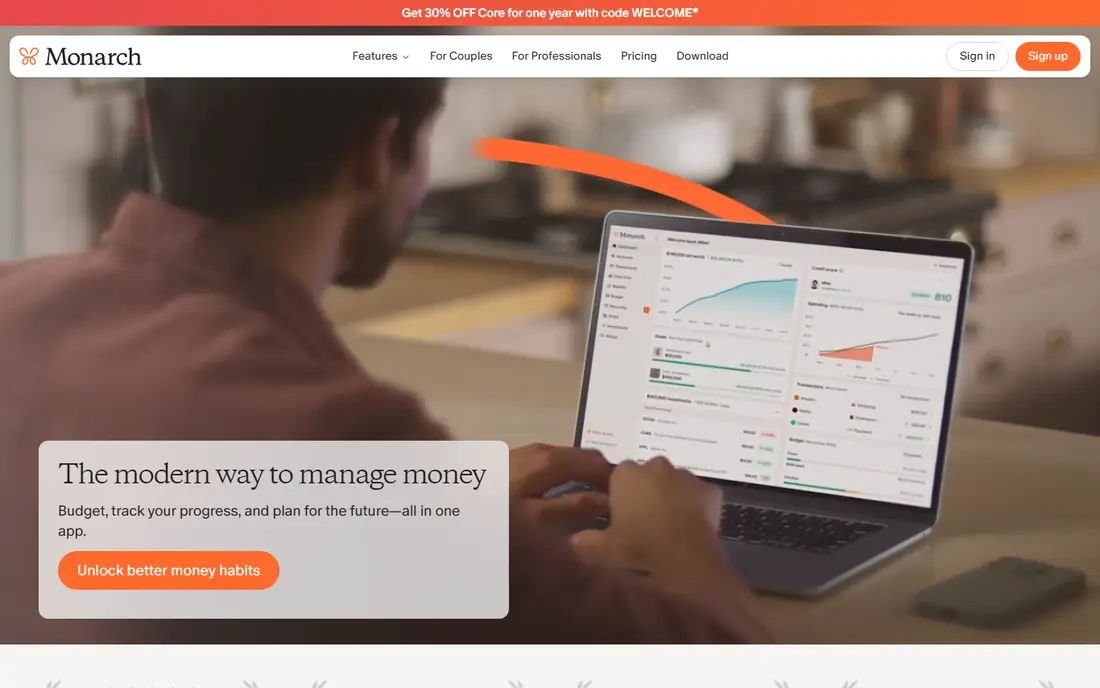
Monarch Money offers a clean household dashboard for accounts, spending, net worth and goals, with family sharing for couples. Bank sync is strong, and the interface is modern and easy to read. For households that want a clear money picture without a strict method, Monarch is excellent.
Pricing needs checking on the vendor site, and there is no free plan beyond a trial. Zero-based budgeting depth also lags YNAB. For a clean, shared household dashboard, Monarch is a top pick.
- Clean net worth and cash flow views
- Family sharing
- Strong bank sync
- Pricing needs checking
- No free plan
- Customization lags YNAB for zero-based budgeting
Copilot
Ideal for: Apple-focused budgeting with smart categorization
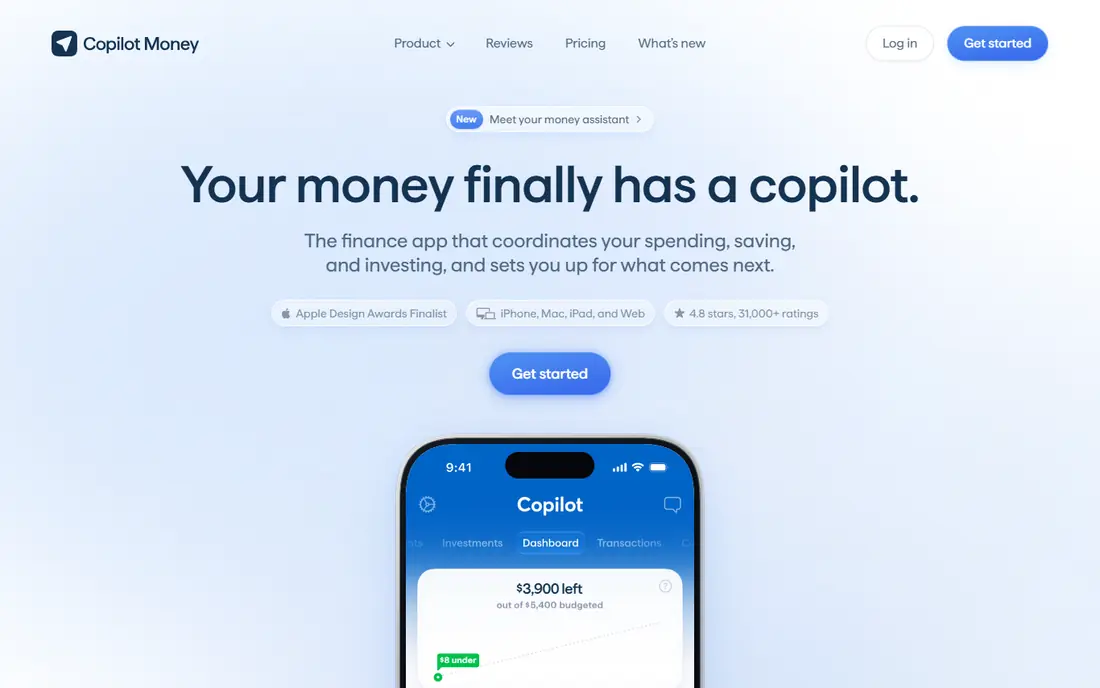
Copilot is an Apple-native budgeting app with smart categorization, spending tracking and net worth views. Its design feels at home on iPhone and Mac, and bank sync covers major US banks. For Apple households that want a polished money app, Copilot is a favorite.
It is Apple only, so Android households and web-only users should pick Monarch or Simplifi. Pricing also needs checking on the vendor site. For Apple-focused households, Copilot is a strong pick.
- Smart categorization
- Clean Apple-native design
- Spending and net worth tracking
- Apple only
- Pricing needs checking
- No Android or web parity
PocketSmith
Ideal for: Long-term forecasting and scenario planning
PocketSmith suits households that want to see the future, not just last month: cash flow forecasts, scenario planning and multi-currency support cover long-term goals. That helps couples planning a house purchase, retirement or a career break. For planners, it is unique.
The interface is data heavy, and bank sync varies by country, with US coverage strongest. Forecasts also take learning to set up well. For long-term household planning, PocketSmith is the specialist pick.
- Cash flow forecasts to 30 years
- Scenario planning
- Multi-currency support
- Interface is data heavy
- Bank sync varies by country
- Learning curve for forecasts
Simplifi by Quicken
Ideal for: Spending, bills and goals in one moderate app
Simplifi by Quicken combines spending plans, bill tracking, reminders and savings goals in one app at a moderate price. That suits households that want bills and budgets together, without YNAB's strict method. Quicken's history in personal finance adds trust.
The interface is busier than Monarch or Copilot, and bank sync can vary by bank. There is also no free plan beyond a trial. For households wanting bills plus budgeting in one app, Simplifi is good value.
- Spending plans
- Bill tracking and reminders
- Savings goals
- Interface is busier than Monarch
- Bank sync can vary
- No free plan
Goodbudget
Ideal for: Envelope budgeting for shared households
Goodbudget brings envelope budgeting to phones, with shared household sync so partners see the same envelopes. The free plan covers basics, which suits couples testing envelope budgeting without paying. For hands-on, cash-style budgeting, it is simple and clear.
The free plan caps envelopes and accounts, and bank sync is limited or paid, so many users enter transactions manually. The interface is also simple. For shared envelope budgeting on a budget, Goodbudget is a neat pick.
- Envelope method
- Shared household sync
- Free plan for basics
- Free plan caps envelopes and accounts
- Interface is simple
- Bank sync is manual or paid
EveryDollar
Ideal for: Simple zero-based budgeting from Ramsey
EveryDollar offers simple zero-based budgeting in the Ramsey style, with a free plan for manual entry and Premium adding bank sync. That suits households following Ramsey debt-payoff plans who want a simple budget tool. The interface is clean and focused.
Bank sync needs Premium, so free users enter transactions by hand. Reporting is also basic compared with YNAB or Monarch. For simple Ramsey-style budgeting, EveryDollar is a clear pick.
- Simple zero-based budgeting
- Free plan for manual entry
- Ramsey method guidance
- Bank sync needs Premium
- Free plan is manual only
- Reporting is basic
Honeydue
Ideal for: Couple budgeting with shared accounts and bills
Honeydue is built for couples, with shared accounts, bills and spending views plus chat on transactions. That helps partners discuss money in context, rather than in separate apps. For couples starting to budget together, the shared design is the point.
The free tier has limits, and bank sync varies by bank. Features are also couple focused, not full household planning with forecasts. For couples wanting a shared, simple budget app, Honeydue is a friendly pick.
- Built for couples
- Shared accounts and bills
- Chat on transactions
- Free tier has limits
- Bank sync varies
- Features are couple focused, not full household planning
How we picked these
We started from the topic and shortlisted products that exist and work today, then checked each vendor homepage, pricing page and free tier. We compared feature pages, app store listings, privacy policies and public reviews, and we dropped any product whose homepage could not be verified or whose price could not be checked. Where a price was unclear or varied by region, we wrote See website rather than guessing a number. That rule kept the list honest, even where a neat price would have made the comparison table look tidier.
We also weighed fit over fame. A well-known product stayed on the list only if it truly fits the topic, and smaller tools earned a place when they served a clear use case better. No product here was tested hands-on for this article, and no vendor paid for placement.
Price and free-tier details matter most when plans change often, so we favoured products with clear published pricing and a trial or free tier where one exists. If a vendor changed a plan after our check, the vendor site is the correct source, and the ranking here still reflects fit, not just price. That check takes extra time, but it prevents a shortlist built on outdated pricing or a product that no longer exists.
Choosing a household budgeting app by budgeting style and bank sync
Pick a budgeting style first: zero-based budgeting suits YNAB, automatic categorization suits Copilot, Monarch and Simplifi, and forecasting suits PocketSmith. Then check bank sync for your banks, because broken connections kill any budget app. Test a full month, including bills and shared spending, before paying annually.
Before you pay, run a trial on a real task from your own work, not a demo file. Check export formats, mobile access and support hours, because those details decide whether a tool survives daily use. Also check renewal terms and cancellation steps, since a cheap first year can become an expensive second year if renewal jumps. Finally, ask who will own setup and training, because a tool nobody is responsible for tends to fall out of use within a few months. Keep a short note on why you picked the winner, so a future review can judge it against the same criteria instead of starting from scratch.
A useful final test is to imagine the tool in six months, when the first excitement has faded and the work is routine. If the daily steps are still quick, the cost is still clear, and the support route is still obvious, the choice is likely sound. If any of those three answers is unclear, use the trial period to get a clear answer before committing to an annual plan.
Frequently asked questions
What is the best household budgeting app?
YNAB suits hands-on budgeters, Monarch suits households wanting a clean dashboard and family sharing, and PocketSmith suits long-term planners. Copilot is a strong Apple-focused option.
Is Mint still available?
No, Mint was discontinued in 2024, with users moved to Credit Karma. Households looking for a Mint replacement should try Monarch, Copilot, Simplifi or YNAB.
Do budgeting apps connect to my bank safely?
Most use aggregators such as Plaid or Finicity with read-only access and encryption, but check each app's security page and use multi-factor authentication. Never share bank passwords directly with an app that does not use a secure aggregator.
Can couples share a budgeting app?
Yes. Monarch, YNAB and PocketSmith support shared budgets or household access, though seat and sharing terms vary. Check whether both partners can sync accounts and set goals together.