7 Strong HR Management Software for Small Businesses in 2026

- Homebase takes the first slot, best suited to hourly and shift based teams.
- Deel HR is the lowest-priced starter here at $5/employee/month.
- Rippling suits HR, payroll and IT in one record.
- Homebase, Deel HR, Zoho People: these are the 3 tools out of 7 that offer a free plan.
Direct answer
If you need hourly and shift based teams, Homebase is the first tool to look at here. Alternatives: Gusto for payroll first with HR attached, and Paycor for expanding businesses wanting guided HR. The other 4 tools in the list cover narrower or pricier cases.
Quick comparison
| Product | Ideal for | Price from | Free version | |
|---|---|---|---|---|
 Homebase | Hourly and shift based teams | Free (one location) | Yes | Visit |
 Gusto | Payroll first with HR attached | $49/month + $6 per person | No | Visit |
 Paycor | Expanding businesses wanting guided HR | See website | No | Visit |
 Deel HR | Distributed and global teams | From $5/employee/month | Yes | Visit |
 Zoho People | Budget HR with a free level | Free; premium from $1.50/user/month | Yes | Visit |
 BambooHR | Core HR system of record | $10/employee/month (Core) | No | Visit |
 Rippling | HR, payroll and IT in one record | From $8/user/month plus platform fees | No | Visit |
The 7 tools in detail
Ainotely compared 7 HR management software for small businesses. The goal is a practical shortlist: published prices, free plan facts, best-fit use cases and honest limits for every entry.
Homebase
Ideal for: Hourly and shift based teams
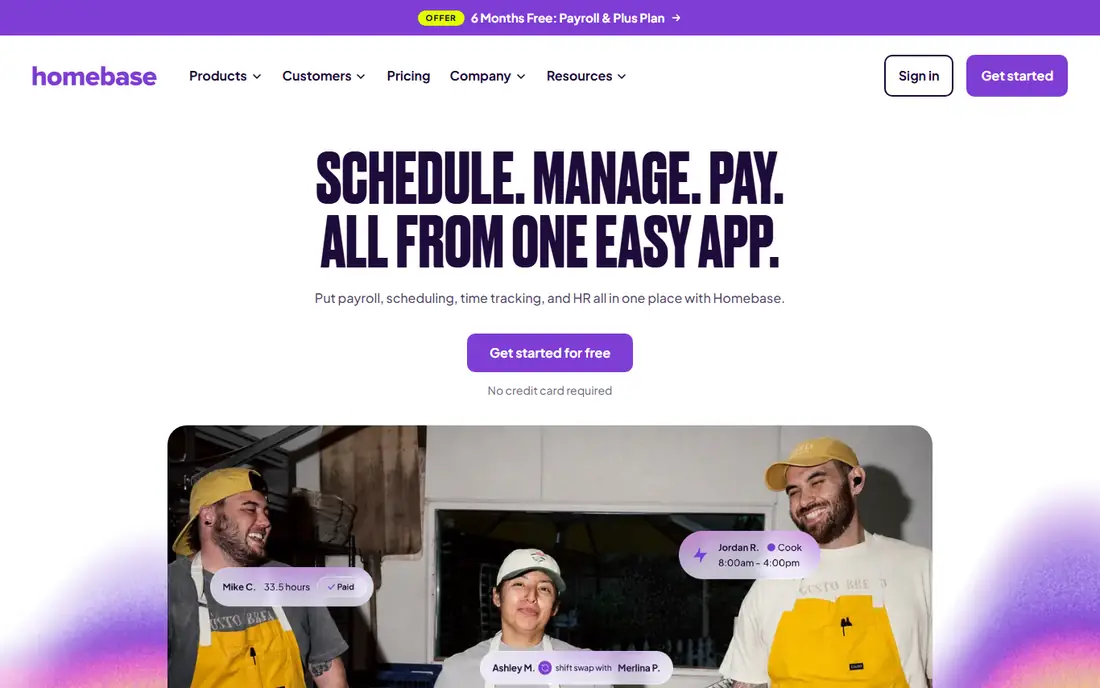
Choose Homebase for hourly and shift based teams. For those companies its free level is the correct first HR software, full stop.
When the business grows an office, salaried roles and formal HR needs, it graduates to a system of record above, with Homebase frequently surviving as the time tool in front of it. Entry price for Homebase: Free. Homebase has a free plan.
Honest limits: office based companies gain little from its shift centric design; performance and benefits live elsewhere or in add ons.
- Includes the core features described above
- Per location pricing multiplies for multi site operators
Gusto
Ideal for: Payroll first with HR attached
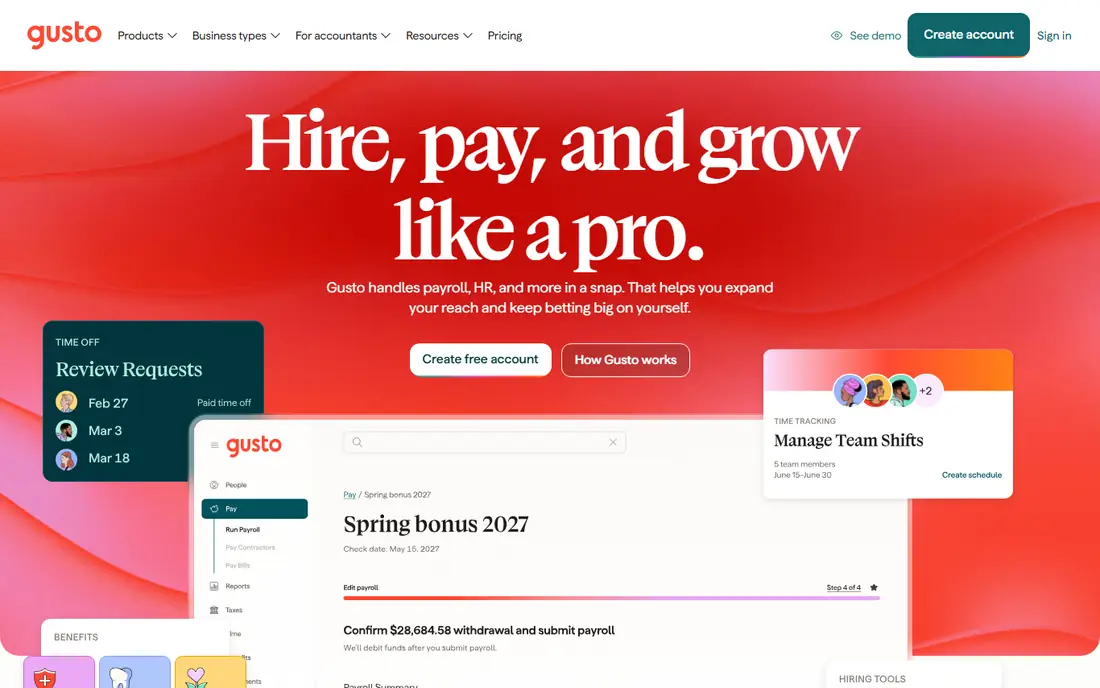
Think of Gusto for payroll first with HR attached. Price the level you will grow into during the contract year.
Where Gusto stands out: the small business default for a reason: a ten person company is completely live for 109 dollars per month on Simple; full service tax filing included, with HR wrapped around it: onboarding, documents.
Starting cost for Gusto: $49/month + $6 per person. Gusto has no free plan.
Trade-offs to know: contractor and global needs push you to other products in this list; per person pricing on top of base fees means micro teams pay the highest rate per head, US centric.
- Retirement and more
- Time off and an employee directory
- HR depth grows by level: performance
Paycor
Ideal for: Expanding businesses wanting guided HR
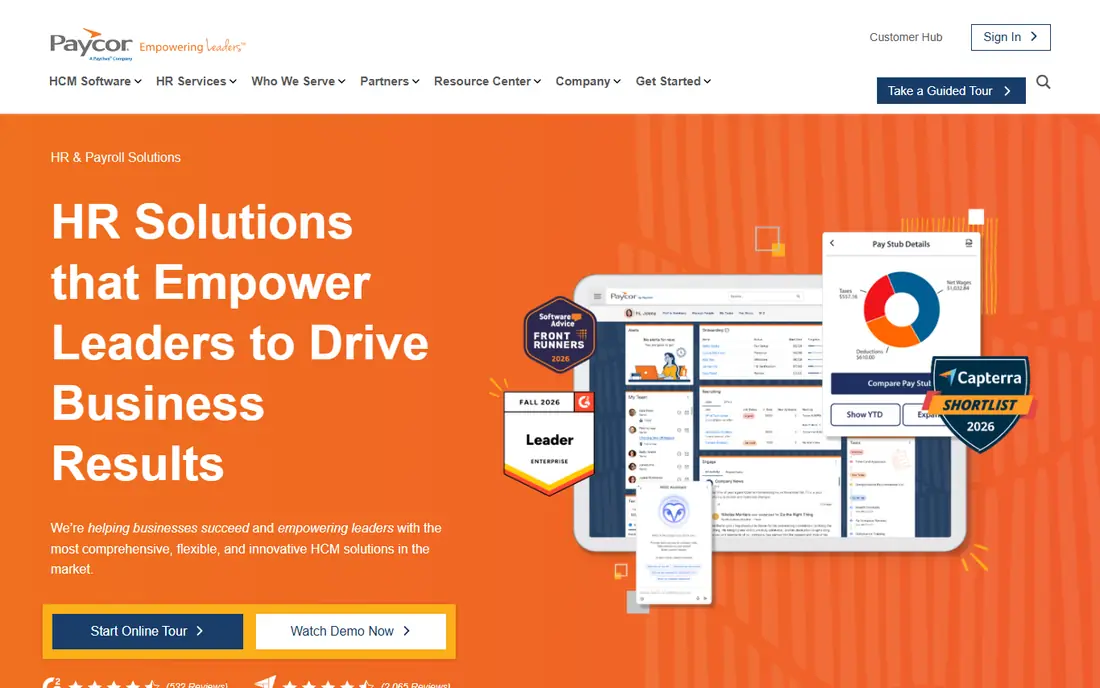
Paycor targets growing businesses wanting guided HR. Paycor closes the list as the guided growth choice: a real HCM suite with a vendor that onboards you like a client instead of a signup. Also, businesses hiring their first HR manager commonly land here, since the product hands that hire a complete toolkit on day one.
Since nothing is priced publicly, your diligence is the quote itself: itemised modules, implementation fees and renewal terms in writing, compared line by line against a Gusto Plus or BambooHR plus payroll total for the same headcount. That comparison, done once, is the entire decision. Paycor shows no starting price here, so confirm the cost on the vendor site. Paycor has no permanent free option.
Points against: fewer published prices anywhere means harder comparison shopping; Quote only pricing.
- Time and performance in one suite
- Known for implementation guidance and an analytics layer pitched at owners
- Assembled by headcount and modules
Deel HR
Ideal for: Distributed and global teams
Choose Deel HR for distributed and global teams. Deel HR is the answer when the team is already scattered across borders: one record for the designer in Lisbon and the developer in Ohio, with compliant employment products behind the record when you need them. That is a genuinely different product from the US centric systems above.
Watch-outs: its gravity pulls toward premium global employment products; free HRIS compared with 5 dollars per person, so confirm the current terms for your headcount on its site, US domestic depth, benefits.
In practice, a remote first company should put Deel on the shortlist for the same reason: its map matches theirs. A single state business should choose Gusto or BambooHR without a second thought. Deel HR starts at: From $5/employee/month. You can start on Deel HR without paying.
- A global hiring path exists without changing systems
- State by state payroll nuance
Zoho People
Ideal for: Budget HR with a free level
Zoho People serves budget HR with a free level. Expanding teams pay a handful of dollars per person for a system that spans the HR core honestly, inside a suite that can absorb their next five software needs.
Also, if neither describes you, BambooHR's employee experience may be worth its premium. If either does, Zoho People is where the comparison should start and may well end. What you pay to start with Zoho People: Free. Free access exists with Zoho People.
Highlights: shifts and documents; The most complete free HR level in this market: free for up to 5 users, with records.
What to check first: a separate product with its own pricing; Payroll runs through Zoho Payroll.
- Attendance and leave basics
- Handles the HR core: onboarding
- Advanced levels are needed for the automation and analytics depth
BambooHR
Ideal for: Core HR system of record
Think of BambooHR for core HR system of record. Its employee experience polish is real; onboarding a hire feels like a product, not a form, and that first impression is worth money to a small employer.
Honest limits: Payroll is not included: the add on runs about 39 dollars base plus 6 dollars per employee, which rewrites the budget.
Starting cost for BambooHR: $10/employee/month. BambooHR does not include a free plan.
What BambooHR does well: applicant tracking built in, so hiring lives in the same record as employment; Published.
- Or flat pricing from 250 dollars a month for teams up to 25 staff
- Honest pricing: Core at 10 dollars per employee a month
- The flat 250 dollars is poor value at eight employees and decent value at twenty four, so timing matters
Rippling
Ideal for: HR, payroll and IT in one record
Rippling was built for HR, payroll and IT in one record. Micro firms should admire it from a distance.
Highlights: payroll and IT: hire someone and their accounts; policies and offboarding that also revoke access.
Its argument is that the employee record should run the company: one change in HR propagates to payroll, benefits, devices and permissions. Rippling starts at: From $8/user/month plus platform fees. No free plan comes with Rippling.
Trade-offs to know: The headline is a floor: modules stack; quote finishing applies to real configurations.
- One employee record drives HR
- Apps and laptop workflows follow automatically
- Payroll only buyers pay for machinery they never switch on
How we compared the tools
Each tool was reviewed on what its vendor publishes: price, plan limits, core features and stated drawbacks. We did not run hands-on tests. Where a price is missing, the vendor does not list one publicly or ties it to a quote. Always confirm before budgeting. The sequence is a judgement call: typical use case first, then pricing transparency, then free access. Use the profiles to check fit.
What to confirm before you sign up
- Confirm the entry price on the vendor page. For Paycor that means a quote rather than a fixed price.
- Read the fine print on the free plans from Homebase, Deel HR and Zoho People; seat, project and feature caps differ.
- Read the plan comparison for Gusto carefully; key features often start on a higher tier.
- Look at the renewal terms for Zoho People: auto-renewal, notice periods and price changes can matter more than the first-year price.
- The entry price of Paycor is only the starting point; model the full cost with seats and extras.
Frequently asked questions
Can I try these tools before paying?
Often, yes. Homebase, Deel HR and Zoho People have a free plan. Use your own data and a real task during the test, and check what the free tier or trial limits before you rely on it.
Is Homebase the right pick for everyone comparing HR management software for small businesses?
No single tool suits every team. Homebase comes first because it fits hourly and shift based teams, while Gusto suits payroll first with HR attached and Paycor suits growing firms wanting guided HR. Match the tool to your own size, budget and workflow before deciding.
Can HR software replace an HR manager?
It replaces the filing cabinet and the reminder list, not the judgement. Software runs onboarding checklists and tracks time off flawlessly. It does not mediate a conflict, judge a harassment complaint or design a fair process.
Do these tools publish their prices?
Not all of them. Paycor publishes no starting price, so expect a quote request for it. The rest, Homebase included, show a starting price, though seats and billing terms still change the final cost.
What is the cheapest option for HR management software for small businesses in this list?
On published monthly entry prices, Deel HR is the lowest here at $5/employee/month. Entry price is only part of the cost, because seats, add-ons and billing terms can change the total.