Comparing 8 HR Software for Hourly Workforces in 2026

- Number one here is Sling, a fit for budget scheduling with a capable free level.
- For compliance-heavy hourly teams, Deputy is worth a look.
- What to know about When I Work first: no native payroll, only integrations.
- 4 of 8 tools offer a free plan: Sling, ZoomShift, Homebase, 7shifts.
Direct answer
This list puts Sling first for budget scheduling with a strong free level. ZoomShift fits small teams wanting a free schedule maker; Homebase fits all-in-one hourly team management. The other 5 tools in the list cover narrower or pricier cases.
Quick comparison
| Product | Ideal for | Price from | Free version | |
|---|---|---|---|---|
 Sling | Budget scheduling with a capable free level | $1.70 per user/month (billed yearly) | Yes | Visit |
 ZoomShift | Small teams wanting a free schedule maker | $2 per user/month | Yes | Visit |
 Homebase | All-in-one hourly team management | $24 per location/month (billed yearly) | Yes | Visit |
 When I Work | Straightforward scheduling for small teams | $2.50 per user/month | Free trial (14 days) | Visit |
 7shifts | Restaurant teams | $39.99 per location/month (billed yearly) | Yes | Visit |
 ClockShark | Field crews and construction teams | See website | Free trial | Visit |
 Push Operations | Restaurant groups tying payroll to scheduling | See website | Free trial | Visit |
 Deputy | Compliance-heavy hourly teams | $5 per user/month (billed yearly) | Free trial | Visit |
HR Software for Hourly Workforces, one by one
This Ainotely guide covers 8 HR software for hourly workforces. Each profile lists a starting price, free plan details, strengths and drawbacks, so you can drop poor fits quickly.
Sling
Ideal for: Budget scheduling with a capable free level
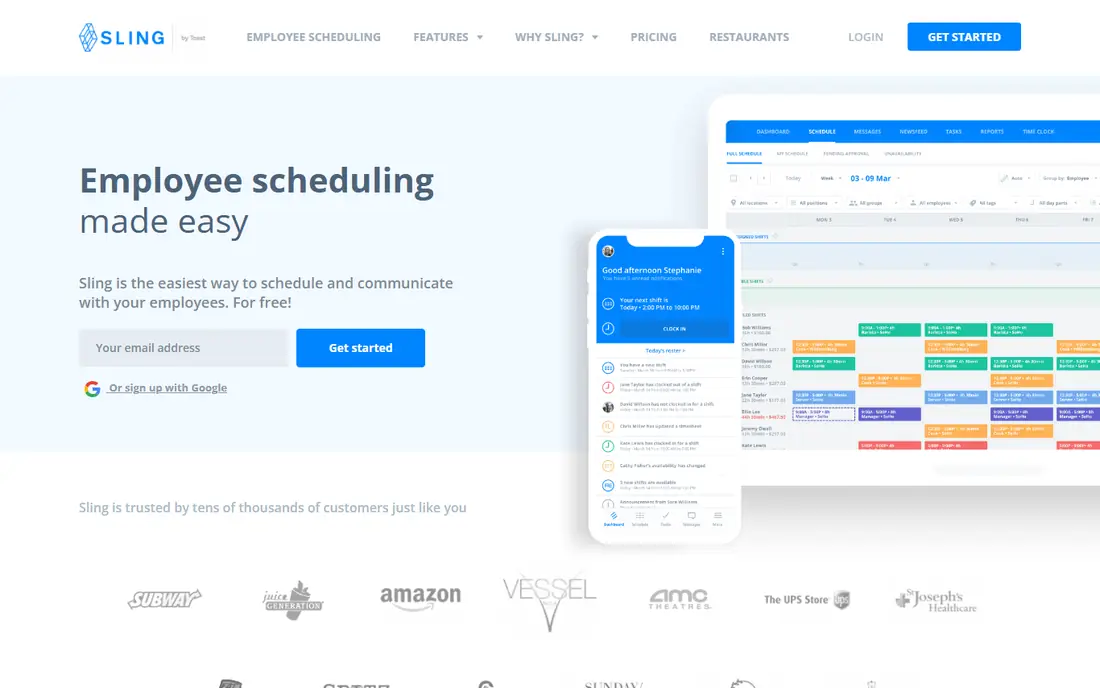
For budget scheduling with a capable free level, Sling is a natural candidate. Sling's free level is the most ample among pure scheduling tools. More specifically, integrations with Toast, Square, Shopify and other POS systems connect the schedule to sales data.
Honest limits: Some advanced reporting sits behind premium levels.
A team of up to 30 gets scheduling, messaging and task management without paying anything, which makes it the natural first stop for a cash-strapped small business. For everyday use, as a scheduler and communicator on a budget, though, it is hard to beat. Premium plans are also cheap at $1.70 per user a month on annual billing, adding time tracking, geofencing and deeper reporting. What you pay to start with Sling: $1.70 per user/month. You can start on Sling without paying. Reasons to shortlist it: Comes with team messaging.
- GPS geofencing on premium plans
- Task management and labor cost forecasting
- No native payroll processing
ZoomShift
Ideal for: Small teams wanting a free schedule maker
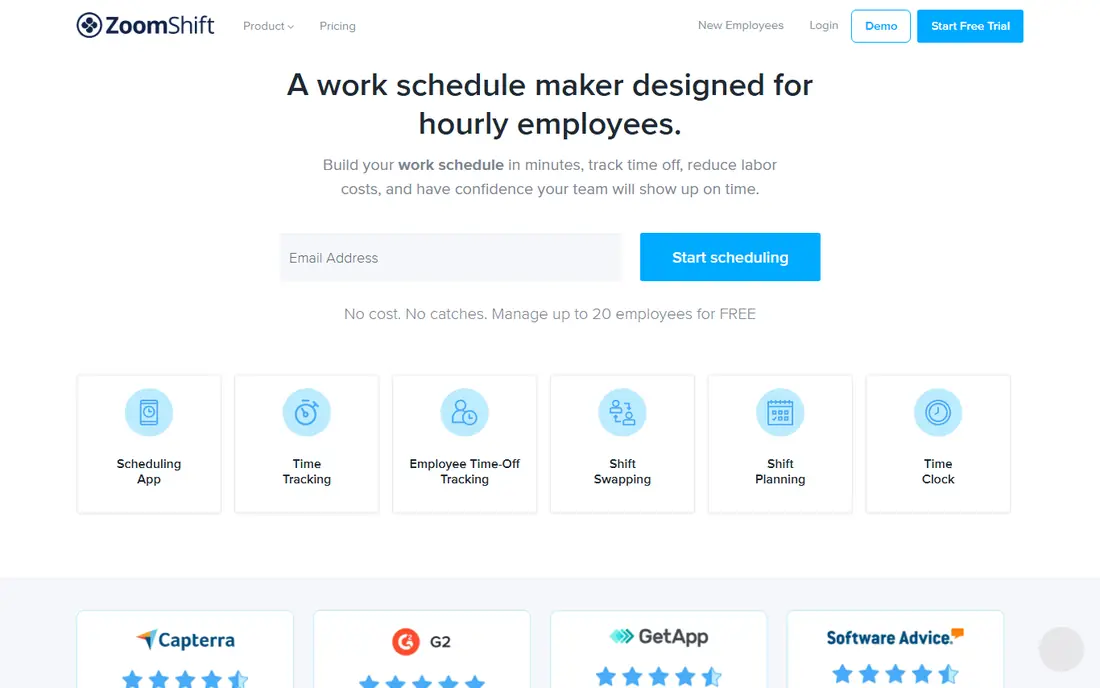
Choose ZoomShift for small teams wanting a free schedule maker. Premium plans at $2 per user a month add features like PTO accrual tracking and automatic time-off approvals. As for the details, the time clock blocks early clock-ins and overtime before they happen, which guards labor budgets without manager intervention.
Where it falls short: Company has a lower public profile than its rivals.
From a buyer's view, for a single restaurant or retail store that just wants to stop building schedules in Excel, that is frequently enough. In practice, the tradeoff for simplicity is depth. Starting cost for ZoomShift: $2 per user/month. Free access exists with ZoomShift.
- Straightforward drag-and-drop scheduling with templates
- Free for teams up to 20 employees with no credit card
- Fewer HR features than the all-in-one systems
Homebase
Ideal for: All-in-one hourly team management
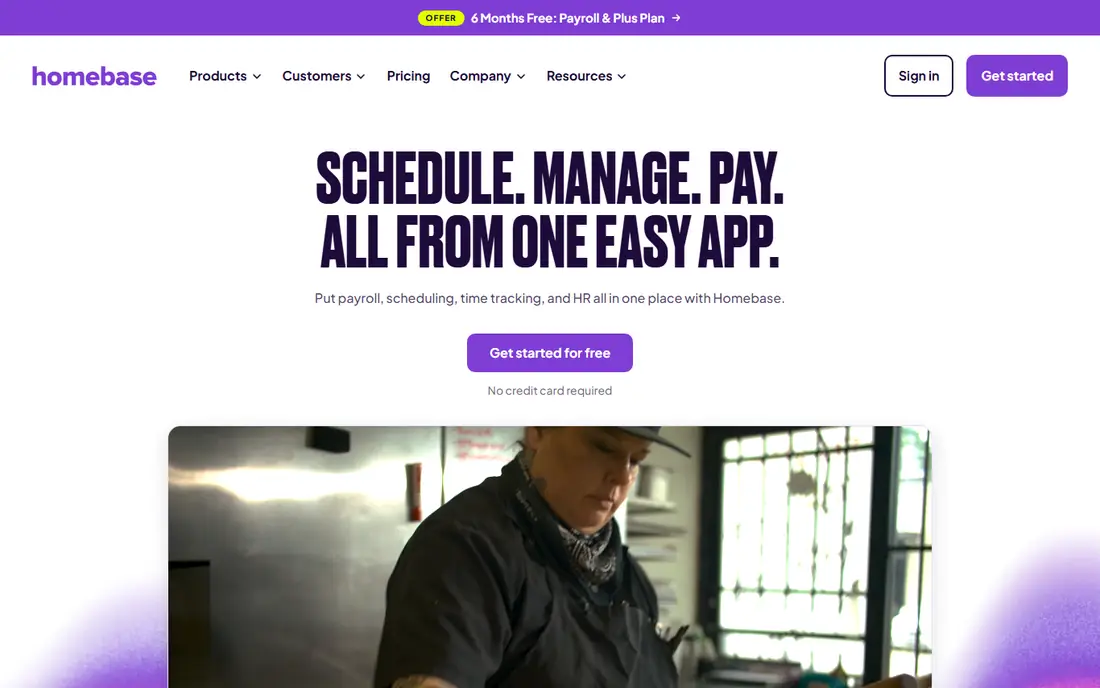
Think of Homebase for all-in-one hourly team management. Scheduling, time clocks, payroll and even hiring tools sit together.
So a cafe or boutique owner can run the entire people side of the business from one place. On top of that, the free plan is genuinely usable for teams up to 10, which is rare in this category. What you pay to start with Homebase: $24 per location/month. Homebase has a free plan.
Watch-outs: Payroll costs additional on top of the plan.
- Free plan spans teams up to 10
- Hiring and HR in one app
- Premium plans bill per location, which layers on up for multi-location companies
When I Work
Ideal for: Straightforward scheduling for small teams
In short, When I Work is for simple scheduling for small teams. When I Work is made for hourly workers, and that focus presents. From a buyer's view, the main limit is that payroll never happens inside the product.
Beyond that, the messaging features are also entry-level compared with dedicated team communication apps, so businesses that want rich internal communication may need something alongside it. At $2.50 per user a month, it is one of the cheapest premium choices in this category. The vendor says setup takes minutes with no IT help. On cost, When I Work starts like this: $2.50 per user/month. Free access: Free trial (14 days).
Where it falls short: No bulletin board or newsfeed for company announcements.
- Scheduling
- GPS clock-ins and geofencing verify staff locations
- No native payroll, only integrations
7shifts
Ideal for: Restaurant teams
7shifts serves restaurant teams. The vendor claims more than 55,000 restaurants and 1.5 million restaurant professionals use the product. The Comp plan is free but restricted, and meaningful features start with premium levels that bill per location.
What to check first: Time tracking needs the Essentials level or above.
Beyond that, the POS integration ties sales data to labor scheduling, so managers can staff to actual demand rather than guessing. From a buyer's view, no contracts and a 14-day trial on the Pro plan lower the barrier to trying it. From a buyer's view, if your business is not a restaurant, the whole design assumes workflows you do not have, so look elsewhere. 7shifts does one thing and does it well: restaurant workforce management. The starting price for 7shifts: $39.99 per location/month. 7shifts offers a free plan.
- Over 55,000 restaurants use it
- Free Comp plan spans entry-level scheduling and communication
- Per-location pricing punishes multi-site growth
ClockShark
Ideal for: Field crews and construction teams
ClockShark makes the most sense for field crews and construction teams. Shift swapping, POS integration and restaurant communication are not its world. Do not buy it for a restaurant.
It targets field service and construction crews who work at changing job sites instead of behind one counter. Beyond that, the mobile time clock records hours against specific jobs, which feeds job costing and payroll with what the vendor describes as 99.9 percent accuracy. ClockShark shows no starting price here, so confirm the cost on the vendor site. On free options: Free trial.
Downsides: Less relevant for restaurant or retail shift work.
- GPS-based mobile time tracking aimed at job sites
- ADP and Paychex
- Time-tracking-first, with lighter scheduling and HR than the all-in-ones
Push Operations
Ideal for: Restaurant groups tying payroll to scheduling
Push Operations targets restaurant groups tying payroll to scheduling. Compliance gets attention too, with tools for document expirations like work permits and licenses. More specifically, Push Operations was aimed at restaurants and it presents in every feature.
Trade-offs to know: No public pricing, only quote-based sales.
In practice, if you run restaurants and want payroll and scheduling unified, it deserves a look. As for the details, everyone else should start with the generalist tools. Also, the downside is opacity. There is no public pricing page, so you book a demo and talk to sales. This comparison lists no price for Push Operations; ask the vendor. On free options: Free trial.
- Hiring and onboarding tools built in
- Facial recognition clock-in stops buddy punching
- Restaurant-centric design limits fit for other industries
Deputy
Ideal for: Compliance-heavy hourly teams
Deputy serves compliance-heavy hourly teams. Deputy is the tool managers pick when labor rules keep them up at night. It automates break compliance, overtime calculations and Fair Workweek requirements, which matters in states and cities with predictive scheduling laws.
If compliance risk is low for your business, the less expensive choices include the basics. At $5 per user a month it costs roughly twice When I Work. There is a monthly minimum, so very small teams pay more than the headline rate recommends. Deputy also expects you to bring your own payroll provider. The audit trail makes it simpler to answer questions from regulators or employees about how a schedule was built. Deputy starts at: $5 per user/month. Free options: Free trial.
Trade-offs to know: Per-user pricing gets pricey as headcount grows.
Strengths: Capable labor compliance automation including breaks.
- AI-assisted scheduling with demand forecasting
- Overtime and Fair Workweek rules
- Overlap warnings still need a manager's review
How we built this list
Ainotely looked at what each vendor publishes: pricing, plan limits, feature coverage for HR software for hourly workforces and stated drawbacks. No hands-on testing is claimed. Where a vendor does not publish a price, the entry says quote. Where a price depends on seats or billing term, the entry says so. Position on the page reflects fit for a typical buyer first, with price clarity and free access breaking ties. Treat it as a guide, not a ruling.
Before you commit
- Ask ClockShark and Push Operations for a written quote, since no starting price is shown.
- Look at free plan limits closely: Sling, ZoomShift, Homebase and 7shifts have one, and the caps decide whether it is usable for real work.
- Take the trial from When I Work, ClockShark, Push Operations and Deputy and push a live task through it before you pay.
- Read the limits listed for Sling first: time tracking needs the Premium plan.
- Involve the people who will use 7shifts daily; a short pilot beats a long feature checklist.
- Look at which plan of Deputy unlocks the features you need; entry tiers are often cut down.
Frequently asked questions
Is Sling the right pick for everyone comparing HR software for hourly workforces?
No single tool suits every team. Sling comes first because it fits budget scheduling with a strong free tier, while ZoomShift suits small teams wanting a free schedule maker and Homebase suits all-in-one hourly team management. Match the tool to your own size, budget and workflow before deciding.
Do these tools deal with payroll?
Some do, most do not natively. Push Operations and Homebase offer payroll (Homebase as an add-on), whereas When I Work, Deputy, Sling and ClockShark link to external payroll providers through integrations.
What is the best HR software for hourly employees?
This list starts with Sling, which fits budget scheduling with a solid free level. For other needs, ZoomShift is aimed at small teams wanting a free schedule maker, and Homebase at all-in-one hourly team management. Check each tool's price and main limit first.
Can hourly workers use these tools on their phones?
Yes, and that is the point. Test the actual app during your trial, since mobile quality varies between vendors.
Can I try these tools before paying?
Often, yes. Sling, ZoomShift, Homebase and 7shifts have a free plan and When I Work, ClockShark, Push Operations and Deputy offer a free trial. Use your own data and a real task during the test, and check what the free tier or trial limits before you rely on it.
How are the tools for HR software for hourly workforces ordered?
Sling sits first and Deputy last because the order follows typical fit for HR software for hourly workforces, then price clarity and free access. It is a judgement call, so read each profile for fit and limits.