Best HR Software for Remote Teams (2026): 7 Options Compared

- 1
 BambooHRTeams that want an easy-to-learn HRIS and deal with payroll separatelyVisit
- 2
 OysterDistributed teams prioritizing employee experience alongside complianceVisit
- 3
 RipplingRemote teams that want HRVisit
- 4
 JustworksSmall remote teams that want straightforward PEO coverageVisit
- 5
 GustoUS remote teams that want payroll done rightVisit
- Top of the list is BambooHR, which targets teams that want an easy-to-learn HRIS and deal with payroll separately.
- BambooHR, HiBob and the 5 others all need a premium plan or a trial, since no free plan is listed.
- Pricing across the list, from BambooHR to HiBob, is by quote only.
- For mid-market remote teams that want engagement-led HR, HiBob is worth a look.
Direct answer
For teams that want an easy-to-learn HRIS and deal with payroll separately, BambooHR is where this list starts. Look at Oyster for distributed teams prioritizing employee experience alongside compliance, and at Rippling for Remote teams that want HR, payroll, benefits, IT and spend in one system. All 7 tools are compared below on price, free plan and limits.
Quick comparison
| Product | Ideal for | Price from | Free version | |
|---|---|---|---|---|
| BambooHR | Teams that want an easy-to-learn HRIS and deal with payroll separately | See website | Free trial | Visit |
| Oyster | Distributed teams prioritizing employee experience alongside compliance | See website | No | Visit |
| Rippling | Remote teams that want HR | See website | No | Visit |
| Justworks | Small remote teams that want straightforward PEO coverage | See website | No | Visit |
| Gusto | US remote teams that want payroll done right | See website | No | Visit |
 Deel | Remote teams with international employees and contractors | See website | No | Visit |
 HiBob | Mid-market remote teams that want engagement-led HR | See website | No | Visit |
The 7 tools in detail
Choosing HR software for remote teams usually comes down to price, fit and limits. This Ainotely guide sets 7 tools side by side on those three points, with the facts kept short and checkable.
BambooHR
Ideal for: Teams that want an easy-to-learn HRIS and deal with payroll separately
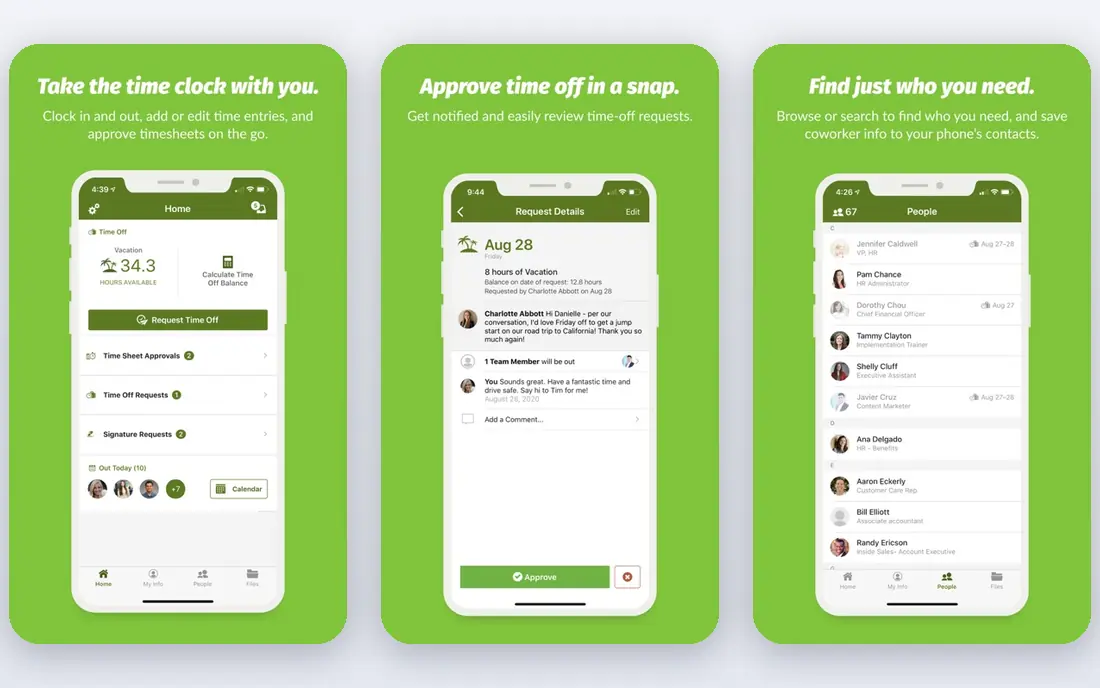
For teams that want an easy-to-learn HRIS and deal with payroll separately, BambooHR is a natural candidate. BambooHR is the HRIS people actually enjoy using.
Watch-outs: No native payroll engine.
On top of that, for remote teams with payroll covered elsewhere, or those prioritizing HR workflows over payroll depth, BambooHR's usability is best in class. The caveat is payroll: BambooHR has no native engine, so payroll runs through an add-on or a separate provider. Check the vendor site for BambooHR pricing; none is listed in this comparison. Free options: Free trial.
- Solid applicant tracking
- Easy-to-learn interface
- Restricted global capabilities
Oyster
Ideal for: Distributed teams prioritizing employee experience alongside compliance
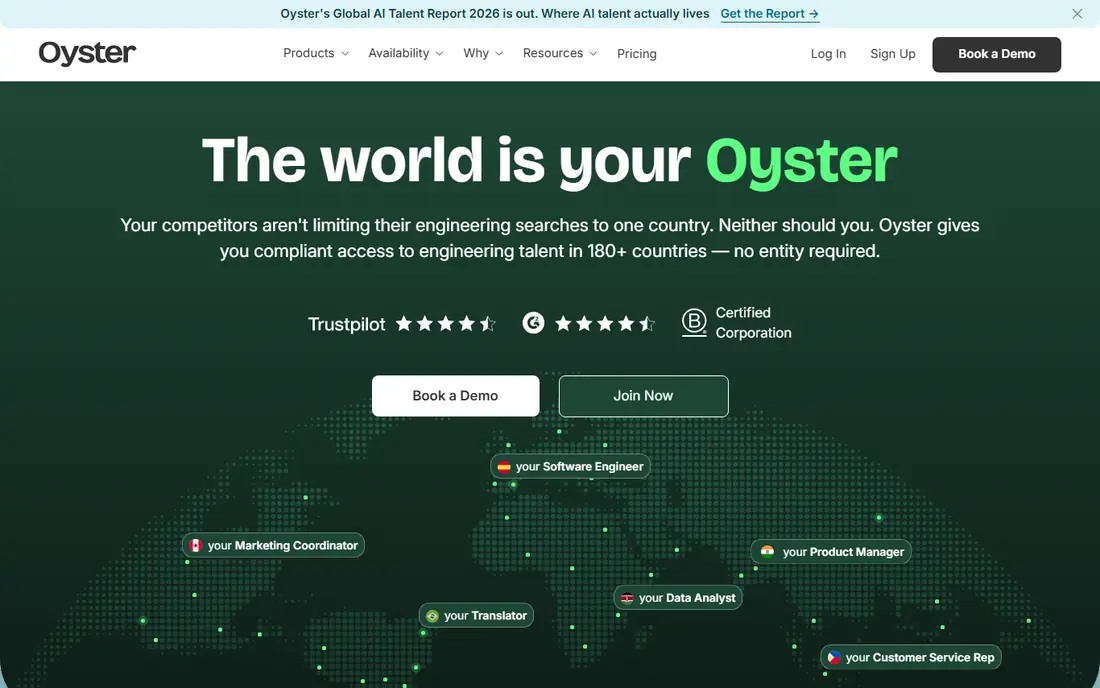
Oyster serves distributed teams prioritizing employee experience alongside compliance. Oyster brings a talent-first lens to global HR.
For everyday use, the system takes care of the standard global HR workflow with a clean interface, and total rewards configuration helps businesses compete for talent across markets. In daily use, for employee experience as a hiring advantage, Oyster stands out. No starting price is listed for Oyster here; confirm pricing on the vendor site. Oyster has no free tier.
Limits to weigh: Payroll depth less than specialists.
- 180+ country coverage
- Approachable for first-time global employers
- Some markets via partners
Rippling
Ideal for: Remote teams that want HR
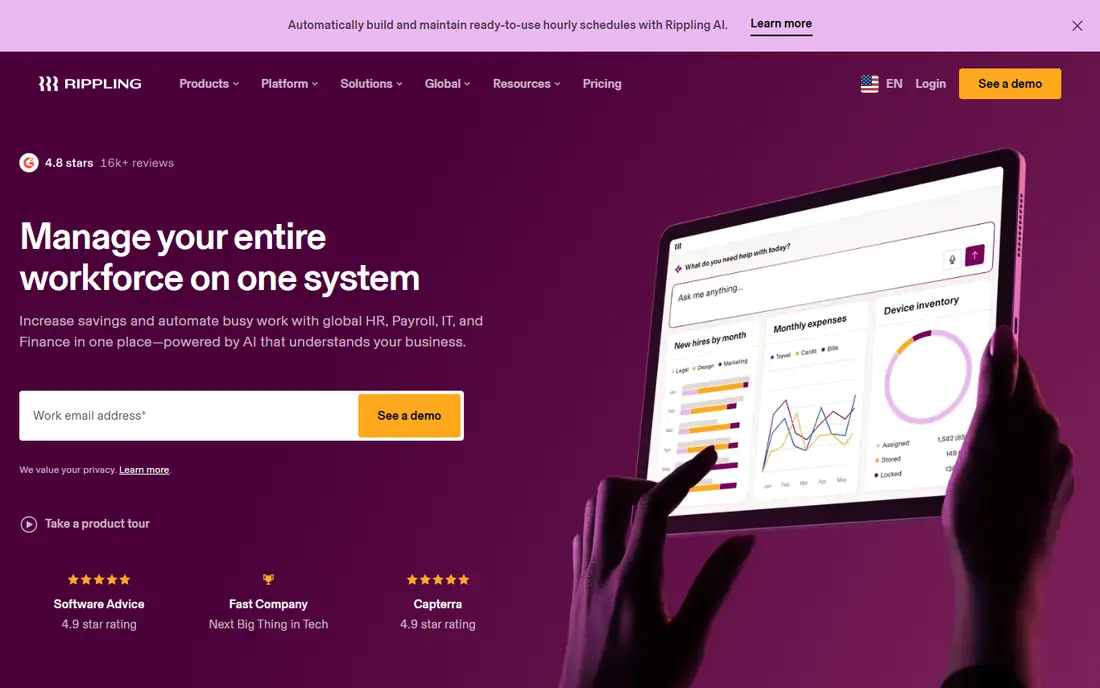
Rippling is aimed squarely at Remote teams that want HR, payroll, benefits, IT and spend in one system. Rippling treats the employee record as the center of everything. Beyond that, for remote teams, that unification removes the coordination tax that distributed work otherwise produces.
Drawbacks to consider: Support quality varies as you scale.
Setup is more involved than more straightforward tools, and pricing grows as modules stack. But for remote teams that are expanding quick or spanning plenty of jurisdictions, Rippling's automation pays back rapidly. Rippling shows no starting price here, so confirm the cost on the vendor site. Rippling has no free plan.
Upsides: Brings together HR, payroll.
- Auto-registers in new states
- Capable automation
- Steeper setup curve
Justworks
Ideal for: Small remote teams that want straightforward PEO coverage
Justworks is built with small remote teams that want simple PEO coverage in mind. Onboarding is straightforward and pricing is predictable per employee. Worth adding: the PEO model means less direct control than running your own HR product, and international hiring is restricted.
Expanding teams commonly graduate to Rippling or similar. But as a starting point for small remote teams, Justworks removes the HR burden cleanly. This comparison lists no price for Justworks; ask the vendor. Justworks does not include a free plan.
Honest limits: PEO model not for everyone.
What works well: Easy onboarding.
- Straightforward PEO model with benefits access
- A decent match for small teams
- Less control than own-platform HR
Gusto
Ideal for: US remote teams that want payroll done right
Where Gusto fits: US remote teams that want payroll done right with minimal fuss. Gusto is the friendliest HR system for small remote teams. From a buyer's view, for remote teams concentrated in one or two states, Gusto's payroll reliability is the entire pitch: it just works, and the price is predictable.
Trade-offs to know: International hiring restricted.
More specifically, contractor payments and international contractor support include the typical remote-team edges. Also, payroll runs accurately with automatic tax calculations and filings, onboarding is guided and plain-spoken. Most firms are completely operational within a day. On top of that, benefits administration, time tracking and entry-level HR workflows all work without a ramp-up time. Check the vendor site for Gusto pricing; none is listed in this comparison. Gusto has no free tier.
- Clean employee experience
- Good benefits administration
- Advanced HR features thinner than Rippling
Deel
Ideal for: Remote teams with international employees and contractors
Deel is built with Remote teams with international employees and contractors in mind. International onboarding that used to take months happens in days.
Highlights: Quick international onboarding.
Its employer-of-record service hires employees compliantly in 150+ countries through owned local entities, whereas contractor management takes care of agreements, invoicing and compliance for freelancers worldwide. For purely domestic US teams, Deel's HR depth is thinner than Rippling or Gusto, and pricing sits at the premium end. This comparison lists no price for Deel; ask the vendor. No free plan comes with Deel. Drawbacks to consider: Premium pricing.
- Contractor management built in
- EOR in 150+ countries
- Support varies by region
HiBob
Ideal for: Mid-market remote teams that want engagement-led HR
HiBob makes the most sense for mid-market remote teams that want engagement-led HR. Onboarding, time off and core HR are solid, with payroll handled through partners. But for mid-market remote businesses investing in culture as infrastructure, HiBob fits.
Drawbacks to consider: Pricing quote-based.
Worth adding: the interface is modern and employees actually use the self-service features. As for the details, for remote teams of 150 to 2,000, HiBob's engagement-led approach addresses the real risk of distributed work: disconnection. Pricing for HiBob is not stated here, so ask the vendor for current figures. There is no free plan with HiBob.
- Solid culture and engagement tooling
- Solid performance management
- Less suited to small teams
A closer look at HR software for remote teams
Employees in ten states mean ten sets of payroll tax rules. From a buyer's view, onboarding happens over video, equipment ships to home addresses, and nobody shares an office where HR can answer questions in person. In practice, the HR system has to absorb all of that complexity.
How the list was put together
Each tool was reviewed on what its vendor publishes: price, plan limits, core features and stated drawbacks. We did not run hands-on tests. Seat minimums, billing terms and add-ons can move the real cost, so the starting prices here are a guide and not a quote. Position on the page reflects fit for a typical buyer first, with price clarity and free access breaking ties. Treat it as a guide, not a ruling.
Things to verify first
- Request quotes from BambooHR, HiBob and the others; the list shows no fixed prices.
- Use real work to test the free trial from BambooHR, rather than a demo project.
- Before choosing BambooHR, weigh its main limit: no native payroll engine.
- Before rolling out Deel, verify the integrations your workflow depends on.
- Get the contract term, renewal terms and any onboarding fees from Oyster in writing.
Frequently asked questions
Can I try these tools before paying?
Often, yes. BambooHR offers a free trial. Use your own data and a real task during the test, and check what the free tier or trial limits before you rely on it.
Is BambooHR the right pick for everyone comparing HR software for remote teams?
No single tool suits every team. BambooHR comes first because it fits teams that want an intuitive HRIS and handle payroll separately, while Oyster suits distributed teams prioritizing employee experience alongside compliance and Rippling suits Remote teams that want HR, payroll, benefits, IT and spend in one system. Match the tool to your own size, budget and workflow before deciding.
How are the tools for HR software for remote teams ordered?
The order follows typical fit for HR software for remote teams, with BambooHR first and HiBob last, then price clarity and free access. It is editorial judgement, not a score, so another team could rank the tools differently.
When should a remote team switch HR platforms?
When compliance risk, manual work or missing capabilities cost more than migration. Typical triggers: hiring in a fifth state, the first international hire, headcount passing fifty, or payroll errors. On top of that, plan migrations for quarter boundaries, never mid-payroll-cycle.
Do these tools publish their prices?
No. None of the tools, from BambooHR to HiBob, shows a fixed starting price here, so budget time for quotes.