Best HR Software with Spend Management Features in 2026: 8 Tools Compared

- 1
 RipplingTeams that want HR, payroll, and spend togetherVisit
- 2
 DeelGlobal teams that need HR plus contractor spendVisit
- 3
 RemoteDistributed teams that want HR and global payrollVisit
- 4
 OysterCompanies hiring globally with HR and payroll needsVisit
- 5
 Papaya GlobalEnterprises with global payroll and spendVisit
- Rippling stands out for teams that want hr, payroll, and spend together, which makes it a strong starting point for that need.
- Deel stands out for global teams that need hr plus contractor spend, which makes it a strong starting point for that need.
- Remote stands out for distributed teams that want hr and global payroll, which makes it a strong starting point for that need.
- Oyster stands out for companies hiring globally with hr and payroll needs, which makes it a strong starting point for that need.
- Prices and free plans vary widely across this list, so check the vendor pricing page for your team size or usage before you commit.
Quick comparison
| Product | Ideal for | Price from | Free version | |
|---|---|---|---|---|
| Rippling | Teams that want HR, payroll, and spend together | See website | No | Visit |
| Deel | Global teams that need HR plus contractor spend | See website | No | Visit |
| Remote | Distributed teams that want HR and global payroll | See website | No | Visit |
| Oyster | Companies hiring globally with HR and payroll needs | See website | No | Visit |
| Papaya Global | Enterprises with global payroll and spend | See website | No | Visit |
 Paylocity | US teams that want payroll plus expense tools | See website | No | Visit |
 HiBob | Mid-size teams that want modern HR plus spend visibility | See website | No | Visit |
 Personio | European-focused SMEs that want HR plus payroll and expenses | See website | No | Visit |
The best HR software with spend management features
We compared official feature pages, pricing pages, app store listings, privacy policies, and public reviews to build this list, and we focused on tools that truly fit best hr software with spend management features rather than general tools with a passing connection. The eight options below cover different budgets, team sizes, and priorities, so start with the best-for notes and read the full write-up for any tool that matches your situation.
Rippling
Ideal for: Teams that want HR, payroll, and spend together
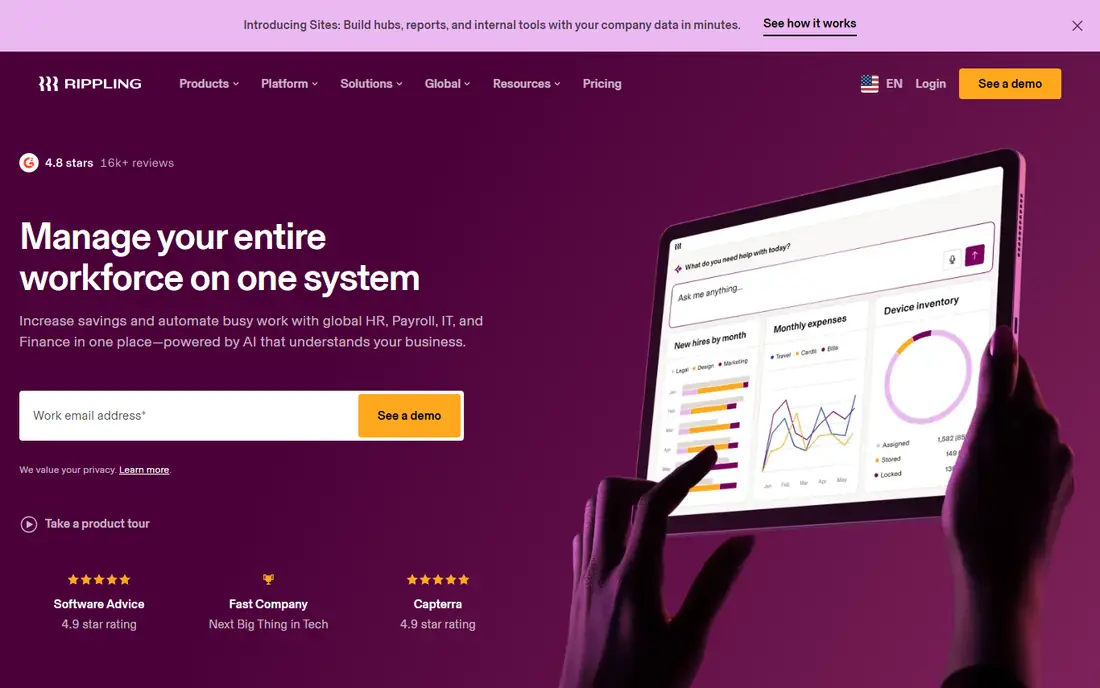
Rippling links HR and spend directly, so a new hire triggers payroll, device setup, and a corporate card with the right limits, all from one record. Expense policies and card controls sit on the same data as roles and locations, which reduces manual approvals. Finance teams see workforce and spend data together.
The catch is module pricing. Rippling is strongest when you use several apps, and a team that only wants HR plus expenses may pay for breadth it never uses. Check per-module pricing and start with the apps your team will actually run daily.
Before you commit, check the current pricing page and trial terms for your team size, since plans change and the right tier depends on how many people will actually use the tool daily.
- HR, payroll, IT, and corporate cards on one data model
- Strong automation
- No free plan
- Pricing varies by module
Deel
Ideal for: Global teams that need HR plus contractor spend
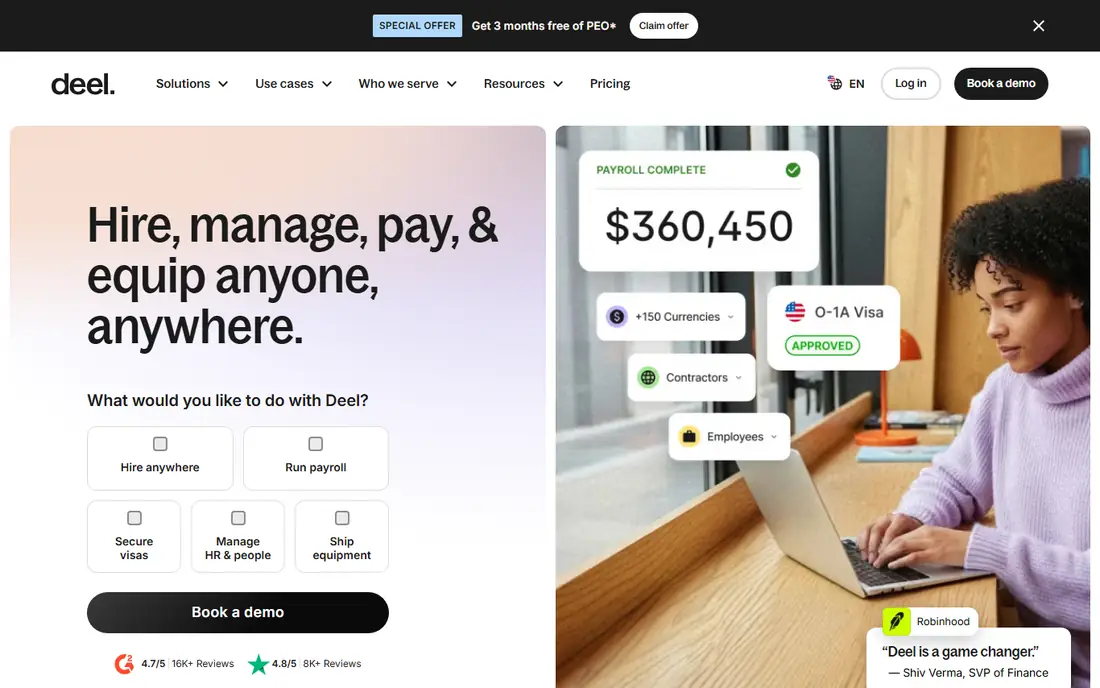
Deel combines global HR, payroll, and payments, which helps companies with employees and contractors across countries. Spend features cover contractor payments, expenses, and reimbursements in one flow, while local compliance is handled per country. That combination suits distributed teams better than a domestic HR tool.
For a purely US team, Deel is more platform than needed, and pricing depends on worker type and country. If your team spans borders, the combined HR and payment view saves real admin time. Get a quote broken out by country and worker type.
Before you buy, run a short trial with your real data and your real workflow, since a demo with sample data hides the friction points that matter once the whole team is involved.
- Global payroll, contractor payments, and expense tools
- Compliance in many countries
- Pricing varies by worker type
- US-only teams may find it overbuilt
Remote
Ideal for: Distributed teams that want HR and global payroll
Remote offers employer of record services, HR, and global payroll for distributed teams, with expense and contractor payment tools alongside. Companies can hire abroad without setting up local entities, while keeping HR records and spend in one system. That simplicity is the main draw for remote-first firms.
Pricing varies by country and service, so costs need a careful quote. Domestic-only teams will find simpler HR tools cheaper. For remote-first companies hiring globally, Remote removes entity and payroll barriers that otherwise slow hiring.
Before you decide, confirm integration with the tools you already use and check what support hours and onboarding help are included, since those details matter more than a feature list once you are live.
- Employer of record plus HR and payroll
- Expense and contractor tools
- Pricing varies by country
- Smaller domestic teams may not need it
Oyster
Ideal for: Companies hiring globally with HR and payroll needs
Oyster helps companies employ people globally, handling payroll, benefits, and compliance in each country. HR records and spend data sit together, so finance teams can track global employment costs without stitching local providers. It suits firms scaling internationally without local entities.
As with other global platforms, pricing varies by country and the platform is overbuilt for domestic-only teams. For companies adding staff in new countries, Oyster speed and compliance coverage matter more than the per-country fee. Compare total cost against setting up entities locally.
Before you commit, ask for a quote that covers every user, module, and add-on you need, and compare that total against at least one other tool on this list for the same scope.
- Global employment, payroll, and benefits
- Expense support for distributed teams
- Global focus
- Pricing varies by country
Papaya Global
Ideal for: Enterprises with global payroll and spend
Papaya Global runs global payroll and workforce payments for enterprises, with compliance and reporting across many countries. HR and payroll data feed spend visibility, so finance teams can see global labor costs in one place. It suits large firms with complex international payroll.
Papaya is enterprise-grade, so smaller teams may find it heavy and quote-based pricing slow to compare. For large global employers, the scale, compliance depth, and payment infrastructure justify the scope. Ask for reporting examples from firms of your size.
Before you commit, check the current pricing page and trial terms for your team size, since plans change and the right tier depends on how many people will actually use the tool daily.
- Global payroll and payments at enterprise scale
- Strong compliance tools
- Enterprise pricing
- Better for larger global teams
Paylocity
Ideal for: US teams that want payroll plus expense tools
Paylocity pairs US payroll and HR with expense management, so employees submit expenses and managers approve them inside the same system as pay and time off. That link reduces duplicate entry and gives finance a clearer view of people costs. The mobile app keeps expense submission easy for field staff.
Global payroll is limited compared with Deel or Remote, and pricing is quote-based. For US-based teams that want HR, payroll, and expenses together, Paylocity is a strong, practical pick. Test expense approval flows with your managers in a demo.
Before you buy, run a short trial with your real data and your real workflow, since a demo with sample data hides the friction points that matter once the whole team is involved.
- Payroll, HR, and expense management in one suite
- Strong mobile app
- Quote-based pricing
- Global payroll is limited
HiBob
Ideal for: Mid-size teams that want modern HR plus spend visibility
HiBob gives mid-size companies a modern HR system with people analytics, time off, and performance tools, plus integrations for payroll and spend. It suits teams that value employee experience and clear people data, with expense and payroll data connected through integrations rather than a single native stack.
The trade-off is that payroll and spend depth depends on integrations and country. Teams that need native global payroll may prefer Deel or Rippling. For mid-size firms that want a people-first HR system with spend visibility, HiBob design and analytics stand out.
Before you decide, confirm integration with the tools you already use and check what support hours and onboarding help are included, since those details matter more than a feature list once you are live.
- Modern HR platform with payroll integrations
- Expense and people analytics
- Payroll depth varies by country
- Pricing is quote-based
Personio
Ideal for: European-focused SMEs that want HR plus payroll and expenses
Personio serves small and mid-size companies, especially in Europe, with HR, payroll, and expense management in one platform. Recruiting, onboarding, time off, and expenses sit together, which suits growing firms replacing spreadsheets and separate tools. Payroll integrations cover key European markets.
US coverage is thinner than European coverage, so American firms should check fit carefully. Pricing is quote-based. For European SMEs that want HR plus expenses in one place, Personio is a natural shortlist pick. Confirm payroll support for your country before deciding.
Before you commit, ask for a quote that covers every user, module, and add-on you need, and compare that total against at least one other tool on this list for the same scope.
- HR, payroll, and expense tools for SMEs
- Strong in Europe
- US coverage is thinner
- Pricing is quote-based
How we picked these
We started from the topic itself and looked for products that genuinely serve it, not tools that mention it in passing. For each candidate we checked the vendor's own feature and pricing pages, app store listings where relevant, privacy and security pages, and public user reviews, and we dropped any product we could not verify as real and available in October 2026.
We then compared the remaining tools on fit for the stated need, pricing transparency, free or trial options, ease of adoption, and honest weaknesses. Every list below mixes well-known leaders with strong smaller options, and every write-up names a real trade-off, since no tool is best for every team.
Matching HR and spend to your team shape
Start with where your people are. A US-only team, a remote global team, and a European SME need different platforms, so location should narrow the list before features do. Global platforms add value only when you actually pay people abroad.
Next, map the spend workflows that cause friction today. Corporate cards, expense approvals, reimbursements, and contractor payments each stress different tools, so list your top three pain points and test them in demos. A platform that handles cards well may still handle contractor payments poorly.
Finally, compare the cost of the full stack, not just HR. Add payroll, spend, and any integration fees, and check what happens when headcount grows or shrinks. A platform that scales cleanly with your team beats one that penalizes growth with steep tier jumps.
Frequently asked questions
What does spend management mean in HR software?
It covers corporate cards, expense submission and approval, reimbursements, and budgets, linked to HR data like roles and managers. When HR and spend share data, approvals and limits follow the employee record automatically.
Do I need global payroll to use these tools?
No. US-only teams do well with Paylocity, Rippling, or HiBob. Global payroll matters only if you employ or pay contractors abroad, in which case Deel, Remote, or Oyster fit better.
Can HR software replace an expense tool?
For many teams, yes. Native expense and card features in Rippling or Paylocity cover common needs. Firms with complex travel or procurement may still need a dedicated spend platform alongside HR software.
How much do these platforms cost?
Most use quote-based or per-employee pricing that varies by module and country. Budget for HR, payroll, and spend modules separately, and ask for an itemized quote for your headcount.
Should spend approvals follow HR reporting lines?
Yes, in most cases. When approvals follow the HR org chart, manager changes update approvals automatically, which prevents stale approvers and speeds up expense processing.