Best Human Resources Management Software in 2026: 8 Tools Compared

- 1
 Ripplinggrowing companies wanting HR, payroll, and IT togetherVisit
- 2
 BambooHRsmall and mid-size companies wanting HR simplicityVisit
- 3
 Gustosmall businesses wanting simple payroll and benefitsVisit
- 4
 Workdayenterprises needing global HR and finance togetherVisit
- 5
 Deelcompanies hiring contractors and staff globallyVisit
- Rippling is the best pick for growing companies that want HR, payroll, and IT in one platform.
- BambooHR suits small and mid-size companies that want HR simplicity first.
- Gusto is best for small businesses that want plug-and-play payroll with benefits.
- Workday remains the enterprise default for large, global, and regulated organizations.
Quick comparison
| Product | Ideal for | Price from | Free version | |
|---|---|---|---|---|
| Rippling | growing companies wanting HR, payroll, and IT together | $40 per month base plus $8 per employee | Free trial | Visit |
| BambooHR | small and mid-size companies wanting HR simplicity | $10 per employee per month | Free trial | Visit |
| Gusto | small businesses wanting simple payroll and benefits | $40 per month base plus $6 per employee | Free trial | Visit |
| Workday | enterprises needing global HR and finance together | See website | No | Visit |
| Deel | companies hiring contractors and staff globally | $49 per contractor per month | Free trial | Visit |
 Paylocity | mid-market companies wanting payroll depth | See website | No | Visit |
 ADP Workforce Now | mid-market companies prioritizing compliance certainty | See website | No | Visit |
 Zoho People | budget teams and Zoho ecosystem users | $4 per employee per month | Yes | Visit |
The best human resources management software
HR software covers employee records, onboarding, payroll, benefits, time off, and performance, and the right platform depends on company size. Small teams need simplicity and published pricing, while enterprises need global payroll and deep compliance controls.
Rippling
Ideal for: growing companies wanting HR, payroll, and IT together
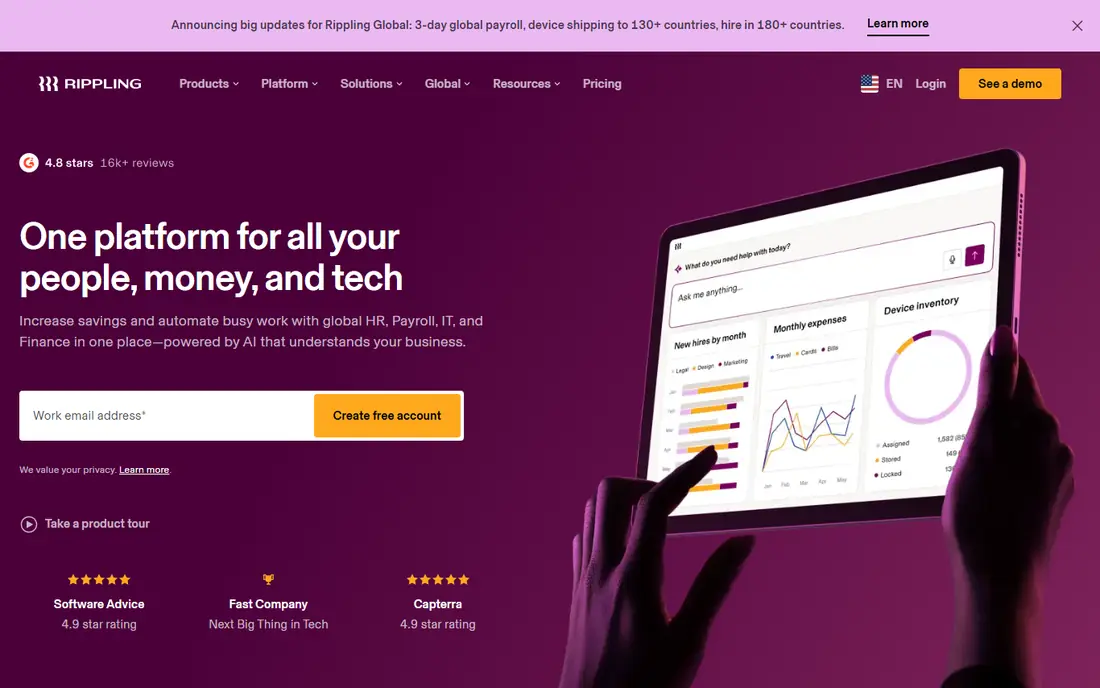
Rippling works best for growing companies wanting HR, payroll, and IT together. Rippling unifies HR, payroll, and IT, so onboarding can provision accounts, devices, and payroll in one workflow. Pricing starts at $40 per month base plus $8 per employee, and a free trial is available. This is the option to look at first if that description matches your situation.
Module pricing adds up as you add features, and implementation needs planning, so budget beyond the base rate. That trade-off matters most if you were hoping for a single tool that covers every situation without compromise. Compared with the other options here, Rippling stands out for growing companies wanting HR, payroll, and IT together, while asking you to accept that Module costs add up. Weigh that honestly against your budget and your patience for setup before you commit.
- Unified HR, IT, and finance
- Device management
- Global hiring options
- Module costs add up
- Implementation takes planning
BambooHR
Ideal for: small and mid-size companies wanting HR simplicity
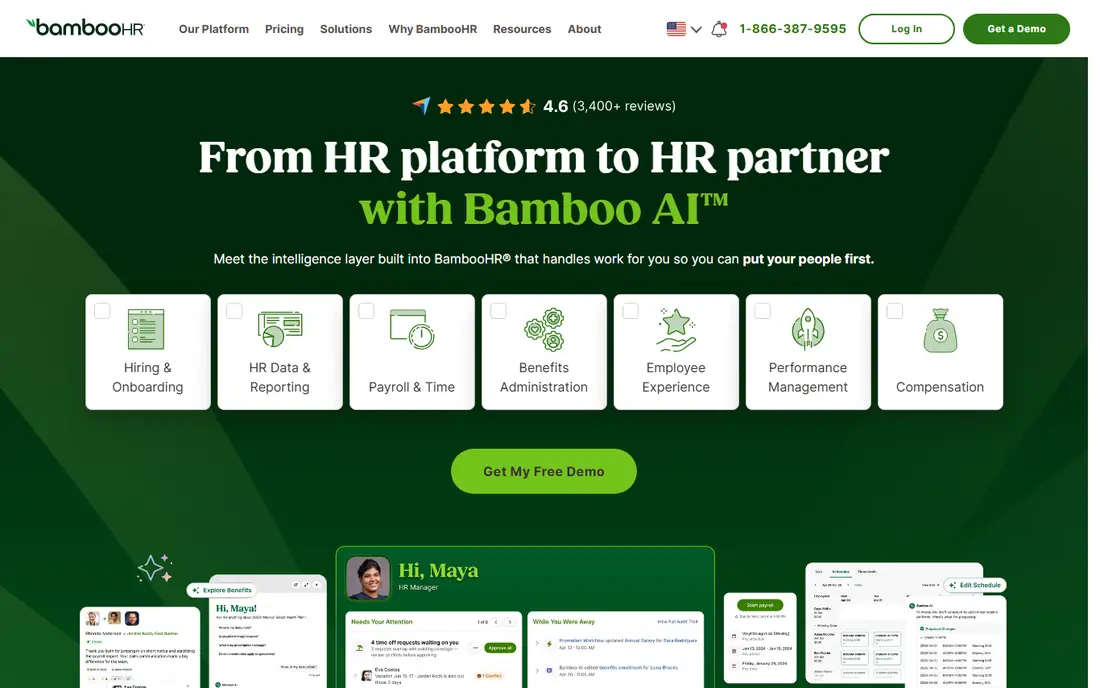
BambooHR works best for small and mid-size companies wanting HR simplicity. BambooHR is known for a clean interface, easy onboarding, and employee self-service that small HR teams can run without specialists. Pricing starts at $10 per employee per month, and a free trial is available. Put this one near the top of your shortlist when the fit sounds right.
Some plans carry minimum user counts, and payroll sits as an add-on, so confirm the full package price. That trade-off matters most if you were hoping for a single tool that covers every situation without compromise. Compared with the other options here, BambooHR stands out for small and mid-size companies wanting HR simplicity, while asking you to accept that Minimum user counts on some plans. Weigh that honestly against your budget and your patience for setup before you commit.
- Easy onboarding
- Employee self-service
- Clear reporting
- Minimum user counts on some plans
- Payroll is an add-on
Gusto
Ideal for: small businesses wanting simple payroll and benefits
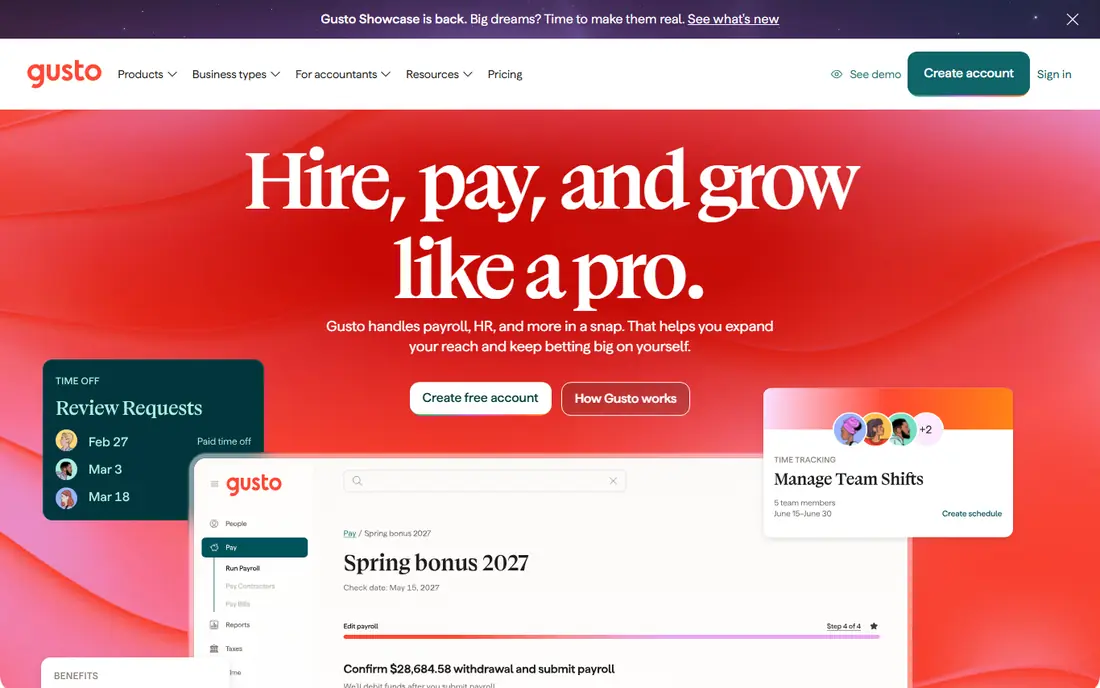
Gusto works best for small businesses wanting simple payroll and benefits. Gusto automates payroll, benefits, and compliance alerts for small businesses with little or no HR staff. Pricing starts at $40 per month base plus $6 per employee, and a free trial is available. This choice makes the most sense for readers who match the description above.
HR depth is limited for larger firms, and costs rise with headcount, so mid-size companies may need a broader platform. That trade-off matters most if you were hoping for a single tool that covers every situation without compromise. Compared with the other options here, Gusto stands out for small businesses wanting simple payroll and benefits, while asking you to accept that Limited HR depth for larger firms. Weigh that honestly against your budget and your patience for setup before you commit.
- Automated payroll
- Benefits and 401(k) bundling
- Compliance alerts
- Limited HR depth for larger firms
- Price rises with headcount
Workday
Ideal for: enterprises needing global HR and finance together
Workday works best for enterprises needing global HR and finance together. Workday unifies HR and finance for large, global, and regulated organizations, with audit trails and workforce planning. Pricing starts at See website, and there is no free plan. Consider this option closely if you want the balance it offers.
Pricing is custom, implementation takes months, and it is overkill for companies under a few hundred employees. That trade-off matters most if you were hoping for a single tool that covers every situation without compromise. Compared with the other options here, Workday stands out for enterprises needing global HR and finance together, while asking you to accept that Custom pricing. Weigh that honestly against your budget and your patience for setup before you commit.
- Deep finance and HR integration
- Global payroll
- Strong compliance
- Custom pricing
- Long implementation
- Overkill for small firms
Deel
Ideal for: companies hiring contractors and staff globally
Deel works best for companies hiring contractors and staff globally. Deel handles global hiring, contractor payments, and employer-of-record services across many countries. Pricing starts at $49 per contractor per month, and a free trial is available. This is a strong candidate when your priorities line up with its strengths.
Per-person costs add up quickly, and core HR depth is below full suites like Workday or Rippling. That trade-off matters most if you were hoping for a single tool that covers every situation without compromise. Compared with the other options here, Deel stands out for companies hiring contractors and staff globally, while asking you to accept that Per-person costs add up. Weigh that honestly against your budget and your patience for setup before you commit.
- Global payroll and employer-of-record
- Contractor management
- Compliance
- Per-person costs add up
- HR depth below full suites
Paylocity
Ideal for: mid-market companies wanting payroll depth
Paylocity works best for mid-market companies wanting payroll depth. Paylocity pairs mid-market payroll depth with a modern interface and employee engagement tools. Pricing starts at See website, and there is no free plan. Keep this one in mind if the trade-offs below are acceptable to you.
Pricing is custom, so budgeting requires a sales conversation, and implementation effort varies by company size. That trade-off matters most if you were hoping for a single tool that covers every situation without compromise. Compared with the other options here, Paylocity stands out for mid-market companies wanting payroll depth, while asking you to accept that Custom pricing. Weigh that honestly against your budget and your patience for setup before you commit.
- Strong payroll
- Modern interface
- Engagement tools
- Custom pricing
- Implementation varies
ADP Workforce Now
Ideal for: mid-market companies prioritizing compliance certainty
ADP Workforce Now works best for mid-market companies prioritizing compliance certainty. ADP Workforce Now offers deep compliance support and a large support network for mid-market payroll and HR. Pricing starts at See website, and there is no free plan. This option earns its place for the specific audience named above.
Pricing is custom, and some users find the interface dated compared with Rippling or BambooHR. That trade-off matters most if you were hoping for a single tool that covers every situation without compromise. Compared with the other options here, ADP Workforce Now stands out for mid-market companies prioritizing compliance certainty, while asking you to accept that Custom pricing. Weigh that honestly against your budget and your patience for setup before you commit.
- Deep compliance support
- Broad payroll
- Large support network
- Custom pricing
- Interface feels dated to some users
Zoho People
Ideal for: budget teams and Zoho ecosystem users
Zoho People works best for budget teams and Zoho ecosystem users. Zoho People offers HR basics at a low price, with a free tier for very small teams and integrations across Zoho apps. Pricing starts at $4 per employee per month, and a free plan is available. Round out your shortlist with this option if its approach appeals to you.
Depth is below the leaders, and support quality varies by tier, so larger firms should test it carefully. That trade-off matters most if you were hoping for a single tool that covers every situation without compromise. Compared with the other options here, Zoho People stands out for budget teams and Zoho ecosystem users, while asking you to accept that Depth below leaders. Weigh that honestly against your budget and your patience for setup before you commit.
- Low price
- Free tier for small teams
- Zoho integrations
- Depth below leaders
- Support varies by tier
How we picked these
We compared official feature pages, pricing pages, app store listings, privacy policies, and public reviews for each option, and we kept only products that exist and work today and that truly fit the topic. We gave weight to clear pricing, a usable free or trial option where one is offered, and honest limits stated on the vendor site. We did not claim hands-on testing we did not do, and where a price could not be verified on the vendor site we wrote See website instead of guessing. Our pick for most people is usually the option that covers the core job well at a fair price, not the one with the longest feature list. That said, the right answer depends on your situation, so use the comparison table to narrow the list to two or three options, then check the current pricing page before you pay.
How to choose HR software
Start with headcount and growth plans. A tool built for 20 people will strain at 500, while an enterprise suite will burden a 20-person team with cost and complexity.
Next, list the modules you actually need. Payroll, benefits, time tracking, and performance each add cost, so buy the bundle that matches your real workflows.
Finally, test onboarding and payroll in the trial. Those two workflows reveal more about a platform than any feature list, and they are the hardest to fix after rollout.
Frequently asked questions
What is the best human resources management software?
Rippling is best for growing companies, BambooHR is best for HR simplicity, Gusto is best for small business payroll, and Workday is best for enterprises.
What is the best HR software for small companies?
Gusto and BambooHR suit small companies best, with published pricing and simple onboarding. Zoho People is the cheapest option for very small teams.
How much does HR software cost?
Prices run from free or $4 per employee for Zoho People to $10 per employee for BambooHR and custom enterprise pricing for Workday. Payroll and benefits add to the base rate.
Does Rippling include payroll?
Yes, Rippling offers payroll as part of its unified HR, IT, and finance platform, with a base fee plus per-employee pricing. Global payroll is available through Rippling Global.
What is the difference between HRIS and HCM?
An HRIS covers core HR records and processes, while HCM adds talent, workforce planning, and analytics. Small teams usually need an HRIS, while large firms buy HCM suites.