Best IAM Tools in 2026: 8 Tools Compared

- 1
 OktaVendor-neutral workforce SSOVisit
- 2
 Microsoft Entra IDMicrosoft 365 organisationsVisit
- 3
 Ping IdentityHybrid and federation needsVisit
- 4
 Auth0Customer-facing loginVisit
- 5
 JumpCloudSmall teams replacing Active DirectoryVisit
- Okta is our pick for vendor-neutral workforce identity at scale, with thousands of integrations and clear per-user pricing from 6 dollars per month.
- Microsoft Entra ID is the obvious choice for Microsoft 365 shops, with a free tier and P1 pricing from 7 dollars per user per month.
- Auth0 suits product teams building customer login, with a free tier up to 25,000 monthly active users and paid plans from 35 dollars per month.
- Workforce and customer identity are different products, so confirm whether you are buying for staff, customers or both before comparing prices.
Quick comparison
| Product | Ideal for | Price from | Free version | |
|---|---|---|---|---|
| Okta | Vendor-neutral workforce SSO | $6 per user per month | No | Visit |
| Microsoft Entra ID | Microsoft 365 organisations | $7 per user per month | Yes | Visit |
| Ping Identity | Hybrid and federation needs | $3 per user per month | No | Visit |
| Auth0 | Customer-facing login | $35 per month | Yes | Visit |
| JumpCloud | Small teams replacing Active Directory | $9 per user per month | Yes | Visit |
 OneLogin | Mid-market simplicity | $4 per user per month | No | Visit |
 Cisco Duo | Fast MFA rollout | $3 per user per month | Yes | Visit |
 CyberArk | Privileged access control | See website | No | Visit |
The best iam tools
Identity and access management covers who can sign in, what they can reach, and how that access changes when people join, move or leave. Workforce tools manage staff, customer tools manage app users, and privileged tools guard admin accounts. We compared official pricing pages, integration counts, MFA options and deployment models.
Okta
Ideal for: Vendor-neutral workforce SSO
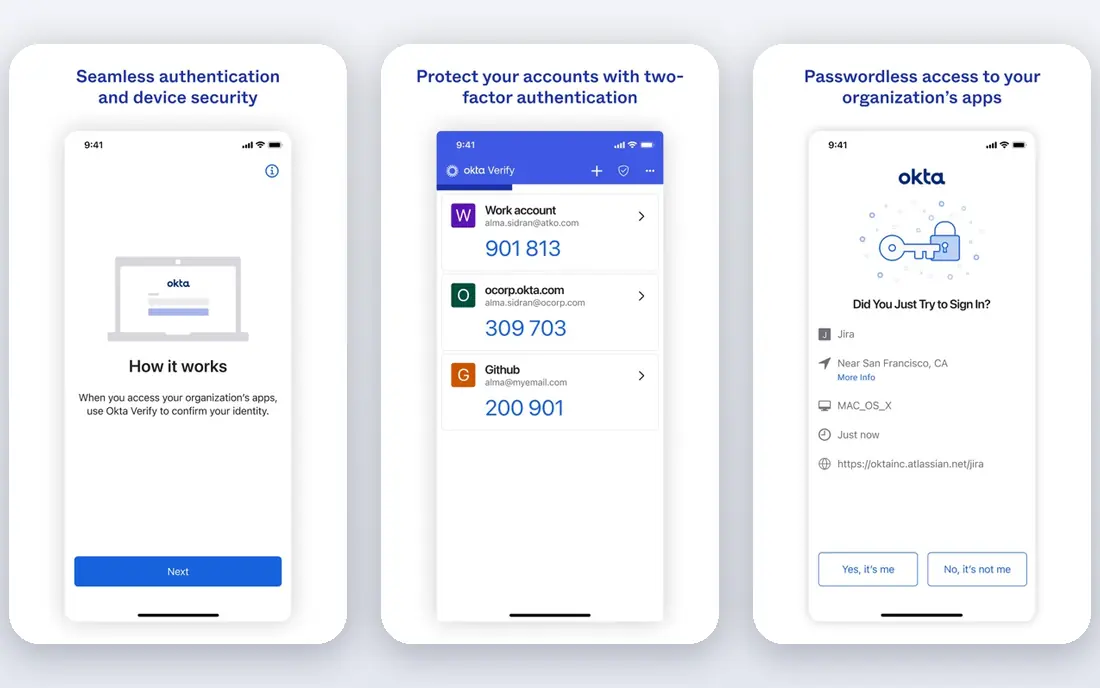
Okta is the best-of-breed workforce choice for teams that do not want to be tied to one cloud vendor. It connects thousands of apps with single sign-on, adds multi-factor authentication, and automates joiner, mover and leaver workflows so access changes with HR data. Published summaries list Starter pricing from about 6 dollars per user per month on annual billing, with higher tiers adding lifecycle and governance features.
The catch is the bill. Core SSO is only the start, and MFA, lifecycle, privileged and customer modules each add cost, so price the full set you need, not just the entry tier. Okta suits mid-market and enterprise teams that value integration breadth and are willing to invest admin time.
- Thousands of app integrations
- Strong SSO, MFA and lifecycle tools
- Works across cloud vendors
- Costs climb as you add MFA, lifecycle and customer modules
- Admin learning curve is real
Microsoft Entra ID
Ideal for: Microsoft 365 organisations
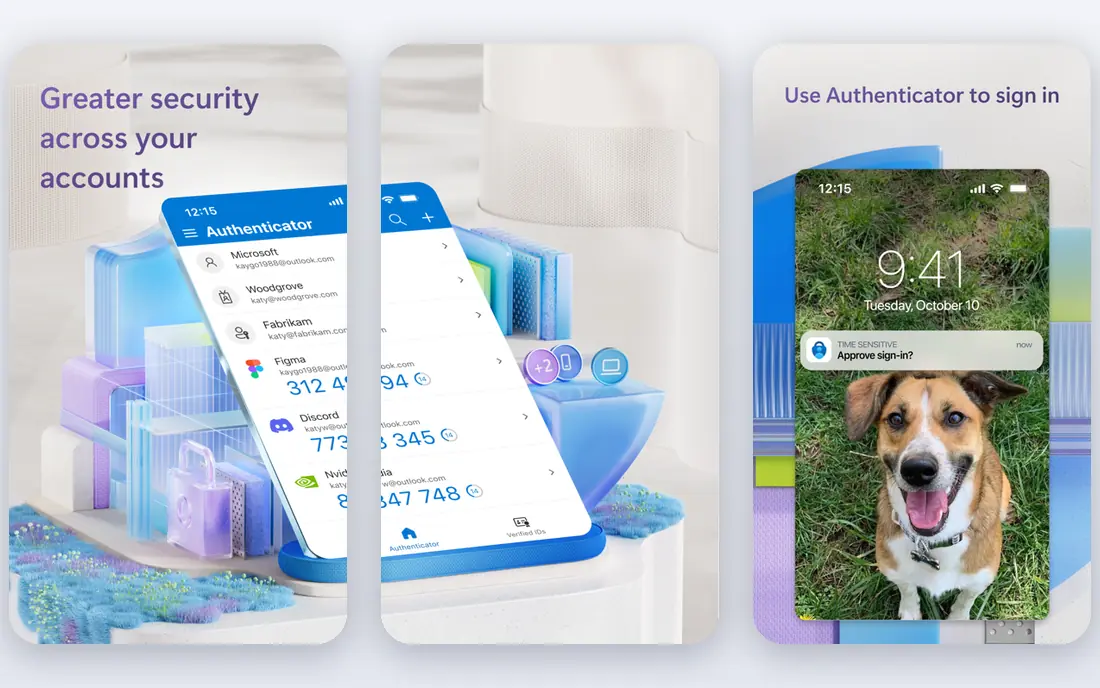
Microsoft Entra ID, formerly Azure Active Directory, is the natural identity layer for organisations already on Microsoft 365. A free tier covers core sign-on and basic MFA for cloud subscriptions, while P1 at about 7 dollars per user per month adds conditional access, and P2 adds identity protection and governance. Hybrid support through directory sync keeps on-premises apps in the same model.
The limit is vendor fit. Outside the Microsoft stack, Entra still works, but integration depth and admin familiarity favour Okta or Ping. If your mail, documents and devices already run on Microsoft, Entra is usually the cheapest and simplest identity choice you can make.
- Deep Microsoft 365 and Azure integration
- Free tier with core SSO and MFA
- Conditional access on paid tiers
- Best value inside the Microsoft stack
- Non-Microsoft estates may prefer Okta
Ping Identity
Ideal for: Hybrid and federation needs
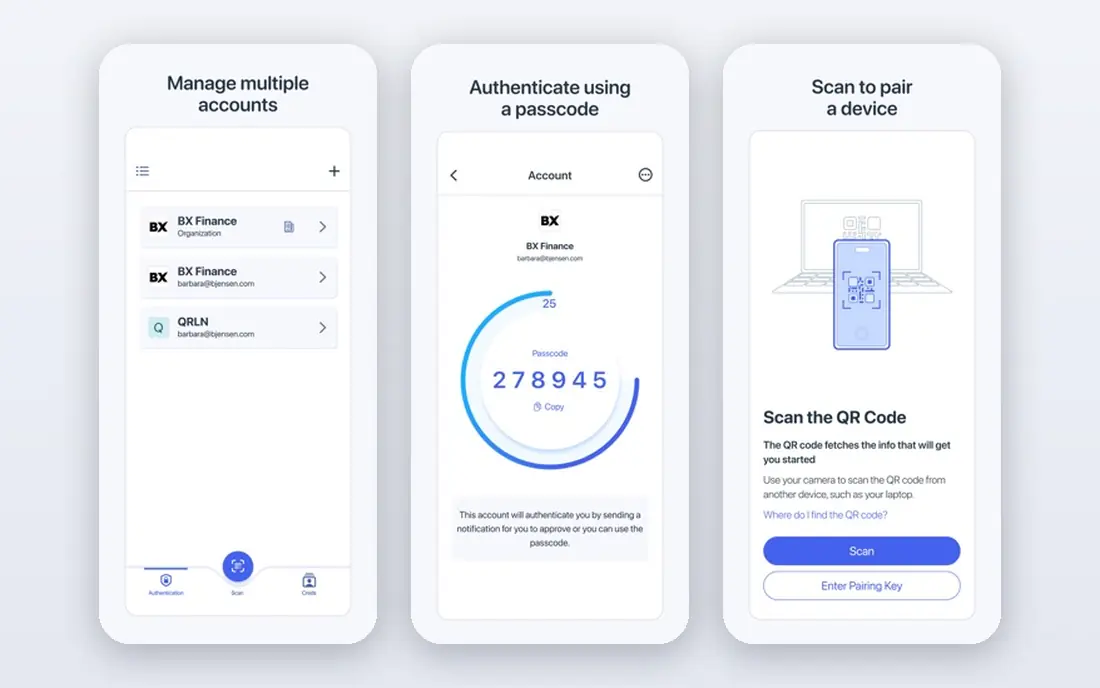
Ping Identity suits large and hybrid estates with complex federation needs. It supports cloud, on-premises and hybrid deployment, connects many identity sources, and handles federation patterns that simpler tools struggle with. Published summaries list workforce plans from about 3 dollars per user per month, though larger estates should expect volume-based quotes.
The drawback is complexity. Ping rewards teams that already understand identity protocols and federation, while smaller teams may find Okta or Entra faster to run. Choose Ping when your estate spans clouds, legacy apps and partner federations that a simpler tool cannot join cleanly.
- Strong federation and hybrid deployment
- Handles complex enterprise estates
- ForgeRock technology inside
- Pricing is often sales-led for larger estates
- Setup needs experienced identity staff
Auth0
Ideal for: Customer-facing login
Auth0, now part of Okta, is the developer pick for customer identity. It lets product teams add login, signup, social sign-in, passwordless options and enterprise SSO to their own apps, with SDKs, docs and rules that developers actually enjoy. A free tier covers up to 25,000 monthly active users, and paid Essentials plans start at about 35 dollars per month for consumer apps.
The catch is scaling cost. Tier jumps and per-connection charges can surprise a growing app, so model monthly active users and enterprise connections before launch. Auth0 fits product teams that need customer login done well, not IT teams managing staff laptops.
- Developer-friendly customer login
- Free tier up to 25,000 monthly active users
- Social and enterprise connections
- Paid tier jumps are steep
- Enterprise identity connections add cost
JumpCloud
Ideal for: Small teams replacing Active Directory
JumpCloud suits smaller IT teams that want to leave on-premises Active Directory behind. It combines a cloud directory with SSO, MFA and device management for Windows, Mac and Linux, so one platform covers identity and endpoints for a modern team. Published summaries list device management from about 9 dollars per user per month on annual billing, with a free tier for up to 10 users and devices.
The limit is enterprise depth. JumpCloud will not match Okta integration breadth or Ping federation power, and larger estates may outgrow it. For a team of tens or low hundreds of users with mixed devices, it is a clean and affordable replacement for a domain controller.
- Cloud directory plus device management
- Free tier up to 10 users and devices
- Cross-platform device support
- Integration catalog is smaller than Okta
- Advanced identity governance needs higher tiers
OneLogin
Ideal for: Mid-market simplicity
OneLogin is the simplicity pick for mid-market companies that want SSO and MFA without an enterprise project. Its admin console is clear, its app catalog covers the common SaaS tools, and its pricing summaries list an Advanced bundle from about 4 dollars per user per month. That combination suits IT teams with limited identity staff.
The weakness is ceiling. Very large or complex estates will find Okta or Ping deeper, and some OneLogin pricing still runs through sales rather than self-serve checkout. If your app list is standard and your team is small, OneLogin gives you most of the value with less overhead.
- Simple SSO and MFA for mid-market teams
- Straightforward admin
- Good app catalog for its size
- Pricing is often quote based in practice
- Advanced features sit on higher bundles
Cisco Duo
Ideal for: Fast MFA rollout
Cisco Duo is the MFA-first tool. If your urgent problem is weak passwords and phishing, Duo lets you add push approvals, device checks and phishing-resistant options across apps in days, not months. Published summaries list a free tier for up to 10 users, with Essentials from about 3 dollars per user per month and higher tiers adding SSO and advanced policies.
The limit is scope. Duo does not replace a full directory or lifecycle platform, so teams that also need joiner and leaver automation will pair it with Entra, Okta or JumpCloud. Buy Duo when MFA is the gap, and buy a directory when identity lifecycle is the gap.
- Fastest credible MFA rollout
- Free tier up to 10 users
- Device trust and push approvals
- Full SSO and advanced policies need higher tiers
- It is MFA first, not a full identity suite
CyberArk
Ideal for: Privileged access control
CyberArk guards the accounts that matter most: admins, service accounts and anyone with broad system access. It vaults credentials, rotates secrets, controls sessions and records privileged activity, which is why regulated industries rely on it. Pricing is quote based, and workforce identity add-ons are priced separately, so expect a sales-led evaluation.
The catch is focus and effort. CyberArk is not a general staff SSO tool, and it needs an owner who understands privileged workflows. Pair it with a workforce identity platform, and use CyberArk for the small set of accounts where a breach would cause the most harm.
- Strong privileged access and vaulting
- Session control for admin accounts
- Fits regulated industries
- Quote-based pricing
- Needs dedicated ownership and rollout planning
How we picked these
We compared official pricing pages, integration catalogs, MFA and SSO features, deployment models and public reviews for tools still operating in October 2026. We kept workforce, customer and privileged tools separate in our thinking, since a single ranking that mixes them would mislead buyers. We did not deploy these platforms in a live estate, and we did not repeat vendor integration counts as exact facts where sources disagreed.
What to check before you buy
Start by naming your user population. Staff identity, customer identity and privileged access are three buying decisions, and the cheapest staff tool can be the wrong customer tool. Count your users, your monthly active users for customer apps, and your privileged accounts separately, since each platform prices those groups differently.
Next, list your must-connect apps and your MFA requirements. Single sign-on only helps if your core apps support it, and MFA only helps if it works on the devices your staff actually use. Test phishing-resistant options, such as passkeys and hardware keys, for admin and finance roles, and confirm conditional access rules can match your risk policies.
Finally, plan for joiners, movers and leavers. The best identity tool is the one that removes access promptly when someone leaves, without manual tickets. Connect identity to your HR source, test a leaver workflow end to end, and review privileged access every quarter. A clean lifecycle process prevents more incidents than any single MFA feature.
Frequently asked questions
What is the best IAM tool overall?
Okta is our pick for most mid-market and enterprise workforce teams because of its integration breadth and vendor-neutral design. Microsoft Entra ID wins for Microsoft 365 shops, Auth0 wins for customer login, and CyberArk wins for privileged access. There is no single winner across all three jobs.
What is the difference between workforce IAM and CIAM?
Workforce IAM manages staff access to internal apps, while customer IAM, or CIAM, manages login for your customers in your own product. Workforce tools price per employee, while CIAM tools often price per monthly active user, so the two bills behave very differently as you grow.
Is there a free IAM tool for small teams?
Yes. Microsoft Entra ID includes a free tier with Microsoft cloud subscriptions, Auth0 is free up to 25,000 monthly active users, JumpCloud is free up to 10 users and devices, and Cisco Duo is free up to 10 users. Free tiers suit pilots and tiny teams, but paid tiers add the controls growing teams need.
Do I still need MFA if I have SSO?
Yes. Single sign-on reduces password sprawl, but one stolen credential can then open many apps. MFA adds a second check, and phishing-resistant MFA protects admins and finance staff best. Treat SSO and MFA as a pair, not as alternatives.
How long does an IAM rollout take?
A small SSO and MFA rollout can take weeks, while a full lifecycle and governance project can take months. Start with SSO and MFA for core apps, connect your HR source for joiners and leavers, and add governance and privileged controls in later phases.