Best Identity and Access Management Tools in 2026: 7 Tools Compared

- 1
 OktaOrganizations that want leading single sign onVisit
- 2
 Microsoft Entra IDMicrosoft shops that want integrated identityVisit
- 3
 Ping IdentityEnterprises needing flexible identityVisit
- 4
 OneLoginMid sized teams that want simple IAMVisit
- 5
 JumpCloudSmall teams that want directory plus device controlVisit
- Our pick for most people is Okta, which stands out for organizations that want leading single sign on.
- Microsoft Entra ID is the strongest alternative if you want microsoft shops that want integrated identity, and it is worth comparing side by side with our top pick.
- 2 of the 7 options here offer a free plan, so you can test the core features before paying anything.
- Prices vary widely, and several options use quote based pricing, so check the official pricing page for your team size before you decide.
- The right choice depends on your budget, your must have features, and how much setup time you can spare, so use the buying guide below to narrow the list to two or three finalists.
Quick comparison
| Product | Ideal for | Price from | Free version | |
|---|---|---|---|---|
| Okta | Organizations that want leading single sign on | See website | Free trial | Visit |
| Microsoft Entra ID | Microsoft shops that want integrated identity | See website | Free trial | Visit |
| Ping Identity | Enterprises needing flexible identity | See website | No | Visit |
| OneLogin | Mid sized teams that want simple IAM | See website | Free trial | Visit |
| JumpCloud | Small teams that want directory plus device control | See website | Yes | Visit |
 CyberArk | Enterprises securing privileged accounts | See website | No | Visit |
 Auth0 | Developers building login into apps | See website | Yes | Visit |
The best identity and access management tools
We compared 7 options for best identity and access management tools, looking at features, pricing, free plans, and honest weaknesses, so you can choose with confidence. The list below mixes well known leaders with smaller options that punch above their weight, and every product block sets out who it fits best and where it falls short.
Okta
Ideal for: Organizations that want leading single sign on
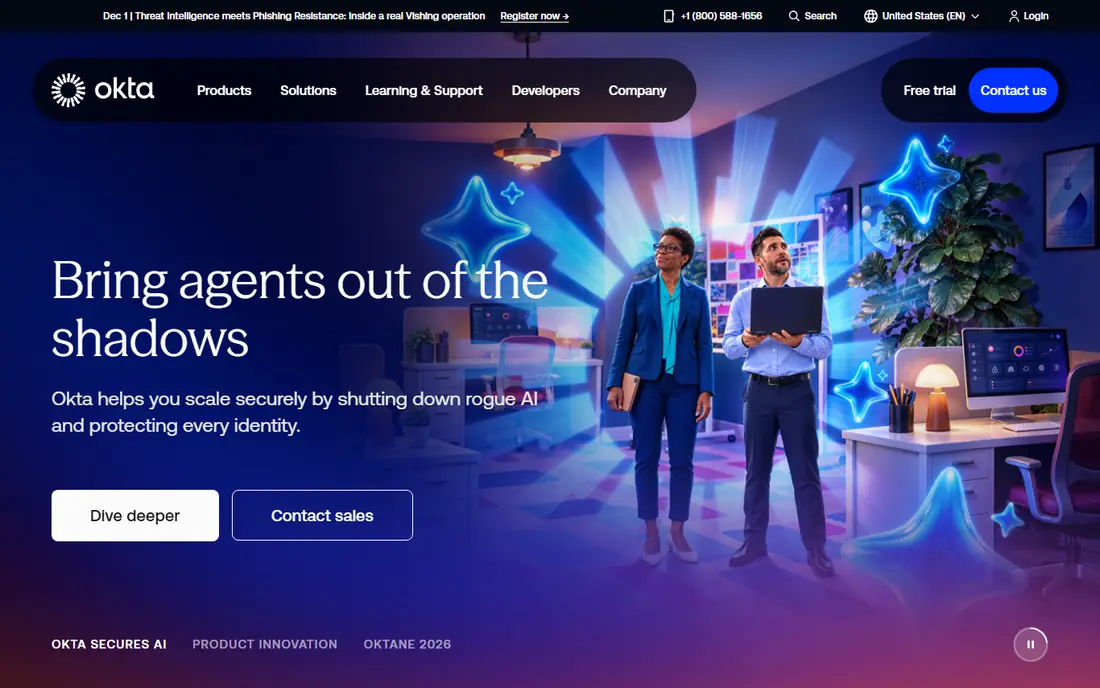
Okta is a leading identity platform offering single sign on, multi factor authentication, and lifecycle management for thousands of apps. IT teams can onboard and offboard users centrally, with access policies that adapt to risk.
Pricing rises as features are added, and setup needs planning for complex environments. For organizations standardizing on one identity platform, Okta is a top choice.
Before you commit to Okta, weigh the trade offs in the pros and cons above against your own priorities, and use the free trial to test it with a real task. A trial is the best way to learn whether the strengths outweigh the drawbacks noted above, so run it with your actual workload rather than a sample project.
- Leading single sign on and MFA
- Huge app integration catalog
- Strong admin tools
- Pricing rises with features
- Setup needs planning
Microsoft Entra ID
Ideal for: Microsoft shops that want integrated identity
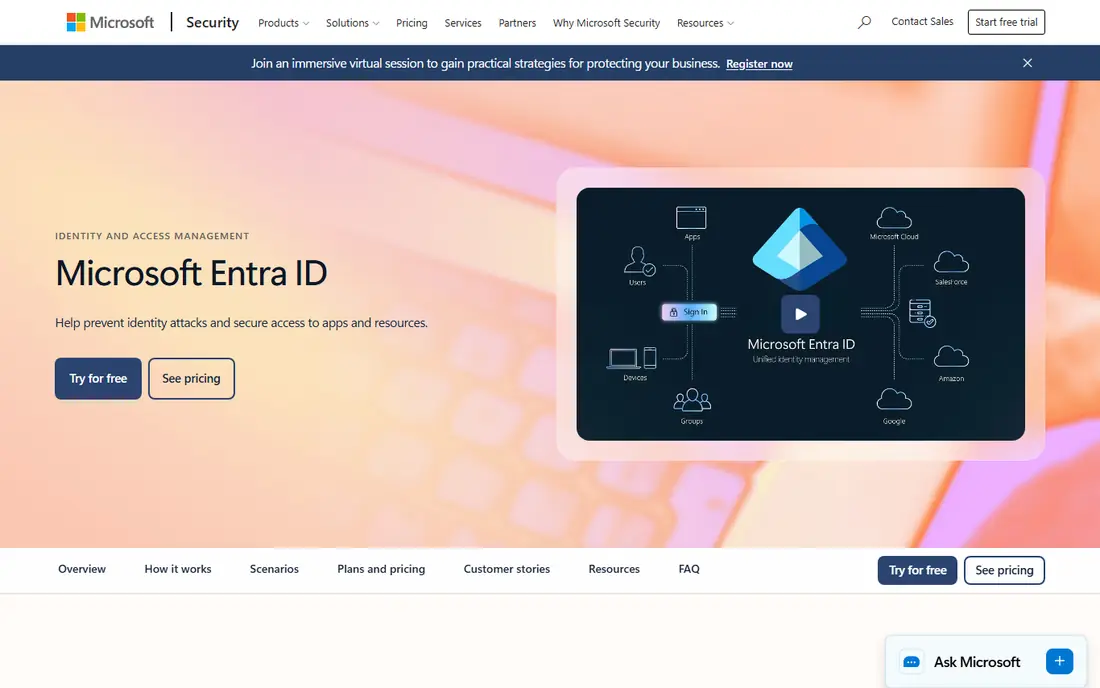
Microsoft Entra ID, formerly Azure Active Directory, provides identity and access for Microsoft 365 and many third party apps. Conditional access policies, multi factor authentication, and governance tools suit organizations already using Microsoft.
Value is highest inside the Microsoft ecosystem, and licensing can be confusing. For Microsoft shops, it is the natural identity choice.
Before you commit to Microsoft Entra ID, weigh the trade offs in the pros and cons above against your own priorities, and use the free trial to test it with a real task. A trial is the best way to learn whether the strengths outweigh the drawbacks noted above, so run it with your actual workload rather than a sample project.
- Deep Microsoft 365 integration
- Conditional access
- Included in many plans
- Best inside Microsoft ecosystem
- Licensing complexity
Ping Identity
Ideal for: Enterprises needing flexible identity
Ping Identity offers enterprise identity and access management with flexible deployment and strong authentication options. It suits large organizations with complex, hybrid environments.
Pricing is quoted, and setup is a serious project. Enterprises with complex identity needs will value the flexibility.
Before you commit to Ping Identity, weigh the trade offs in the pros and cons above against your own priorities, and ask for a demo or a clear quote for your size. With no free plan, the sales conversation matters more, so pin down the total cost, the setup help included, and the contract terms before you sign.
- Flexible enterprise identity
- Strong authentication options
- Good for complex environments
- Quote based pricing
- Setup complexity
OneLogin
Ideal for: Mid sized teams that want simple IAM
OneLogin provides single sign on, multi factor authentication, and user management with a clear admin interface. Mid sized teams find it easier to deploy than enterprise heavy platforms.
The ecosystem is smaller than Okta, and pricing varies by feature tier. For mid sized teams, the balance of power and simplicity is good.
Before you commit to OneLogin, weigh the trade offs in the pros and cons above against your own priorities, and use the free trial to test it with a real task. A trial is the best way to learn whether the strengths outweigh the drawbacks noted above, so run it with your actual workload rather than a sample project.
- Simple single sign on
- Good app catalog
- Clear admin interface
- Smaller ecosystem than Okta
- Pricing varies by features
JumpCloud
Ideal for: Small teams that want directory plus device control
JumpCloud combines cloud directory services with device management, covering Windows, Mac, and Linux from one console. Small teams get single sign on, multi factor authentication, and device policies without on premise servers.
Feature depth is below enterprise IAM platforms, and support is online first. For small, cross platform teams, JumpCloud is a practical all in one option.
Before you commit to JumpCloud, weigh the trade offs in the pros and cons above against your own priorities, and use the free plan to test it with a real task. Free access makes it easy to check the core experience, but watch for the limits that matter to you, such as the drawbacks noted above, before you build a routine around it.
- Directory plus device management
- Cross platform support
- Free for small teams
- Feature depth below enterprise IAM
- Support is online first
CyberArk
Ideal for: Enterprises securing privileged accounts
CyberArk specializes in privileged access management, securing admin and service accounts that attackers target most. Vaulting, session monitoring, and audit trails suit regulated enterprises.
It is enterprise priced and specialist focused, so it complements rather than replaces a general IAM tool. For privileged account security, it is the leader.
Before you commit to CyberArk, weigh the trade offs in the pros and cons above against your own priorities, and ask for a demo or a clear quote for your size. With no free plan, the sales conversation matters more, so pin down the total cost, the setup help included, and the contract terms before you sign.
- Leading privileged access management
- Strong security controls
- Audit trails
- Enterprise pricing and complexity
- Specialist focus
Auth0
Ideal for: Developers building login into apps
Auth0, now part of Okta, gives developers authentication APIs for web and mobile apps, including social login, passwordless options, and multi factor authentication. It speeds up building secure login without starting from scratch.
Pricing scales with monthly active users, which adds up for large consumer apps. For developers, the flexibility and documentation are strong.
Before you commit to Auth0, weigh the trade offs in the pros and cons above against your own priorities, and use the free plan to test it with a real task. Free access makes it easy to check the core experience, but watch for the limits that matter to you, such as the drawbacks noted above, before you build a routine around it.
- Developer friendly authentication
- Social and passwordless login
- Flexible APIs
- Pricing scales with users
- Now part of Okta
How we picked these
We compared official feature pages, pricing pages, app store listings, privacy policies, and public reviews for each option, and we checked that every product website listed here loads and belongs to that product. We did not claim hands-on testing we did not do, and we favored products that are clearly available now, with pricing or free plan details we could verify or honestly mark as quote based.
We also weighed fit for the topic over raw popularity. A famous product that only partly covers the need lost ground to a smaller option built for the job, and we kept an eye on pricing at realistic team or household sizes rather than headline discounts that few buyers actually get.
How to pick an IAM tool for your organization
Start with your must have features
Write down the three features you cannot do without, then score each finalist against that short list. A long feature list looks impressive, but most buyers use a small set of features daily, and the product that nails those three will serve you better than a broader tool with a weak core. Check the free plan or trial limits against your real workload, not a demo, so you learn about caps before you commit.
Compare total cost, not just the headline price
Look at the price at your actual size, including per user fees, add ons, and payment or transaction charges. A free plan can be the cheapest start, but it can also cost time if it lacks a feature you need every week. Ask what happens when you grow: does the next tier jump sharply, and does the product still fit at that size?
Test before you commit
Run a short trial with a real task from your daily work, not a sample project. Invite the people who will use the product every day, and watch where they get stuck. A tool that feels easy in a sales demo but confusing in daily use will cost you adoption, so trust the trial more than the brochure.
Check support and the exit route
Look at how you get help when something breaks: live chat, email, phone, or community forums, and whether support hours match your working hours. Also check how you export your data if you leave, since a tool that locks your work inside is a long term risk. A clear export path and responsive support are worth more than a small price difference.
Frequently asked questions
What is identity and access management?
Identity and access management, or IAM, controls who can access your systems and what they can do. It covers single sign on, multi factor authentication, user provisioning, and access reviews. Good IAM reduces password problems and limits damage when accounts are compromised.
Why does IAM matter for small businesses?
Small businesses face the same phishing and password risks as large ones, with fewer staff to manage them. Single sign on and multi factor authentication cut the most common attack paths. Even a simple IAM setup improves security a lot.
What is single sign on?
Single sign on lets users sign in once and access many apps without separate passwords. It improves convenience and lets IT disable access centrally when someone leaves. Most IAM tools offer it as a core feature.
Do IAM tools replace passwords?
They reduce password use and can support passwordless options such as passkeys and biometrics, but passwords remain common. The goal is fewer, stronger authentication steps, not always zero passwords.
Which IAM tool is best for a small team?
Small teams suit simpler tools with clear pricing, such as Okta starter plans or Microsoft Entra ID for Microsoft shops. Enterprise platforms may be more than a small team needs. Start with single sign on and multi factor authentication, then add governance later.