Top 8 IDP Software Options for 2026, Compared

- 1
 JumpCloudCloud directory for modern ITVisit
- 2
 Auth0Customer-facing apps (CIAM)Visit
- 3
 Microsoft Entra IDMicrosoft 365 shopsVisit
- 4
 IBM Security VerifyEnterprise IDaaS valueVisit
- 5
 OktaBest-of-breed workforce identityVisit
- The list opens with JumpCloud, aimed at cloud directory for modern IT.
- Keycloak suits open-source self-hosted identity.
- Starting prices begin at $1.80/user/month with IBM Security Verify.
- A free plan is available from 5 of the 8 tools: JumpCloud, Auth0, Microsoft Entra ID, Cisco Duo, Keycloak.
- The main caution on Auth0: costs scale steeply with MAU.
Direct answer
If you need cloud directory for modern IT, JumpCloud is the first tool to look at here. Auth0 is the stronger choice for customer-facing apps (CIAM), while Microsoft Entra ID suits Microsoft 365 shops. The remaining 5 options are covered below with prices and limits.
Quick comparison
| Product | Ideal for | Price from | Free version | |
|---|---|---|---|---|
| JumpCloud | Cloud directory for modern IT | See website | Yes | Visit |
| Auth0 | Customer-facing apps (CIAM) | From $35/month | Yes | Visit |
| Microsoft Entra ID | Microsoft 365 shops | $6/user/month | Yes | Visit |
| IBM Security Verify | Enterprise IDaaS value | From $1.80/user/month | Free trial | Visit |
| Okta | Best-of-breed workforce identity | From $2/user/month | Free trial | Visit |
 Cisco Duo | MFA-first security | From $3/user/month | Yes | Visit |
 OneLogin | Mid-market simplicity | From $4/user/month | Free trial | Visit |
 Keycloak | Open-source self-hosted identity | Free | Yes | Visit |
The 8 tools in detail
Choosing IDP software usually comes down to price, fit and limits. This Ainotely guide sets 8 tools side by side on those three points, with the facts kept short and checkable.
JumpCloud
Ideal for: Cloud directory for modern IT
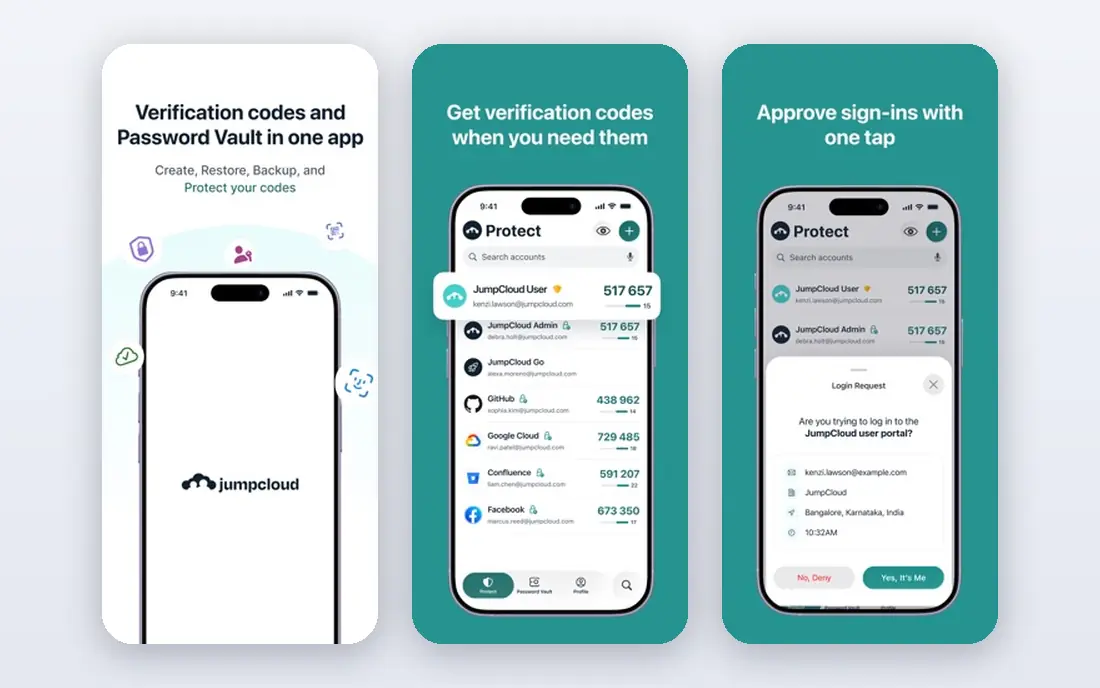
Choose JumpCloud for cloud directory for modern IT. For a startup or small business building IT from scratch in the cloud, JumpCloud consolidates impressively. Beyond that, JumpCloud is the cloud directory for businesses without Active Directory.
It merges user directories, SSO, MFA, LDAP, RADIUS and device management in one console, which replaces multiple tools for modern IT teams. The free level spans 10 users and 10 devices, genuinely useful for tiny businesses. JumpCloud does not show a starting price in this comparison, so check the vendor site for current pricing. Free access exists with JumpCloud.
Drawbacks to consider: Less depth than Okta for pure identity.
- Directory, SSO
- MFA and device management in one
- Device management is Apple and Windows focused
Auth0
Ideal for: Customer-facing apps (CIAM)
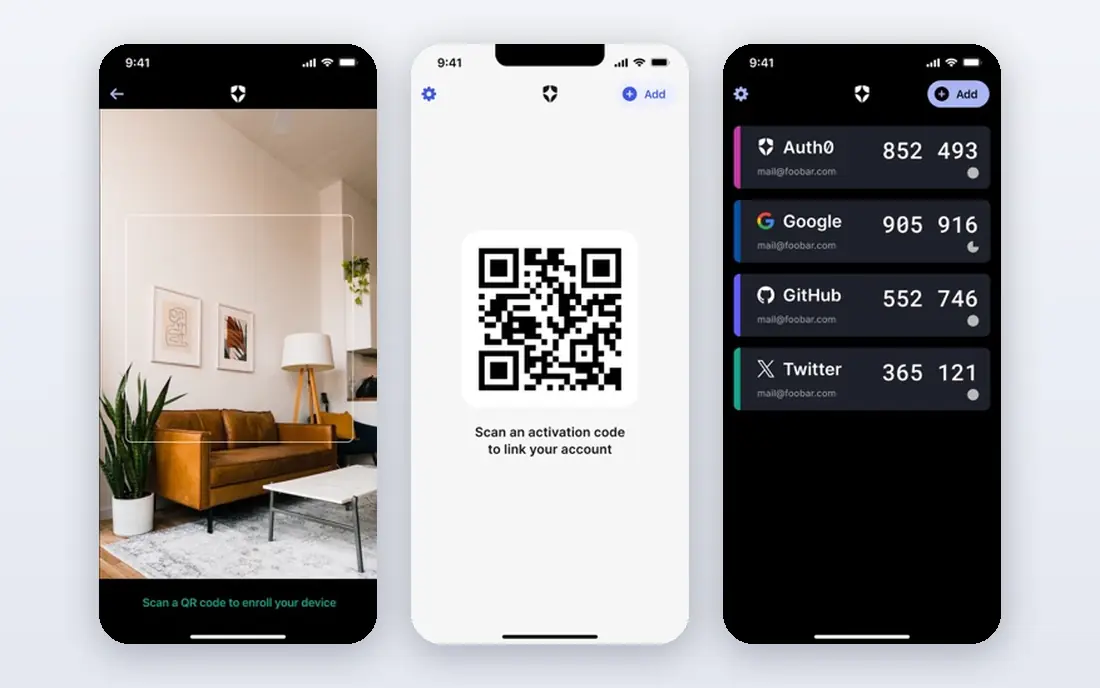
Think of Auth0 for customer-facing apps (CIAM). Auth0, owned by Okta, is the identity product developers choose for customer-facing applications.
In practice, Universal Login, social logins, passwordless, passkeys and bot detection come with SDKs for every major stack. Price to start with Auth0: From $35/month. A free plan is available with Auth0.
The main drawbacks: Costs scale steeply with MAU.
- Developer-first with excellent docs
- Universal Login and passkeys
- Enterprise features are tier-gated
Microsoft Entra ID
Ideal for: Microsoft 365 shops
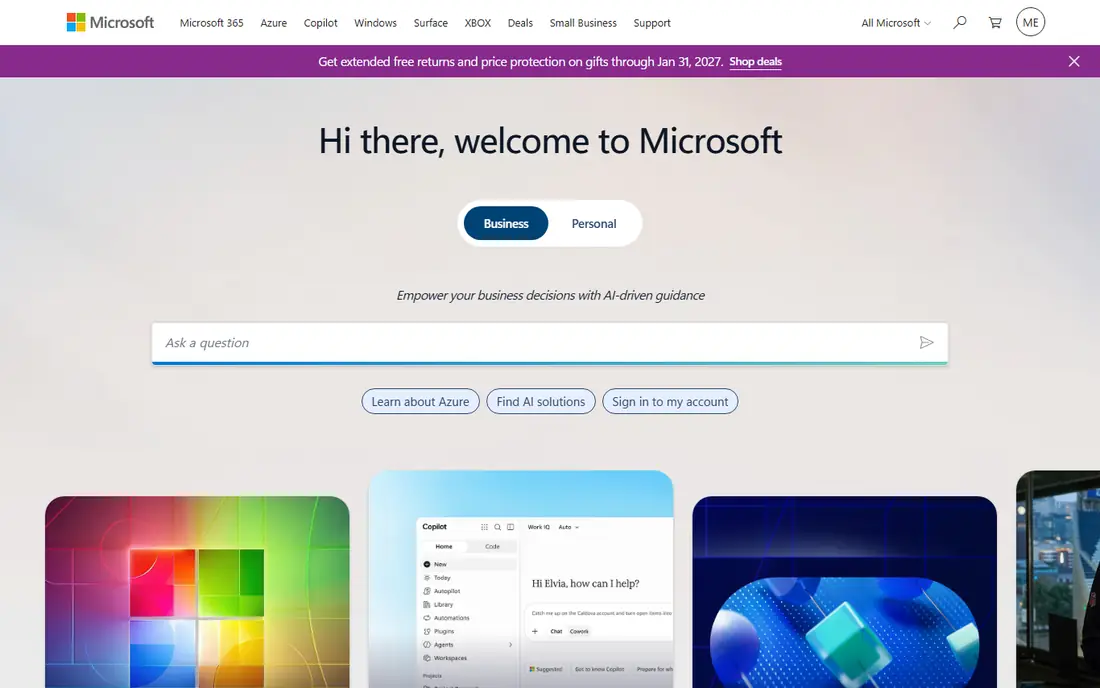
Microsoft Entra ID is built with Microsoft 365 shops in mind. P1 at $6 per user a month layers on Conditional Access and hybrid identity. P2 at $9 brings identity protection and privileged access management.
Downsides: P2 features commonly need Microsoft 365 E5.
On top of that, Entra ID (formerly Azure AD) is the identity layer for the Microsoft world. In daily use, the main limit is stacking: advanced features commonly assume Microsoft 365 E5 licensing, and the admin portals sprawl. Entry price for Microsoft Entra ID: $6/user/month. Microsoft Entra ID has a free plan.
- Native Microsoft 365 integration
- Conditional Access policies
- Portal complexity
IBM Security Verify
Ideal for: Enterprise IDaaS value
Think of IBM Security Verify for enterprise IDaaS value. IBM Security Verify offers enterprise identity as a service at unusually low per-user pricing, from about $1.80 per user a month. Beyond that, the buying experience is enterprise IBM, and the integration ecosystem gets less community attention than Okta.
Beyond that, machine learning threat scoring, adaptive access and behavioral analytics come from IBM's security research. Compliance attestations suit regulated industries. Entry price for IBM Security Verify: From $1.80/user/month. Free plan details: Free trial.
Where it is weaker: Smaller integration mindshare than Okta.
- Enterprise compliance pedigree
- Low per-user pricing
- IBM sales process
Okta
Ideal for: Best-of-breed workforce identity
Okta serves best-of-breed workforce identity. Okta is the identity provider most enterprises compare everything else against.
Pricing starts around $2 per user a month for SSO, with MFA and lifecycle management adding cost; full suites run $6 to $17 per user a month. In daily use, the integration network is the moat: if an app exists, Okta probably links to it. On cost, Okta starts like this: From $2/user/month. Free access: Free trial.
What to check first: Enterprise sales process.
- Solid lifecycle management
- Largest app integration catalog
- Costs climb as you add modules
Cisco Duo
Ideal for: MFA-first security
Cisco Duo makes the most sense for MFA-first security. The free level includes up to 10 users, and premium plans run $3 to $9 per user a month. For a small team that needs phishing-resistant MFA today, the free level is the fastest win in this category.
From a buyer's view, push-based approvals, device health checks and risk-based policies protect logins without frustrating users. From a buyer's view, Duo is MFA-first: full SSO and advanced access policies need higher levels. Price to start with Cisco Duo: From $3/user/month. A free plan is available with Cisco Duo.
Where it is weaker: Cisco ecosystem assumptions.
- Free for up to 10 users
- Device trust
- Full SSO only on higher levels
OneLogin
Ideal for: Mid-market simplicity
Pick OneLogin if this describes you: mid-market simplicity. OneLogin (part of One Identity) targets the mid-market with straightforward SSO and adaptive MFA.
Points against: Advanced features gated to higher levels.
Deployment is more straightforward than Okta or Entra, and managed service providers like the multi-tenant management. On top of that, for a mid-sized company that needs steady SSO and MFA without enterprise complexity, OneLogin is the uncomplicated choice. Entry price for OneLogin: From $4/user/month. Free access: Free trial.
- Straightforward to deploy
- Decent SSO and MFA basics
- Smaller ecosystem than Okta
Keycloak
Ideal for: Open-source self-hosted identity
Keycloak is aimed squarely at open-source self-hosted identity. Keycloak is the open-source identity provider: SSO, identity brokering, user federation and fine-grained authorization for zero license cost. From a buyer's view, the cost is operational.
You host, secure, upgrade and scale it. On top of that, organizations with engineering teams run it for workforce or customer identity without per-user fees, which changes the economics fully at scale. In practice, for teams with the maturity to run infrastructure, Keycloak avoids every per-seat and per-MAU trap in this category. Starting cost for Keycloak: Free. Keycloak has a free plan.
Limits to weigh: Upgrades and scaling are your job.
- SSO
- Free and open source
- You operate it
How the list was put together
Selection started from tools commonly considered for IDP software, then narrowed to 8 that have clear pricing information or a clear quote process. Where a vendor does not publish a price, the entry says quote. Where a price depends on seats or billing term, the entry says so. Order on the page follows fit for the typical buyer first, then price transparency and free access. Your own requirements should decide the final pick.
Pre-purchase checklist
- Get a written quote from JumpCloud; the list shows no starting price for them.
- Read the fine print on the free plans from JumpCloud, Auth0, Microsoft Entra ID and others; seat, project and feature caps differ.
- Run a trial of IBM Security Verify, Okta and OneLogin with real work before paying for a year; your own workflow is the best test.
- Read the limits listed for JumpCloud first: less depth than Okta for pure identity.
- Test how quickly Keycloak answers a pre-sales question; it hints at how support will feel later.
- Check how data leaves Microsoft Entra ID: formats, limits and whether exports are available on every plan.
Frequently asked questions
Should we self-host identity with Keycloak?
Only if you have engineers to operate it. For everyday use, most small teams are safer with a managed provider's free level.
Which options for IDP software have a free plan?
On this list, JumpCloud, Auth0, Microsoft Entra ID, Cisco Duo and Keycloak include a free plan. Caps on seats, usage or features are common, so test the free plan against your real workload. Several others offer a trial instead.
How much does identity provider software cost?
Workforce IdPs run roughly $2 to $9 per user a month at entry, climbing to $17+ with full suites. Beyond that, customer identity (Auth0) starts free and scales per active user.
What is the cheapest option for IDP software in this list?
On published monthly entry prices, IBM Security Verify is the lowest here at $1.80/user/month. Entry price is only part of the cost, because seats, add-ons and billing terms can change the total.
Can I try these options before paying?
Often, yes. JumpCloud, Auth0, Microsoft Entra ID and others have a free plan and IBM Security Verify, Okta and OneLogin offer a free trial. Use your own data and a real task during the test, and check what the free tier or trial limits before you rely on it.
Is SSO the same as MFA?
MFA (multi-factor authentication) requires a second verification factor like a phone approval. Decent identity setups use both: SSO for convenience, MFA for security.