Best Incident Management Platforms for SRE Teams in 2026: 8 Platforms Compared

- 1
 PagerDutyOn-call and incident response at scaleVisit
- 2
 OpsgenieOn-call inside AtlassianVisit
- 3
 Splunk On-CallOn-call with Splunk observabilityVisit
- 4
 xMattersIncident communication at scaleVisit
- 5
 Grafana OnCallOn-call for Grafana usersVisit
- PagerDuty and Opsgenie lead for on-call scheduling and alerting at scale.
- Incident.io and FireHydrant suit teams that want Slack-native incident coordination.
- Grafana OnCall suits teams already running Grafana for observability.
- Alert fatigue is the main failure mode, so check deduplication, escalation and noise controls before buying.
Quick comparison
| Product | Ideal for | Price from | Free version | |
|---|---|---|---|---|
| PagerDuty | On-call and incident response at scale | See website | Free trial | Visit |
| Opsgenie | On-call inside Atlassian | See website | Free trial | Visit |
| Splunk On-Call | On-call with Splunk observability | See website | Free trial | Visit |
| xMatters | Incident communication at scale | See website | Free trial | Visit |
| Grafana OnCall | On-call for Grafana users | Free | Yes | Visit |
 Incident.io | Slack-native incident management | See website | Free trial | Visit |
 FireHydrant | Incident coordination and learning | See website | Free trial | Visit |
 Rootly | Modern incident management | See website | Free trial | Visit |
The best incident management platform for sre teams
We compared incident platforms on alerting, on-call scheduling, incident coordination, post-incident reviews and integrations. SRE teams need tools that reduce noise and speed coordination, not just paging. Our pick for most SRE teams is PagerDuty for scale, with Incident.io as the modern Slack-native alternative.
PagerDuty
Ideal for: On-call and incident response at scale
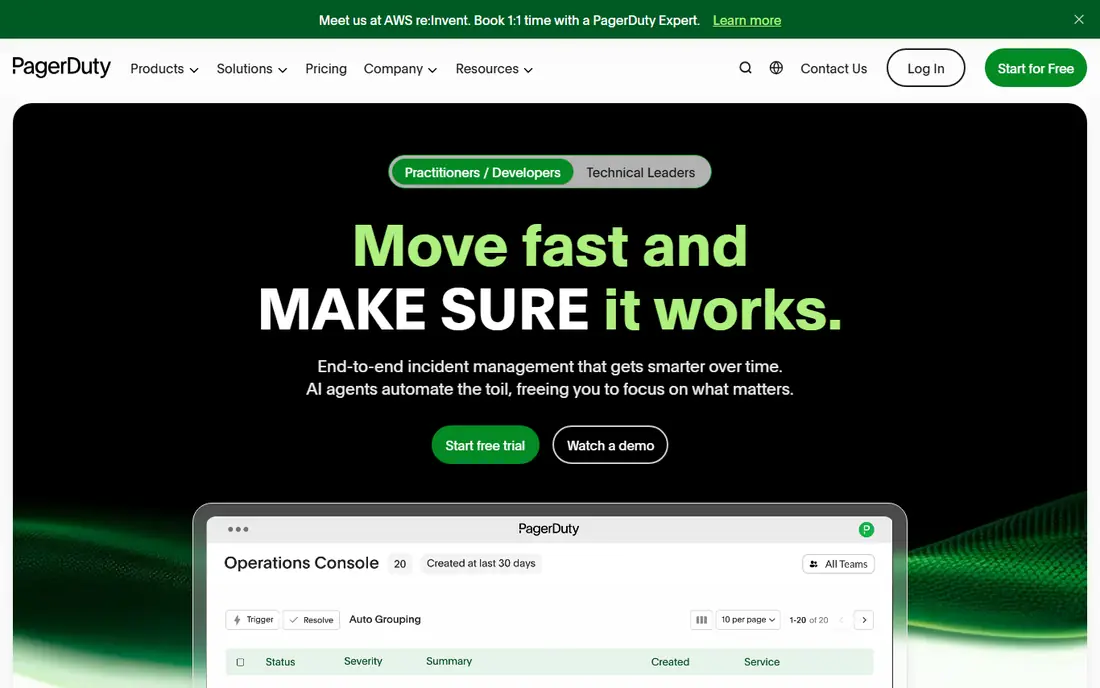
PagerDuty is the standard for on-call scheduling, alerting and incident response at scale, with deduplication, escalation and workflow automation. That depth suits SRE teams handling many services. Pricing scales with users and setup takes time, so smaller teams should trial it against lighter rivals.
For most readers, the deciding question with PagerDuty is fit rather than raw feature count. Check the plan limits that matter to you, such as seats, usage caps and what happens when a trial ends, before you commit to a paid tier. If the free tier or trial covers your core task, use it for a full week of real work before paying, and keep an eye on renewal terms and cancellation steps. That short test usually tells you more than any feature list, and it keeps the choice grounded in how you actually work day to day.
- On-call scheduling
- Alert deduplication
- Incident workflows
- Pricing scales with users
- Setup takes time
Opsgenie
Ideal for: On-call inside Atlassian
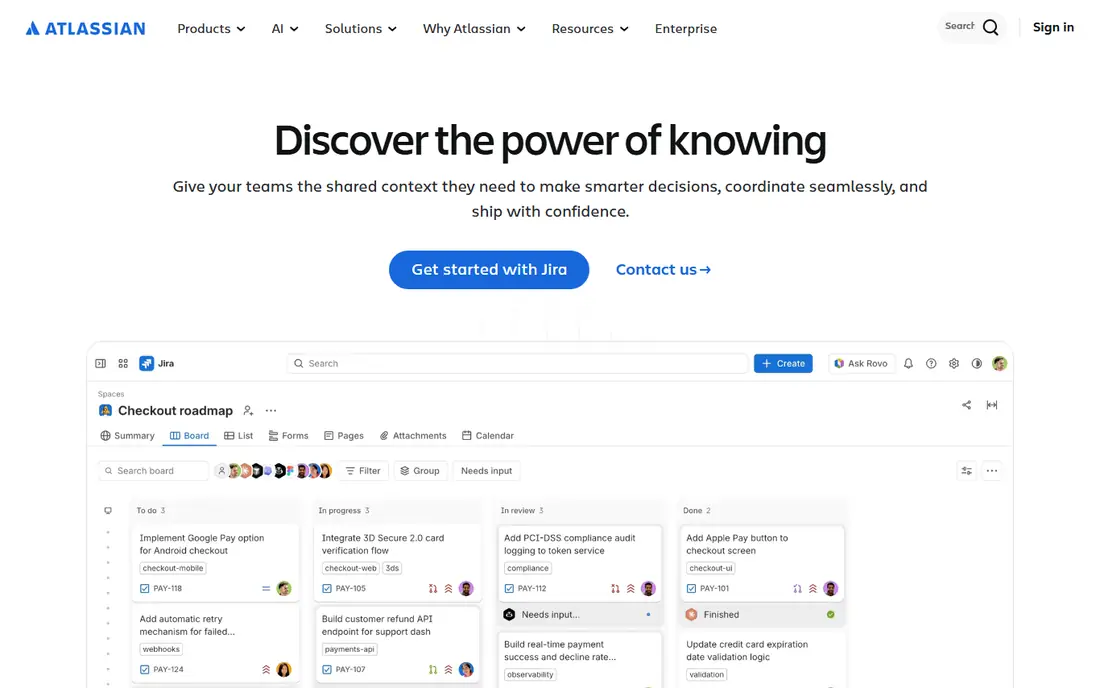
Opsgenie, from Atlassian, offers on-call scheduling, alert routing and deep Jira integrations. Teams already using Jira and Confluence gain workflow value. The Atlassian focus means non-Atlassian teams may prefer a neutral tool, and some features need higher tiers.
For most readers, the deciding question with Opsgenie is fit rather than raw feature count. Check the plan limits that matter to you, such as seats, usage caps and what happens when a trial ends, before you commit to a paid tier. If the free tier or trial covers your core task, use it for a full week of real work before paying, and keep an eye on renewal terms and cancellation steps. That short test usually tells you more than any feature list, and it keeps the choice grounded in how you actually work day to day.
- On-call scheduling
- Alert routing
- Jira integrations
- Atlassian ecosystem focus
- Some features need higher tiers
Splunk On-Call
Ideal for: On-call with Splunk observability

Splunk On-Call, formerly VictorOps, provides alerting, on-call and incident timelines with Splunk integrations. Teams running Splunk for observability gain a coherent workflow. Value is highest inside that ecosystem, and pricing varies by plan, so check the tier that matches your alert volume.
For most readers, the deciding question with Splunk On-Call is fit rather than raw feature count. Check the plan limits that matter to you, such as seats, usage caps and what happens when a trial ends, before you commit to a paid tier. If the free tier or trial covers your core task, use it for a full week of real work before paying, and keep an eye on renewal terms and cancellation steps. That short test usually tells you more than any feature list, and it keeps the choice grounded in how you actually work day to day.
- Alerting and on-call
- Splunk integrations
- Incident timelines
- Best inside Splunk ecosystem
- Pricing varies
xMatters
Ideal for: Incident communication at scale
xMatters focuses on incident communication across channels, with automation that reaches the right responders fast. That communication depth suits large enterprises with complex escalation needs. Pricing targets enterprises and setup takes time, so smaller teams may prefer simpler tools.
For most readers, the deciding question with xMatters is fit rather than raw feature count. Check the plan limits that matter to you, such as seats, usage caps and what happens when a trial ends, before you commit to a paid tier. If the free tier or trial covers your core task, use it for a full week of real work before paying, and keep an eye on renewal terms and cancellation steps. That short test usually tells you more than any feature list, and it keeps the choice grounded in how you actually work day to day.
- Multi-channel notifications
- Automation
- Incident coordination
- Enterprise pricing
- Setup takes time
Grafana OnCall
Ideal for: On-call for Grafana users
Grafana OnCall offers on-call scheduling and alert routing integrated with Grafana dashboards and alerts. Teams already running Grafana gain a natural extension. Open-source setup needs effort, and feature depth is lighter than PagerDuty, but the integration value is real for Grafana shops.
For most readers, the deciding question with Grafana OnCall is fit rather than raw feature count. Check the plan limits that matter to you, such as seats, usage caps and what happens when a trial ends, before you commit to a paid tier. If the free tier or trial covers your core task, use it for a full week of real work before paying, and keep an eye on renewal terms and cancellation steps. That short test usually tells you more than any feature list, and it keeps the choice grounded in how you actually work day to day.
- On-call scheduling
- Alert routing
- Grafana integrations
- Open-source setup needs effort
- Features lighter than PagerDuty
Incident.io
Ideal for: Slack-native incident management
Incident.io runs incident coordination inside Slack, with timelines, roles, status updates and post-incident reviews. That Slack-native design suits teams that already live in Slack. Pricing scales with use, and non-Slack teams gain less, but for Slack shops the workflow feels natural.
For most readers, the deciding question with Incident.io is fit rather than raw feature count. Check the plan limits that matter to you, such as seats, usage caps and what happens when a trial ends, before you commit to a paid tier. If the free tier or trial covers your core task, use it for a full week of real work before paying, and keep an eye on renewal terms and cancellation steps. That short test usually tells you more than any feature list, and it keeps the choice grounded in how you actually work day to day.
- Slack-native coordination
- Incident timelines
- Post-incident reviews
- Pricing scales
- Best for Slack teams
FireHydrant
Ideal for: Incident coordination and learning
FireHydrant combines incident coordination with runbooks and retrospective tools that help teams learn from incidents. That learning focus suits SRE teams serious about post-incident improvement. Pricing scales and setup takes time, so trial it with a real incident workflow before committing.
For most readers, the deciding question with FireHydrant is fit rather than raw feature count. Check the plan limits that matter to you, such as seats, usage caps and what happens when a trial ends, before you commit to a paid tier. If the free tier or trial covers your core task, use it for a full week of real work before paying, and keep an eye on renewal terms and cancellation steps. That short test usually tells you more than any feature list, and it keeps the choice grounded in how you actually work day to day.
- Incident coordination
- Runbooks
- Retrospective tools
- Pricing scales
- Setup takes time
Rootly
Ideal for: Modern incident management
Rootly offers Slack-native incident workflows with automation and analytics, aimed at modern SRE teams. The workflow automation reduces manual coordination during incidents. It is a newer platform than PagerDuty, and pricing scales, so check integration depth for your stack during trial.
For most readers, the deciding question with Rootly is fit rather than raw feature count. Check the plan limits that matter to you, such as seats, usage caps and what happens when a trial ends, before you commit to a paid tier. If the free tier or trial covers your core task, use it for a full week of real work before paying, and keep an eye on renewal terms and cancellation steps. That short test usually tells you more than any feature list, and it keeps the choice grounded in how you actually work day to day.
- Slack-native workflows
- Automation
- Analytics
- Newer platform
- Pricing scales
How we picked these
We compared official feature pages, pricing pages, app store listings, privacy policies and public reviews for each option below. We kept only products that exist and work now, that fit the topic directly, and whose official homepage we could confirm. Where a price was not published clearly, we wrote See website rather than guessing, and we favoured options with a free tier or trial where one exists.
Reducing incident pain for SRE teams
Fight alert fatigue first. Deduplicate alerts, tune thresholds, and route low-priority noise away from paging. A team that pages on everything soon ignores pages, which defeats the whole system.
Define roles before an incident starts. Commander, communications and technical leads should be assigned by the tool, not debated during an outage. Clear roles shorten incidents and reduce stress.
Treat post-incident reviews as learning, not blame. Blameless retrospectives surface systemic fixes, while blame-driven reviews hide problems. Pick a tool that makes retrospectives easy to write, share and follow up, or the learning never happens.
Frequently asked questions
What is the best incident management platform for SRE teams?
PagerDuty leads for scale, Opsgenie suits Atlassian teams, and Incident.io and Rootly suit Slack-native teams. Grafana OnCall suits teams already running Grafana.
How does incident management software help SRE teams?
It routes alerts to the right responders, schedules on-call, coordinates incidents in real time, and supports post-incident reviews. That structure reduces downtime and alert fatigue.
Is PagerDuty free?
PagerDuty offers a free trial, with paid plans scaling by users and features. Smaller teams may prefer Grafana OnCall open source or lighter trials before committing to enterprise pricing.
What is alert fatigue?
Alert fatigue happens when teams receive so many alerts, including low-priority noise, that they start ignoring pages. Deduplication, tuning and routing are essential to prevent it.
Should incidents be managed in Slack?
For teams already in Slack, Slack-native tools such as Incident.io and Rootly reduce context switching. Teams outside Slack may prefer a standalone platform such as PagerDuty or Opsgenie.