Best Indoor Walking App in 2026: 8 Apps Compared

- Pacer and StepsApp suit simple step tracking indoors, with Pacer adding groups and challenges.
- MapMyWalk and Fitbit suit walkers who want routes, maps, and device sync, even when walking on a treadmill.
- WalkFit and Accupedo suit guided indoor walks and weight goals, with plans that structure daily steps.
- Stridekick and Conqueror Challenges suit walkers who stay motivated through groups and virtual race medals.
Quick comparison
| Product | Ideal for | Price from | Free version | |
|---|---|---|---|---|
 Pacer | Step tracking and groups | See website | Yes | Visit |
 MapMyWalk | Route and treadmill tracking | See website | Yes | Visit |
 Fitbit | Device-based step tracking | See website | Yes | Visit |
 WalkFit | Guided walking plans | See website | Yes | Visit |
 StepsApp | Simple step counting | See website | Yes | Visit |
 Accupedo | Pedometer and history | See website | Yes | Visit |
 Stridekick | Group step challenges | See website | Yes | Visit |
 Conqueror Challenges | Virtual walking challenges | See website | Yes | Visit |
The best indoor walking app
We compared official feature pages, pricing pages, and app listings to find walking apps that work well indoors, whether on a treadmill, around the house, or in a mall, with step counting that does not depend on GPS alone. This is general information only, not medical advice. If you have a health condition, check with a clinician before starting a new walking program.
Pacer
Ideal for: Step tracking and groups

Pacer counts steps using your phone's sensors, which works indoors as well as outdoors, since it does not need GPS to track movement. Groups and challenges let you walk with friends or join public groups, which helps on days when motivation is low. The app also tracks distance, calories, and active time, giving a fuller picture than steps alone.
Some advanced features, such as detailed plans and extra analytics, need a paid plan, and calorie estimates should be treated as rough guides. Still, for simple, reliable indoor step tracking with a social layer, Pacer is our pick.
- Reliable step counting
- Groups and challenges
- Works indoors without GPS
- Some features need a paid plan
- Calorie estimates are rough
MapMyWalk
Ideal for: Route and treadmill tracking
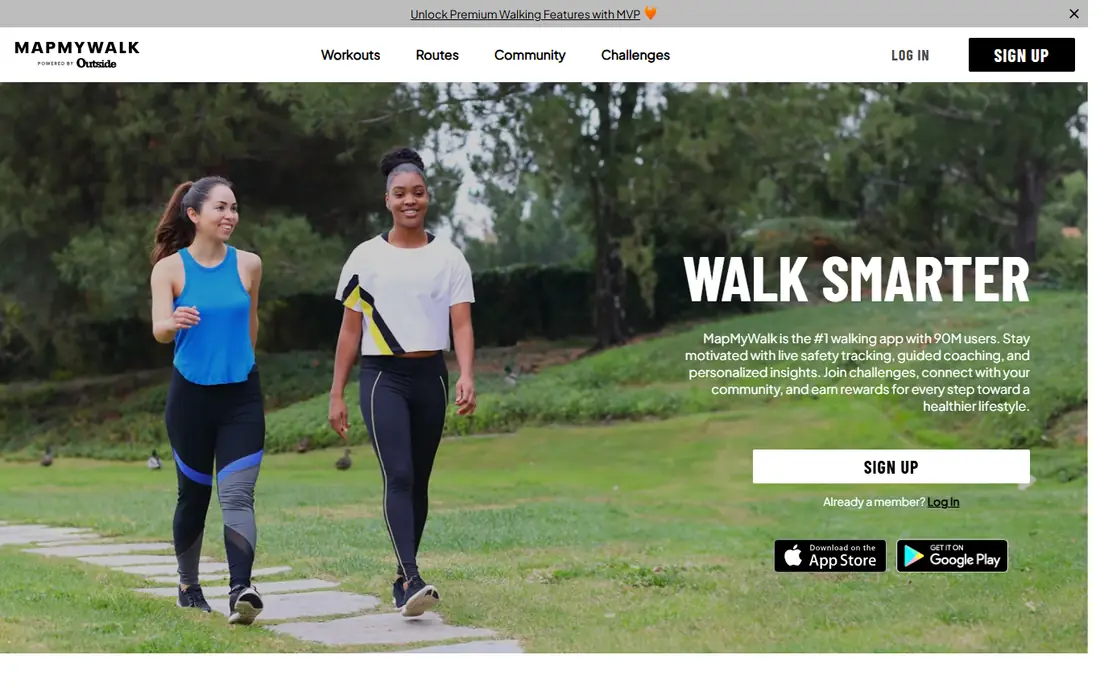
MapMyWalk, from Under Armour, logs treadmill walks as well as outdoor routes, so indoor walkers can record time, distance, and pace manually or with a connected device. The app's community challenges and friends feed add motivation, and its workout history shows progress over weeks. For walkers who mix treadmill sessions with outdoor walks, having both in one log is handy.
GPS mapping is less useful indoors, since a treadmill walk has no route to map, but manual logging covers that gap. Premium features need a paid plan. If you walk both indoors and outdoors, MapMyWalk is our pick for a combined log.
- Treadmill workout logging
- Route maps outdoors
- Community challenges
- GPS focus is less useful indoors
- Premium features need a paid plan
Fitbit
Ideal for: Device-based step tracking
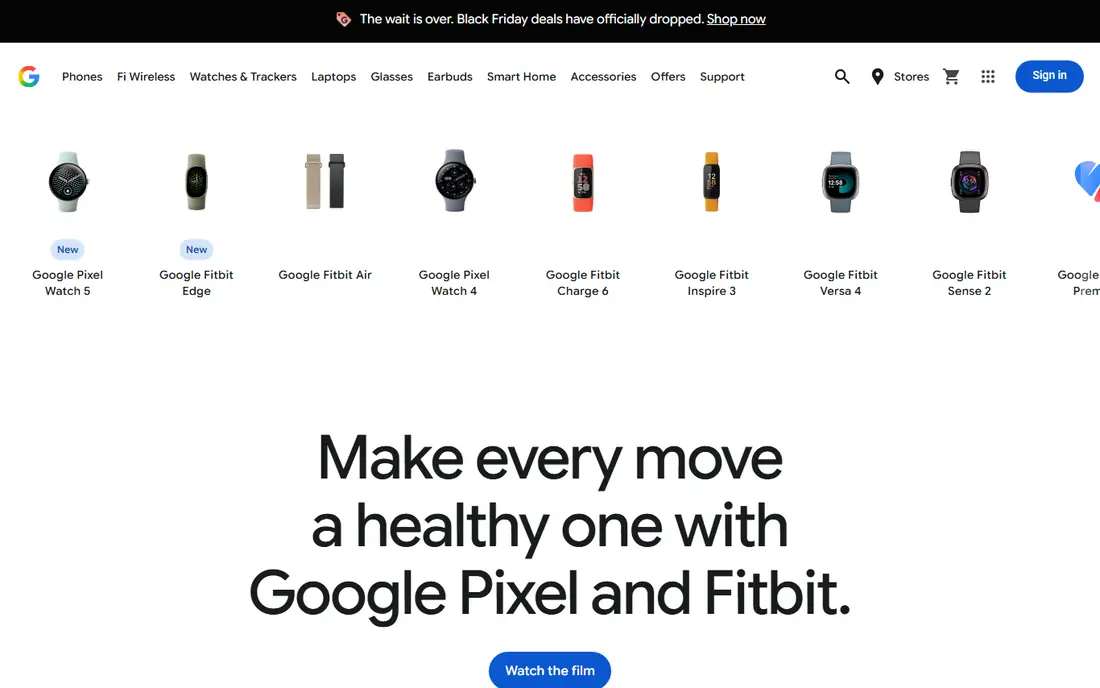
Fitbit tracks steps from the wrist, which is more reliable indoors than a phone in a pocket, especially for treadmill walks and house laps. The app also tracks sleep, heart rate, and activity minutes, giving a broader health picture than steps alone. Even without a device, the Fitbit app can count steps from your phone, though wrist tracking is more accurate.
The full experience needs a Fitbit device, and premium insights need a paid plan. Still, for walkers who want accurate indoor counting plus health data, Fitbit is our pick, especially if you already own a device.
- Accurate wrist step counting
- Sleep and heart data
- App works without a device too
- Best with a Fitbit device
- Premium insights need a paid plan
WalkFit
Ideal for: Guided walking plans
WalkFit builds personalized walking plans around your step goal, weight goal, and fitness level, with guided sessions that structure indoor walks. That plan layer helps walkers who drift without a target, since each day suggests a step count and a session length. The app also tracks weight and progress, which suits walkers with a weight goal.
Full plans need a paid plan, and plan quality varies by goal, with weight-focused plans stronger than general fitness plans. Still, for walkers who want a guided plan rather than a bare step counter, WalkFit is our pick.
- Personalized walking plans
- Weight and step goals
- Guided sessions
- Full plans need a paid plan
- Plan quality varies by goal
StepsApp
Ideal for: Simple step counting
StepsApp is a clean, simple pedometer that counts steps, shows history and trends, and syncs with Apple Health and Google Fit. That simplicity is its strength: you open it, see your steps, and close it, without challenges, ads, or extra features getting in the way. It works indoors from phone sensors, and it pairs well with a watch for more accurate counting.
There are no guided plans and few social features, so walkers who need motivation may prefer Pacer or Stridekick. If you want a simple, reliable step counter, StepsApp is our pick for a clutter-free experience.
- Clean, simple design
- Step history and trends
- Apple Health and Google Fit sync
- No guided plans
- Limited social features
Accupedo
Ideal for: Pedometer and history
Accupedo is a long-running pedometer app with detailed daily history, widgets, and graphs that show step trends over time. It counts steps from phone sensors indoors and outdoors, and its history view makes it easy to spot patterns, such as which days you walk most. Widgets let you see steps on your home screen without opening the app.
The interface feels older than Pacer or StepsApp, and some features need a paid plan. Still, for walkers who value detailed history and a proven pedometer, Accupedo is a solid choice.
- Long-running pedometer
- Detailed daily history
- Widgets and graphs
- Older interface
- Some features need a paid plan
Stridekick
Ideal for: Group step challenges
Stridekick turns walking into group challenges, where friends, coworkers, or family members compete on steps over days or weeks. It syncs with many devices and apps, including Fitbit and Apple Health, so each person can use their own tracker. Leaderboards and challenge modes keep the competition friendly and visible.
The app needs a group to shine, since solo use adds little beyond basic tracking. Its user base is also smaller than Pacer's. If you can gather a few walking partners, Stridekick is our pick for social step challenges.
- Group challenges with friends
- Works with many devices
- Leaderboards
- Needs a group to shine
- Smaller user base than Pacer
Conqueror Challenges
Ideal for: Virtual walking challenges
Conqueror Challenges turns walking into virtual journeys along famous routes, with street view progress, postcards, and a real medal when you finish. That tangible reward motivates many walkers to keep going indoors, since treadmill steps count toward the virtual distance. Some challenges also link to charity causes, adding purpose to the miles.
Medals and full routes need a paid entry, and the app is a challenge platform rather than a daily step tracker, so pair it with Pacer or Fitbit for everyday counting. If a medal at the end keeps you walking, Conqueror Challenges is our pick for virtual motivation.
- Virtual routes with medals
- Street view progress
- Charity-linked challenges
- Medals and full routes need a paid entry
- Not a daily step tracker
How we picked these
We compared official feature pages, pricing pages, and app listings for walking apps that work indoors in October 2026. We favored apps that count steps from phone or wrist sensors, not GPS alone, and we covered simple counters, guided plans, group challenges, and virtual races. We left out outdoor-only route apps with no indoor mode.
What to check before you choose
Start with how you walk indoors. Treadmill walkers suit MapMyWalk or Fitbit, house walkers suit Pacer or StepsApp, and mall walkers suit any phone-based counter. Check whether the app counts steps accurately on your phone by comparing a short walk against a manual count.
Next, pick your motivation style. Solo walkers suit StepsApp or Accupedo, social walkers suit Pacer or Stridekick, and reward seekers suit Conqueror Challenges. A tracker you ignore helps no one, so choose the style you will actually open.
Finally, set a realistic daily step goal and build up slowly. Add a few hundred steps each week rather than jumping to ten thousand at once, and wear supportive shoes even indoors. If joint pain persists, seek advice rather than pushing through.
Before you commit to one option, spend a short trial period with your top two choices from this list. Use each one for a real task from your own work or daily routine, not just a demo, and note where you get stuck, what feels slow, and which features you actually open twice. Check the official pricing page again at that point, since free plans and paid tiers change, and confirm that the plan you need covers the users, projects, or devices you will use. Read the privacy and support pages too, especially for tools that hold personal or work data, and confirm how to export your work if you later switch. A tool that fits your routine in a two-week trial is a far better choice than a more powerful option you avoid opening, so let daily use, not a feature list alone, decide your final pick for best indoor walking app.
Frequently asked questions
What is the best indoor walking app overall?
Pacer is our pick for simple indoor tracking with groups, while Fitbit is our pick for accurate wrist counting. StepsApp suits minimalists, and Conqueror Challenges suits walkers who want a medal goal.
Can I track indoor walking without GPS?
Yes, all eight apps here count steps from phone or wrist sensors, so they work indoors without GPS. Pacer, StepsApp, Accupedo, and Fitbit all track treadmill and house walks well. GPS is only needed for outdoor route maps.
Which app is best for treadmill walking?
Fitbit and MapMyWalk suit treadmill walking best, since Fitbit counts wrist steps accurately and MapMyWalk logs treadmill workouts. Pacer also works well on a treadmill from phone sensors. Check accuracy against the treadmill display for a few sessions.
Is there a free indoor walking app?
Yes, all eight apps here have free tiers, including Pacer, StepsApp, Accupedo, MapMyWalk, and Fitbit. Paid plans mainly add plans, insights, and challenge entries. Start free and pay only for the feature you use most.
How many steps should I walk indoors each day?
A common starting goal is seven to eight thousand steps a day, built up gradually from your current level. The right number depends on your health and fitness, so increase slowly and focus on consistency rather than a single big day.
How do I pick between the free and paid plans in this list?
Start with the free plan or trial for any best indoor walking app option that offers one, and use it for at least two weeks on real tasks. Upgrade only when you hit a clear limit, such as a missing feature, a user cap, or a storage limit, rather than paying on day one for features you may never use. Compare the paid tier against the next option in this list as well, since a different tool's free plan may already cover what the first tool charges for.