Best Insider Threat Management Software in 2026: 7 Tools Compared

- 1
 ForcepointEnterprise DLP and insider riskVisit
- 2
 ProofpointInsider threat and DLPVisit
- 3
 DTEXUser activity intelligenceVisit
- 4
 TeramindWorkforce monitoringVisit
- 5
 GuruculBehavior analyticsVisit
- Forcepoint and Proofpoint suit enterprises that need data loss prevention plus insider risk detection in one platform.
- DTEX and Teramind suit teams that want detailed user activity monitoring with privacy controls.
- Gurucul, Exabeam, and Securonix suit security teams that want behavior analytics across many data sources.
- Insider tools raise privacy and legal questions, so involve HR, legal, and works councils before deployment.
- Focus on high-risk actions, such as large data moves and privilege changes, rather than monitoring everything equally.
Quick comparison
| Product | Ideal for | Price from | Free version | |
|---|---|---|---|---|
| Forcepoint | Enterprise DLP and insider risk | See website | No | Visit |
| Proofpoint | Insider threat and DLP | See website | No | Visit |
| DTEX | User activity intelligence | See website | No | Visit |
| Teramind | Workforce monitoring | See website | Free trial | Visit |
| Gurucul | Behavior analytics | See website | No | Visit |
 Exabeam | Security analytics | See website | No | Visit |
 Securonix | Unified security analytics | See website | No | Visit |
The best insider threat management software
We compared official feature pages, pricing pages, security documentation, and public reviews for seven insider threat tools. Our pick for most enterprises is Forcepoint for its combined DLP and risk coverage, with DTEX close behind for focused user activity intelligence.
Forcepoint
Ideal for: Enterprise DLP and insider risk
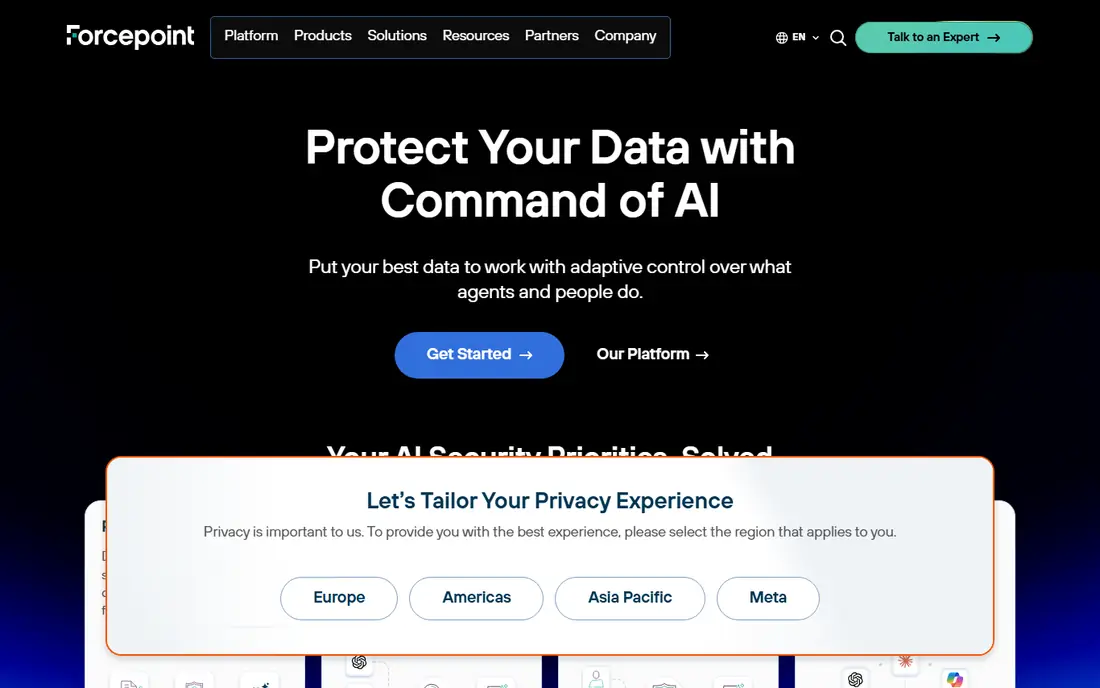
Forcepoint combines data loss prevention with insider risk detection, watching how sensitive data moves by email, web, cloud, and endpoints. Policies can block or alert on risky moves, such as sending customer data to personal accounts, while risk scoring highlights users whose behavior changes. That combination suits enterprises with regulated data and large workforces.
Setup is complex, and pricing is enterprise level, so smaller teams will find it heavy. Forcepoint also needs careful policy tuning to avoid alert overload. For large companies where data loss is the main insider risk, Forcepoint gives the broadest control here.
- DLP plus insider risk
- Policy controls
- Large enterprise scale
- Enterprise pricing
- Complex setup
Proofpoint
Ideal for: Insider threat and DLP

Proofpoint covers email security, data loss prevention, and insider threat management, with analytics that link user behavior to data risk. Its strength in email matters, since email remains a common path for data leaving a company. Insider risk tools flag risky actions and give security teams context for investigation.
Pricing is enterprise level, and costs grow as modules are added. Smaller teams may prefer a focused tool like Teramind. For enterprises that already use Proofpoint for email, adding insider threat tools keeps data protection in one platform.
- Email and data protection
- Insider risk analytics
- Strong threat intel
- Enterprise pricing
- Module costs add up
DTEX
Ideal for: User activity intelligence
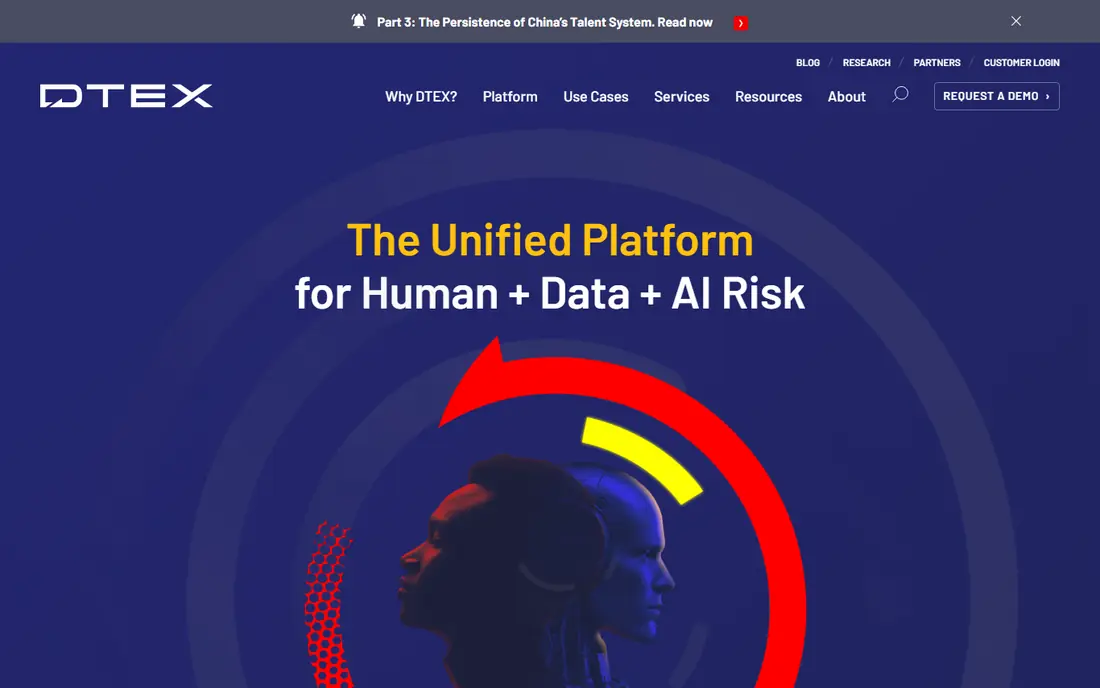
DTEX collects endpoint user activity and turns it into risk intelligence, showing how users interact with data, apps, and systems over time. Risk scoring highlights unusual behavior, such as mass downloads or access outside normal hours, while privacy features aim to limit collection to work-relevant activity. That focus suits security teams that need evidence for investigations.
DTEX needs skilled analysts to tune alerts and investigate cases, and pricing is quoted. It is not a plug-and-play tool for small IT teams. For organizations that need detailed, defensible user activity records, DTEX is a strong specialist choice.
- Detailed endpoint activity data
- Risk scoring
- Privacy-aware design
- Quoted pricing
- Needs skilled analysts
Teramind
Ideal for: Workforce monitoring
Teramind monitors user activity, app use, and data moves, with rules that alert or block risky actions. It also offers productivity reports, which some employers use for workforce management alongside security. That dual use suits companies that want one tool for both security and productivity, though the two goals need separate policies.
Monitoring can feel intrusive if deployed without clear communication, so legal review and staff notice are essential. Teramind suits mid-size companies that need practical monitoring with rule controls. Use it for risk, not for constant surveillance of every keystroke, and document your policy.
- Activity monitoring and rules
- Productivity reports
- DLP features
- Privacy concerns if misused
- Can feel intrusive to staff
Gurucul
Ideal for: Behavior analytics
Gurucul uses behavior analytics to build baselines for users and entities, then flags deviations that suggest insider risk, account compromise, or fraud. It pulls data from many sources, including identity, access, and cloud logs, so analysts see context rather than isolated alerts. That breadth suits security operations centers with varied data.
Integration work is needed to feed Gurucul well, and pricing is enterprise level. Smaller teams may struggle to staff it. For SOC teams that want behavior analytics across the estate, Gurucul is a capable platform.
- Behavior analytics across sources
- Risk scoring
- Identity context
- Enterprise pricing
- Needs data integration work
Exabeam
Ideal for: Security analytics
Exabeam combines security analytics with SIEM functions, using behavior models to flag risky users and speed investigations with timelines. Analysts can trace a user session across logs, see risk scores, and build cases from one view. Cloud scale suits large companies with high log volumes.
Complexity and price make Exabeam a poor fit for small teams. It works best where a SOC already exists and needs better behavior context. For enterprises that want insider risk inside a broader security analytics platform, Exabeam is a strong option.
- Behavior analytics and SIEM
- Timeline investigations
- Cloud scale
- Enterprise pricing
- Complex for small teams
Securonix
Ideal for: Unified security analytics
Securonix offers a unified security analytics platform with behavior models for users and entities, threat content, and investigation tools. It aims to reduce alert noise by scoring risk across many signals, so analysts focus on high-risk cases first. That unified view suits large SOC teams with many data sources.
Implementation takes time, and pricing is enterprise level. Smaller organizations will find focused tools easier to run. For large security teams that want one analytics platform for insider and external threats, Securonix is a solid choice.
- Unified analytics platform
- Behavior models
- Threat content
- Enterprise pricing
- Implementation takes time
How we picked these
We compared official feature pages, pricing pages, security documentation, and public reviews for each tool, and we favored tools that still work in October 2026 and address insider risk directly. We did not claim hands-on testing, and we weighed data coverage, behavior analytics, privacy controls, and fit for different team sizes. Where pricing was quoted rather than listed we wrote "See website" rather than guessing.
What to check before you choose
Start with legal and HR review. Insider monitoring touches privacy law, employment rules, and union agreements, which vary by country and state. Define what you will monitor, why, who can see the data, and how long it is kept, before buying any tool. Staff notice and a written policy protect both the company and employees.
Next, define high-risk actions for your business: mass downloads, privilege changes, access to sensitive projects, and data sent to personal accounts. A tool tuned to those actions gives useful alerts, while a tool that alerts on everything gives noise. Finally, check investigation workflow: alerts must lead to a clear case, evidence, and decision path, or they will be ignored.
Also build the human process around the tool, since software alone cannot decide whether behavior is risky or innocent. A mass download might be a departing employee stealing data, or a loyal employee backing up work before a laptop swap, and only context tells the difference. Create a clear investigation workflow with roles for security, HR, and legal, plus steps for evidence handling, interviews, and decisions. Keep investigation records separate from general IT tickets, with access limited to the case team. Set thresholds for action: low-risk alerts may need only a manager chat, while high-risk data moves need fast containment. Document every decision, since insider cases can lead to disputes, dismissals, or legal action where a clean record matters.
Privacy and trust need ongoing care, not just a launch policy. Tell staff in plain language what is monitored, why, and how data is used, and repeat that message when tools or rules change. Avoid monitoring personal activity on personal devices unless a clear, lawful basis exists, and keep monitoring scoped to work systems and data. Review false positives regularly and tune rules, since a tool that cries wolf will train analysts to ignore real alerts. Audit access to monitoring data itself, so the watchers are also watched. Finally, pair monitoring with prevention: least-privilege access, offboarding checks, and security training reduce insider risk far more cheaply than detection alone.
Frequently asked questions
What is insider threat management software?
Insider threat software monitors user activity and data moves to spot risky behavior by employees, contractors, or compromised accounts. It combines data loss prevention, behavior analytics, and investigation tools. Use it with clear policies, since monitoring without rules creates legal and trust risks.
Is insider threat monitoring legal?
Laws vary by country and state, and employee monitoring often needs notice, a lawful purpose, and limits on data collection. Involve legal and HR before deployment, and check works council or union rules where they apply. Document purpose, scope, and retention in a written policy.
What is the best insider threat tool for small companies?
Teramind suits smaller companies that need practical monitoring with rules and a trial, while DTEX suits focused investigations. Enterprises with regulated data may need Forcepoint or Proofpoint. Start with high-risk actions and a clear policy, not with broad surveillance.
Does insider threat software replace DLP?
No, the two overlap but differ. DLP blocks sensitive data from leaving, while insider tools add behavior context and investigation. Many platforms combine both, such as Forcepoint and Proofpoint, which is why enterprises often buy them together.
How do I avoid alert overload?
Tune alerts to high-risk actions, such as large data moves and privilege changes, and review false positives weekly at first. A tool that alerts on every anomaly will train analysts to ignore it. Start narrow, measure, and expand coverage only when alerts prove useful.