Best Instant Messaging Apps in 2026: 8 Options Compared

- Our pick for most people is WhatsApp, thanks to its balance of features, ease of use and value for most people who want a simple, widely used chat app.
- Telegram is the strongest alternative when people who want large groups and channels matters more than a general all-round fit.
- Free and trial options exist, including Signal, so you can test the core experience before paying.
- We compared encryption, group and call features, file sharing, multi-device support, privacy controls and the size of each user base.
- Check pricing, free plan terms and the exact features you need on the official site before you subscribe, since plans change.
Quick comparison
| Product | Ideal for | Price from | Free version | |
|---|---|---|---|---|
 WhatsApp | Most people who want a simple, widely used chat app | See website | Yes | Visit |
 Telegram | People who want large groups and channels | See website | Yes | Visit |
 Signal | People who put private messaging first | See website | Yes | Visit |
 Messenger | People who already use Facebook to stay in touch | See website | Yes | Visit |
 Viber | People who want calls, chats and communities in one app | See website | Yes | Visit |
 Discord | Communities, gaming groups and interest servers | See website | Yes | Visit |
 Slack | Work teams that need organised channels | See website | Yes | Visit |
 Threema | People who want private messaging without a phone number | See website | See website | Visit |
The best instant messaging apps
Instant messaging apps differ in privacy, group features, file sharing and how many of your contacts actually use them. The list below covers the main options, so you can balance privacy with the simple fact that a chat app only works if your people are on it.
Ideal for: Most people who want a simple, widely used chat app
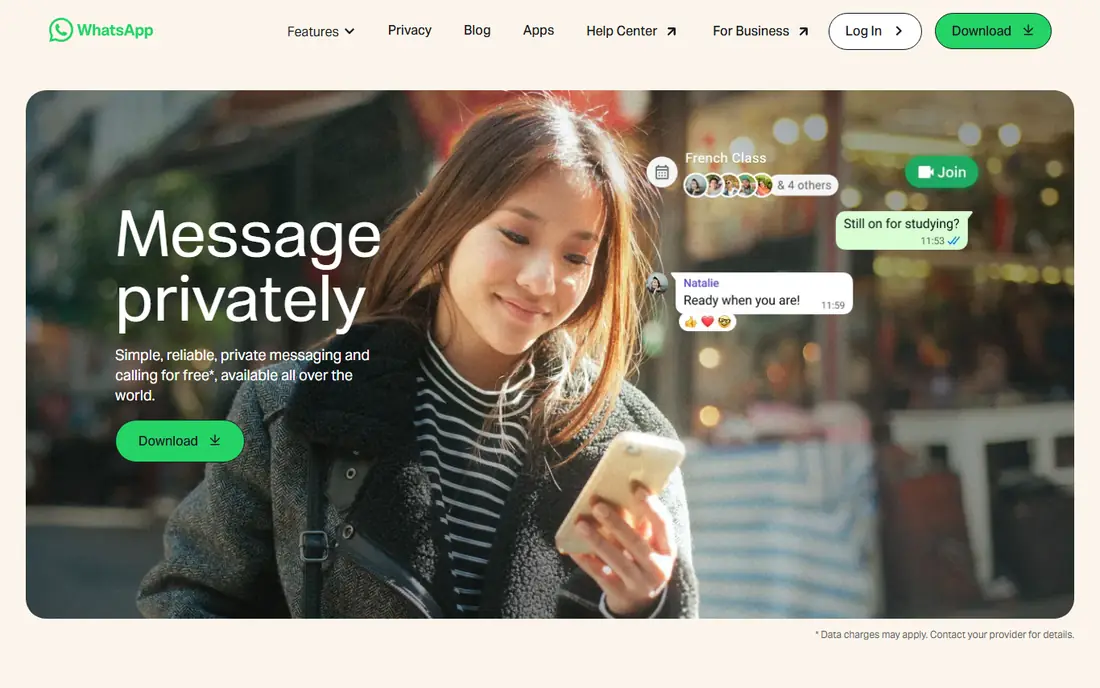
WhatsApp is the default chat app for most people because almost everyone already has it, which removes the main barrier to messaging. Its chats are end-to-end encrypted, and it handles groups, voice notes, calls and video calls in one simple app. For everyday messaging with family and friends, that combination is hard to beat.
The trade-offs are its Meta ownership and the need to check backup and group privacy settings yourself. Defaults are not always the most private option, so review who can add you to groups and whether your backups are encrypted before you rely on it for sensitive chats.
For readers who want most people who want a simple, widely used chat app, WhatsApp is a sensible shortlist pick, provided the limits above feel acceptable. Compare its pricing page and trial terms before you commit, and check that it covers the exact workflow you need on day one.
- End-to-end encrypted chats
- Huge user base
- Calls and groups
- Owned by Meta
- Backup encryption needs checking
- Group privacy needs setup
Telegram
Ideal for: People who want large groups and channels
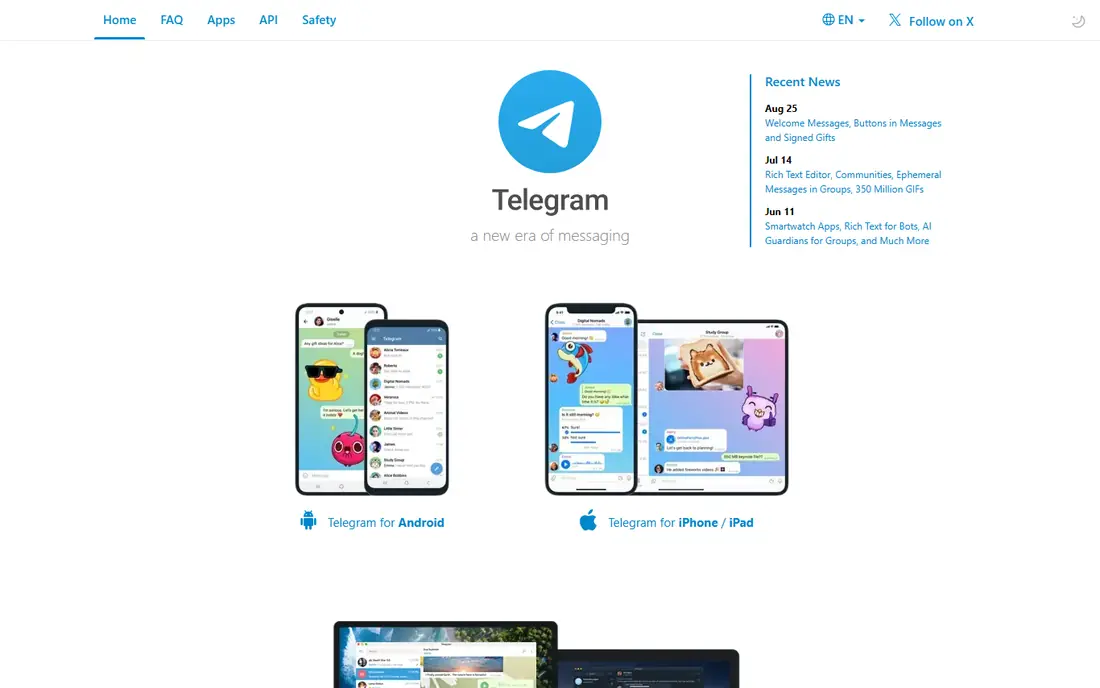
Telegram suits people who want large groups, channels and fast file sharing, with multi-device sync that works smoothly. Its public channels and huge group limits make it popular for communities, news and interest groups. The app is fast, and its desktop and mobile versions stay in sync well.
The important catch is encryption, since default cloud chats are not end-to-end encrypted and secret chats must be chosen per conversation. If private one-to-one messaging is your priority, Signal is a stronger pick, but for communities Telegram is excellent.
For readers who want people who want large groups and channels, Telegram is a sensible shortlist pick, provided the limits above feel acceptable. Compare its pricing page and trial terms before you commit, and check that it covers the exact workflow you need on day one.
- Very large groups and channels
- Fast file sharing
- Multi-device sync
- Default chats are not end-to-end encrypted
- Secret chats are opt-in
Signal
Ideal for: People who put private messaging first
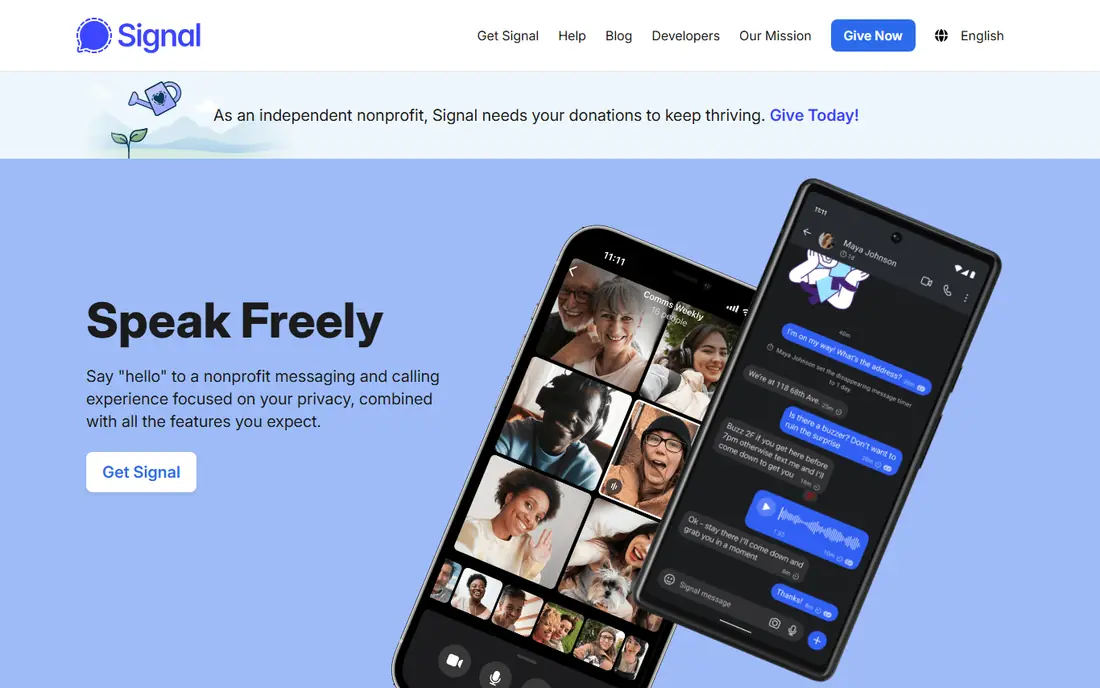
Signal is the strongest privacy choice on this list, with end-to-end encryption by default and a deliberately minimal approach to collecting user data. It suits people who want private one-to-one chats and small groups without advertising or profiling. Its disappearing messages and safety number checks add real protection for sensitive conversations.
The limit is reach, since fewer contacts use Signal than WhatsApp, and its community features are lighter than Telegram. It works best as your private chat app for close contacts, even if you keep another app for larger groups.
For readers who want people who put private messaging first, Signal is a sensible shortlist pick, provided the limits above feel acceptable. Compare its pricing page and trial terms before you commit, and check that it covers the exact workflow you need on day one.
- End-to-end encryption by default
- Minimal data collection
- Disappearing messages
- Smaller user base than WhatsApp
- Fewer community features
Messenger
Ideal for: People who already use Facebook to stay in touch
Messenger suits people who already use Facebook, since contacts, groups and calls are ready without a new account. It handles voice and video calls, group chats and stories in one app, and most Facebook users already know how to use it. For staying in touch with a broad social circle, that reach matters.
The trade-offs are privacy defaults and Meta data practices, since end-to-end encryption is not the default in every chat type. Check the encryption status of important conversations, and use Signal for chats where privacy is the main concern.
For readers who want people who already use facebook to stay in touch, Messenger is a sensible shortlist pick, provided the limits above feel acceptable. Compare its pricing page and trial terms before you commit, and check that it covers the exact workflow you need on day one.
- Huge reach through Facebook
- Calls, groups and stories
- Easy setup
- End-to-end encryption is not default in all chats
- Meta data practices
Viber
Ideal for: People who want calls, chats and communities in one app
Viber combines encrypted chats, voice and video calls, communities and channels in one app. It suits people with international contacts, since it is popular in several regions outside the US and handles cross-border calls well. Its community tools also work for interest groups and local organisations.
The limit is reach in the US, where fewer contacts use Viber than WhatsApp or Messenger. Some features also vary by region, so check that the tools you want are available in your country before you move a group to it.
For readers who want people who want calls, chats and communities in one app, Viber is a sensible shortlist pick, provided the limits above feel acceptable. Compare its pricing page and trial terms before you commit, and check that it covers the exact workflow you need on day one.
- End-to-end encrypted chats
- Calls and communities
- Stickers and channels
- Smaller US user base
- Some features vary by region
Discord
Ideal for: Communities, gaming groups and interest servers
Discord is built for communities, with servers, channels, roles and voice rooms that suit gaming groups, study groups and hobby communities. Its voice channels feel natural for ongoing group conversation, and screen sharing helps for collaborative work or play. For a community that needs structure, it is far stronger than a simple group chat.
The trade-off is that Discord is not built for private one-to-one messaging in the same way as Signal or WhatsApp. It is a community platform first, so use it for groups and servers, and keep private conversations on a dedicated messaging app.
For readers who want communities, gaming groups and interest servers, Discord is a sensible shortlist pick, provided the limits above feel acceptable. Compare its pricing page and trial terms before you commit, and check that it covers the exact workflow you need on day one.
- Servers with channels and roles
- Voice rooms
- Screen sharing
- Not built for private one-to-one messaging
- Privacy is community focused
Slack
Ideal for: Work teams that need organised channels
Slack suits work teams that need organised channels, threads and integrations with the tools they already use. Its searchable history helps new team members catch up, and its app connections bring notifications from other platforms into one place. For a team that chats all day, that structure beats a simple group chat.
The limits are the free plan message history cap and the noise that comes with many channels. It is a work tool first, so it suits teams rather than family chats, and larger teams should check pricing as member numbers grow.
For readers who want work teams that need organised channels, Slack is a sensible shortlist pick, provided the limits above feel acceptable. Compare its pricing page and trial terms before you commit, and check that it covers the exact workflow you need on day one.
- Channels and threads
- App integrations
- Searchable history
- Free plan limits message history
- Can feel noisy for casual use
Threema
Ideal for: People who want private messaging without a phone number
Threema is a paid, privacy focused messenger that does not require a phone number, using an ID instead. It suits people who want end-to-end encryption without linking chats to a phone number, and its Swiss base and minimal data approach appeal to privacy-conscious users. Its polls, file sharing and group tools cover the essentials well.
The drawbacks are the upfront cost and a smaller user base, which means your contacts may need convincing to install it. It is a strong private alternative to Signal for people who prefer a paid model with no phone number link, but reach remains its main limit.
For readers who want people who want private messaging without a phone number, Threema is a sensible shortlist pick, provided the limits above feel acceptable. Compare its pricing page and trial terms before you commit, and check that it covers the exact workflow you need on day one.
- No phone number needed
- End-to-end encryption
- Swiss privacy focus
- Paid app
- Smaller user base
- Fewer social features
How we picked these
We compared official feature pages, pricing pages, app store listings, privacy policies and public reviews for each option, and we focused on products that exist and work in October 2026 and truly fit the topic. We looked for a mix of well-known leaders and strong smaller options, rather than a list of near-identical tools. We compared encryption, group and call features, file sharing, multi-device support, privacy controls and the size of each user base. We did not claim hands-on testing that did not happen, and where a price or free tier could not be verified from the vendor site, we wrote See website rather than guessing a number.
Choosing the right option for you
Start with who you need to reach, because the most private app is useless if your family, friends or team will not install it. In practice, most people end up with one main app for close contacts and another for groups or work.
Check the privacy settings that matter to you, such as disappearing messages, who can add you to groups, and whether backups are encrypted. Default settings vary a lot, so spend five minutes in the settings screen after you install any app here.
Test calls and group chats with your real contacts before you move an important group, since call quality and notification reliability vary by phone and network. A short trial with one group will reveal problems faster than reading feature lists.
Before you decide, make a short list of three must-have features and one deal-breaker, then test only the two or three options that meet that list. A focused trial will tell you more than a week of comparing feature tables, and it keeps the decision tied to your real work rather than to marketing claims.
Frequently asked questions
What are the best best instant messaging app?
The best choice depends on your needs, but WhatsApp suits most people, while Telegram is stronger for people who want large groups and channels. Start with your must-have features, then trial the top two options before paying.
Is there a free option for best instant messaging app?
Yes, several options here offer a free plan or a free trial, including Signal. Free plans usually limit advanced features, so check which tools you actually need before judging a free tier.
How much do best instant messaging app cost?
Costs vary widely, and many vendors use quote-based pricing, so the pricing page is the reliable source. Where we could not verify a current price, we wrote See website rather than guessing, and you should get a written quote for team plans.
Which option is best for beginners?
WhatsApp is the easiest starting point for most beginners, thanks to its clear setup and guidance. If you want the simplest possible tool, look at the free or trial options first and choose the one whose interface feels clearest to you.
How should I choose between these options?
List your top three needs, check integrations and pricing for those needs, and run a short trial with real work. The option that handles your daily tasks smoothly, with support you can reach, is usually the right pick, even if a rival has a longer feature list.