Best Interactive Demo Software in 2026: 8 Tools Compared

- Storylane is our pick for most B2B SaaS teams, with screenshot, HTML and video demos plus AI voiceovers in one editor.
- Navattic suits marketing teams that want polished HTML demos for product pages, while Supademo suits budget teams that need many demos fast.
- Walnut suits enterprise sales teams that need personalisation, sandboxes and deal rooms, though its pricing starts far above mid-market tools.
- Demo format matters more than feature count: screenshot tours are fast, HTML demos feel real, and sandbox demos cost the most to run well.
Quick comparison
| Product | Ideal for | Price from | Free version | |
|---|---|---|---|---|
 Storylane | Cross-functional SaaS demos | $40 per seat per month | Yes | Visit |
 Navattic | HTML demos for marketing | $40 per month | Yes | Visit |
 Supademo | Budget tours and enablement | $38 per creator per month | Yes | Visit |
 Walnut | Enterprise sales personalisation | $750 per month | No | Visit |
 Arcade | Polished product storytelling | $42.50 per user per month | Yes | Visit |
 Tourial | Website tours and demo centres | See website | No | Visit |
 HowdyGo | HTML demos, unlimited users | $159 per month | No | Visit |
 Guideflow | Guided tours and onboarding | $35 per month | Yes | Visit |
The best interactive demo software
Interactive demos let buyers click through a guided product tour without a live call, which suits website visitors, outbound prospects and onboarding users. Tools differ in capture method: screenshots, HTML cloning, video or live sandboxes. We compared official pricing pages, demo formats, analytics and team fit.
Storylane
Ideal for: Cross-functional SaaS demos
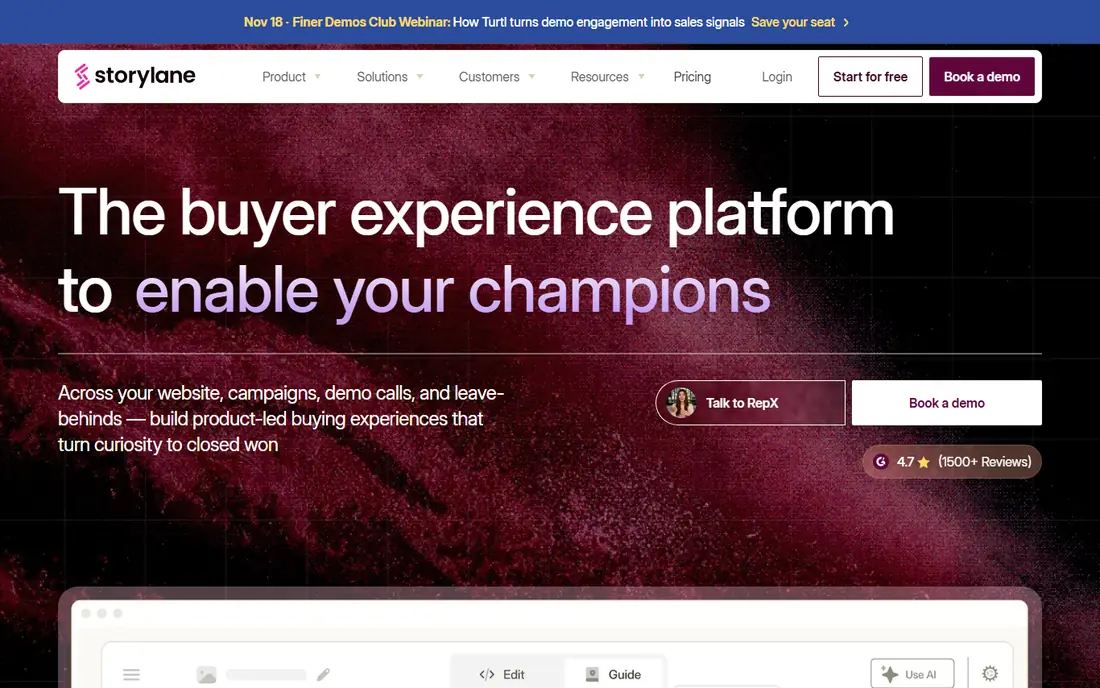
Storylane is the all-rounder in this list. Marketing can embed tours on product pages, sales can send personalised demos to prospects, and onboarding teams can build guided walkthroughs, all from one editor. Published pricing lists a free plan, with Starter at about 40 dollars per seat per month on annual billing, and Growth and Premium tiers adding HTML editing, more seats and advanced features.
The catch is tier gating. The HTML editor starts on Growth, and sandbox demos sit on Enterprise, so teams that need full HTML demos must budget above Starter. For most SaaS teams that need several demo formats without an enterprise contract, Storylane still offers the best balance of breadth and price.
- Screenshot, HTML and video demos in one editor
- AI voiceovers and avatars
- Hubs for demo collections
- HTML editor and sandbox demos sit on higher tiers
- Per-seat pricing adds up for large creator teams
Navattic
Ideal for: HTML demos for marketing

Navattic suits marketing teams that want demos that feel like the real product. Its HTML capture clones your app interface, so visitors click real buttons and flows rather than viewing screenshots, which lifts engagement on product pages. Published summaries list a free plan with one demo, and Starter Plus at about 40 dollars per month, with higher tiers adding seats, sandbox demos and governance.
The weakness is pricing transparency. Some paid prices are not published, so marketing teams must talk to sales to price a full rollout. If HTML realism is your top need and you can handle a sales conversation, Navattic is the marketing-led pick.
- HTML-first capture for realistic demos
- Marketing page embeds
- Analytics and sales Launchpad tools
- Paid pricing is partly unpublished
- Sandbox, SSO and translation sit on higher tiers
Supademo
Ideal for: Budget tours and enablement
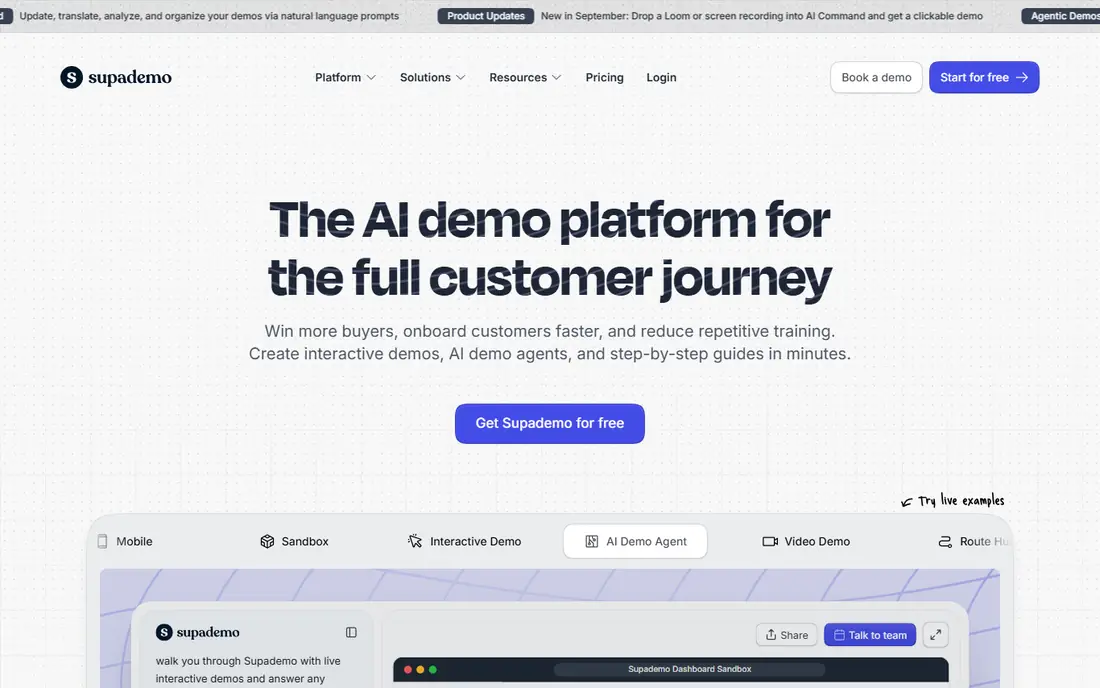
Supademo is the budget pick for teams that need demos across sales, marketing, onboarding and support. Its free tier covers several demos, and Scale pricing starts at about 38 dollars per creator per month on annual billing, with Business and Growth tiers adding HTML demos, sandbox demos and more creators. That low entry cost makes it easy to pilot.
The limit is tier gating at the top end. HTML demos need Business at about 199 dollars per month, and sandbox demos need Growth at about 350 dollars per month for five creators, so enterprise needs still cost real money. For a small team that mainly needs screenshot and video tours, Supademo is the best value here.
- Low entry price
- Generous free tier with several demos
- Screenshot, HTML and video formats on higher tiers
- HTML demos start on Business
- Sandbox demos need Growth
- Enterprise governance is lighter
Walnut
Ideal for: Enterprise sales personalisation
Walnut suits enterprise sales and presales teams that need personalised demos at scale. It supports interactive demos, sandbox environments, AI-assisted creation, personalisation and digital sales rooms, with Salesforce-centric workflows that keep demo activity tied to opportunities. Published summaries list Ignite pricing from about 575 to 750 dollars per month depending on source and billing, with sandbox tiers higher.
The drawback is cost. Walnut is an enterprise purchase, not a team trial, and it needs ownership from sales operations to succeed. It earns its place when personalisation, governance and Salesforce integration matter more than low entry price.
- Personalised demos and sandboxes
- Deal rooms and Salesforce workflows
- Strong governance for sales teams
- Enterprise pricing from about 750 dollars per month
- No free plan
- Heavier setup than mid-market tools
Arcade
Ideal for: Polished product storytelling
Arcade suits design-led marketing and product-led growth teams that want beautiful demos fast. Its editor produces polished, story-driven tours with branching, and exports to video and GIF formats that work in email, social and launch pages. Published pricing lists a free tier, with Growth at about 42.50 dollars per user per month on annual billing.
The catch is HTML depth. Full HTML demos and enterprise governance sit on higher tiers, so Arcade is best for screenshot and video-led storytelling rather than deep product cloning. For launches, changelogs and social demos, Arcade is the prettiest tool in this list.
- Polished, story-led demos
- Fast production
- MP4 and GIF exports for social and email
- HTML demos need higher tiers
- Native Salesforce, SSO and governance sit on Enterprise
Tourial
Ideal for: Website tours and demo centres
Tourial suits marketing teams building demo centres for their website. It creates guided website tours, branches them by persona or use case, and organises them into a centre that visitors can explore without booking a call. Pricing is quote based, with a free trial for evaluation, and published summaries place entry pricing around 1,000 dollars per month for typical teams.
The limit is focus. Tourial is tour-led, not sandbox-led, so sales teams that need live product environments should look at Walnut, Reprise or Demostack instead. For a marketing demo centre that converts website traffic, Tourial is a strong, focused choice.
- Website tours and persona-branched demo centres
- Good fit for marketing-led demo programmes
- Free trial available
- Quote-based pricing
- No permanent free plan
- Sandbox-style demos are not its focus
HowdyGo
Ideal for: HTML demos, unlimited users
HowdyGo suits teams that hate per-seat pricing. Its paid plans offer unlimited users and demos, with HTML capture included, which makes budgeting simple as the creator team grows. Published summaries list pricing from about 159 dollars per month, with a 14-day trial for evaluation.
The weakness is AI depth. HowdyGo is strong on capture and publishing, but lighter on AI-assisted creation than Storylane or Supademo. Teams that want simple, predictable HTML demo pricing without counting seats will like HowdyGo most.
- HTML demos with unlimited users and demos on paid plans
- Simple pricing model
- Good fit for growing teams
- No permanent free plan, only a trial
- AI depth is lower than Storylane or Supademo
Guideflow
Ideal for: Guided tours and onboarding
Guideflow suits product and onboarding teams building guided tours for new users. It supports screenshot, mobile and HTML demos, with a free tier and Solo pricing from about 35 dollars per month on annual billing, which makes it easy to start. Onboarding flows, feature tours and support walkthroughs are its natural home.
The catch is HTML gating. HTML capture starts at about 499 dollars per month in published summaries, so teams that need full HTML demos must budget well above Solo. For screenshot and mobile tours at a low price, Guideflow is a strong pick.
- Screenshot, mobile and HTML demos
- Good fit for product and onboarding teams
- Low Solo entry price
- HTML capture starts at higher tiers
- Advanced sandbox features sit on Advanced plans
How we picked these
We compared official pricing pages, demo formats, capture methods, analytics and team fit for tools still operating in October 2026. We kept screenshot, HTML, video and sandbox tools in the list, since demo format drives most buying decisions. We did not build demos in each tool ourselves, and we did not repeat vendor conversion claims as measured facts.
What to check before you buy
Start with the demo format your buyers need. Screenshot tours are fast to build and easy to update, HTML demos feel like the real product but need more maintenance, video demos tell a story but limit clicking, and sandbox demos let buyers try the product but cost the most to run. Most teams need two formats, not one, so pick a tool that covers both.
Next, check analytics and distribution. A demo that nobody sees helps no one, so confirm embed options, sharing links, CRM integration and analytics on views, clicks and drop-off. The best demo tool is the one whose analytics show you where buyers get stuck, so you can fix the tour, not just count views.
Finally, plan for maintenance. Products change, and demos go stale fast. Assign an owner, review demos after each major release, and confirm how edits work on your plan, since HTML editing and sandbox updates often sit on higher tiers. A demo programme with no owner becomes a liability within a quarter.
Frequently asked questions
What is the best interactive demo software overall?
Storylane is our pick for most B2B SaaS teams because it covers screenshot, HTML and video demos in one editor with AI voiceovers. Navattic suits marketing-led HTML demos, Supademo suits budget teams, and Walnut suits enterprise sales personalisation.
What is the difference between screenshot and HTML demos?
Screenshot demos use captured images with guided steps, which are fast to build and update. HTML demos clone the live product interface, so buyers click real elements and flows, which feels more realistic but needs more maintenance when the product changes.
Is there a free interactive demo tool?
Yes. Storylane, Navattic, Supademo, Arcade and Guideflow all offer free tiers, though each limits demo count, formats or seats. Free tiers suit pilots and small teams, while HTML editing, sandbox demos and governance usually need paid plans.
How much does interactive demo software cost?
Mid-market tools start around 35 to 42 dollars per creator or seat per month, while enterprise tools such as Walnut start around 750 dollars per month and sandbox platforms can cost tens of thousands per year. Price the tier that includes your needed demo format, not just the entry tier.
Do interactive demos replace live demos?
No, they complement them. Interactive demos qualify and educate buyers before a call, so live demos can focus on specific needs, objections and technical questions. Teams that use both usually run shorter, better live demos with better-prepared buyers.