If you need document collaboration and email-centric teams, Google Workspace is the first tool to look at here. Listed starting prices: Slack from $4.38 per user a month. Simpplr is the stronger choice for AI-powered intranet and employee experience, while Zoom suits video-first meetings with chat and phone. Prices, free plans and limits for all 5 tools follow.
If you are comparing internal communications software for remote teams, this page covers 5 tools in one place: what each is best for, what it costs to start, whether it has a free plan, and the main limit to know about.
Key takeaways
Google Workspace takes the first slot, best suited to document collaboration and email-centric teams.
Slack suits channel-based chat and workflow automation.
One limit worth knowing about Google Workspace: chat is less feature-rich than dedicated chat products.
For the cheapest start, look at Slack: $4.38 per user per month.
Best for: Document collaboration and email-centric teams
Google Workspace is a good fit for document collaboration and email-centric teams. For remote teams, it gives you shared documents, spreadsheets, presentations, email, and calendar in one connected environment, making it a natural fit for teams that collaborate heavily on files and prefer email as a primary channel.
Points against: Needs discipline to keep files organized.
Worth adding: Google Workspace is not a dedicated internal communications platform. So teams that require channel-based chat or a company intranet may have to add another tool. Pricing for Google Workspace is not stated here, so ask the vendor for current figures. As for free access: Not stated.
Best for: AI-powered intranet and employee experience
Where Simpplr fits: AI-powered intranet and employee experience. Simpplr is an AI-powered intranet and employee experience product with specialized agents that help employees stay informed, find what they need, get support, and move everyday needs forward.
Beyond that, Simpplr is aimed at intranet and employee experience use cases, so teams seeking lightweight chat may find it more than necessary. Pricing for Simpplr is not stated here, so ask the vendor for current figures. Free plan details: Free trial.
Downsides: Intranet adoption relies on content upkeep.
Best for: Video-first meetings with chat and phone
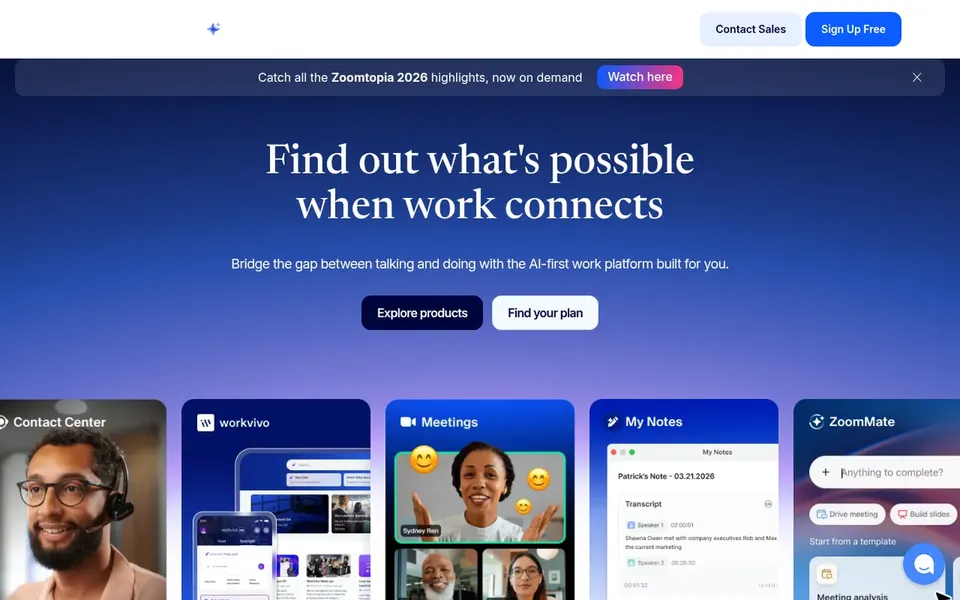
Zoom serves video-first meetings with chat and phone. Remote teams frequently use it as the meeting backbone whereas relying on chat for daily conversation.
Where it is weaker: Advanced features may need configuration.
As for the details, Zoom is meeting-first, so teams looking for a deep persistent chat workspace may find it less suited as a primary communication hub. It performs well alongside a chat product instead of always replacing one. Zoom does not show a starting price in this comparison, so check the vendor site for current pricing. As for free access: Not stated.
Best for: Organizations standardized on Microsoft tools
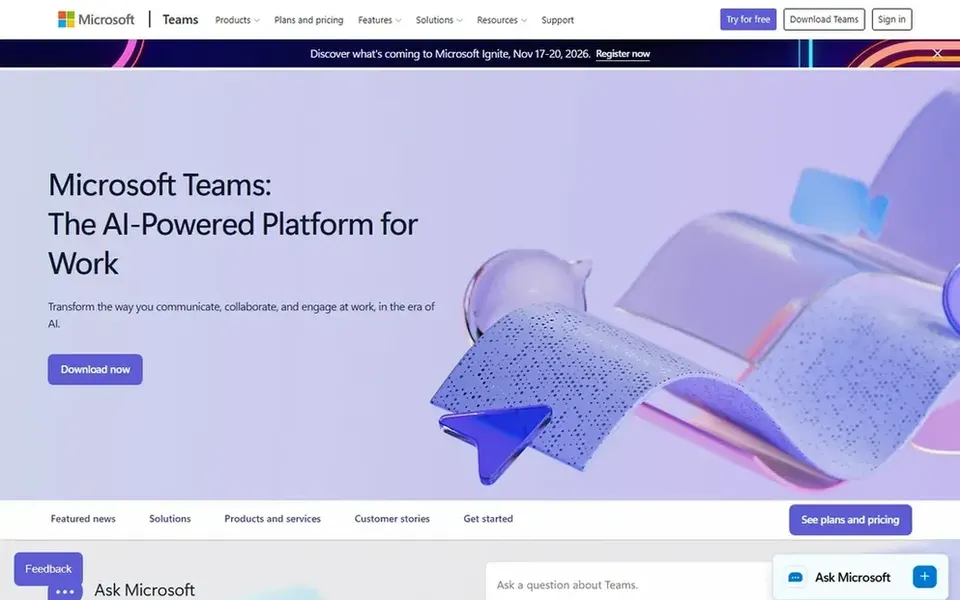
Microsoft Teams targets organizations standardized on Microsoft tools. Microsoft Teams is a collaboration hub that brings chat, video meetings, calling, and files together in one workspace. It is meant to help teams link naturally and keep tools and files available in a single place.
Where it shines: Supports organized team spaces for projects.
Worth adding: Teams that want a light, channel-first chat tool with minimal setup may prefer a simpler choice. Beyond that, the breadth of Teams can be overwhelming for smaller teams that only need straightforward chat. The experience depends heavily on how an organization sets it up. Microsoft Teams shows no starting price here, so confirm the cost on the vendor site. Free options: Not stated. Where it falls short: Interface can feel dense for new users.
Best for: Channel-based chat and workflow automation
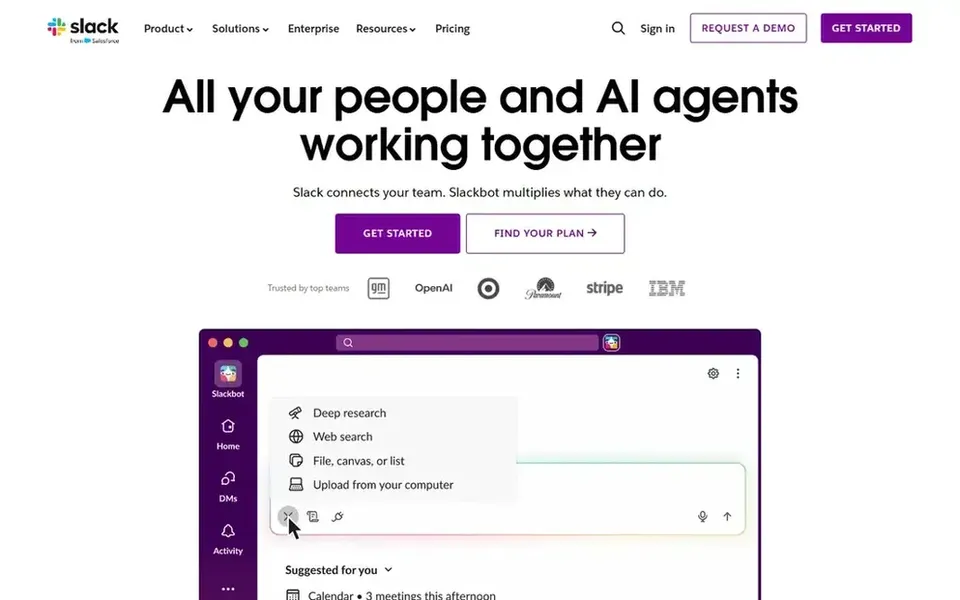
Slack is built with channel-based chat and workflow automation in mind. Remote teams use it to keep project discussions, announcements, and fast questions in one searchable place, and its app directory lets teams link the other tools they already depend on.
It suits teams that want quick, conversational communication and are comfortable setting channel conventions. On cost, Slack starts like this: $4.38 per user per month. Slack has a free plan.
Limits to weigh: Long message histories can be hard to search without structure.
Confirm the entry price on the vendor page. For Google Workspace, Simpplr, Zoom and Microsoft Teams that means a quote rather than a fixed price.
Test the free plan from Slack against your real workload before relying on it.
Run a trial of Simpplr with real work before paying for a year; your own workflow is the best test.
Read the limits listed for Google Workspace first: chat is less feature-rich than dedicated chat products.
Map your must-have features to a specific Slack plan before you compare prices.
Look at the renewal terms for Microsoft Teams: auto-renewal, notice periods and price changes can matter more than the first-year price.
How we picked
The comparison looks at four things: starting price, free access, how well the feature set matches internal communications software for remote teams, and the main limit of each tool. Where a price is missing, the vendor does not list one publicly or ties it to a quote. Always confirm before budgeting. The order reflects how well each tool fits the most common buying scenario for internal communications software for remote teams, then price clarity, then free plan access. It is a starting point, not a verdict.
Every price and plan detail on this page comes from the vendors’ own websites. We did not run hands-on tests unless the text says so, and we do not publish star ratings or review scores. See how we score and our disclosure.
Keep your shortlist in one place
Paste prices, trial dates and notes from this guide into Ainotely, our AI note app. It files them into a topic and pulls out tasks like “cancel trial by Friday”. Free 7-day trial, no card needed.
Not all of them. Google Workspace, Simpplr, Zoom and Microsoft Teams publish no starting price, so expect a quote request for those. The rest, Slack included, show a starting price, though seats and billing terms still change the final cost.
How are the tools for internal communications software for remote teams ordered?
Google Workspace sits first and Slack last because the order follows typical fit for internal communications software for remote teams, then price clarity and free access. It is a judgement call, so read each profile for fit and limits.
Can I try these tools before paying?
Often, yes. Slack has a free plan and Simpplr offers a free trial. Use your own data and a real task during the test, and check what the free tier or trial limits before you rely on it.
Is Google Workspace the right pick for everyone comparing internal communications software for remote teams?
No single tool suits every team. Google Workspace comes first because it fits document collaboration and email-centric teams, while Simpplr suits AI-powered intranet and employee experience and Zoom suits video-first meetings with chat and phone. Match the tool to your own size, budget and workflow before deciding.