7 Internal Wiki Software Options Ranked for 2026

- 1
 Document360Support and product teams publishing customer-facing and internal knowledge basesVisit
- 2
 Superhuman Docs (formerly Coda)Teams that want their wiki to double as databases, trackers and light appsVisit
- 3
 SlabTeams that want a clean, focused wiki without replacing the rest of their stackVisit
- 4
 SliteTeams that want a knowledge base that stays accurate on its ownVisit
- 5
 ConfluenceTeams already using Jira or another Atlassian productVisit
- This list starts with Document360, which is built for support and product teams publishing customer-facing and internal knowledge bases.
- Nuclino fits small teams that want the simplest possible shared wiki.
- Check the limits for Superhuman Docs (formerly Coda) before you commit: steeper ramp-up time than any other tool here.
- Only 5 of the 7 tools have a free plan (Superhuman Docs (formerly Coda), Slab, Confluence, Notion, Nuclino), so check the caps.
Direct answer
Document360 leads the list, best for support and product teams publishing customer-facing and internal knowledge bases. Look at Superhuman Docs (formerly Coda) for teams that want their wiki to double as databases, trackers and light apps, and at Slab for teams that want a clean. The other 4 tools in the list cover narrower or pricier cases.
Quick comparison
| Product | Ideal for | Price from | Free version | |
|---|---|---|---|---|
| Document360 | Support and product teams publishing customer-facing and internal knowledge bases | See website (custom quote) | Free trial (14 days) | Visit |
| Superhuman Docs (formerly Coda) | Teams that want their wiki to double as databases, trackers and light apps | See website (per Doc Maker pricing) | Yes | Visit |
| Slab | Teams that want a clean, focused wiki without replacing the rest of their stack | $6.67/user/month (Startup, billed yearly) | Yes | Visit |
| Slite | Teams that want a knowledge base that stays accurate on its own | $10/user/month (Basic; Pro $20) | Free trial (14 days) | Visit |
| Confluence | Teams already using Jira or another Atlassian product | Free (up to 10 users); Standard $5.42/user/month | Yes | Visit |
 Notion | Teams that want a wiki plus docs, databases and project tracking in one workspace | Free; Plus $10/user/month (billed annually, $12 month-to-month) | Yes | Visit |
 Nuclino | Small teams that want the simplest possible shared wiki | Free (50 items, 2GB); Starter $5/user/month (billed yearly, $6 month-to-month) | Yes | Visit |
Internal Wiki Software compared in detail
Choosing internal wiki software usually comes down to price, fit and limits. This Ainotely guide sets 7 tools side by side on those three points, with the facts kept short and checkable.
Document360
Ideal for: Support and product teams publishing customer-facing and internal knowledge bases
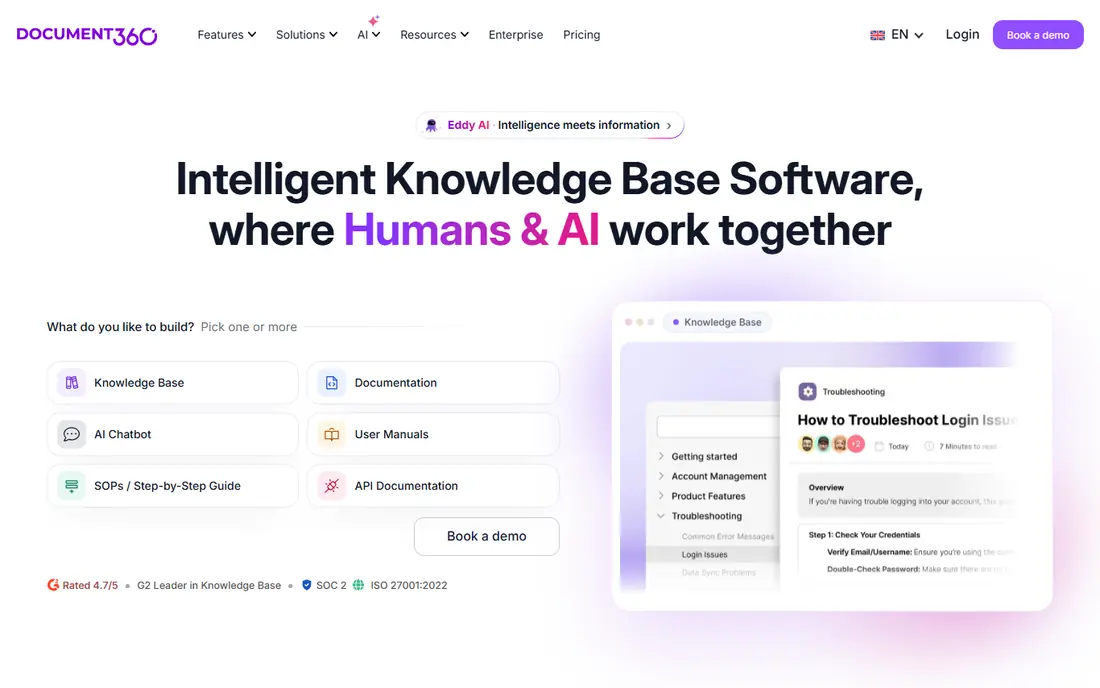
Choose Document360 for support and product teams publishing customer-facing and internal knowledge bases. It is aimed at teams that publish documentation as a product: support centers, product knowledge bases and internal portals with versioning, analytics, granular permissions and 60-plus integrations.
Watch-outs: Overkill for a straightforward internal handbook.
This comparison lists no price for Document360; ask the vendor. On free options: Free trial (14 days).
- Versioning and analytics for docs teams
- Aimed at refined documentation with 100-plus authoring
- Quote-only pricing since late 2024, so no public price to budget against
Superhuman Docs (formerly Coda)
Ideal for: Teams that want their wiki to double as databases, trackers and light apps
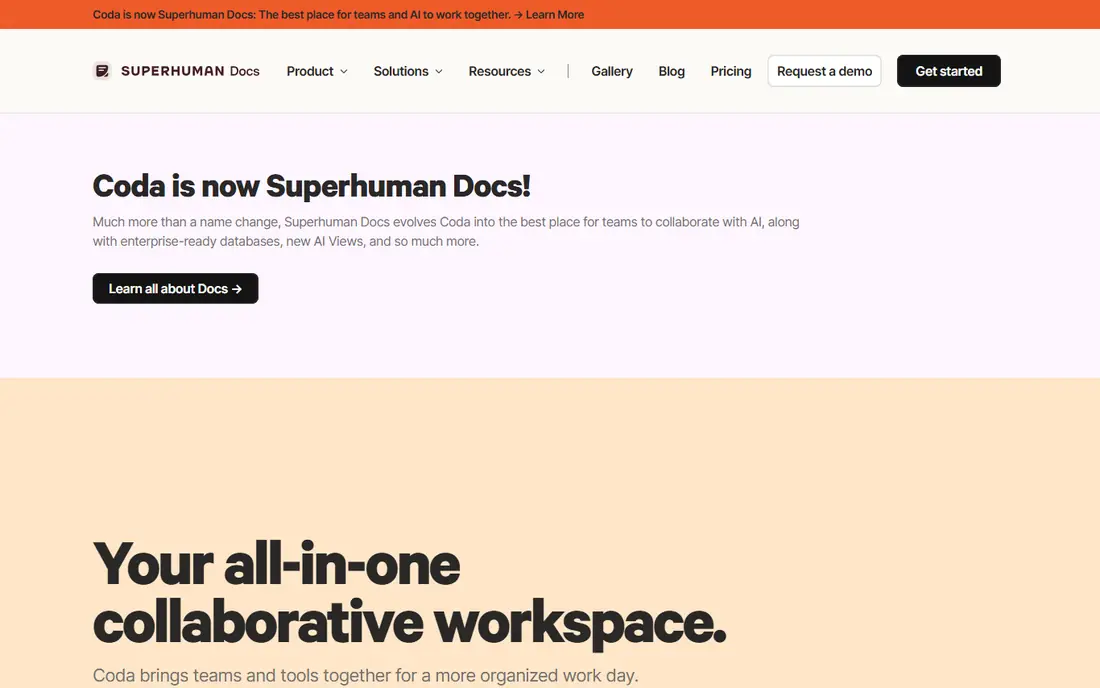
Choose Superhuman Docs (formerly Coda) for teams that want their wiki to double as databases, trackers and light apps. Superhuman Docs is the wiki for teams that outgrow documents.
Points against: premium pricing details sit behind the pricing page.
One note on the name: Coda rebranded to Superhuman Docs in July 2026 after the Grammarly acquisition, with coda.io carrying over as the domain. This comparison lists no price for Superhuman Docs (formerly Coda); ask the vendor. A free plan is available with Superhuman Docs (formerly Coda).
- Docs merge with relational tables
- 600-plus integrations
- The 2026 rebrand from Coda means documentation and reviews are split across two names
Slab
Ideal for: Teams that want a clean, focused wiki without replacing the rest of their stack
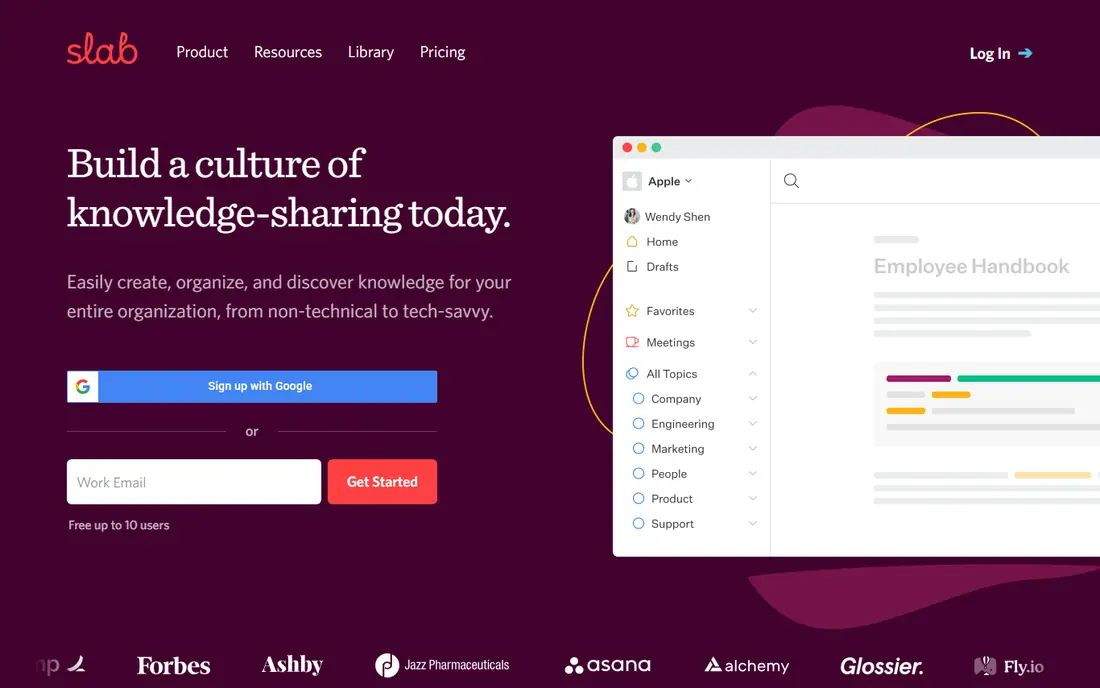
Pick Slab if this describes you: teams that want a clean, focused wiki without replacing the rest of their stack. It does one thing, being a knowledge base, and it does it well: a modern editor, Topics that provide pages context beyond folders and tags, and unified search that pulls answers from Slab and your integrated tools together.
Reasons to shortlist it: Refined editor where content looks decent by default; Unified search across Slab and integrated tools.
Entry price for Slab: $6.67/user/month. You can start on Slab without paying. Drawbacks to consider: Smaller community and template library.
- Not a product
- Honest positioning as a knowledge base
- Less feature-rich databases and automations than Notion or Superhuman Docs
Slite
Ideal for: Teams that want a knowledge base that stays accurate on its own
Slite is built with teams that want a knowledge base that stays accurate on its own in mind. The pricing reflects the ambition: Entry-level at $10 per user a month, Pro at $20, no free tier.
Points against: No free plan; Entry-level at $10 per user a month costs more than Confluence Standard.
For a 30-person team that is $300 to $600 per month, which is real money for a wiki. Entry price for Slite: $10/user/month. Free access: Free trial (14 days).
Highlights: HIPAA and GDPR compliance; AI agent spots knowledge drift from Slack.
- Verified docs rank first in AI search with trust signals
- MCP access so agents like Claude can query verified knowledge
- Only a 14-day trial
Confluence
Ideal for: Teams already using Jira or another Atlassian product
In short, Confluence is for teams already using Jira or another Atlassian product. The vendor's pricing page confirms the math: free forever for 10 users, Standard at $5.42 per user a month, Premium at $10.44, with a 7-day trial of the premium plans.
Upsides: Rovo AI search across the Atlassian stack.
Where it falls short: AI features vary by plan and need a work email to access. What you pay to start with Confluence: Free. Free access exists with Confluence.
- Deep Jira integration for linking docs to work
- Free forever for 10 users
- Per-user cost climbs past 10 users with no free middle ground
Notion
Ideal for: Teams that want a wiki plus docs, databases and project tracking in one workspace
Notion is aimed squarely at teams that want a wiki plus docs, databases and project tracking in one workspace. Notion AI agents can now answer questions with citations and automate busywork across the workspace.
The risk is the blank canvas. On cost, Notion starts like this: Free. Notion has a free plan.
Watch-outs: Verification workflows are lighter than dedicated wikis.
- AI agents and search across connected apps on premium plans
- The free plan is genuinely usable for small teams
- Per-seat pricing brings up fast past 20 users
Nuclino
Ideal for: Small teams that want the simplest possible shared wiki
Pick Nuclino if this describes you: small teams that want the simplest possible shared wiki. Setup takes minutes, and teams adopt it since there is almost nothing to learn.
Limits to weigh: Fewer integrations and automations than Notion or Superhuman Docs.
Nuclino starts at: Free. A free plan is available with Nuclino.
Main advantages: The simplest editor in this list: quick, visual.
- No ramp-up time
- Minimal setup
- The free plan caps at 50 items
How these tools were picked
Selection started from tools commonly considered for internal wiki software, then narrowed to 7 that have clear pricing information or a clear quote process. Treat prices as a snapshot: vendors change plans often, so check the vendor site for the figure that applies today. Order on the page follows fit for the typical buyer first, then price transparency and free access. Your own requirements should decide the final pick.
What to check before you buy
- Confirm the entry price on the vendor page. For Document360 and Superhuman Docs (formerly Coda) that means a quote rather than a fixed price.
- Read the fine print on the free plans from Superhuman Docs (formerly Coda), Slab, Confluence and others; seat, project and feature caps differ.
- Run a trial of Document360 and Slite with real work before paying for a year; your own workflow is the best test.
- Read the limits listed for Document360 first: quote-only pricing since late 2024, so no public price to budget against.
- Test how quickly Superhuman Docs (formerly Coda) answers a pre-sales question; it hints at how support will feel later.
- Test the integrations you rely on with Nuclino before committing; some connectors sit on upper tiers.
Frequently asked questions
Can a wiki replace SharePoint or Google Docs?
Partly. It does not replace live collaborative editing habits overnight, and regulated teams may still need SharePoint's compliance features. In practice, most teams end up with both: the wiki as the source of truth, Docs or SharePoint for drafting.
How are the tools for internal wiki software ordered?
The order follows typical fit for internal wiki software, with Document360 first and Nuclino last, then price clarity and free access. It is editorial judgement, not a score, so another team could rank the tools differently.
Do these tools publish their prices?
Not all of them. Document360 and Superhuman Docs (formerly Coda) publish no starting price, so expect a quote request for those. The rest, Slab included, show a starting price, though seats and billing terms still change the final cost.
Can I try these options before paying?
Often, yes. Superhuman Docs (formerly Coda), Slab, Confluence and others have a free plan and Document360 and Slite offer a free trial. Use your own data and a real task during the test, and check what the free tier or trial limits before you rely on it.
What is the difference between an internal wiki and a company wiki?
Nothing meaningful: both mean a shared, searchable place where a company documents how it works. More specifically, "Internal wiki" is the software category name; "company wiki" is how most teams say it out loud.
What happens to our content if we pick the wrong tool?
Less than you fear. Every tool here exports to typical formats, and Slite, Notion and Confluence all advertise migration from each other. That is why the free levels matter: run two finalists side by side with a real team for per month before committing.