If you need fast social clips from interview footage, CapCut is the first tool to look at here. Listed starting prices: Descript from $16 per person a month. For a different need, Descript covers text-based editing of spoken interviews and Final Cut Pro covers quick editing on Mac and iPad. The full list of 5 tools follows, with prices and free plan facts.
Ainotely compared 5 interview video editing software for recruiters. The goal is a practical shortlist: published prices, free plan facts, best-fit use cases and honest limits for every entry.
Key takeaways
CapCut sits first on this list: quick social clips from interview footage.
The main caution on Camtasia: less suited to cinematic polish.
Descript has the lowest monthly starting price in this list: $16 per person per month.
Adobe Premiere Pro is the one to check for full control over refined interview edits.
Best for: Fast social clips from interview footage
CapCut is built with fast social clips from interview footage in mind. Advanced professional controls are restricted compared to dedicated editing suites.
Reasons to shortlist it: mobile and online editing.
Watch-outs: Fewer deep pro controls. CapCut shows no starting price here, so confirm the cost on the vendor site. CapCut includes a free tier.
Descript is designed for text-based editing of spoken interviews. It fits hiring teams that produce numerous talking-head clips and want to cut filler words and mistakes without deep timeline skills.
Honest limits: Transcript accuracy needs review.
Worth adding: Descript is centered on spoken content, so fine visual compositing and advanced effects are restricted compared to dedicated pro editors. Entry price for Descript: $16 per person per month. Descript offers a free plan.
What works well: transcribe and publish in one tool.
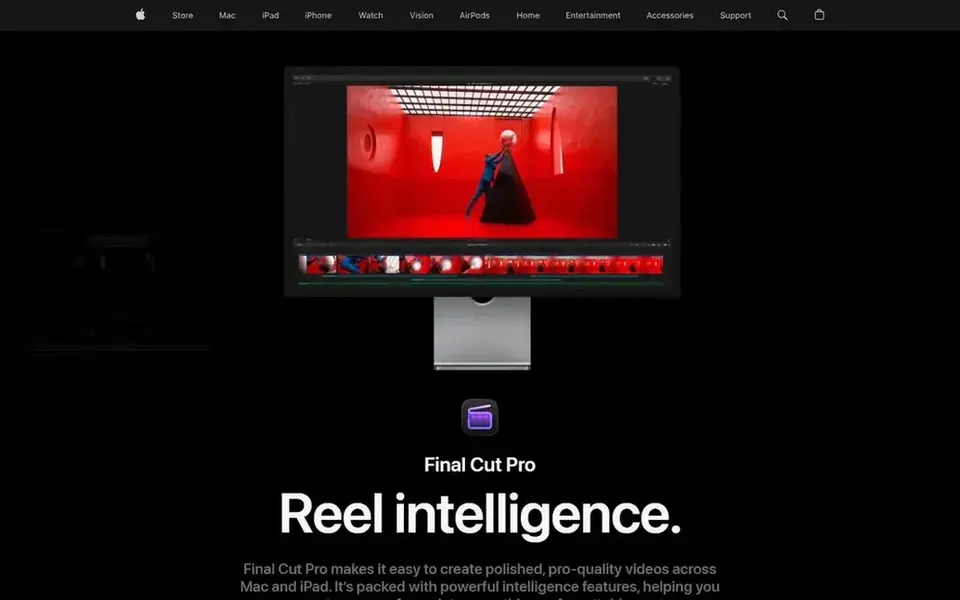
In short, Final Cut Pro is for quick editing on Mac and iPad. Choose Final Cut Pro when your team is Apple-based and values speed over cross-platform adaptability.
Watch-outs: Magnetic timeline takes adjusting.
Also, recruiters already working in an Apple environment get smooth performance and a workflow that moves between desktop and tablet. Its magnetic timeline is efficient once learned but feels unfamiliar to editors trained on track-based tools. Final Cut Pro does not show a starting price in this comparison, so check the vendor site for current pricing. Free access: Not stated.
Best for: Training and explainer style interview videos
Choose Camtasia for training and explainer style interview videos. Camtasia from Techsmith is a screen recorder and video editor targeted at professional tutorials, training videos and software demos.
Limits to weigh: Less suited to cinematic polish.
Recruiters can use it for onboarding explainers, recorded walkthroughs of hiring processes and interview clips that mix screen content with talking heads. Camtasia does not show a starting price in this comparison, so check the vendor site for current pricing. Free plan details: Not stated.
Best for: Full control over refined interview edits
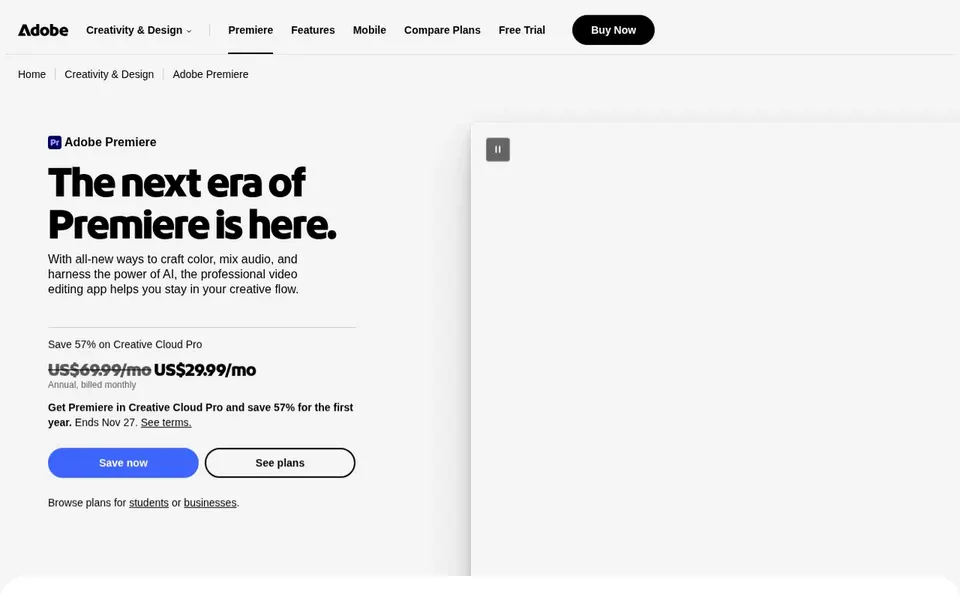
Adobe Premiere Pro is aimed squarely at full control over refined interview edits. The tradeoff is complexity: the interface assumes editing knowledge, and new users should expect a learning curve before interview cuts look refined.
Drawbacks to consider: Needs a capable computer.
For everyday use, choose Premiere Pro when production quality and adaptability matter more than speed of setup. Beyond that, recruiters who primarily have to trim talking-head clips and add captions may find lighter tools quicker. Adobe Premiere Pro does not show a starting price in this comparison, so check the vendor site for current pricing. Free access: Not stated.
Ask CapCut, Final Cut Pro, Camtasia and Adobe Premiere Pro for a written quote, since no starting price is shown.
Look at free plan limits closely: CapCut and Descript have one, and the caps decide whether it is usable for real work.
Read the limits listed for CapCut first: less suited to long-form interviews.
Test how quickly CapCut answers a pre-sales question; it hints at how support will feel later.
Check how data leaves Camtasia: formats, limits and whether exports are available on every plan.
How we picked
Ainotely used vendor pricing pages and product documentation as the base, then compared plans, free access and documented limits for 5 tools. Prices and plan limits come from vendor pages and can change, so confirm them on the vendor site before you buy. Position on the page reflects fit for a typical buyer first, with price clarity and free access breaking ties. Treat it as a guide, not a ruling. Keep it in mind while reading the 5 interview video editing software for recruiters profiles on this page.
Every price and plan detail on this page comes from the vendors’ own websites. We did not run hands-on tests unless the text says so, and we do not publish star ratings or review scores. See how we score and our disclosure.
Keep your shortlist in one place
Paste prices, trial dates and notes from this guide into Ainotely, our AI note app. It files them into a topic and pulls out tasks like “cancel trial by Friday”. Free 7-day trial, no card needed.
Often, yes. CapCut and Descript have a free plan. Use your own data and a real task during the test, and check what the free tier or trial limits before you rely on it. All 5 picks in this interview video editing software for recruiters comparison show their pricing, free plan details and main limits on the cards above.
What is the cheapest option for interview video editing software for recruiters in this list?
On published monthly entry prices, Descript is the lowest here at $16 per person per month. Entry price is only part of the cost, because seats, add-ons and billing terms can change the total. For the full picture, the cards above cover all 5 entries of this interview video editing software for recruiters list, including price, free plan and limits.
What should recruiters look for in interview editing software?
Prioritize steady audio handling, caption support and a workflow your team can learn rapidly. Consider product compatibility and how frequently you publish long compared with short videos.
Which options for interview video editing software for recruiters have a free plan?
CapCut and Descript offer a free plan in this list. Free plans usually cap users, projects or features, so check the limits on the vendor page. Pricing, free plan details and limits for all 5 tools in this interview video editing software for recruiters roundup sit on the individual cards above.
Do these tools publish their prices?
Not all of them. CapCut, Final Cut Pro, Camtasia and Adobe Premiere Pro publish no starting price, so expect a quote request for those. The rest, Descript included, show a starting price, though seats and billing terms still change the final cost.