LumApps is the first pick on this list for adaptable communication, productivity and learning hubs. Listed starting prices: Haiilo from $15 per seat a month. Look at Simpplr for AI-assisted employee support and information finding, and at Microsoft SharePoint for universities already standardized on Microsoft 365. The full list of 5 tools follows, with prices and free plan facts.
Choosing intranet portal for universities usually comes down to price, fit and limits. This Ainotely guide sets 5 tools side by side on those three points, with the facts kept short and checkable.
Key takeaways
This list starts with LumApps, which is built for adaptable communication, productivity and learning hubs.
Before buying Simpplr, weigh this: AI features may need tuning to campus content.
Neither LumApps nor Unily, nor any of the other 3 tools, has a permanent free plan; trials and quotes are the norm.
The cheapest monthly starting price in the list is $15 per seat per month, offered by Haiilo.
Best for: Adaptable communication, productivity and learning hubs
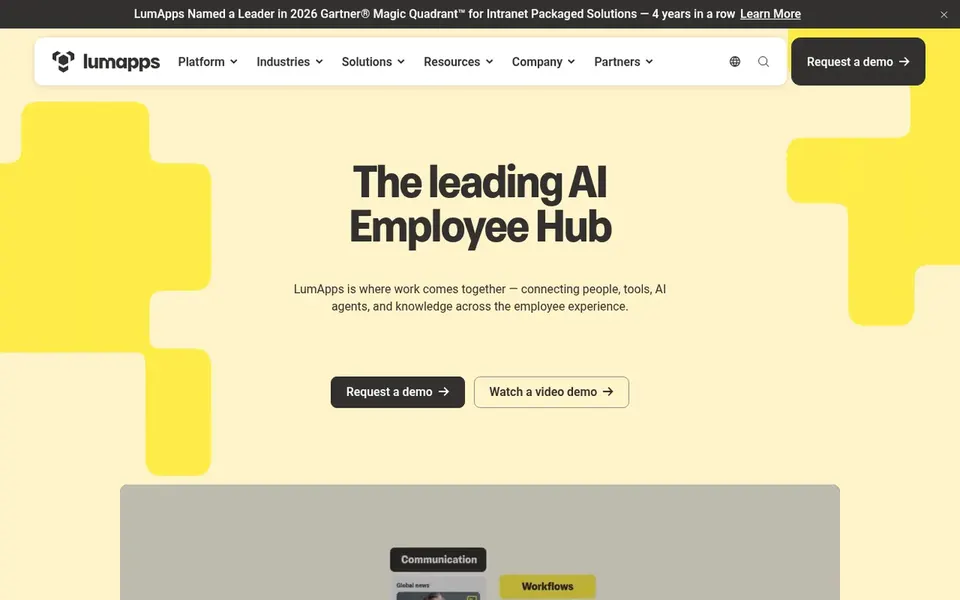
For adaptable communication, productivity and learning hubs, LumApps is a natural candidate. LumApps presents itself as an adaptable, scalable, future-ready intranet built around employee experience.
For everyday use, consider alternatives if your priority is tight bundling with an existing productivity suite instead of an adaptable overlay. Check the vendor site for LumApps pricing; none is listed in this comparison. Free access: Not stated.
The main drawbacks: Less tied to a single productivity suite.
Best for: AI-assisted employee support and information finding
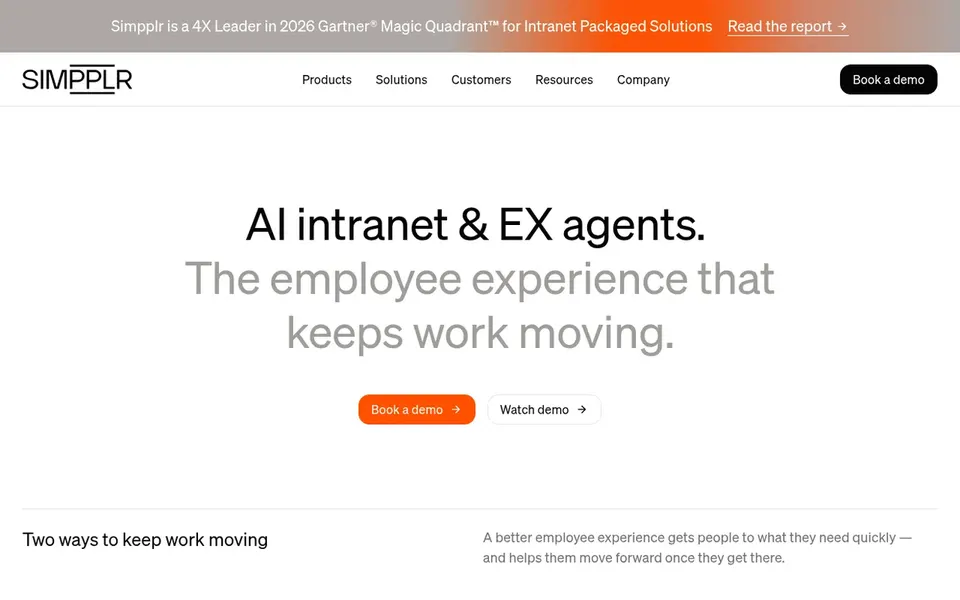
In short, Simpplr is for AI-assisted employee support and information finding. Simpplr describes an AI-powered intranet with specialized experience agents that help employees stay informed, find what they need and get support.
Downsides: Less emphasis on deep document governance.
More specifically, the agent-driven approach relies on well-organized content to be handy, so expect preparation work. As for the details, for universities, that could mean quicker answers for staff navigating policies, HR questions or internal services. Check the vendor site for Simpplr pricing; none is listed in this comparison. On free options: Free trial.
Best for: Universities already standardized on Microsoft 365
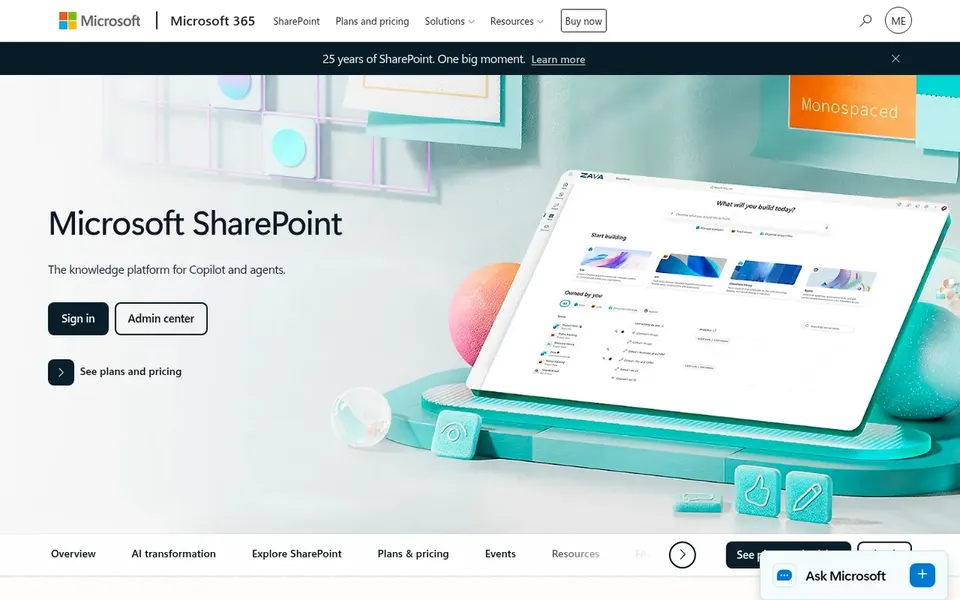
Microsoft SharePoint makes the most sense for universities already standardized on Microsoft 365. SharePoint is Microsoft's collaboration and content system, described as a way to create, share and govern trusted knowledge across Microsoft 365.
Downsides: Interface may feel complicated for casual users.
Beyond that, the trade-off is complexity: SharePoint rewards planning and governance, and casual users may find it less approachable than a purpose-built employee portal. Pick something else if you need a refined communications-first intranet with minimal configuration and your campus is not invested in Microsoft 365. Pricing for Microsoft SharePoint is not stated here, so ask the vendor for current figures. As for free access: Not stated.
Best for: Communication, knowledge and analytics in one flow
Haiilo was built for communication, knowledge and analytics in one flow. That mix suits universities that want measurable internal communications alongside a knowledge base and connections to daily systems.
Also, institutions wanting a minimal communications hub may find a leaner choice quicker to adopt. Starting cost for Haiilo: $15 per seat per month. Haiilo has no free plan.
Points against: Feature breadth may need prioritization.
Best for: Large enterprise-grade employee experience
Unily is built with large enterprise-grade employee experience in mind. Unily markets itself as an enterprise employee experience system delivering organizational velocity.
It is a reasonable candidate when the intranet is treated as a strategic experience layer instead of a straightforward set of pages. An enterprise system can be more than a small institution needs, and success relies on governance and content ownership. Unily does not show a starting price in this comparison, so check the vendor site for current pricing. There is no free plan with Unily.
Drawbacks to consider: Needs clear governance planning.
Confirm the entry price on the vendor page. For LumApps, Simpplr, Microsoft SharePoint and Unily that means a quote rather than a fixed price.
Run a trial of Simpplr with real work before paying for a year; your own workflow is the best test.
Read the limits listed for LumApps first: may need configuration to match campus structure.
Look at the renewal terms for Haiilo: auto-renewal, notice periods and price changes can matter more than the first-year price.
Ask whether Unily integrates with your current software, and whether that comes standard or as an add-on.
How we picked
We compared the tools on published pricing, free plan or trial availability, feature coverage for intranet portal for universities, and the limits each vendor documents. Seat minimums, billing terms and add-ons can move the real cost, so the starting prices here are a guide and not a quote. The ranking is editorial: typical fit first, then clear pricing, then free access. If your needs are unusual, read the profiles rather than relying on position.
Every price and plan detail on this page comes from the vendors’ own websites. We did not run hands-on tests unless the text says so, and we do not publish star ratings or review scores. See how we score and our disclosure.
Keep your shortlist in one place
Paste prices, trial dates and notes from this guide into Ainotely, our AI note app. It files them into a topic and pulls out tasks like “cancel trial by Friday”. Free 7-day trial, no card needed.
Is LumApps the right pick for everyone comparing intranet portal for universities?
No single tool suits every team. LumApps comes first because it fits flexible communication, productivity and learning hubs, while Simpplr suits AI-assisted employee support and information finding and Microsoft SharePoint suits universities already standardized on Microsoft 365. Match the tool to your own size, budget and workflow before deciding.
Can I try these tools before paying?
Often, yes. Simpplr offers a free trial. Use your own data and a real task during the test, and check what the free tier or trial limits before you rely on it. Pricing, free plan details and limits for all 5 tools in this intranet portal for Universities roundup sit on the individual cards above.
Should a university choose SharePoint or a dedicated intranet platform?
A dedicated product for example LumApps or Simpplr can make more sense when communications and employee experience are the priority and you want a purpose-built layer.
Do these tools publish their prices?
Not all of them. LumApps, Simpplr, Microsoft SharePoint and Unily publish no starting price, so expect a quote request for those. The rest, Haiilo included, show a starting price, though seats and billing terms still change the final cost.
How are the tools for intranet portal for universities ordered?
The order follows typical fit for intranet portal for universities, with LumApps first and Unily last, then price clarity and free access. It is editorial judgement, not a score, so another team could rank the tools differently.