Best Intuitive Accounting Automation Software in 2026: 8 Tools Compared

- 1
 QuickBooks OnlineSmall businesses that want widely used accounting automationVisit
- 2
 XeroSmall businesses that want clean online accountingVisit
- 3
 FreshBooksService businesses that want simple invoicing automationVisit
- 4
 WaveVery small businesses that want free accounting basicsVisit
- 5
 Zoho BooksBusinesses already on Zoho that want accounting automationVisit
- QuickBooks Online stands out for small businesses that want widely used accounting automation, which makes it a strong starting point for that need.
- Xero stands out for small businesses that want clean online accounting, which makes it a strong starting point for that need.
- FreshBooks stands out for service businesses that want simple invoicing automation, which makes it a strong starting point for that need.
- Wave stands out for very small businesses that want free accounting basics, which makes it a strong starting point for that need.
- Prices and free plans vary widely across this list, so check the vendor pricing page for your team size or usage before you commit.
Quick comparison
| Product | Ideal for | Price from | Free version | |
|---|---|---|---|---|
| QuickBooks Online | Small businesses that want widely used accounting automation | See website | No | Visit |
| Xero | Small businesses that want clean online accounting | See website | No | Visit |
| FreshBooks | Service businesses that want simple invoicing automation | See website | No | Visit |
| Wave | Very small businesses that want free accounting basics | See website | Yes | Visit |
| Zoho Books | Businesses already on Zoho that want accounting automation | See website | Yes | Visit |
 Sage Accounting | Small businesses that want Sage accounting automation | See website | No | Visit |
 Melio | Businesses that want simple bill payment automation | See website | No | Visit |
 Ramp | Businesses that want expense automation plus cards | See website | No | Visit |
The best intuitive accounting automation software
We compared official feature pages, pricing pages, app store listings, privacy policies, and public reviews for this roundup. The products below cover different budgets and needs, so the best choice depends on how you will actually use it day to day. Our pick for most people is QuickBooks Online, because it covers the core need well, but read the full list before you decide, since a smaller or cheaper option may fit your situation better.
QuickBooks Online
Ideal for: Small businesses that want widely used accounting automation
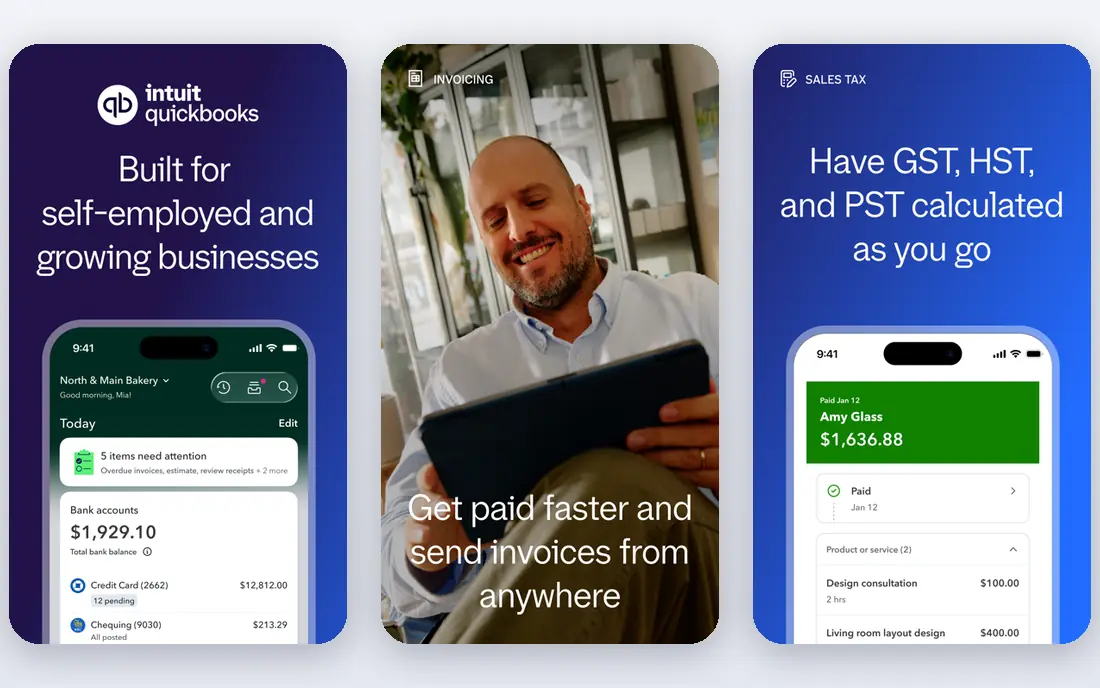
QuickBooks Online automates invoicing, expenses, and bank reconciliation for small businesses. It suits businesses that want a widely used tool accountants know well.
When we compared QuickBooks Online with the rest of this list, its strengths were clear: invoicing, expenses, and reconciliation; bank feeds; reports On the other side, buyers should weigh this catch: pricing rises with features; accountant familiarity varies That trade off matters most if you plan to use the product every day, so check the pricing page and the free plan terms, and trial it with real work before you commit. For many buyers, QuickBooks Online earns its place here because it handles the core job well, even though no product on this list is perfect for every need.
- Invoicing, expenses, and reconciliation
- Bank feeds
- Reports
- Pricing rises with features
- Accountant familiarity varies
Xero
Ideal for: Small businesses that want clean online accounting
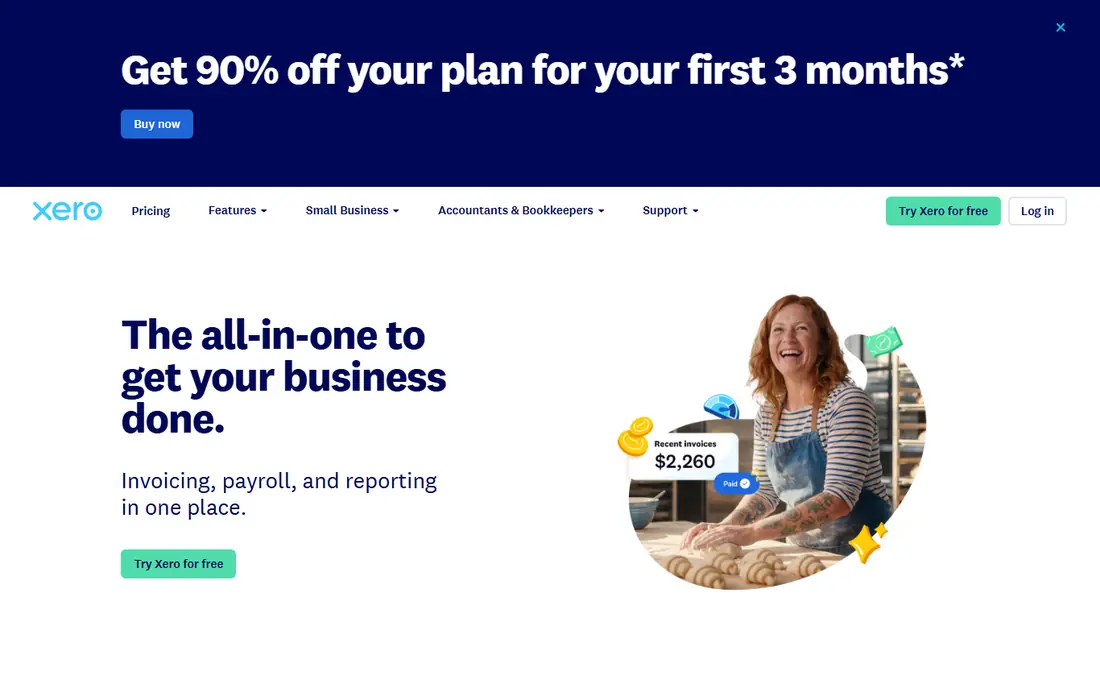
Xero offers clean online accounting with bank feeds, invoicing, and reporting. It fits small businesses that want an easy online system with good bank connections.
When we compared Xero with the rest of this list, its strengths were clear: clean online accounting; bank feeds; invoicing and payroll links On the other side, buyers should weigh this catch: payroll coverage varies by country; pricing per plan That trade off matters most if you plan to use the product every day, so check the pricing page and the free plan terms, and trial it with real work before you commit. For many buyers, Xero earns its place here because it handles the core job well, even though no product on this list is perfect for every need.
- Clean online accounting
- Bank feeds
- Invoicing and payroll links
- Payroll coverage varies by country
- Pricing per plan
FreshBooks
Ideal for: Service businesses that want simple invoicing automation
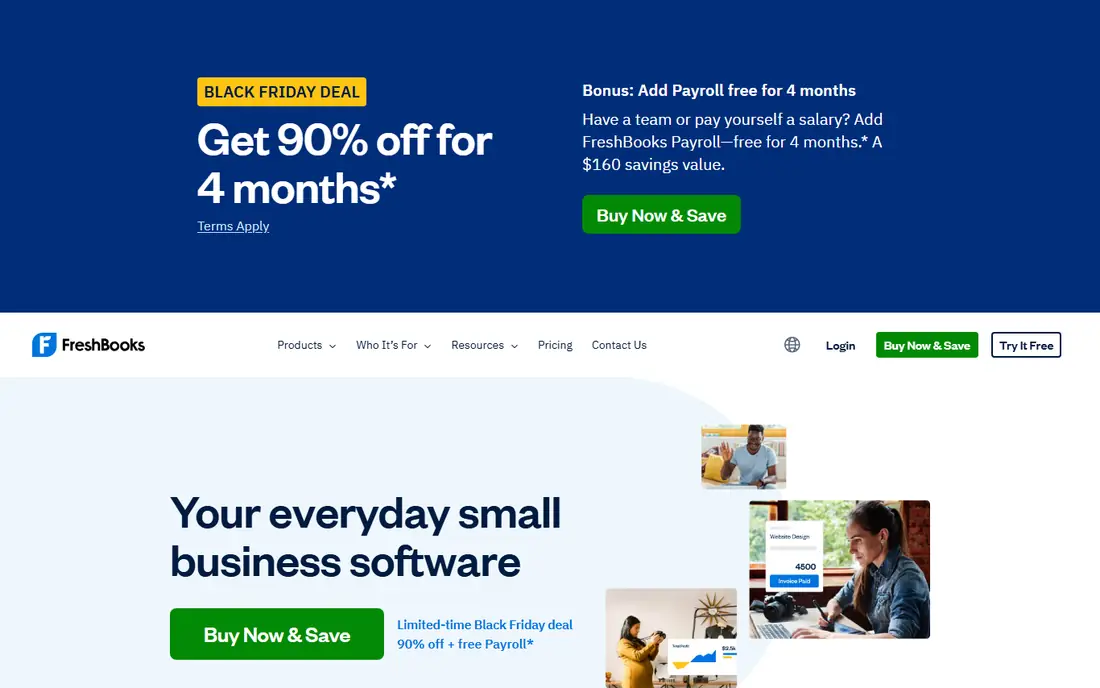
FreshBooks focuses on simple invoicing, expenses, and time tracking for service businesses. It suits freelancers and service firms that invoice clients regularly.
When we compared FreshBooks with the rest of this list, its strengths were clear: simple invoicing and expenses; time tracking; client tools On the other side, buyers should weigh this catch: accounting depth is lighter than quickbooks; larger firms may outgrow it That trade off matters most if you plan to use the product every day, so check the pricing page and the free plan terms, and trial it with real work before you commit. For many buyers, FreshBooks earns its place here because it handles the core job well, even though no product on this list is perfect for every need.
- Simple invoicing and expenses
- Time tracking
- Client tools
- Accounting depth is lighter than QuickBooks
- Larger firms may outgrow it
Wave
Ideal for: Very small businesses that want free accounting basics
Wave offers free accounting and invoicing basics for very small businesses. It fits sole traders and tiny firms that want low cost basics.
When we compared Wave with the rest of this list, its strengths were clear: free accounting and invoicing basics; receipt tools On the other side, buyers should weigh this catch: free tier limits apply; payroll and advanced features cost extra That trade off matters most if you plan to use the product every day, so check the pricing page and the free plan terms, and trial it with real work before you commit. For many buyers, Wave earns its place here because it handles the core job well, even though no product on this list is perfect for every need.
- Free accounting and invoicing basics
- Receipt tools
- Free tier limits apply
- Payroll and advanced features cost extra
Zoho Books
Ideal for: Businesses already on Zoho that want accounting automation
Zoho Books provides accounting automation inside the Zoho system, with invoicing and bank feeds. It suits businesses already on Zoho that want accounting in the same system.
When we compared Zoho Books with the rest of this list, its strengths were clear: accounting automation inside zoho; invoicing; bank feeds On the other side, buyers should weigh this catch: best inside zoho; standalone integrations vary That trade off matters most if you plan to use the product every day, so check the pricing page and the free plan terms, and trial it with real work before you commit. For many buyers, Zoho Books earns its place here because it handles the core job well, even though no product on this list is perfect for every need.
- Accounting automation inside Zoho
- Invoicing
- Bank feeds
- Best inside Zoho
- Standalone integrations vary
Sage Accounting
Ideal for: Small businesses that want Sage accounting automation
Sage Accounting offers accounting automation with invoicing, bank feeds, and reporting. It fits small businesses that prefer Sage and want a familiar accounting brand.
When we compared Sage Accounting with the rest of this list, its strengths were clear: accounting automation; invoicing; bank feeds; reporting On the other side, buyers should weigh this catch: interface varies by product; pricing per plan That trade off matters most if you plan to use the product every day, so check the pricing page and the free plan terms, and trial it with real work before you commit. For many buyers, Sage Accounting earns its place here because it handles the core job well, even though no product on this list is perfect for every need.
- Accounting automation
- Invoicing
- Bank feeds
- Reporting
- Interface varies by product
- Pricing per plan
Melio
Ideal for: Businesses that want simple bill payment automation
Melio automates bill payments for businesses, with vendor tools and QuickBooks links. It suits businesses that mainly want to simplify paying suppliers.
When we compared Melio with the rest of this list, its strengths were clear: simple bill payments; vendor tools; quickbooks links On the other side, buyers should weigh this catch: bill pay focus, not full accounting; fees vary by payment method That trade off matters most if you plan to use the product every day, so check the pricing page and the free plan terms, and trial it with real work before you commit. For many buyers, Melio earns its place here because it handles the core job well, even though no product on this list is perfect for every need.
- Simple bill payments
- Vendor tools
- QuickBooks links
- Bill pay focus, not full accounting
- Fees vary by payment method
Ramp
Ideal for: Businesses that want expense automation plus cards
Ramp combines corporate cards with expense automation and accounting links. It fits businesses that want to control spending and automate expenses.
When we compared Ramp with the rest of this list, its strengths were clear: expense automation with corporate cards; approvals; accounting links On the other side, buyers should weigh this catch: card and expense focus; full accounting needs another tool That trade off matters most if you plan to use the product every day, so check the pricing page and the free plan terms, and trial it with real work before you commit. For many buyers, Ramp earns its place here because it handles the core job well, even though no product on this list is perfect for every need.
- Expense automation with corporate cards
- Approvals
- Accounting links
- Card and expense focus
- Full accounting needs another tool
How we picked these
We started with products and services that exist and work in October 2026 and truly fit the topic, then we compared their official feature pages, pricing pages, app store listings, privacy policies, and public reviews. We looked for a mix of well known leaders and strong smaller options, and we favored products with clear pricing, clear privacy practices, and honest limits. We did not claim hands-on testing that did not happen, and where a price could not be verified from the vendor site, we wrote See website rather than guessing a number.
How to choose intuitive accounting software
Trial two tools with your real bank feeds, invoices, and expenses, and see which one needs less manual fixing. Check accountant access, tax reporting, and integrations with your bank and payroll tools. Compare total cost per month, including add ons, and pick the tool your team will actually keep up to date, since clean books depend on regular use. Before you pay, list your must have features, your budget, and the tools the new product must work with. A short trial with real tasks will tell you more than a feature list alone, and it will show whether support replies quickly when something goes wrong. Check contract length, renewal terms, and how easy it is to export your data or cancel, since those details matter long after the first month.
Frequently asked questions
What is accounting automation?
Accounting automation uses software to capture expenses, match bank transactions, send invoices, and reconcile accounts with less manual entry.
Is automated accounting accurate?
Automation improves accuracy when bank feeds and rules are set correctly, but human review is still needed for unusual transactions.
Can small businesses use accounting automation free?
Some tools offer free tiers for basics, while paid plans add automation, payroll, and reporting.
Do I still need an accountant with automation?
Yes, an accountant helps with tax, compliance, and review, even when software handles daily bookkeeping.
How do I choose intuitive accounting software?
Trial with your real invoices and bank feeds, since ease of use shows best with your own data, not demo data.