Best Inventory Tracking Software for Small Businesses in 2026: 8 Options Compared

- 1
 Sortlyvisual barcode tracking for small teamsVisit
- 2
 Zoho Inventorymulti-channel sellers in the Zoho ecosystemVisit
- 3
 inFlow Inventorysmall manufacturers and wholesalersVisit
- 4
 Cin7growing brands with multi-channel inventoryVisit
- 5
 Square Inventoryretailers already using Square point of saleVisit
- Sortly suits small teams that want visual, barcode-based tracking fast.
- Zoho Inventory suits businesses already using Zoho or selling on several channels.
- inFlow suits small manufacturers and wholesalers with purchase and sales orders.
- Check per-user and per-order limits, since those decide the real cost as you grow.
Quick comparison
| Product | Ideal for | Price from | Free version | |
|---|---|---|---|---|
| Sortly | visual barcode tracking for small teams | See website | Free trial | Visit |
| Zoho Inventory | multi-channel sellers in the Zoho ecosystem | See website | Yes | Visit |
| inFlow Inventory | small manufacturers and wholesalers | See website | Free trial | Visit |
| Cin7 | growing brands with multi-channel inventory | See website | No | Visit |
| Square Inventory | retailers already using Square point of sale | Free | Yes | Visit |
 Lightspeed Inventory | retailers needing POS plus inventory | See website | No | Visit |
 Odoo Inventory | businesses wanting inventory inside a full ERP | See website | Yes | Visit |
 Fishbowl Inventory | QuickBooks users needing deeper inventory | See website | No | Visit |
The best inventory tracking software for small businesses
Inventory tracking software shows what you have, where it sits, and when to reorder, replacing spreadsheets that go stale fast. Small businesses need barcode scanning, low-stock alerts, and sales channel links without enterprise complexity. We compared tools that fit small teams and their budgets.
Sortly
Ideal for: visual barcode tracking for small teams
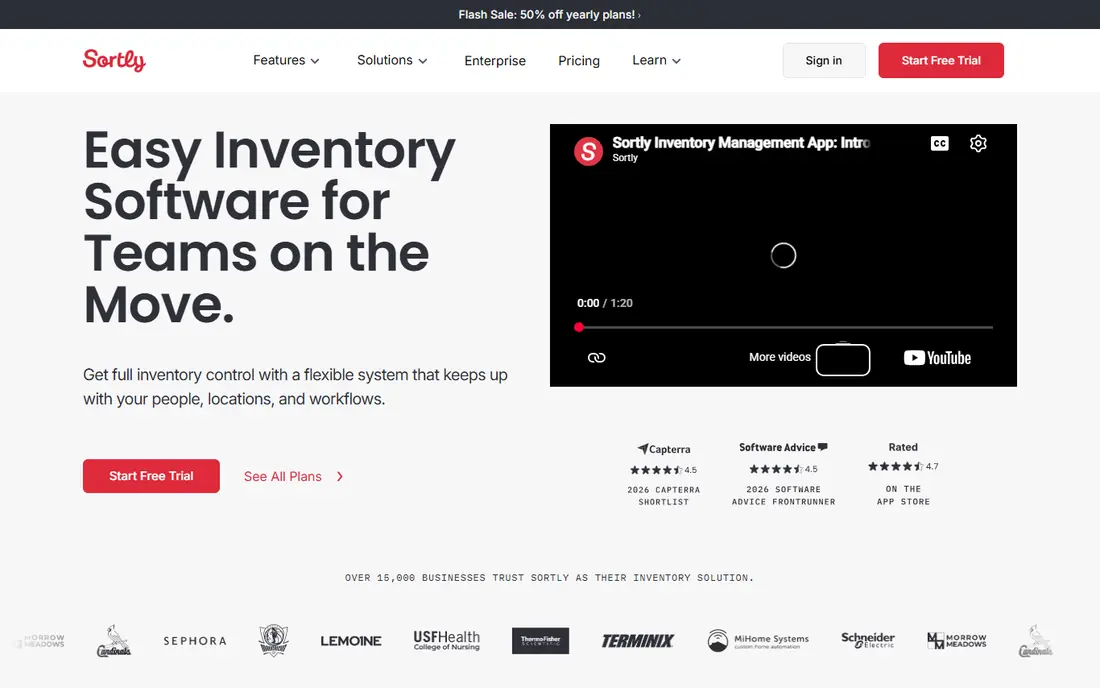
Sortly tracks inventory with photos, barcodes, and QR codes, so staff can find and count items visually on a phone. It suits small teams, contractors, and shops that need simple, fast tracking without warehouse complexity. Larger operations may need deeper purchasing and manufacturing features. That focus makes it a practical match for visual barcode tracking for small teams. On pricing, the starting point is see website, and the free plan status is free trial. Its strengths include visual item tracking; barcode and qr scanning; easy mobile app. The trade-off to weigh is advanced features need higher plans; free tier is limited. We suggest checking the current plan limits on the vendor site before you commit, since tiers and trial terms change, and confirming that the plan you pick covers the seats, storage, or usage your team actually needs.
- Visual item tracking
- Barcode and QR scanning
- Easy mobile app
- Advanced features need higher plans
- Free tier is limited
Zoho Inventory
Ideal for: multi-channel sellers in the Zoho ecosystem
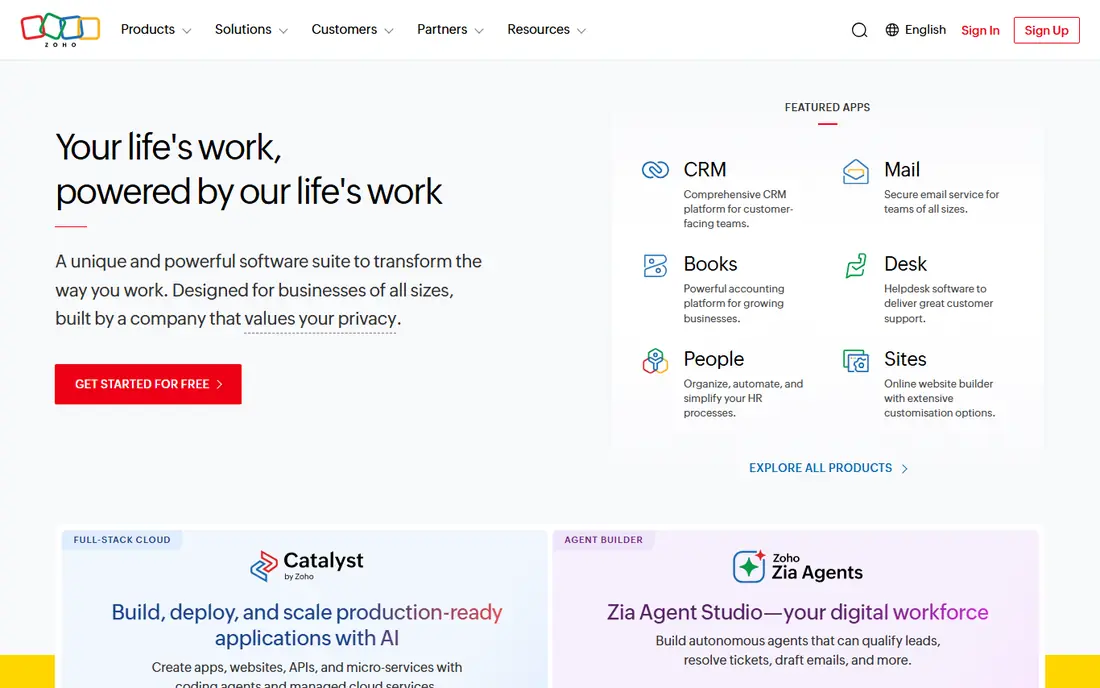
Zoho Inventory syncs orders across online channels, manages purchase orders and shipments, and connects to Zoho Books and other Zoho apps. It suits small businesses already using Zoho or selling on several marketplaces. The free plan covers only a limited number of orders per month. That focus makes it a practical match for multi-channel sellers in the Zoho ecosystem. On pricing, the starting point is see website, and the free plan status is yes. Its strengths include multi-channel order sync; zoho integrations; shipping and purchase orders. The trade-off to weigh is free plan limits orders; advanced features need paid plans. We suggest checking the current plan limits on the vendor site before you commit, since tiers and trial terms change, and confirming that the plan you pick covers the seats, storage, or usage your team actually needs.
- Multi-channel order sync
- Zoho integrations
- Shipping and purchase orders
- Free plan limits orders
- Advanced features need paid plans
inFlow Inventory
Ideal for: small manufacturers and wholesalers
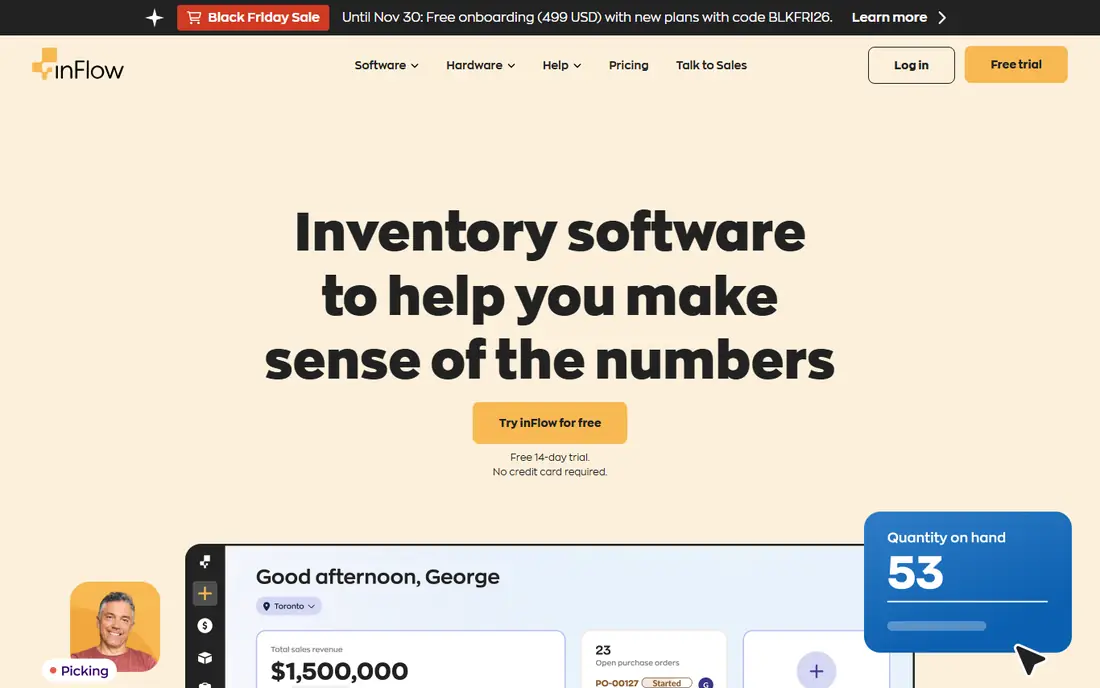
inFlow Inventory handles purchase orders, sales orders, work orders, and stock across locations for small manufacturers and wholesalers. Barcode scanning and reporting help teams keep counts accurate. Check whether the web or desktop version fits your workflow, since features differ. That focus makes it a practical match for small manufacturers and wholesalers. On pricing, the starting point is see website, and the free plan status is free trial. Its strengths include purchase and sales orders; manufacturing; barcode scanning. The trade-off to weigh is pricing per plan and user; web version differs from desktop. We suggest checking the current plan limits on the vendor site before you commit, since tiers and trial terms change, and confirming that the plan you pick covers the seats, storage, or usage your team actually needs.
- Purchase and sales orders
- Manufacturing
- Barcode scanning
- Pricing per plan and user
- Web version differs from desktop
Cin7
Ideal for: growing brands with multi-channel inventory
Cin7, including Cin7 Core for smaller brands, manages inventory across sales channels, warehouses, and third-party logistics providers. It suits growing product brands outgrowing simple tools. Pricing is quoted and setup takes more effort than a basic tracker. That focus makes it a practical match for growing brands with multi-channel inventory. On pricing, the starting point is see website, and the free plan status is no. Its strengths include multi-channel inventory; warehouse and 3pl tools; strong integrations. The trade-off to weigh is pricing by quote; more complex than small-team tools. We suggest checking the current plan limits on the vendor site before you commit, since tiers and trial terms change, and confirming that the plan you pick covers the seats, storage, or usage your team actually needs.
- Multi-channel inventory
- Warehouse and 3PL tools
- Strong integrations
- Pricing by quote
- More complex than small-team tools
Square Inventory
Ideal for: retailers already using Square point of sale
Square Inventory comes with Square point of sale, tracking stock as items sell in store or online. It suits small retailers already on Square who want simple counts, alerts, and reports without a separate system. Warehousing and manufacturing needs will push beyond it. That focus makes it a practical match for retailers already using Square point of sale. On pricing, the starting point is free, and the free plan status is yes. Its strengths include free with square pos; simple stock tracking; easy for shops. The trade-off to weigh is depth is limited for warehousing; advanced features need paid square plans. We suggest checking the current plan limits on the vendor site before you commit, since tiers and trial terms change, and confirming that the plan you pick covers the seats, storage, or usage your team actually needs.
- Free with Square POS
- Simple stock tracking
- Easy for shops
- Depth is limited for warehousing
- Advanced features need paid Square plans
Lightspeed Inventory
Ideal for: retailers needing POS plus inventory
Lightspeed pairs point of sale with inventory, purchase orders, and reporting for retailers, with support for multiple locations. It suits shops that want sales and stock in one system. Service and manufacturing businesses will find its retail focus limiting. That focus makes it a practical match for retailers needing POS plus inventory. On pricing, the starting point is see website, and the free plan status is no. Its strengths include pos plus inventory in one system; purchase orders; reporting. The trade-off to weigh is pricing by quote; retail focus limits other uses. We suggest checking the current plan limits on the vendor site before you commit, since tiers and trial terms change, and confirming that the plan you pick covers the seats, storage, or usage your team actually needs.
- POS plus inventory in one system
- Purchase orders
- Reporting
- Pricing by quote
- Retail focus limits other uses
Odoo Inventory
Ideal for: businesses wanting inventory inside a full ERP
Odoo Inventory sits inside the wider Odoo business suite, so stock connects to sales, purchasing, manufacturing, and accounting. It suits businesses that want one platform to grow into. Configuration takes effort, and the app-based pricing needs careful totaling. That focus makes it a practical match for businesses wanting inventory inside a full ERP. On pricing, the starting point is see website, and the free plan status is yes. Its strengths include inventory plus sales, purchase, and accounting apps; flexible; open source option. The trade-off to weigh is setup and configuration take effort; app pricing adds up. We suggest checking the current plan limits on the vendor site before you commit, since tiers and trial terms change, and confirming that the plan you pick covers the seats, storage, or usage your team actually needs.
- Inventory plus sales, purchase, and accounting apps
- Flexible
- Open source option
- Setup and configuration take effort
- App pricing adds up
Fishbowl Inventory
Ideal for: QuickBooks users needing deeper inventory
Fishbowl Inventory adds manufacturing, warehouse, and order management to QuickBooks, which suits small manufacturers and wholesalers already on QuickBooks. It handles bills of materials, work orders, and multi-location stock. Implementation is a project, not a quick signup. That focus makes it a practical match for QuickBooks users needing deeper inventory. On pricing, the starting point is see website, and the free plan status is no. Its strengths include strong quickbooks integration; manufacturing and warehouse features; barcode support. The trade-off to weigh is pricing by quote; setup is a project. We suggest checking the current plan limits on the vendor site before you commit, since tiers and trial terms change, and confirming that the plan you pick covers the seats, storage, or usage your team actually needs.
- Strong QuickBooks integration
- Manufacturing and warehouse features
- Barcode support
- Pricing by quote
- Setup is a project
How we picked these
We compared official feature pages, pricing pages, app store listings, privacy policies, and public reviews for each option, and we kept only products that exist, work in October 2026, and fit the topic directly. We did not claim hands-on testing we did not do, and we left out products whose fit was weak even when they are well known in a nearby category. Price and plan details change often, so where a vendor does not publish a clear price we write See website rather than guessing. The notes below reflect what each vendor publishes about its own product, not a promise about results for any single team.
How to choose inventory tracking software
Start with how inventory moves: purchases in, sales out, transfers between locations, and returns all need clean tracking. A tool that handles sales well but ignores purchase orders will leave gaps, and a tool built for warehouses may overwhelm a small shop. Map your top five inventory jobs before you compare features. Check barcode scanning, since phone-based scanning suits small teams while dedicated scanners suit warehouses. Confirm integrations with your sales channels and accounting tool, and ask how low-stock alerts, reorder points, and batch or serial tracking work. Test with your real product list, including variants such as size and color. Count accurately before you go live, and keep the count process simple enough that staff actually follow it. Review slow and dead stock monthly, set reorder points from real lead times, and reconcile inventory with accounting on a schedule, not only at year end.
Frequently asked questions
What is inventory tracking software?
It tracks stock levels, locations, purchases, sales, and reorder points in one system, using barcodes and alerts to keep counts accurate. It replaces spreadsheets with a shared, up-to-date record of what you own.
Do I need inventory software if I sell on one channel?
Even single-channel sellers benefit once stock counts, reorder timing, or multi-location storage get messy. Simple tools can pay for themselves by preventing stockouts and over-ordering.
Can I scan barcodes with my phone?
Yes, many small-business tools support phone camera scanning, while warehouse tools also support dedicated scanners. Check whether scanning sits on the plan you can afford.
How much does inventory software cost?
Pricing ranges from free tiers for small catalogs to monthly plans per user or per order, with enterprise tools quoted. Check limits on items, orders, and users before choosing.
What is the difference between tracking and full inventory management?
Tracking focuses on counts and locations, while full management adds purchasing, sales orders, manufacturing, and accounting links. Small teams often start with tracking and grow into management.