Best Investment Portfolio Management Software in 2026: 8 Tools Compared

- 1
 EmpowerNet worth and portfolio trackingVisit
- 2
 MorningstarInvestment research and portfoliosVisit
- 3
 SharesightPortfolio performance trackingVisit
- 4
 KuberaNet worth across all assetsVisit
- 5
 VyzerPortfolio tracking for investorsVisit
- Empower and Morningstar suit investors who want a broad view across accounts and holdings.
- Sharesight and Kubera excel at tracking performance and net worth across many accounts.
- Stock Rover and Simply Wall St focus more on stock research than on full portfolio tracking.
- Yahoo Finance remains a useful free starting point, though its depth is lighter than paid tools.
- No tool removes investment risk, so use these for tracking and research, not as a promise of returns.
Quick comparison
| Product | Ideal for | Price from | Free version | |
|---|---|---|---|---|
| Empower | Net worth and portfolio tracking | See website | Yes | Visit |
| Morningstar | Investment research and portfolios | See website | Free trial | Visit |
| Sharesight | Portfolio performance tracking | See website | Free trial | Visit |
| Kubera | Net worth across all assets | See website | Free trial | Visit |
| Vyzer | Portfolio tracking for investors | See website | Free trial | Visit |
 Stock Rover | Stock screening and portfolios | See website | Free trial | Visit |
 Simply Wall St | Visual stock analysis | See website | Free trial | Visit |
 Yahoo Finance | Free quotes and portfolios | Free | Yes | Visit |
The best investment portfolio management software
We compared official feature pages, pricing pages, app store listings, privacy policies, and public reviews to put this list together. The notes below give each option a fair hearing, including where it falls short.
Empower
Ideal for: Net worth and portfolio tracking
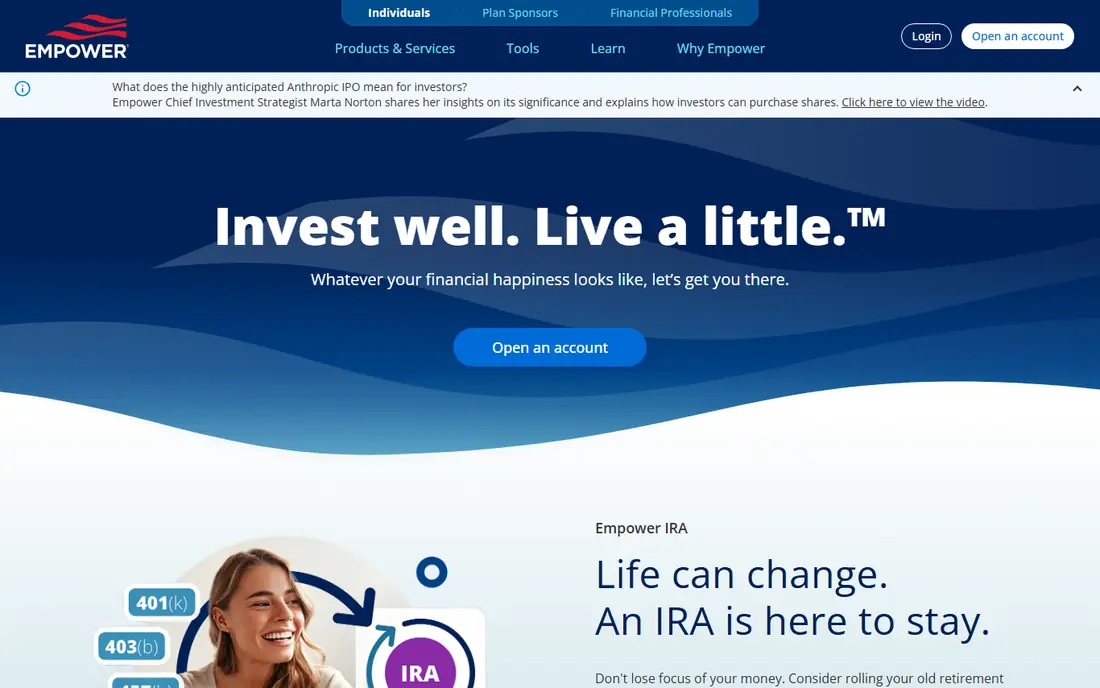
If Net worth and portfolio tracking is the job, start here: it aggregates accounts into a net worth and portfolio view with retirement planning tools. A free dashboard makes it easy to start tracking without paying first. It fits readers who want a practical option without a long setup, and it pairs well with the other choices on this list for comparison.
The honest catch is that the advisory service is separate and paid, and tracking depth varies by account type. Pricing is quoted rather than published as a single list price, so check the vendor site for the current figure for your setup. That balance of strengths and limits is what kept it on the list, even though it is not the right pick for every reader.
- Account aggregation
- Retirement planning
- Free dashboard
- Advisory service is separate and paid
- Tracking depth varies
Morningstar
Ideal for: Investment research and portfolios
This option suits Investment research and portfolios well, since it offers deep fund and stock research alongside portfolio tools. Ratings and analyst data help investors compare funds on more than past returns. It fits readers who want a practical option without a long setup, and it pairs well with the other choices on this list for comparison.
What holds it back a little is that paid tiers give full research, and the learning curve is real for new investors. Pricing is quoted rather than published as a single list price, so check the vendor site for the current figure for your setup. That balance of strengths and limits is what kept it on the list, even though it is not the right pick for every reader.
- Deep fund and stock research
- Portfolio tools
- Ratings data
- Paid tiers for full research
- Learning curve for new investors
Sharesight
Ideal for: Portfolio performance tracking

Buyers focused on Portfolio performance tracking will find a lot to like, as it tracks portfolio performance, dividends, and tax reports across brokers. Multi-currency support suits investors holding assets in several currencies. It fits readers who want a practical option without a long setup, and it pairs well with the other choices on this list for comparison.
The downside to weigh is that the free plan is limited, and broker coverage varies by region. Pricing is quoted rather than published as a single list price, so check the vendor site for the current figure for your setup. That balance of strengths and limits is what kept it on the list, even though it is not the right pick for every reader.
- Performance and dividend tracking
- Tax reports
- Multi-currency
- Free plan is limited
- Broker coverage varies
Kubera
Ideal for: Net worth across all assets
For teams or readers weighing Net worth across all assets, this is a strong candidate because it tracks a broad range of assets, including crypto and property, in one net worth view. A clean dashboard makes a complex portfolio easier to review at a glance. It fits readers who want a practical option without a long setup, and it pairs well with the other choices on this list for comparison.
Before you commit, note that it is paid only after trial, and bank sync varies by institution. Pricing is quoted rather than published as a single list price, so check the vendor site for the current figure for your setup. That balance of strengths and limits is what kept it on the list, even though it is not the right pick for every reader.
- Broad asset tracking
- Crypto and property
- Clean dashboard
- Paid only after trial
- Bank sync varies
Vyzer
Ideal for: Portfolio tracking for investors
When Portfolio tracking for investors matters most, this option stands out for it aggregates portfolios with performance views and document storage for investors. Document storage keeps statements alongside performance data. It fits readers who want a practical option without a long setup, and it pairs well with the other choices on this list for comparison.
One limitation worth knowing is that it is a smaller vendor, and the feature range is narrower than the leaders. Pricing is quoted rather than published as a single list price, so check the vendor site for the current figure for your setup. That balance of strengths and limits is what kept it on the list, even though it is not the right pick for every reader.
- Portfolio aggregation
- Performance views
- Document storage
- Smaller vendor
- Feature range is narrower
Stock Rover
Ideal for: Stock screening and portfolios
For Stock screening and portfolios, this one earns a close look because it offers deep stock screening plus portfolio analytics for research-driven investors. Screening tools help narrow thousands of stocks to a shortlist worth reading about. It fits readers who want a practical option without a long setup, and it pairs well with the other choices on this list for comparison.
The trade-off is that coverage leans US focused, and paid tiers give full features. Pricing is quoted rather than published as a single list price, so check the vendor site for the current figure for your setup. That balance of strengths and limits is what kept it on the list, even though it is not the right pick for every reader.
- Deep stock screening
- Portfolio analytics
- Research tools
- US-focused coverage
- Paid tiers for full features
Simply Wall St
Ideal for: Visual stock analysis
If Visual stock analysis is the job, start here: it presents company analysis in visual form that is easier to grasp than raw filings. Portfolio health checks flag concentration and risk in plain terms. It fits readers who want a practical option without a long setup, and it pairs well with the other choices on this list for comparison.
The honest catch is that analysis is simplified by design, so serious investors should read primary sources too. Pricing is quoted rather than published as a single list price, so check the vendor site for the current figure for your setup. That balance of strengths and limits is what kept it on the list, even though it is not the right pick for every reader.
- Visual company analysis
- Portfolio health checks
- Simple design
- Analysis is simplified
- Paid tiers for full access
Yahoo Finance
Ideal for: Free quotes and portfolios
This option suits Free quotes and portfolios well, since it offers free quotes, news, watchlists, and basic portfolio tracking. That free access makes it a good starting point before paying for a specialist tool. It fits readers who want a practical option without a long setup, and it pairs well with the other choices on this list for comparison.
What holds it back a little is that depth is lighter than paid tools, and ads are visible. There is no charge for the core product, though paid upgrades exist in most cases. That balance of strengths and limits is what kept it on the list, even though it is not the right pick for every reader.
- Free quotes and news
- Watchlists
- Basic portfolios
- Depth is lighter than paid tools
- Ads are visible
How we picked these
We started from the topic itself and kept only products that exist, work in October 2026, and truly fit what a reader searching this topic would want. We compared official feature pages, pricing pages, app store listings, privacy policies, and public reviews, and we left out products whose pricing or core features we could not verify. Where a price was not published clearly, we wrote See website rather than guessing a figure.
We also gave weight to fit over fame. A well-known name stayed on the list only if it matched the topic, and a smaller option earned a place when it solved the same problem well. We did not claim hands-on testing that did not happen, and we noted honest weaknesses alongside the strengths for every option.
How to choose portfolio software for your investing style
Start with what you hold. A tracker that syncs your brokers and banks saves hours of manual entry, while a research tool matters more if you pick individual stocks. Check sync coverage for your exact accounts before paying.
Next, decide what you need to measure. Performance, dividends, tax lots, and asset allocation are different jobs, and not every tool covers all four well. List your must-have measures, then test them on a trial with real holdings.
Finally, keep costs and security in view. Compare subscription cost against the value of clearer tracking, and check how account connections are secured. A tool that cannot connect safely to your accounts is not worth the convenience.
Frequently asked questions
What is investment portfolio management software?
It is software that tracks holdings across accounts, measures performance, and helps with research and planning. Some tools focus on tracking, while others focus on stock and fund research.
Can it track crypto and property too?
Some tools, such as Kubera, track crypto and property alongside stocks. Check asset coverage before buying if you hold assets beyond stocks and funds.
Do I need to pay for portfolio software?
Not always, since free tools cover basic tracking and quotes. Paid tools add deeper performance, tax, and research features that matter more as portfolios grow.
Is my financial data safe with these tools?
Reputable tools use encrypted connections and read-only access where possible, but no system is risk-free. Check security details and use strong, unique passwords plus two-factor authentication.
Will portfolio software improve my returns?
No tool guarantees returns. Good tracking and research support better decisions, but markets remain uncertain and losses are always possible.