Best Invoice Automation Software in 2026: 8 Options Compared

- Tipalti and Bill.com lead for companies that process many supplier invoices.
- Stampli and Melio suit smaller teams that want approvals without enterprise complexity.
- Xero and QuickBooks add invoice automation inside full accounting.
- Check OCR accuracy, approval routing, and ERP integration before committing.
Quick comparison
| Product | Ideal for | Price from | Free version | |
|---|---|---|---|---|
 Tipalti | High volume and global supplier payments | See website | No | Visit |
 Bill.com | US businesses wanting approvals plus payments | See website | Free trial | Visit |
 Stampli | Mid sized teams wanting simple approvals | See website | No | Visit |
 Melio | Small businesses paying suppliers simply | See website | Free | Visit |
 Xero | Accounting with invoice automation built in | See website | Free trial | Visit |
 QuickBooks Online | Accounting plus invoice automation for small firms | See website | Free trial | Visit |
 AvidXchange | Mid market AP automation | See website | No | Visit |
 Yooz | Document driven AP automation | See website | No | Visit |
The best best invoice automation software
Invoice automation software captures, approves, and pays supplier invoices with less manual entry. The tools below range from full accounts payable platforms to accounting suites with automation built in.
Tipalti
Ideal for: High volume and global supplier payments
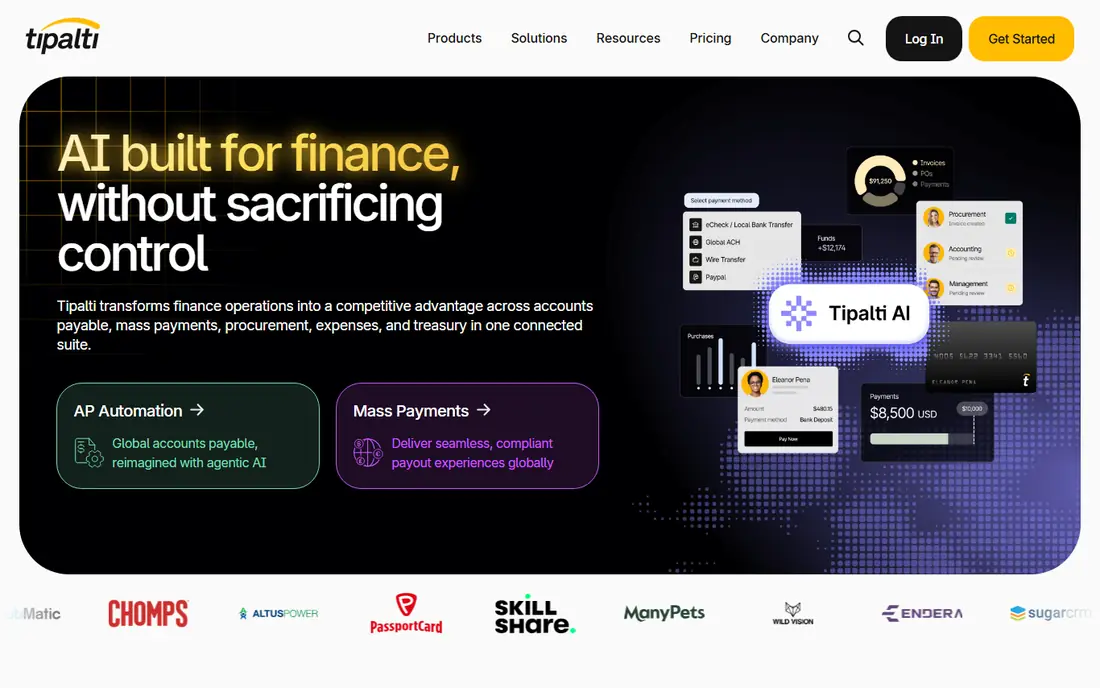
Tipalti handles high volume accounts payable with global payments, tax forms, and approval workflows in one platform. It suits companies paying many suppliers across countries. Compliance features reduce manual tax work.
Pricing is enterprise oriented and implementation needs planning. Smaller teams may find it heavy. For scale and global reach, Tipalti leads.
- Global payments
- Tax compliance tools
- Strong approvals
- Enterprise pricing
- Setup takes planning
Bill.com
Ideal for: US businesses wanting approvals plus payments
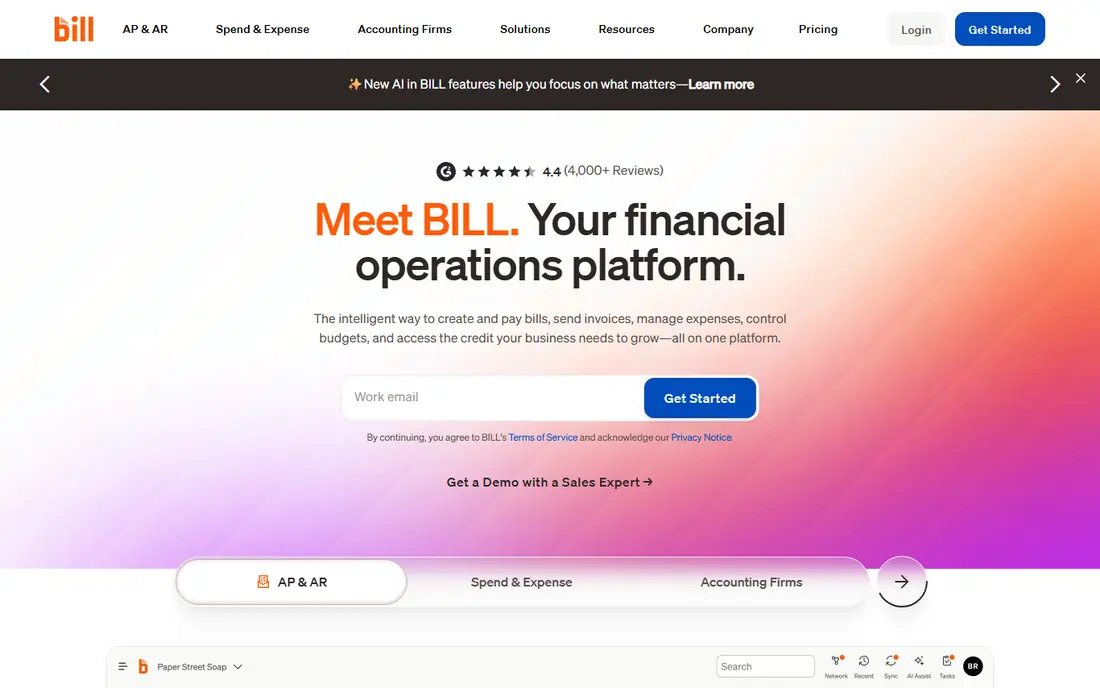
Bill.com, now part of BILL, combines invoice capture, approvals, and payments with integrations to major accounting systems. It suits US businesses that want a clear approval chain and scheduled payments without enterprise complexity. The audit trail helps at tax time.
Pricing scales with users and features, and international payment depth is thinner than Tipalti. For US businesses, Bill.com is a strong pick.
- Approvals and payments in one place
- Accounting integrations
- Audit trail
- Pricing scales with users
- International depth is thinner
Stampli
Ideal for: Mid sized teams wanting simple approvals
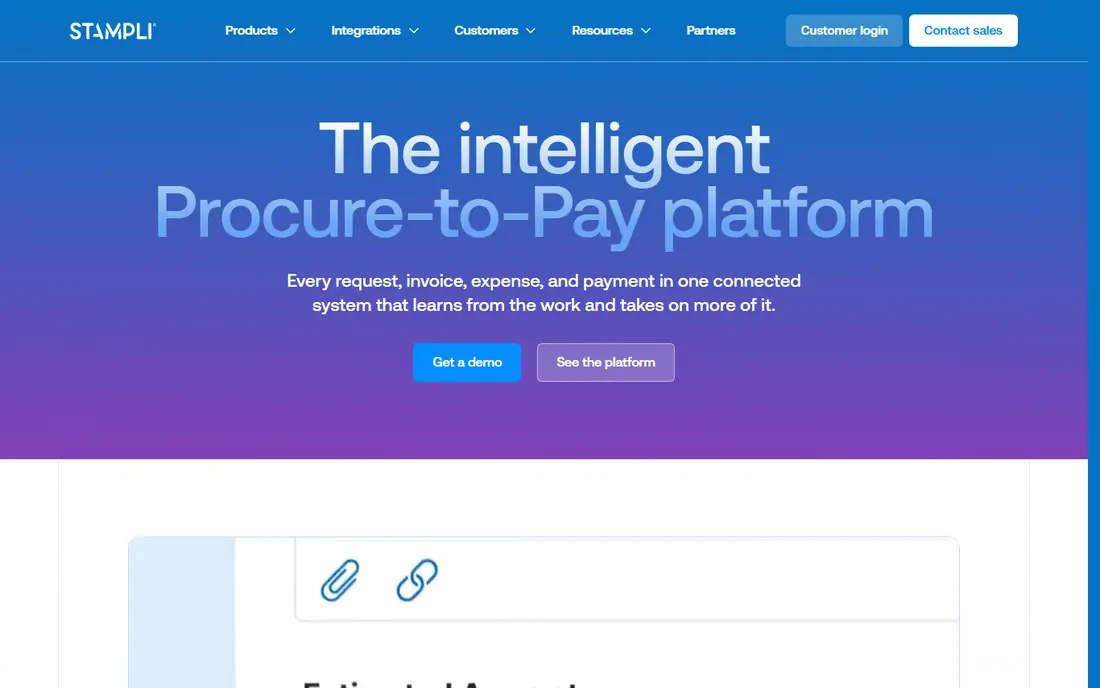
Stampli focuses on making approvals easy, with an interface that shows the invoice and approval thread together. AI capture reduces manual entry, and ERP integrations cover common systems. Mid sized teams get moving without heavy consulting.
Pricing is custom and payment features vary by plan. For approval focused teams, Stampli is a good fit.
- Simple approval interface
- AI capture
- ERP integrations
- Pricing is custom
- Payment features vary
Melio
Ideal for: Small businesses paying suppliers simply
Melio lets small businesses pay suppliers by bank transfer or card, with scheduling and QuickBooks sync. The core payment service is free, which suits small firms watching costs. Setup is quick and the interface stays simple.
Approval workflows are simpler than enterprise tools, and the focus is US businesses. For small business payments, Melio is an easy start.
- Free core payments
- Simple scheduling
- QuickBooks integration
- Advanced approval workflows are limited
- US focus
Xero
Ideal for: Accounting with invoice automation built in
Xero adds invoice capture and bill management inside full accounting software. Small businesses that already use Xero for books get automation without a second platform. Integrations cover banks and many apps.
Specialist AP tools offer deeper approval and matching features. For businesses that want one accounting home, Xero is a practical choice.
- Full accounting plus invoice capture
- Many integrations
- Bill pay features
- Automation depth is less than AP specialists
- Pricing scales
QuickBooks Online
Ideal for: Accounting plus invoice automation for small firms
QuickBooks Online pairs accounting with invoice capture, approvals in higher tiers, and payment links for customers and suppliers. Its wide adoption means accountants know it well. Small firms get books and automation together.
Advanced automation sits in higher tiers, and costs add up with add ons. For small firms already on QuickBooks, it is a natural fit.
- Widely used accounting
- Invoice capture
- Payment links
- Advanced AP features need higher tiers
- Pricing adds up
AvidXchange
Ideal for: Mid market AP automation
AvidXchange serves mid market companies with AP automation covering capture, approval, and payment. Its ERP integration list is broad, and its payment network covers many suppliers. It suits firms outgrowing manual processes.
Pricing is custom and implementation takes planning. For mid market AP, AvidXchange is a credible option.
- AP focus
- Many ERP integrations
- Payment network
- Pricing is custom
- Implementation takes time
Yooz
Ideal for: Document driven AP automation
Yooz focuses on document capture and workflow automation for accounts payable, with ERP links and approval routing. It suits teams that receive varied invoice formats and need reliable extraction. Workflow tools adapt to different approval chains.
Its US presence is smaller than rivals, and pricing is custom. For document heavy AP teams, Yooz is worth a demo.
- Strong document capture
- Workflow automation
- ERP links
- Smaller US presence
- Pricing is custom
How we picked these
We compared official feature pages, pricing, and integration lists for each tool, checking capture methods, approval workflows, payment options, and ERP links. We favored tools that show how they handle exceptions and duplicates. We did not claim hands-on testing; our comparison rests on published features and public reviews.
We also checked whether each option is still offered and supported, and we left out products with unclear pricing, broken pages, or a poor fit for the topic. Where a price or free tier could not be confirmed from the vendor site, we wrote See website rather than guessing. Readers should still check the vendor page before buying, since prices and plans change.
How to choose invoice automation software
Start with invoice volume and format. A team processing dozens of emailed PDFs needs strong capture and matching. A team handling paper invoices needs scanning. Ask vendors how they handle duplicates, partial matches, and invoices that do not match a purchase order, since exceptions consume most staff time.
Check approval routing carefully. Approvals should follow your org chart and spending limits without manual forwarding. Test what happens when an approver is away, and whether the tool supports multi level approval for large amounts. Poor routing creates the delays automation should remove.
Confirm ERP and accounting integration. The tool should post approved invoices to your accounting system without retyping. Native integrations beat generic file exports for reliability. Ask for the integration list and whether setup help is included.
Pilot with real invoices before a full rollout. A trial with your actual supplier formats reveals capture accuracy and exception rates better than a demo with clean samples. Measure time saved per invoice and error rates during the pilot.
Before you pay, confirm the total cost for the first year, including any add ons, renewal prices, and fees that only appear at checkout. A low starting price can hide a higher renewal rate, and a free tier can limit the feature you need most. Write down the features you will use weekly, and pay only for those.
After you choose, give the option a fair trial with your real workload, not just a quick tour. Set a reminder to review it after two to four weeks, and note what worked, what annoyed you, and what you never used. That review tells you whether to keep, upgrade, or switch before a renewal locks you in.
If the option disappoints, switch sooner rather than later. Export your data first, check whether you can keep your account history or settings, and confirm any cancellation terms. A good provider makes leaving straightforward, and a difficult exit is itself useful information about the service.
Talk to people who already use the option before you commit, especially for a business purchase. A short conversation with a current user reveals support quality, setup effort, and daily friction that marketing pages omit. Ask what surprised them after the first month, since early impressions often differ from longer use.
Keep a simple record of why you chose the option, including the price you were quoted and the features that mattered. That note makes renewal talks easier and helps a colleague or future you understand the decision. If the price rises or a key feature changes, the note shows whether the original reasons still hold.
Finally, plan the first week of use before you pay. List the setup steps, the data you need to move, and the people who need access. A clear first week plan turns a promising choice into a working routine, and it exposes missing features while you can still change your mind.
Save the vendor support page and the cancellation instructions in the same place as your receipt. When something goes wrong, you will want support details at hand rather than searching for them under pressure. A tidy record saves time and keeps a small problem from becoming a long one.
Keep notes on the first month of use, including any issues and how support handled them. Those notes give you clear evidence if you need a refund, an upgrade, or a switch, and they help you advise a friend or colleague who asks about the same choice later.
Frequently asked questions
What is the best invoice automation software?
Tipalti is our pick for companies with high volume and global payments, while Bill.com suits US businesses that want approvals plus payments. Stampli is a good mid sized choice. Your invoice volume and ERP decide the winner.
How does invoice automation work?
The software captures invoice data from email, scan, or upload, matches it to purchase orders or contracts, routes it for approval, and schedules payment. Staff handle exceptions rather than typing every line. Good tools learn from corrections over time.
Can invoice automation handle paper invoices?
Yes, most tools accept scanned paper invoices and extract data with OCR. Accuracy depends on scan quality and invoice layout. Ask vendors about their accuracy claims for your supplier formats and test with real samples.
How much does invoice automation cost?
Pricing varies from per user subscriptions for small teams to platform fees plus per invoice charges for high volume users. Many vendors quote custom pricing. Compare total cost at your volume, including payment and implementation fees.
Does invoice automation replace my accounting software?
Usually no. Most tools integrate with accounting or ERP systems such as QuickBooks, Xero, NetSuite, or Sage. The automation handles capture, approval, and payment, while the accounting system remains the book of record.
How often should I review my choice?
Review it at least once a year, and sooner if your needs, budget, or team size change. Prices, features, and policies shift over time, and a better fit may appear. A short yearly check, comparing your current option with two alternatives, keeps you from paying for features you no longer use.