Best Invoicing Software for Consultants in 2026: 8 Tools Compared

- 1
 FreshBooksConsultants and time billingVisit
- 2
 HoneyBookClient management plus invoicingVisit
- 3
 Zoho InvoiceFree invoicing for solo workVisit
- 4
 WaveFree invoicing and accountingVisit
- 5
 QuickBooks OnlineInvoicing plus accountingVisit
- FreshBooks and HoneyBook suit consultants who want invoicing plus time and client management.
- Zoho Invoice and Wave fit solo consultants who want low cost or free invoicing.
- QuickBooks and Xero suit consultants who also need full accounting.
- Invoice Ninja and Bonsai fit consultants who want client portals and proposals.
- Check payment fees, late fees, and retainer support before choosing.
Quick comparison
| Product | Ideal for | Price from | Free version | |
|---|---|---|---|---|
| FreshBooks | Consultants and time billing | See website | Free trial | Visit |
| HoneyBook | Client management plus invoicing | See website | Free trial | Visit |
| Zoho Invoice | Free invoicing for solo work | See website | Yes | Visit |
| Wave | Free invoicing and accounting | See website | Yes | Visit |
| QuickBooks Online | Invoicing plus accounting | See website | Free trial | Visit |
 Xero | Accounting with invoicing | See website | Free trial | Visit |
 Invoice Ninja | Client portals and quotes | See website | Yes | Visit |
 Bonsai | Proposals, contracts, invoicing | See website | Free trial | Visit |
The best invoicing software for consultants
We compared official feature pages, pricing pages, and public reviews for eight invoicing tools used by consultants. Consultants need more than a bill: time tracking, expenses, retainers, and client portals matter when work is hourly, project-based, or ongoing.
FreshBooks
Ideal for: Consultants and time billing
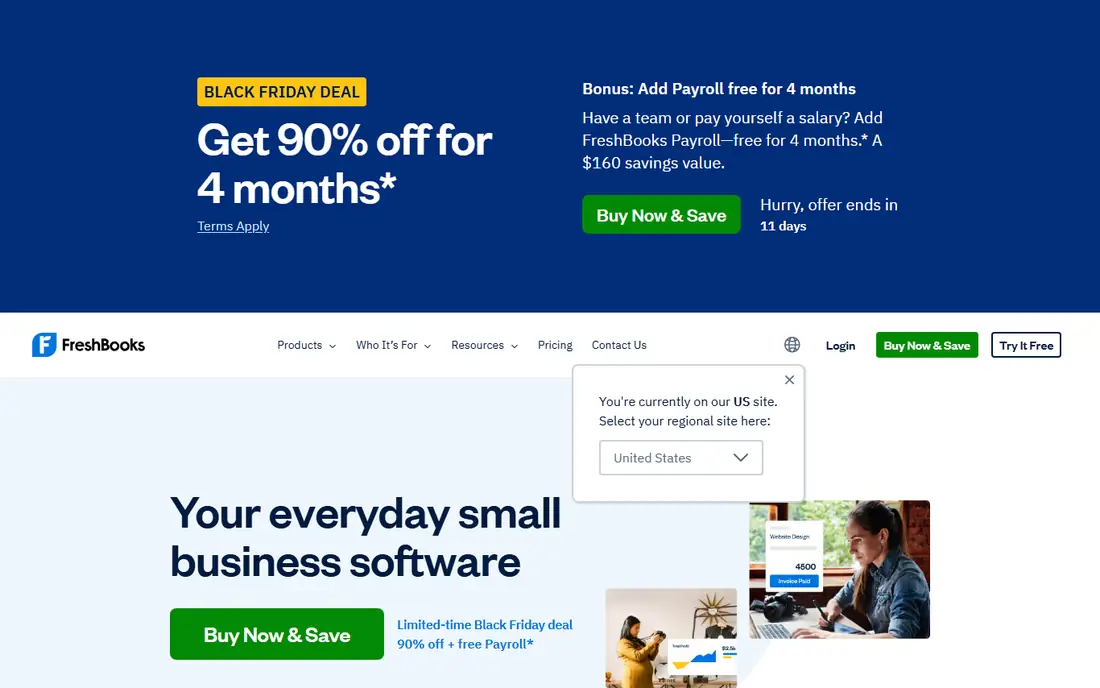
FreshBooks suits consultants who bill by the hour, since time entries flow directly into invoices. Expenses can be added to bills, and clients get clean invoices with online payment options. The interface is friendly for solo consultants who do not want accounting jargon.
Full double-entry accounting is lighter than QuickBooks or Xero, so firms with complex books may need another tool. Pricing rises as client counts grow. For a consultant whose main need is time, expenses, and professional invoices, FreshBooks is a strong fit.
- Time tracking linked to invoices
- Expense tracking
- Client-friendly invoices
- Full accounting is lighter than QuickBooks
- Pricing rises with clients
HoneyBook
Ideal for: Client management plus invoicing
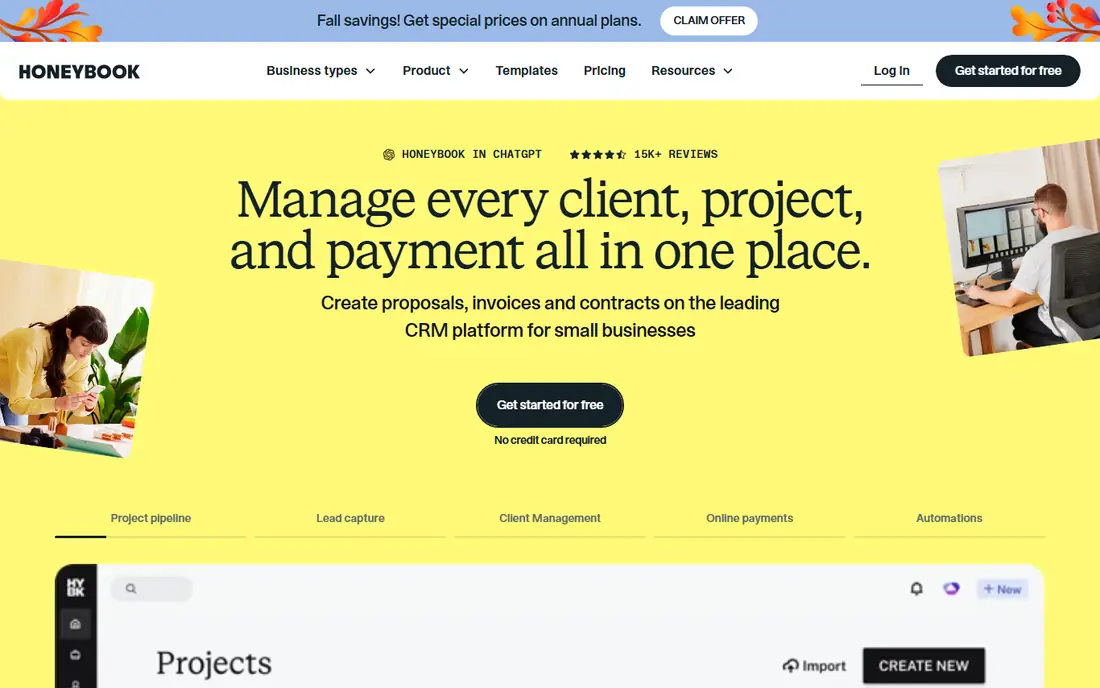
HoneyBook combines proposals, contracts, invoices, and payments in one client flow. Consultants can send a proposal, get it signed, and invoice from the same project, which reduces admin between stages. Automations remind clients about payments and next steps.
Accounting depth is limited, so consultants with complex books will pair HoneyBook with accounting software. For independent consultants who manage client relationships end to end, HoneyBook keeps the whole engagement in one place.
- Proposals, contracts, and invoices together
- Client portal
- Automations
- Pricing is per user
- Accounting features are limited
Zoho Invoice
Ideal for: Free invoicing for solo work
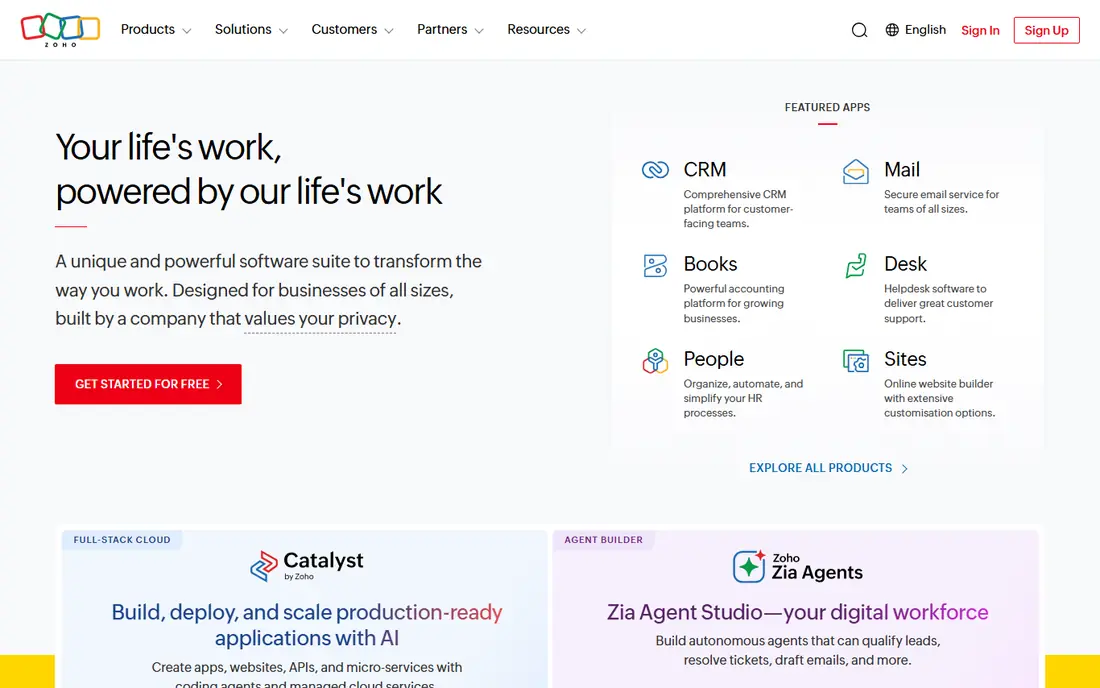
Zoho Invoice offers free invoicing for many solo consultants, with time tracking, expenses, and a client portal. Invoices look professional, and online payments are supported. For a new consultant watching costs, the free plan covers core billing well.
Support is lighter on the free tier, and full accounting requires Zoho Books. For a solo practice that mainly needs invoices and time tracking, Zoho Invoice is excellent value. Check current free plan limits for users and invoices.
- Free for many solo users
- Time and expense tracking
- Client portal
- Support is lighter on free plan
- Advanced accounting needs Zoho Books
Wave
Ideal for: Free invoicing and accounting
Wave gives small businesses free invoicing and accounting, with paid payment processing. Consultants can track income and expenses, send invoices, and accept card payments. The interface is simple, which helps consultants who handle their own books.
Payroll availability varies by location, and support is mainly online. For a solo consultant in the United States or Canada who wants free core tools, Wave is a practical choice. Check payment processing fees before relying on card payments.
- Free invoicing and accounting
- Simple interface
- Payment processing
- Payroll is limited by location
- Support is mainly online
QuickBooks Online
Ideal for: Invoicing plus accounting
QuickBooks Online pairs invoicing with full accounting, which suits consultants who also track expenses, taxes, and reports. Accountants widely support QuickBooks, making year-end work easier. Integrations cover banks, payment tools, and time apps.
Pricing rises across tiers, and the interface can feel busy for users who only need invoices. For a growing consultancy that needs real accounting alongside billing, QuickBooks is the standard choice. Compare tiers for time tracking and project features.
- Full accounting with invoicing
- Wide accountant support
- Many integrations
- Pricing rises with features
- Interface can feel busy
Xero
Ideal for: Accounting with invoicing
Xero offers clean invoicing inside a full accounting system, with bank feeds and reporting that consultants value at tax time. The interface is clear, and integrations cover payments, expenses, and time tools. Multi-currency support helps consultants with international clients.
Time tracking is not built in to the same depth as FreshBooks, so hourly consultants may add an integration. Payroll varies by region. For a consultant who wants strong accounting with good invoices, Xero is a reliable alternative to QuickBooks.
- Clean accounting and invoicing
- Bank feeds
- Strong integrations
- Payroll is an add-on in some regions
- Time tracking needs integrations
Invoice Ninja
Ideal for: Client portals and quotes
Invoice Ninja offers invoicing, quotes, expenses, and client portals, with a free hosted plan and a self-hosted option. Consultants can accept many payment gateways and give clients a portal for invoices and payments. The self-hosted path appeals to users who want full control over data.
Self-hosting needs technical setup, and the interface is functional rather than polished. For a consultant who wants flexibility and low cost, Invoice Ninja is a strong option. Check free plan limits for clients and invoices.
- Free self-hosted option
- Quotes and client portal
- Many payment gateways
- Setup takes effort for self-hosting
- Interface is functional
Bonsai
Ideal for: Proposals, contracts, invoicing
Bonsai bundles proposals, contracts, time tracking, and invoicing for freelancers and consultants. Clients sign contracts, approve work, and pay through one flow, which suits solo consultants who manage many small engagements. Tax features help independent workers track income and expenses.
Accounting depth is lighter than QuickBooks or Xero. For a solo consultant who wants one tool for the whole client engagement, Bonsai is a clean fit. Compare plans for time tracking and contract templates.
- Proposals, contracts, time, and invoicing together
- Client portal
- Tax help
- Pricing is per user
- Accounting is lighter than QuickBooks
How we picked these
We compared official feature pages, pricing pages, and public reviews for invoicing tools in October 2026. We favored tools with time tracking, expenses, retainers or recurring invoices, client portals, and online payments, and we mixed free, mid-priced, and full accounting options. We did not claim hands-on testing, and we list prices as shown on vendor sites, using See website where pricing varies.
What to check before you buy
Start with how you bill. Hourly consultants need time tracking linked to invoices, project consultants need milestones, and retainer consultants need recurring invoices. Then check payment options and fees, since card fees and payout timing affect cash flow. Confirm late fee and reminder settings, which help with slow-paying clients.
Next, test the client experience. Send a sample invoice to yourself and check the portal, payment flow, and mobile view. Confirm expense handling, tax settings, and reports for year-end work. Finally, check whether you need full accounting or just invoicing, since buying a full suite for invoices alone wastes money.
A final check before you commit
Shortlists often look similar on paper, so the deciding factor is usually fit with daily work rather than a long feature list. Ask the vendor to walk through your most common task from start to finish, using your own data types where possible, and note every step that needs a workaround or a separate tool. Pay attention to how the team responds to awkward questions about limits, since honest answers at demo stage predict support quality later. If a vendor cannot show your core workflow clearly, that gap will not close after purchase, no matter how attractive the pricing page looks.
Support quality shows up in small moments, such as how fast a password reset, a billing question, or a data import problem gets a useful answer. During a trial, submit a real support question and judge the reply for speed, clarity, and follow-through, since that experience predicts life after purchase. Also check community forums, status pages, and help centers, which reveal how often problems occur and how openly the vendor communicates about them. A vendor with clear status updates and honest incident notes earns trust that marketing pages cannot buy.
One more habit helps buyers avoid regret: keep a short note of why you rejected each finalist, including the feature, price, or support gap that ruled it out. Those notes matter when the chosen tool disappoints in month three, since they tell you whether the runner-up would actually fix the problem or simply trade one weakness for another. They also help when a colleague questions the choice later, since a written record of trade-offs is easier to defend than a memory of demos. Revisit the notes at your ninety-day review, and if the same gaps keep appearing in daily work, act on them early rather than waiting for renewal, when switching costs are higher and patience is thinner.
Frequently asked questions
What is the best invoicing software for solo consultants?
Zoho Invoice and Wave offer strong free plans for solo work, while FreshBooks and Bonsai suit consultants who bill time or manage full client engagements. Choose based on whether you need accounting too.
Can consultants track time and invoice from one tool?
Yes. FreshBooks, Bonsai, and Zoho Invoice link time entries to invoices. QuickBooks and Xero need add-ons or integrations for deeper time tracking.
Do these tools handle retainers?
Many support recurring invoices for retainers, including FreshBooks, QuickBooks, and Bonsai. Check how retainer balances and unused hours are tracked before buying.
What payment methods can clients use?
Most tools support cards and bank payments through integrated processors, with fees per transaction. Check fees, payout timing, and supported methods for your clients.
Should consultants use invoicing software or full accounting?
Use invoicing software alone if billing is your main need. Use QuickBooks or Xero if you also track expenses, taxes, and financial reports, or if your accountant prefers a full system.