Best Invoicing Software for Small Business in 2026: 8 Options Compared

- 1
 QuickBooks OnlineInvoicing inside full accountingVisit
- 2
 FreshBooksService billing and retainersVisit
- 3
 XeroScalable invoicing with unlimited usersVisit
- 4
 Zoho InvoiceFree invoicing for freelancersVisit
- 5
 WaveFree invoicing with bookkeepingVisit
- Zoho Invoice and Wave suit freelancers who want free invoicing.
- FreshBooks suits service businesses that bill time and retainers.
- QuickBooks Online suits businesses that want invoicing inside full accounting.
- Check payment processing fees separately, since they apply on top of subscription prices.
Quick comparison
| Product | Ideal for | Price from | Free version | |
|---|---|---|---|---|
| QuickBooks Online | Invoicing inside full accounting | $38 per month | Free trial | Visit |
| FreshBooks | Service billing and retainers | $19 per month | Free trial | Visit |
| Xero | Scalable invoicing with unlimited users | $29 per month | Free trial | Visit |
| Zoho Invoice | Free invoicing for freelancers | Free | Yes | Visit |
| Wave | Free invoicing with bookkeeping | Free | Yes | Visit |
 Square Invoices | Fast payment collection | Free | Yes | Visit |
 Stripe Invoicing | Developer-led and international billing | See website | No | Visit |
 HoneyBook | Creative service firms | $36 per month | Free trial | Visit |
The best best invoicing software for small business
Invoicing software should help a small business send clean invoices, get paid faster and track who owes what, without turning billing into accounting homework. We compared invoice creation, payment collection, reminders, recurring billing, expense tracking and pricing, with a focus on freelancers and small teams rather than enterprise accounting alone.
In this guide, we list eight best invoicing software for small business options and explain who each one suits best, what it costs to start, and where it falls short. We kept the list focused on products that are widely available in the United States and that a reader can actually sign up for today, rather than filling the list with niche tools that are hard to buy or that have stopped updating their product. Prices and free tiers are shown as we found them in October 2026, and we note where a price needs a check on the vendor site because it varies by plan, team size or region.
Note: This is general information, not accounting or tax advice. Payment processing fees, tax rules and payroll availability vary by location and provider, so check current terms and talk to an accountant for your business situation.
QuickBooks Online
Ideal for: Invoicing inside full accounting
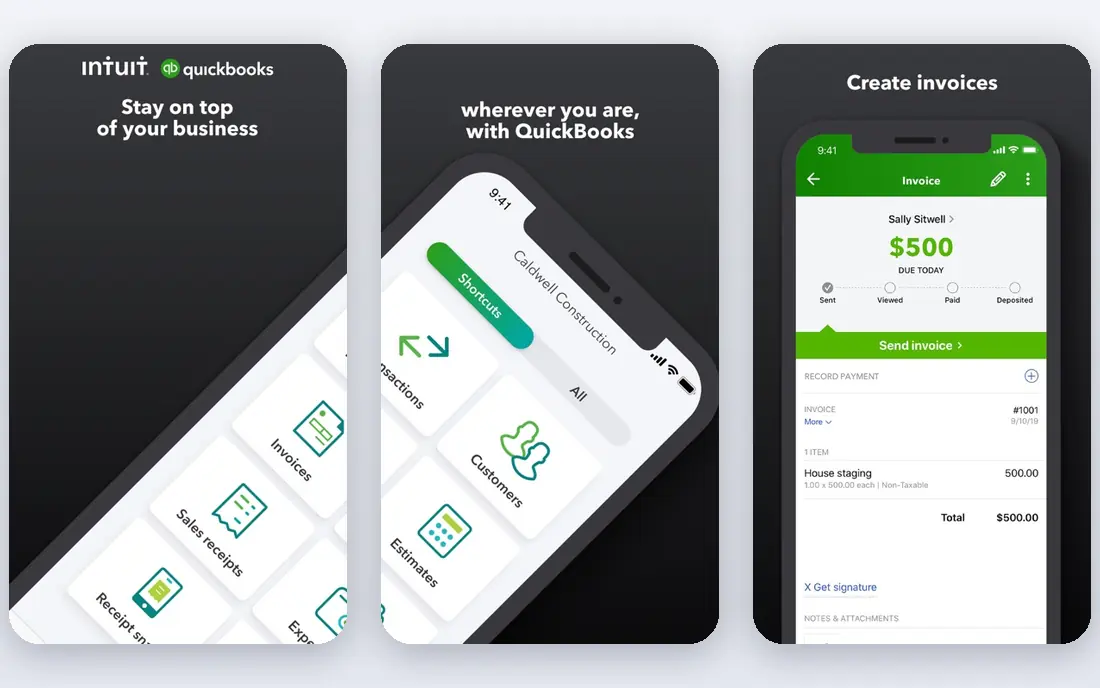
QuickBooks Online combines invoicing with full accounting, bank feeds, expense tracking, reporting and payroll add-ons. It suits small businesses that want invoices, books and tax preparation in one system rather than separate tools.
QuickBooks costs more than standalone invoicing tools and takes longer to learn for simple billing. For businesses that need accounting depth alongside invoicing, it remains the most complete small business choice.
- Invoicing plus accounting
- Payment collection
- Reporting
- Higher price
- Learning curve for simple invoicing
FreshBooks
Ideal for: Service billing and retainers
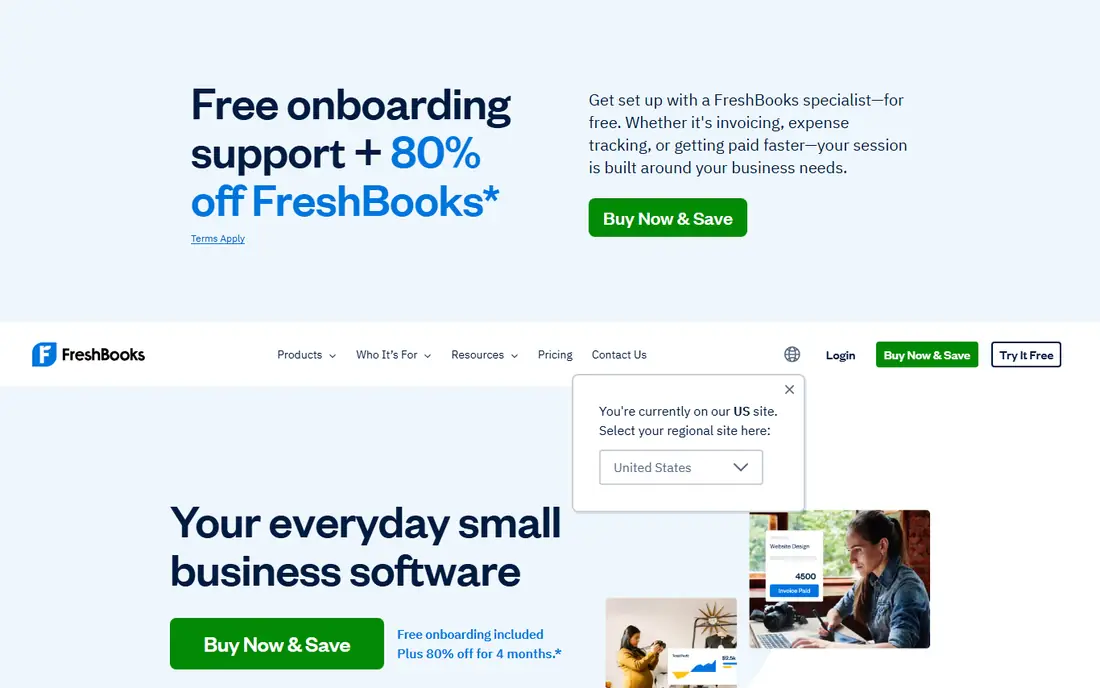
FreshBooks started as invoicing software and still leads for polished invoices, time tracking, expense capture and automated reminders. It suits freelancers, agencies and service firms that bill hours or retainers.
FreshBooks is weaker for inventory-heavy businesses, and some plans limit billable clients. For service billing, its invoice design and reminder automation help small firms get paid faster.
- Polished invoices
- Time tracking
- Automated reminders
- Inventory is limited
- Price rises with clients on some plans
Xero
Ideal for: Scalable invoicing with unlimited users
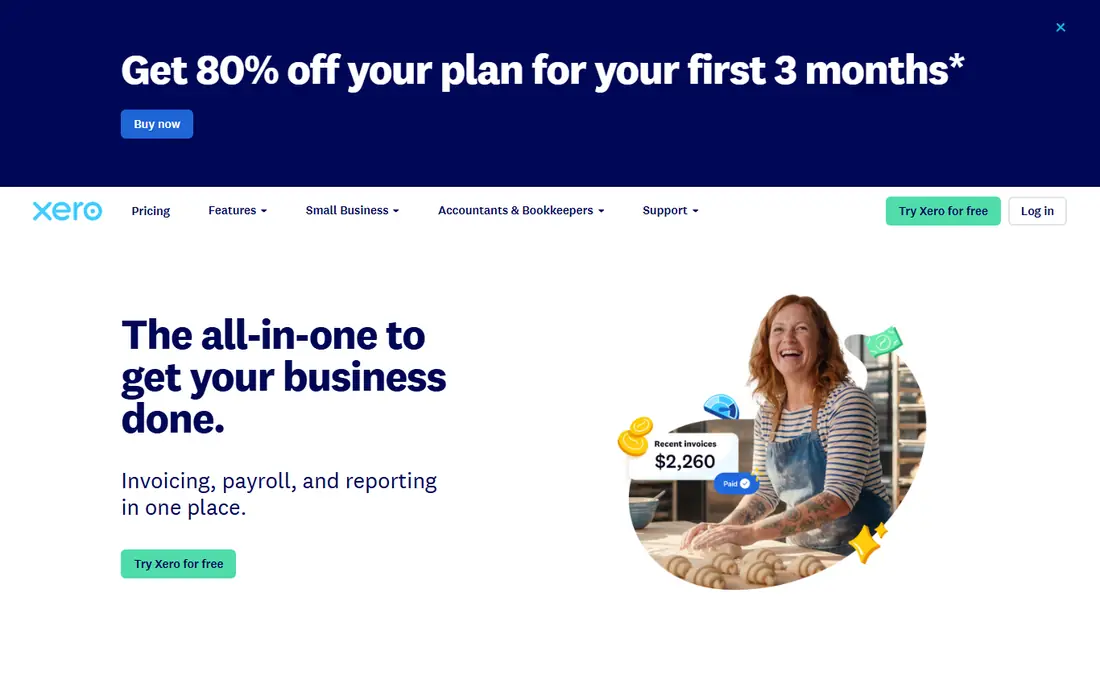
Xero offers invoicing inside cloud accounting with unlimited users on every plan, bank feeds, reporting and a large app marketplace. It suits growing businesses that add staff to the books without per-seat costs.
Lower plans cap invoice and bill volumes, so high-volume businesses need higher tiers. For teams that value unlimited users and clean accounting, Xero is a strong QuickBooks alternative.
- Invoicing plus accounting
- Unlimited users
- Bank feeds
- Lower plans cap invoices and bills
- Payroll is an add-on
Zoho Invoice
Ideal for: Free invoicing for freelancers
Zoho Invoice offers free invoicing with templates, recurring billing, payment collection and multi-currency support, capped at a small number of users and annual invoices on the free plan. It suits freelancers and very small businesses on a budget.
The free plan caps users and invoice volume, and full accounting needs Zoho Books. For free, capable invoicing, Zoho Invoice is our pick for solopreneurs.
- Free invoicing
- Recurring billing
- Multi-currency
- Free plan caps users and invoices
- Accounting needs Zoho Books
Wave
Ideal for: Free invoicing with bookkeeping
Wave offers free invoicing and accounting for small businesses, with payment collection, receipt capture and basic reports. It suits sole proprietors and very small teams that want free core tools without a monthly fee.
Support for free users is limited, and payroll is a paid add-on available in the US and Canada. For free invoicing with basic bookkeeping, Wave remains a practical choice.
- Free invoicing and accounting
- Payment collection
- Receipt capture
- Support is limited for free users
- Payroll is paid and US and Canada only
Square Invoices
Ideal for: Fast payment collection
Square Invoices offers free invoicing with deposits, milestones, payment links and Square payment processing, plus a mobile app for on-the-go billing. It suits Square merchants and service businesses that prioritize fast payment collection.
Payment processing fees apply separately, and accounting depth is basic compared with QuickBooks or Xero. For getting paid quickly, Square Invoices is one of the fastest tools to set up.
- Free invoicing
- Deposits and milestones
- Square payments
- Payment fees apply
- Accounting depth is basic
Stripe Invoicing
Ideal for: Developer-led and international billing
Stripe Invoicing charges no monthly fee, instead taking a percentage per paid invoice, with global payment methods, recurring billing and advanced customization. It suits developer-led teams and international businesses that bill online.
Per-invoice fees add up at high volumes, and full customization needs technical setup. For online businesses already using Stripe, Invoicing keeps billing inside the same payments platform.
- No monthly fee
- Global payments
- Recurring billing depth
- Per-invoice fees
- Needs technical setup for full use
HoneyBook
Ideal for: Creative service firms
HoneyBook combines invoices with contracts, proposals, questionnaires and a client portal, plus automations for creative service firms. It suits photographers, designers, planners and coaches who sell projects, not just hours.
HoneyBook costs more than free invoicing tools, and its creative focus limits fit for product businesses. For service firms that need proposals and contracts alongside invoices, HoneyBook offers a complete client workflow.
- Invoices plus contracts and proposals
- Client portal
- Automations
- Price is higher than free tools
- Creative focus limits other industries
How we picked these
We compared official feature pages, pricing pages, app store listings, privacy policies and public reviews for each option, and we checked that each product is still available and working in October 2026. We favored products that fit the topic directly, publish clear pricing or a clear free tier, and explain how they handle data and support. We left out products that looked discontinued, that did not match the topic, or whose official homepage we could not verify. Prices change often, so check the vendor page linked in each block before you pay.
We also paid attention to the details that decide daily satisfaction, not just headline features. That meant checking how a free plan actually limits use, whether a paid plan is priced per user, per device or per account, and what happens when you add team members or exceed a limit. Where a vendor only publishes quote-based pricing, we say so rather than guessing a number, and where a first-year discount differs from a renewal price, we flag that difference in the product write-up so the second year does not come as a surprise.
How to get paid faster with invoicing software
Send invoices immediately, not at month end. The sooner a client receives a clean invoice with a payment link, the sooner it enters their payment cycle. Use templates, save client details, and automate recurring invoices for retainers.
Make payment easy and reminders automatic. Offer card and bank payment options, set polite automatic reminders for overdue invoices, and require deposits for larger projects. Friction and forgotten invoices cause more late payments than client unwillingness.
Track aging weekly. Review overdue invoices every week, follow up personally on large or old balances, and pause new work for clients with long overdue accounts. A weekly 15-minute review protects cash flow better than a monthly scramble.
Before you commit, run a short trial with the work you actually do, not with demo data. Set up one real project, booking, routine or workflow, invite the people who will use the tool every day, and check support response time when you hit a question. A product that feels good in a sales demo can still fail on a busy day, so a trial that mirrors real use is the most reliable test. If two options feel close after that trial, choose the one with clearer pricing, simpler cancellation and better support, since those factors matter long after the novelty of a new tool fades. Keep a note of the trial end date, the renewal price and the cancellation steps, so a decision made in a hurry does not turn into a subscription you forgot to review. That small record, kept in the same place as your other subscription dates, makes the yearly renewal check a five-minute job rather than a surprise bill.
Frequently asked questions
What is the best invoicing software for small business?
Zoho Invoice and Wave suit free invoicing, FreshBooks suits service billing, and QuickBooks Online suits invoicing inside full accounting. Pick by whether you need accounting depth or standalone billing.
What is the best small business invoicing software for freelancers?
Zoho Invoice is the best free pick for freelancers, while FreshBooks suits freelancers who bill time. Wave also offers free invoicing with basic bookkeeping for sole proprietors.
Is there free invoicing software?
Yes, Zoho Invoice, Wave and Square Invoices all offer free invoicing with payment processing fees applying separately. Free plans may cap users, invoices or features.
How much does invoicing software cost?
Costs range from free for Zoho Invoice, Wave and Square Invoices to about $19 to $38 a month for FreshBooks, Xero and QuickBooks entry plans, plus payment processing fees on collected payments.
Can invoicing software handle recurring billing?
Yes, most tools in this list support recurring invoices for retainers and subscriptions, with automatic reminders and payment collection. Confirm recurring limits on free plans before relying on them.